

CapCut AI Video Alternative: Generate Clips With Kling, Veo or Wan
CapCut's AI video tools live inside its editor and run its Seedance 2.5 model.
Updated
Not affiliated with ByteDance.
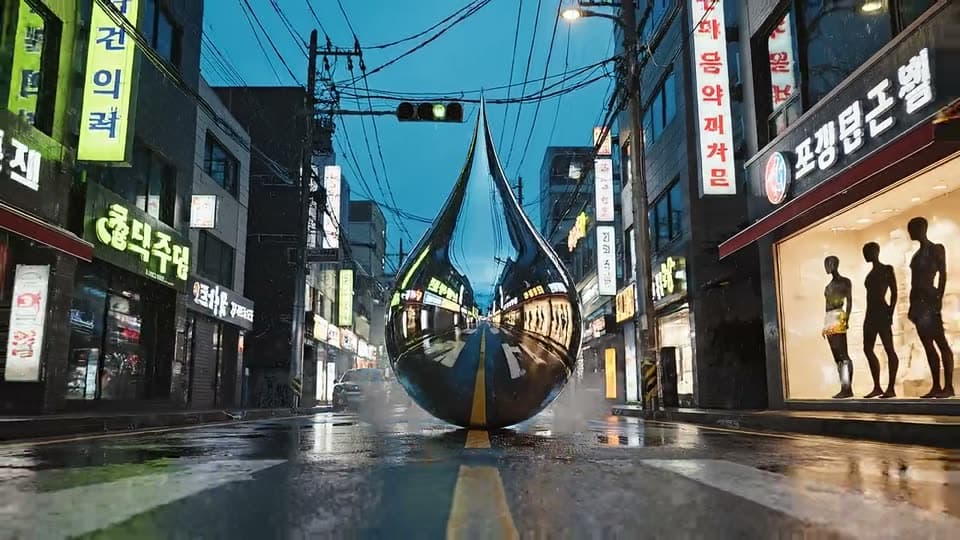
Real examples
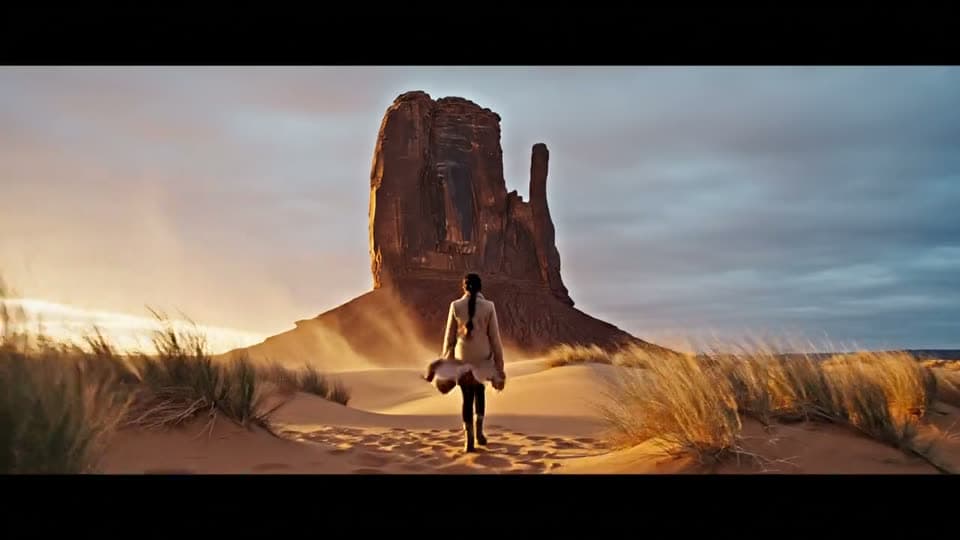
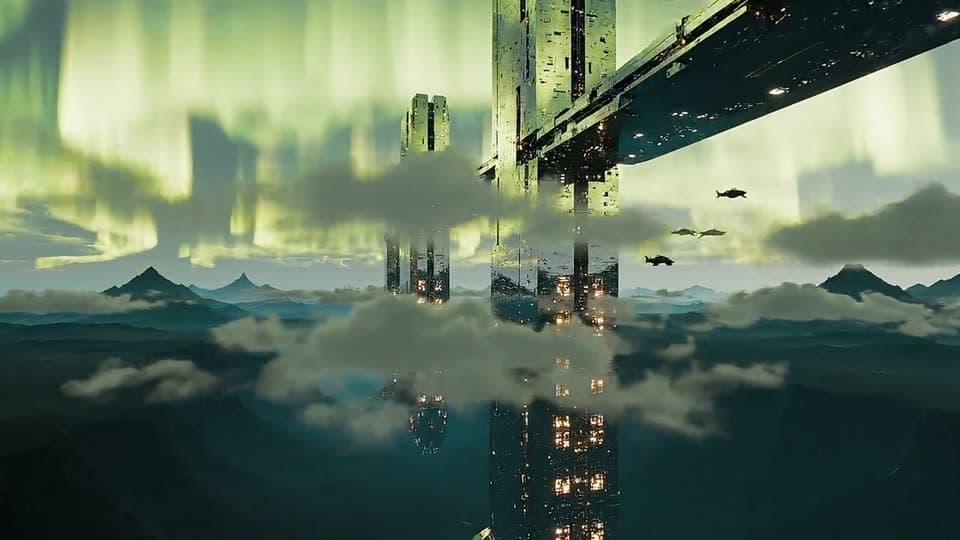
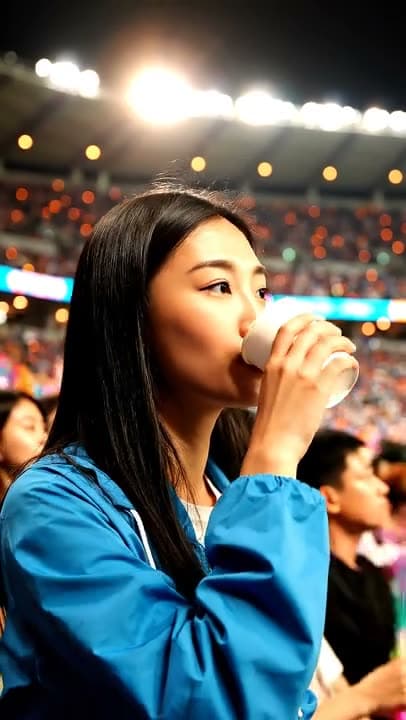
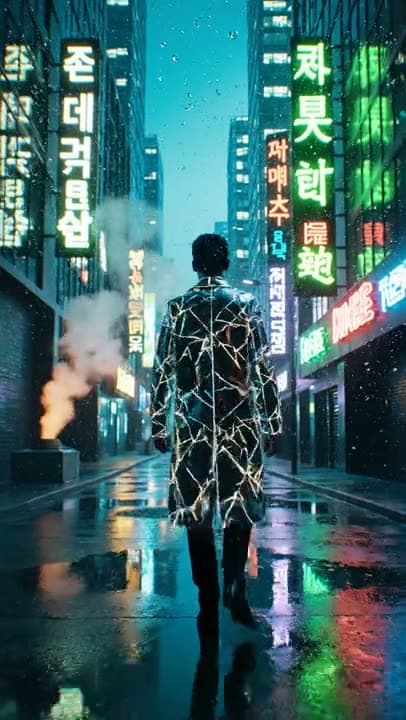
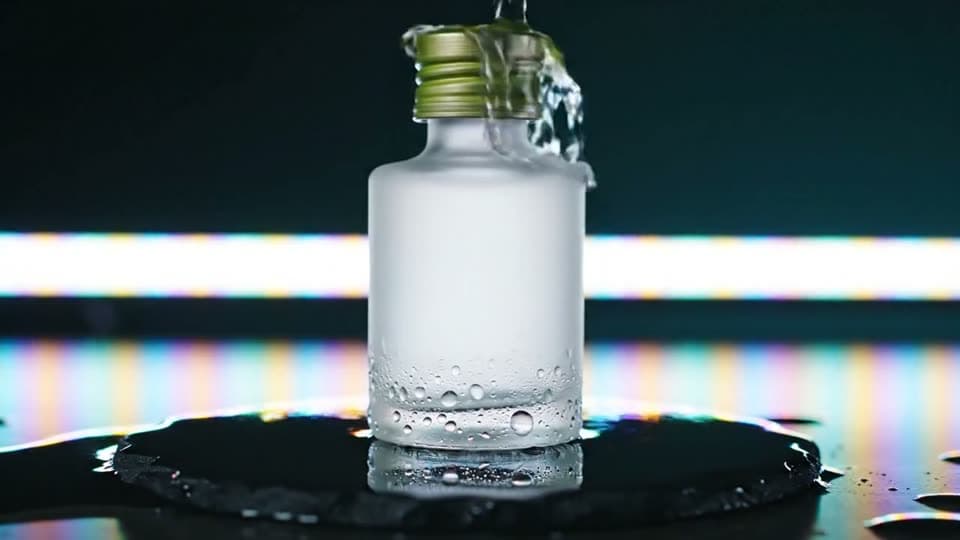
Real results from the app.
How it works
Write the shot or upload a photo
Describe the scene, or start from a still you want to animate.
Pick Kling 3.0, Veo 3 or Wan 2.5
The Gem or Cinema cost of each model is shown before you generate.
Download and edit anywhere
UniqAI has no timeline. Finish captions and music in the editor you already use, CapCut included.
What do CapCut's AI video tools do?
CapCut is a video editor from ByteDance with AI features layered on top. Its AI video generator turns a topic or script into a video with ByteDance's Seedance 2.5 model, lets you upload an image as the starting frame, and hands the result to the editor for voiceover, subtitles, music and pacing. CapCut's page describes a 7-day trial, with credits and export options that vary by account tier and region (CapCut). You do not choose the underlying model.
Video models you can run in UniqAI
| Model | Maker | Clip length | Cost | Good for |
|---|---|---|---|---|
| Kling 3.0 | Kuaishou | 5 s or 8 s | 80Gemsor120Gems | Camera movement and motion |
| Veo 3 | 6 s or 8 s, with audio | 1Cinemaor2Cinema | Scenes where sound matters | |
| Wan 2.5 | Alibaba | 5 s | 40Gems | Lowest cost of the three |
All three start from text or a photo, in 16:9 or 9:16 (Kling and Wan also 1:1). Video models need a paid plan. Newer vendor versions exist (Kling 4.0, Veo 3.1, Wan 2.6); UniqAI runs the versions listed here.
When is CapCut the better choice?
When the job is editing. CapCut has a timeline, auto-captions, templates, music and export presets; UniqAI has none of that. UniqAI is the generation step: one prompt or photo in, one clip out, with a model picker and a fixed cost per clip. Many people do both: generate a 5 or 8 second clip here, then cut, caption and score it in CapCut or any other editor.
Moving a CapCut-style idea to a model prompt
Product unboxing, cozy desk, upbeat mood.
Run on Kling 3.0Slow push-in on a wooden desk by a window: two hands open a kraft-paper box and lift out a ceramic mug, warm morning light, shallow depth of field. Sound: paper rustle, soft room tone.
Run on Kling 3.0How do you prompt a video model instead of a template?
Templates decide the camera and pacing for you; a model needs them in words. Name the camera move ('slow push-in', 'handheld follow'), put the action in order, and keep it to one scene per clip, since Kling 3.0 makes 5 or 8 seconds and Veo 3 makes 6 or 8. For Veo 3, describe the sound too: it generates audio with the clip. Run the same prompt on two models and keep the one that fits.
Sources
Questions about CapCut AI Video Alternative
Does CapCut generate AI video from text?
Yes. CapCut's AI video generator turns a topic or script into a video using its Seedance 2.5 model, and you can upload an image as the starting frame; the result opens in the CapCut editor. The difference in UniqAI is that you pick the model, Kling 3.0, Veo 3 or Wan 2.5, and see the cost per clip first.
Can I edit the clip in UniqAI?
No. UniqAI generates clips; it has no timeline, captions or music tools. Download the MP4 and finish it in CapCut or any other editor. That split is deliberate: generation here with a model picker and a fixed cost, editing wherever you already work.
How long are the clips and what do they cost?
Kling 3.0: 5 seconds for 80 Gems or 8 seconds for 120. Veo 3: 6 or 8 seconds with audio for 1 or 2 Cinema credits. Wan 2.5: 5 seconds for 40 Gems. The cost is shown next to the model before you generate. Video models need a paid plan.
Is CapCut's AI video generator free?
CapCut's page mentions a 7-day trial, with credits, export resolutions and features that vary by account tier and region, so check CapCut's current terms. UniqAI prices each clip in Gems or Cinema credits and shows the number before you run it; video models need a paid plan.
Can I start from a photo instead of text?
Yes. Kling 3.0, Veo 3 and Wan 2.5 all accept a photo as the first frame plus a short prompt for the motion. Describe what moves and how the camera behaves; keep it to one action per clip, since clips are 5 to 8 seconds long.

Coming soon to the App Store for iPhone
Chat, photo and video generation with several AI models in one app.