

Anime star eyes
A selfie is edited with an AI template so the face gets sparkling star-shaped anime eyes and soft anime features, shown as a quick before and after.
Upload one clear photo and Nano Banana redraws you as an anime character, with clean line art and soft cel shading.
Updated
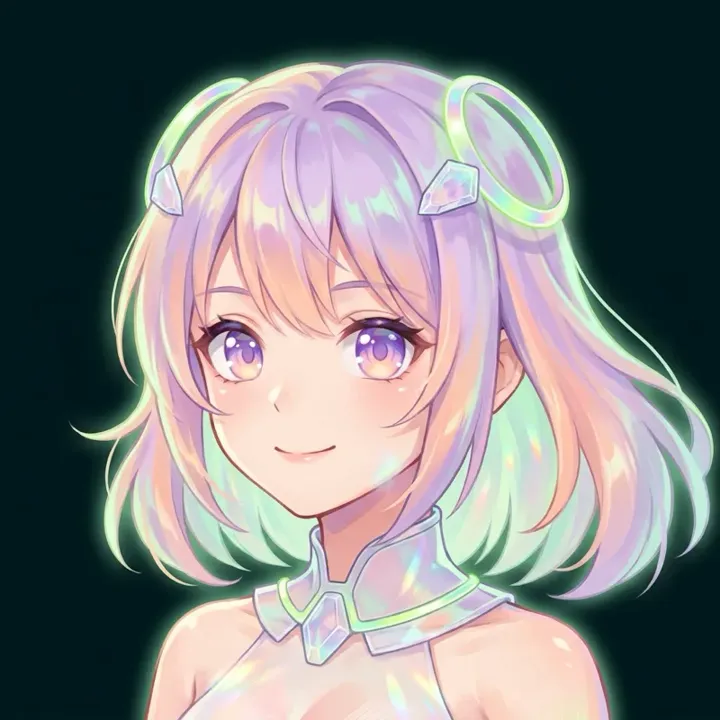 App sample
Real results from the app.
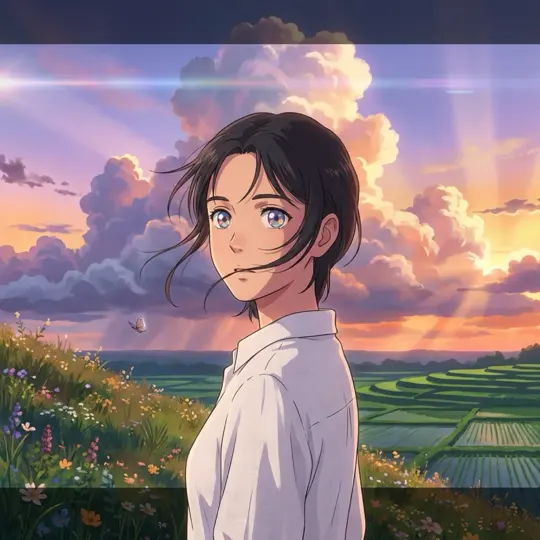 App sample
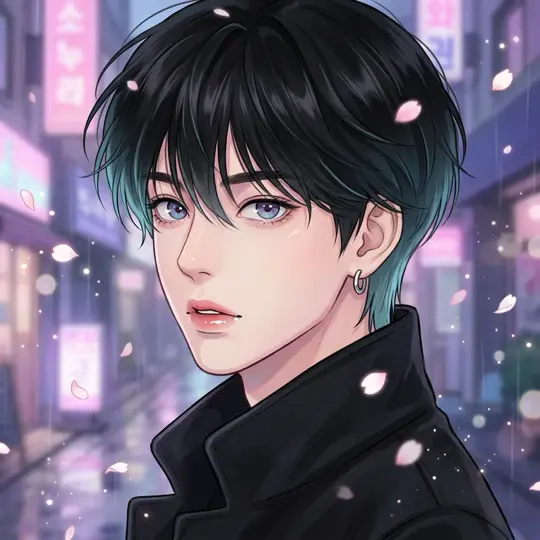 App sample
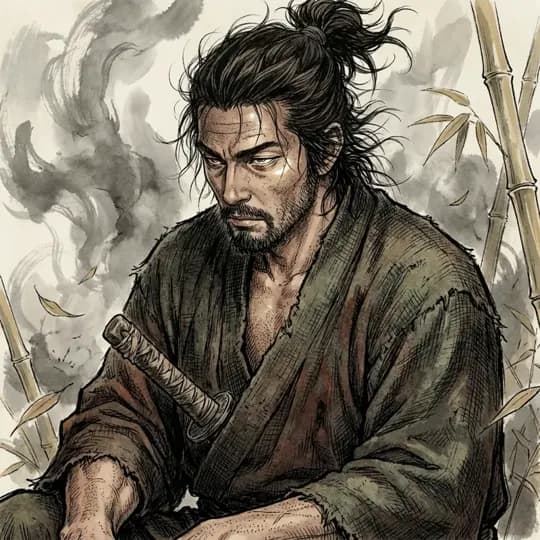 App sample
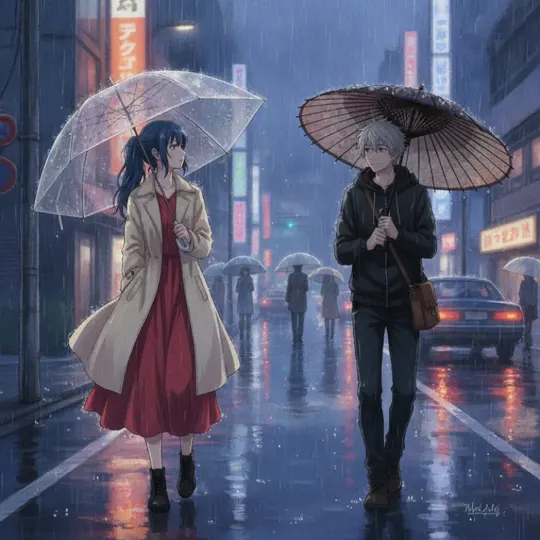 App sample
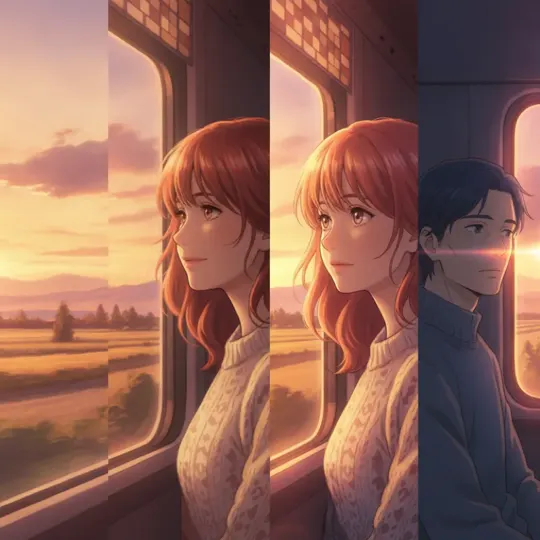 App sample
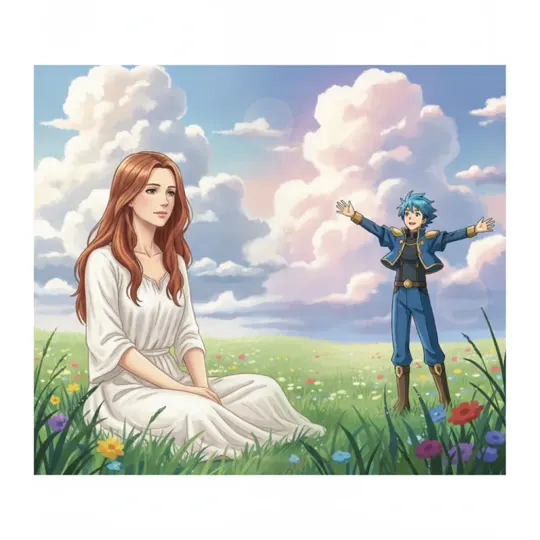 App sample
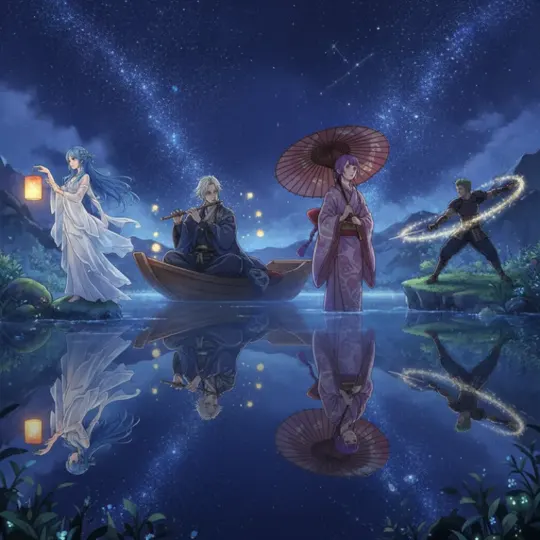 App sample
What people are posting in this format right now. Videos by TikTok creators, shown with TikTok's own player; they were not made with UniqAI.
A selfie is edited with an AI template so the face gets sparkling star-shaped anime eyes and soft anime features, shown as a quick before and after.
A short tutorial showing how to put an anime face and eyes onto your own photo with AI in a few taps.
One portrait photo goes in and a one-tap effect turns the real facial features into clean anime-style features.
The French wave of the star-eyes trend, a one-click edit that gives your photo glowing starry anime eyes.
A Portuguese tutorial for the viral anime star-eye look made from a single photo in seconds.
A selfie becomes a cute anime-style sticker with a clean outline, ready to share in chats.
A sharp, well-lit photo of one face works best. Selfies, portraits and travel shots are all fine.
Keep the prepared cel-shaded prompt or swap in one of the looks below, such as a film still or a neon night.
Put the result next to your photo. If the face drifted, run it again or tweak one detail at a time.
Redraw this photo as a cel-shaded anime portrait: crisp black line art, flat color blocks with one soft shadow tone, bright eyes with clear highlights, a plain pastel background. Keep my face, hair and expression recognizable as in the photo.
Apply to my photoTurn this photo into a still from a hand-painted anime film: tall summer clouds, warm late-afternoon light, painted grass and sky, gentle lens flare, soft colors. Keep my face, hair and expression recognizable as in the photo.
Apply to my photoRedraw this photo as an anime scene on a rainy city street at night: glowing pink and teal signs, reflections on wet pavement, a few drifting petals, cool rim light on the face. Keep my face, hair and expression recognizable as in the photo.
Apply to my photoRedraw this photo as a black ink manga illustration on off-white paper: expressive brush lines, cross-hatched shadows, a light grey wash, no color. Keep my face, hair and expression recognizable as in the photo.
Apply to my photoRepaint this photo as a soft anime illustration in watercolor: pastel washes, thin colored outlines, light paper texture, a blurred garden behind. Keep my face, hair and expression recognizable as in the photo.
Apply to my photo| Look | What it does | Best source photo |
|---|---|---|
| Cel-shaded portrait | Bold outlines and flat color, the classic TV-series look | Close-up selfie, face toward the camera |
| Anime film still | Painted sky and light, the face becomes part of a scene | Half-body or travel photo with some background |
| Neon city night | Cool city glow and reflections, moody rim light | Any portrait; works well with dark clothes |
| Ink-wash manga | Black ink and brush texture, no color | Photo with strong light and clear shadows |
| Watercolor anime | Pastel washes and thin lines, softer than cel shading | Bright daylight photo, calm expression |
Each look is a prompt you can edit; the model is Nano Banana, square 1:1 output.
Anime changes proportions on purpose: bigger eyes, a smaller nose, simpler skin. What makes it still read as you is everything else, so help the model keep it.
If you want a profile picture rather than a scene, the AI avatar generator has square-framed anime and fantasy looks.
One anime image is one Nano Banana generation: 12 Gems, square 1:1. A new account starts with 30 Gems, which covers two images. The cost is shown before you generate, and the credits come back automatically if a generation fails.
It redraws your photo in a generic anime style; it can't copy a specific show, studio or named character, and it won't put your face into an existing series. The model may also change small details like jewelry or the exact hairstyle, so compare the result with your photo. Use photos of yourself, or of adults who agreed to it.
Upload one clear photo, keep the prepared anime prompt or pick a look such as a film still or a neon night, and generate. Nano Banana returns one square image, and you can run it again with another look.
Usually yes, because the prompt asks the model to keep your face, hair and expression. Anime still simplifies features, so expect bigger eyes and softer lines. If it drifts too far, try a sharper photo or name your hair and glasses in the prompt.
No. The prompts describe a general anime look, such as cel shading, painted skies or ink manga lines, and are not tied to any studio or series. You can still steer the mood with colors, light and setting.
Each image costs 12 Gems on Nano Banana, shown before you generate. A new account starts with 30 Gems, enough for two images, and credits for a failed generation are returned automatically.
A recent photo with one person, face clearly visible, in daylight or even indoor light. Avoid sunglasses, heavy beauty filters and tiny faces in wide shots. Half-body photos work well for the film-still look, close-ups for the portrait looks.

Coming soon to the App Store for iPhone
Chat, photo and video generation with several AI models in one app.