

AI Image Generator: Art, Portraits and Photo Edits in One App
One AI image generator for art from a prompt, portraits from a photo and quick photo edits.
Updated
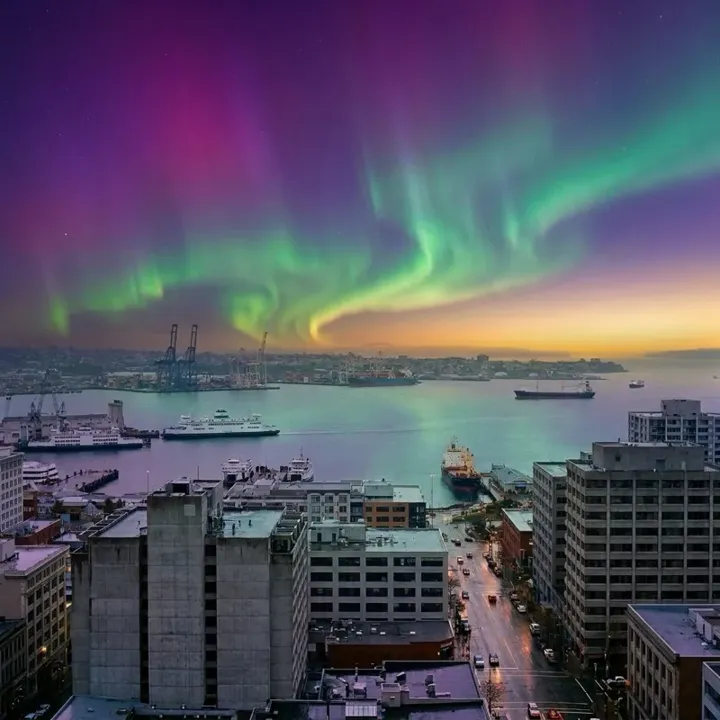 App sample
Examples
App samples come from the UniqAI app. Illustrations show other edits you can ask for.
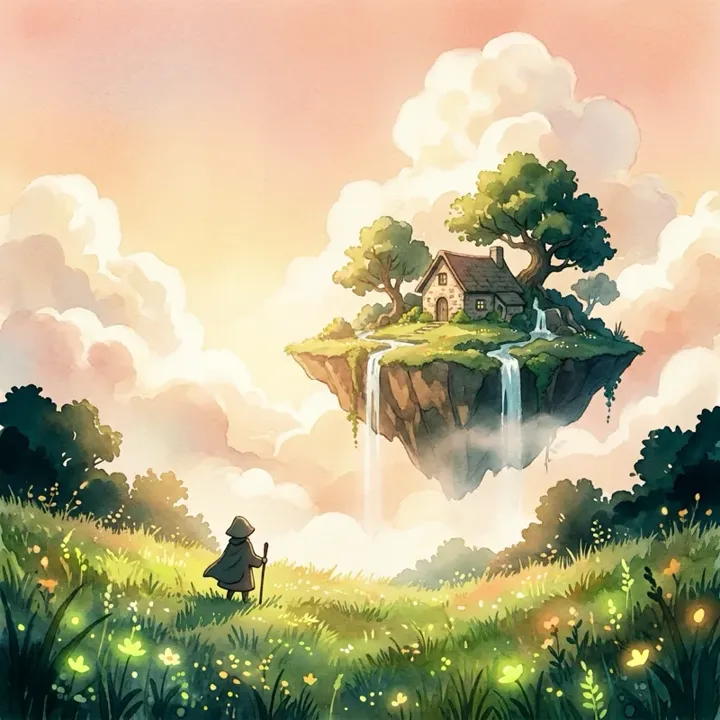 App sample
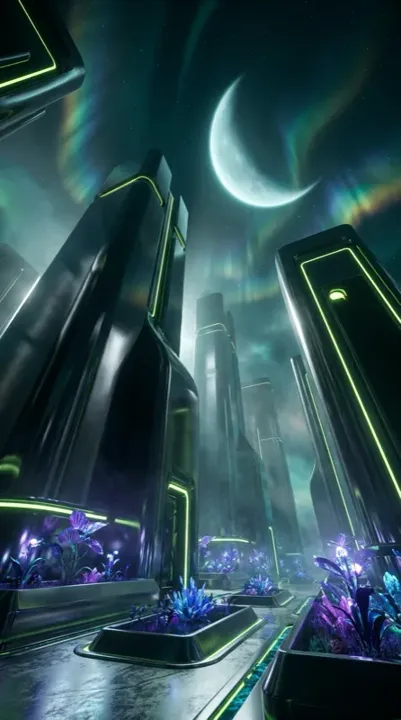 App sample
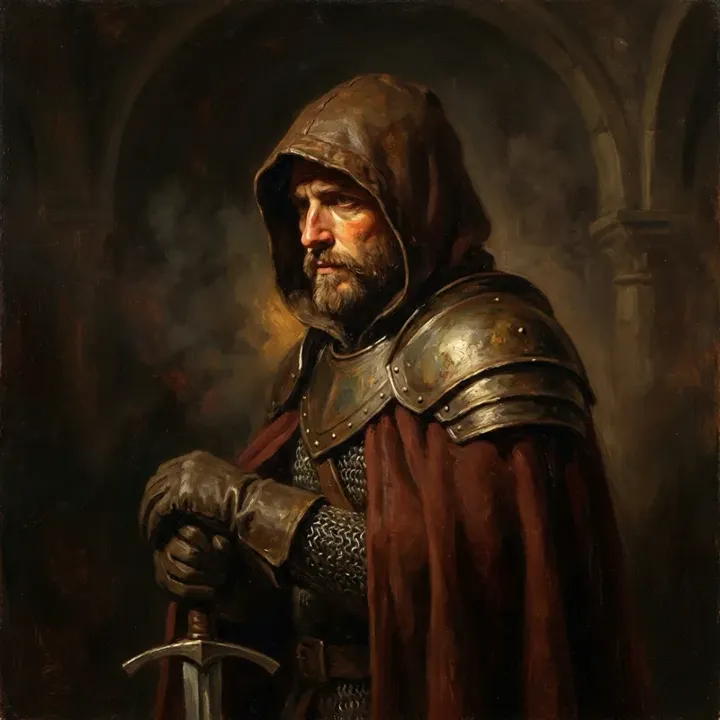 App sample
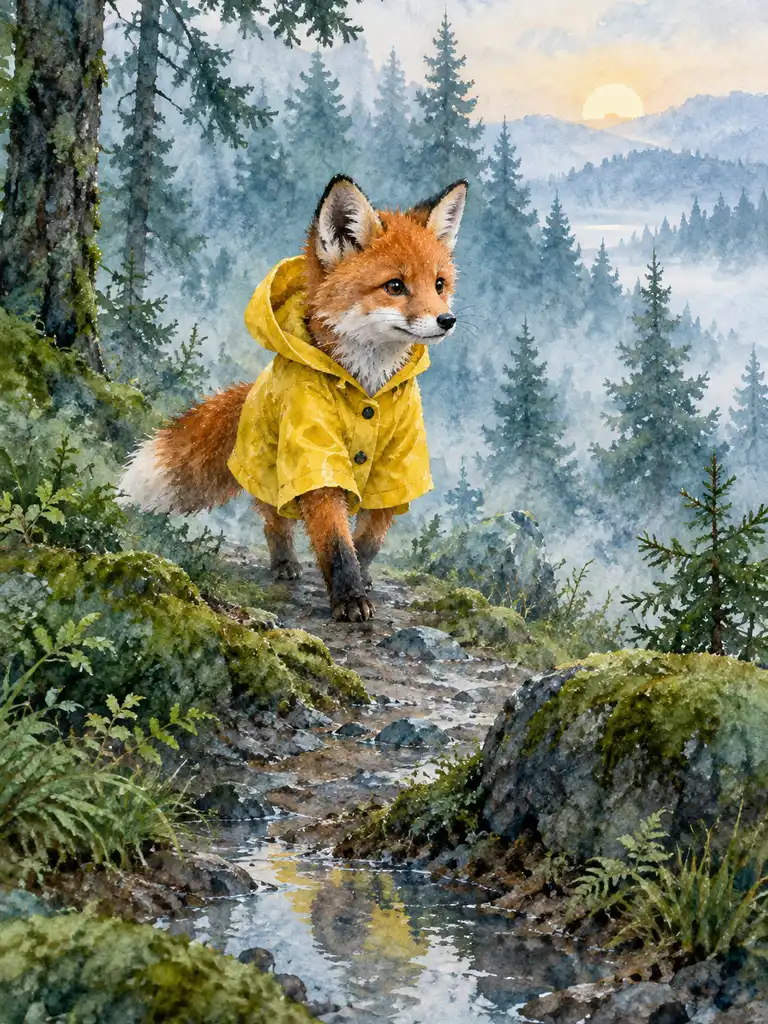 Illustration
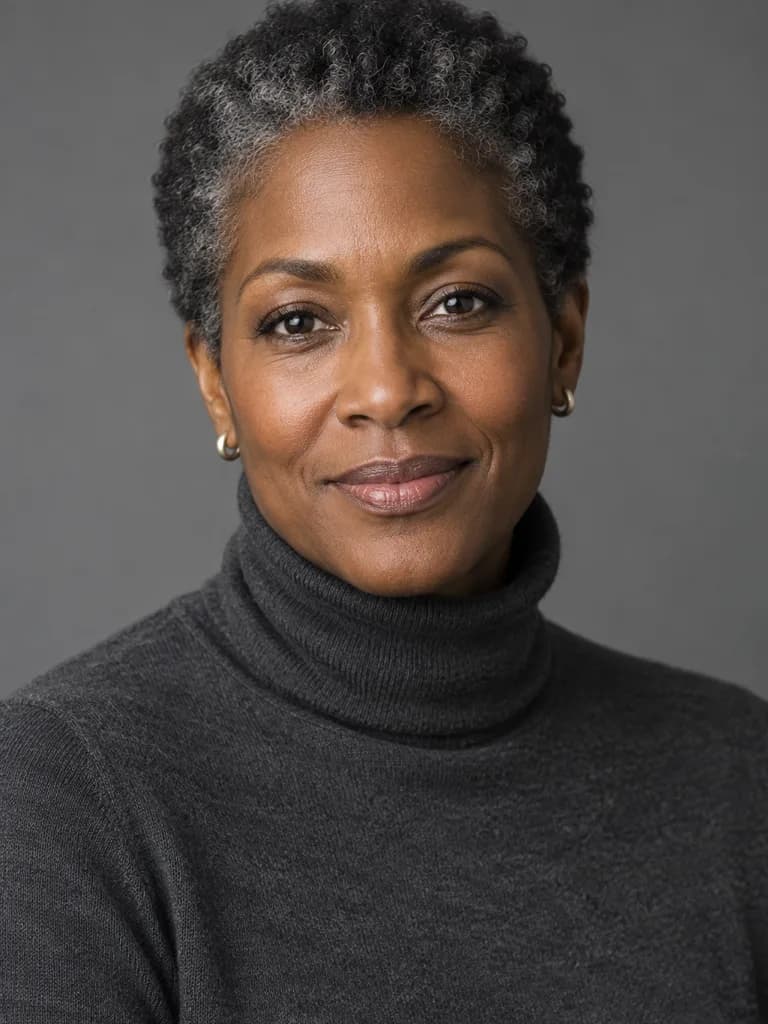 Illustration
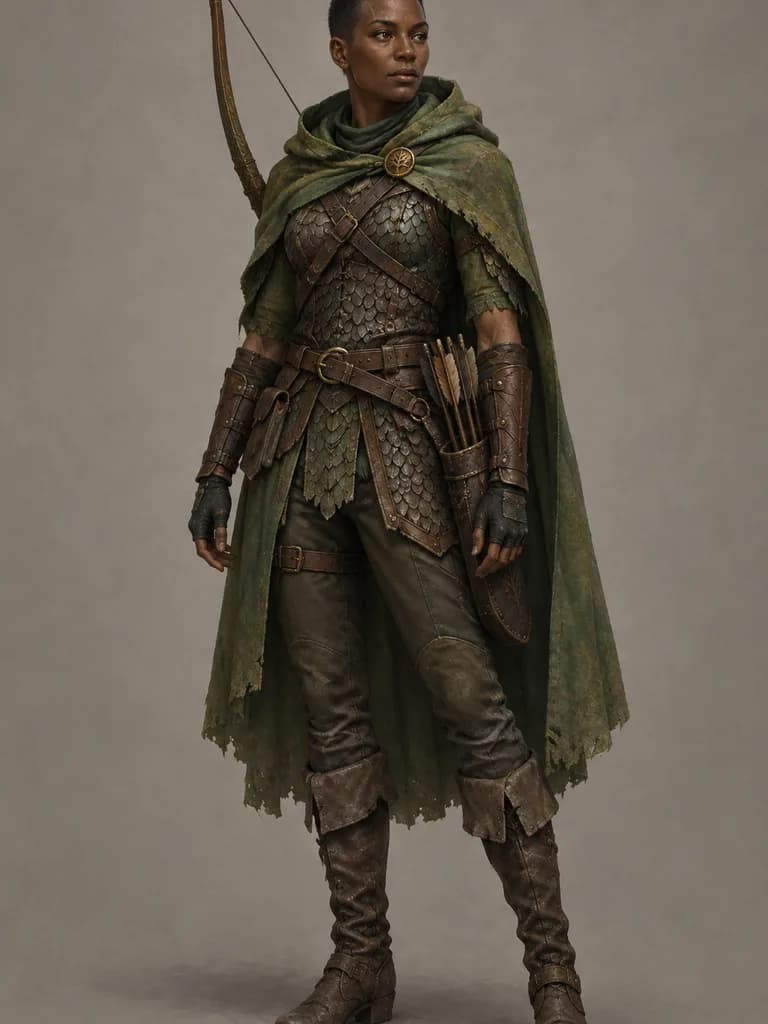 Illustration
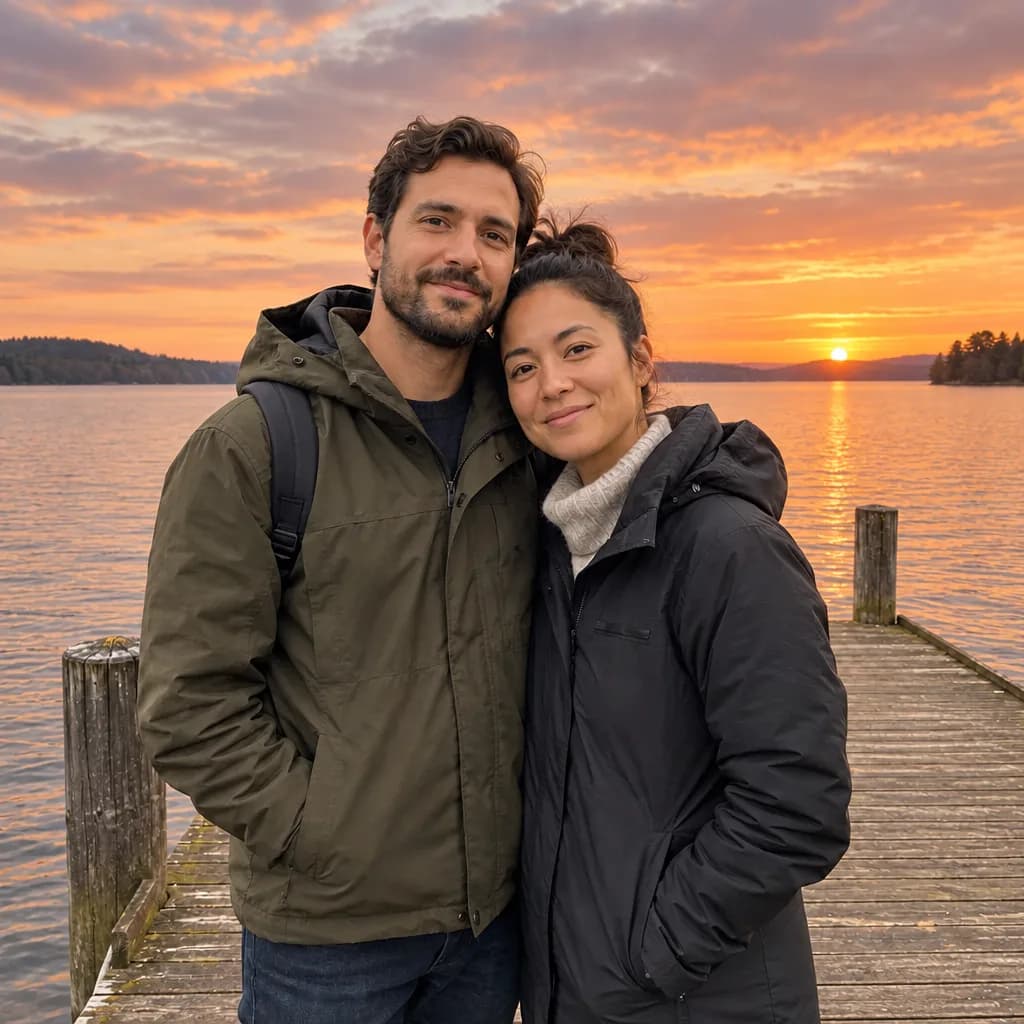
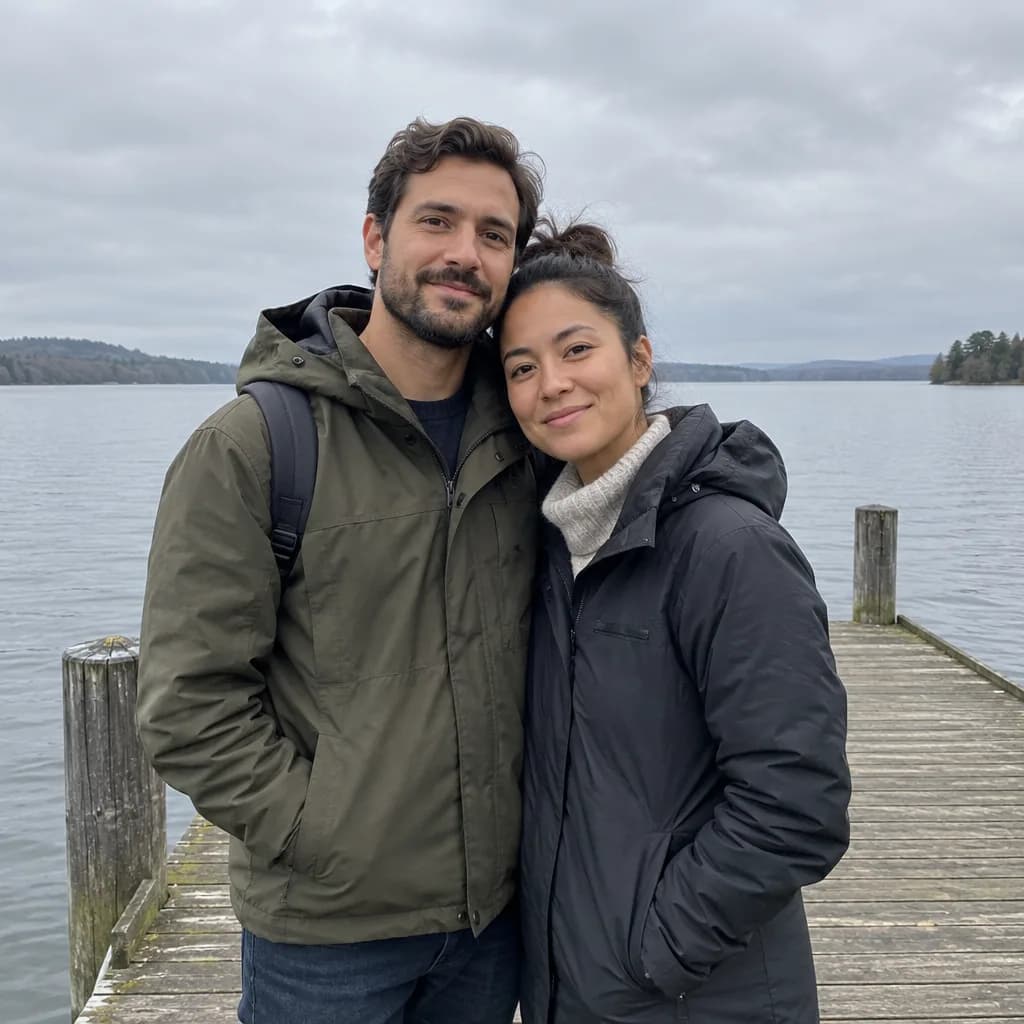 BeforeAfter
How it works
Choose a starting point
Write a text prompt or upload a photo to edit.
Pick a style or tool
Art styles, portrait looks or a specific editing tool.
Generate and refine
Preview the result, adjust the prompt or style, then save it.
Which image model should I pick?
| Model | Maker | Cost per image | Aspect ratios | Good for |
|---|---|---|---|---|
| Flux Schnell | Black Forest Labs | 3Gems | 1:1, 4:5, 9:16, 16:9, 3:2 | The lowest cost: drafts and trying prompt variations |
| Nano Banana | 12Gems | 1:1 from text | Photo edits; the tool, style and photoshoot pages start on it | |
| FLUX 1.1 Pro | Black Forest Labs | 18GemsPaid plan | 1:1, 4:5, 9:16, 16:9, 3:2 | Final images in a wide or vertical format |
All three accept a photo as well as text. The cost is shown again before you generate, and failed generations return their gems.
Which tool should I use for my goal?
Write a prompt in the generator above for art or a scene from a sentence. For a job with a clear goal, a dedicated page starts you with the right prompt:
- A professional profile photo: AI headshot generator
- Yourself in an art style: AI photo filters
- Yourself in a new setting: AI photoshoot
- An old or damaged photo: Restore old photos
- Color for a black-and-white photo: Colorize photo
- A new scene behind a subject: Background changer
- A costume look: Halloween photo looks
- Motion instead of a still: AI video generator
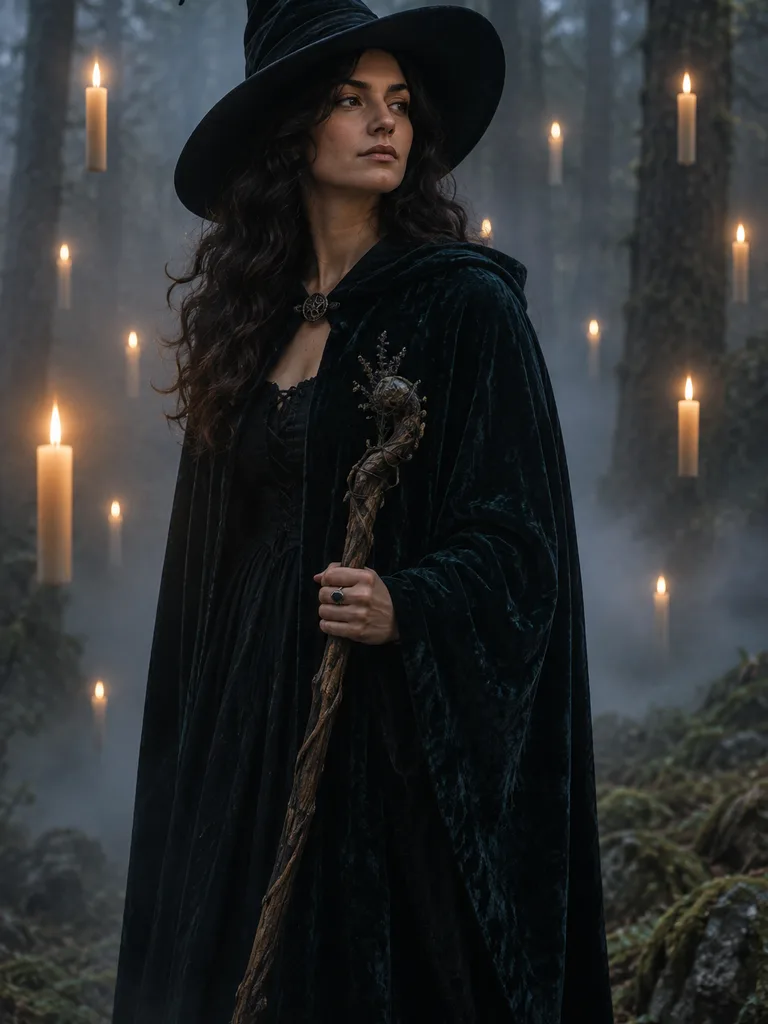
Worked example: a text-to-image prompt
 Illustration
 made from this prompt with an image model, not a result from the UniqAI app.
Adult woman dressed as a witch in a dark velvet cloak and pointed hat, standing in a foggy forest lit by floating candles, moody cinematic light, photographic. Figure in the upper two thirds of a portrait frame. No text, letters, numbers, logos, brand marks or watermarks anywhere. No celebrities or recognisable real people; any people are diverse adults. Tasteful and family-friendly.
Run this promptHow do I write an image prompt that works?
Describe the subject, the setting, the light and the framing, in that order, and say what to leave out. The worked example above follows this pattern.
- Subject: who or what, with one or two details ("a woman in a dark velvet cloak and pointed hat").
- Setting: where it happens ("a foggy forest").
- Light and mood: "lit by floating candles, moody cinematic light".
- Framing: where the subject sits in the frame, and the aspect ratio you pick next to the model.
- Exclusions: "no text, logos or watermarks" keeps stray lettering out.
Test a new prompt on Flux Schnell for 3 gems, then run the version you like on a higher-cost model.
Questions about AI Image Generator
What can an AI image generator actually make?
It can create art and illustrations from a written prompt, turn a selfie into a stylized portrait, or edit an existing photo, such as removing a background or changing the setting. The same app handles text-to-image and photo-to-image.
Do I need a prompt, or can I upload a photo instead?
Either works. Type a description to generate art from scratch, or upload your own photo when you want a portrait, a style change or an edit that keeps your face and pose recognizable.
Which image styles are available?
Options include anime, 3D cartoon, hand-painted animation, fantasy and cyberpunk, plus edits like changing the background or colorizing old photos. Models: Nano Banana, Flux Schnell and FLUX 1.1 Pro.
Can I use the generator for characters like D&D portraits?
Yes. Describe the character's race, class, armor or outfit in the prompt, or upload a reference photo and apply a fantasy art style to it for a closer likeness.

Coming soon to the App Store for iPhone
Chat, photo and video generation with several AI models in one app.