

AI Interior Design: See Your Room in a New Style
Upload a photo of your room, name a style such as Scandinavian or mid-century, and the model restyles furniture and finishes while keeping walls and windows in place.
Updated
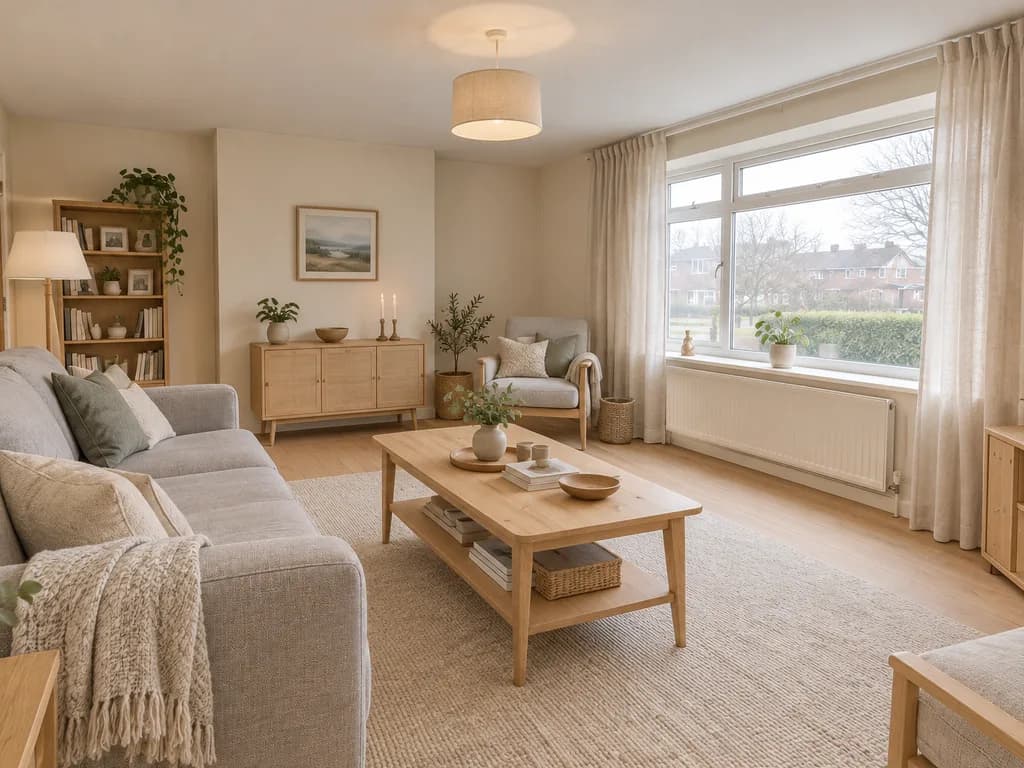
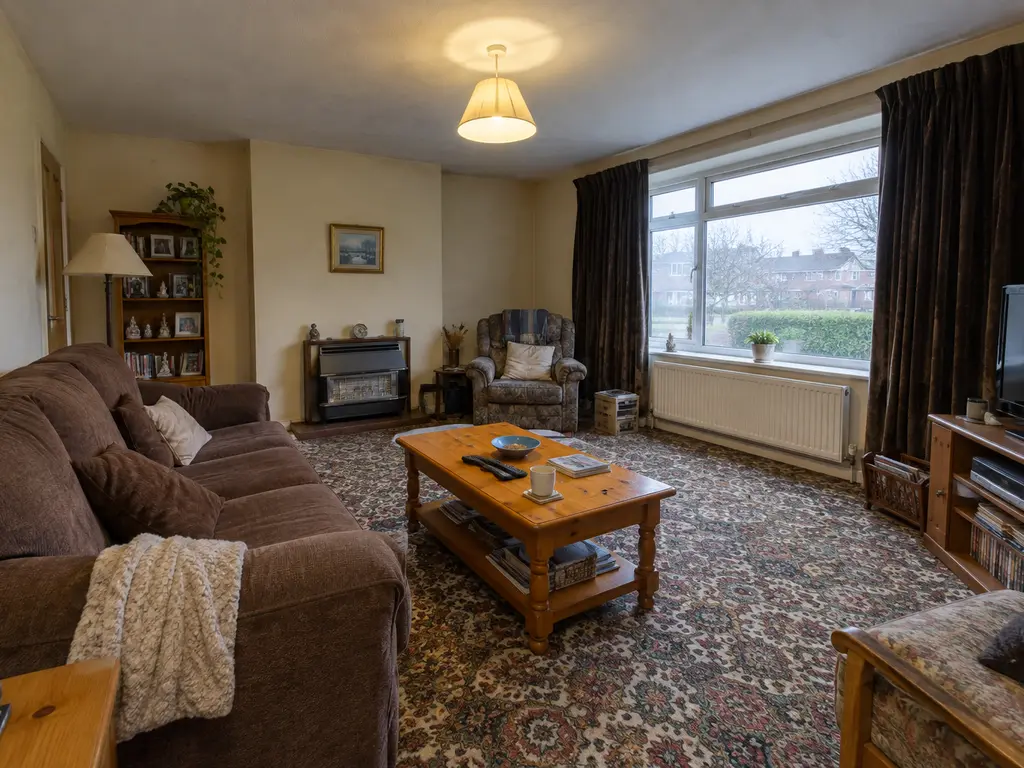 BeforeAfter
Examples
Illustrations of the kind of result this makes. They are not app outputs.
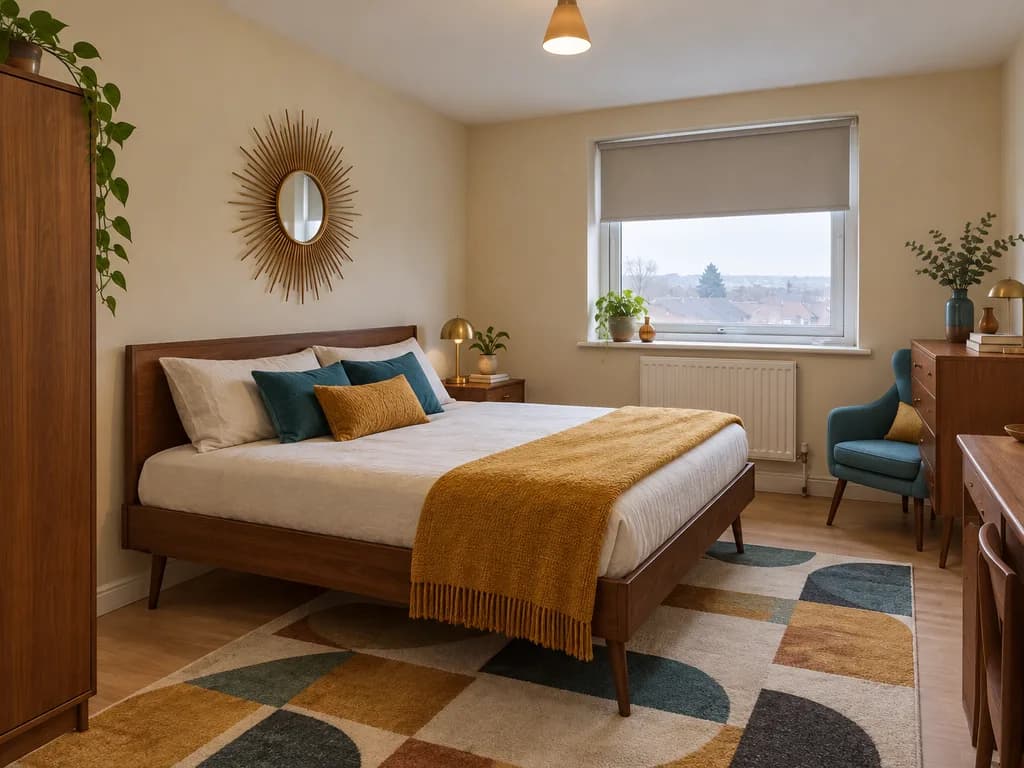
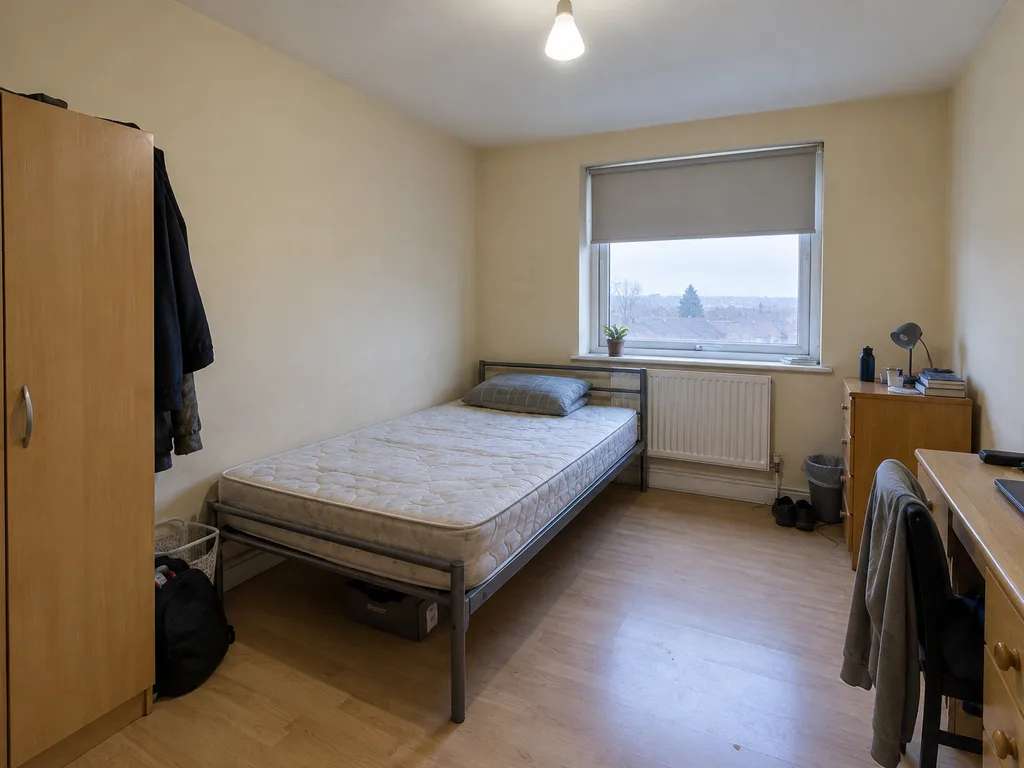 BeforeAfter
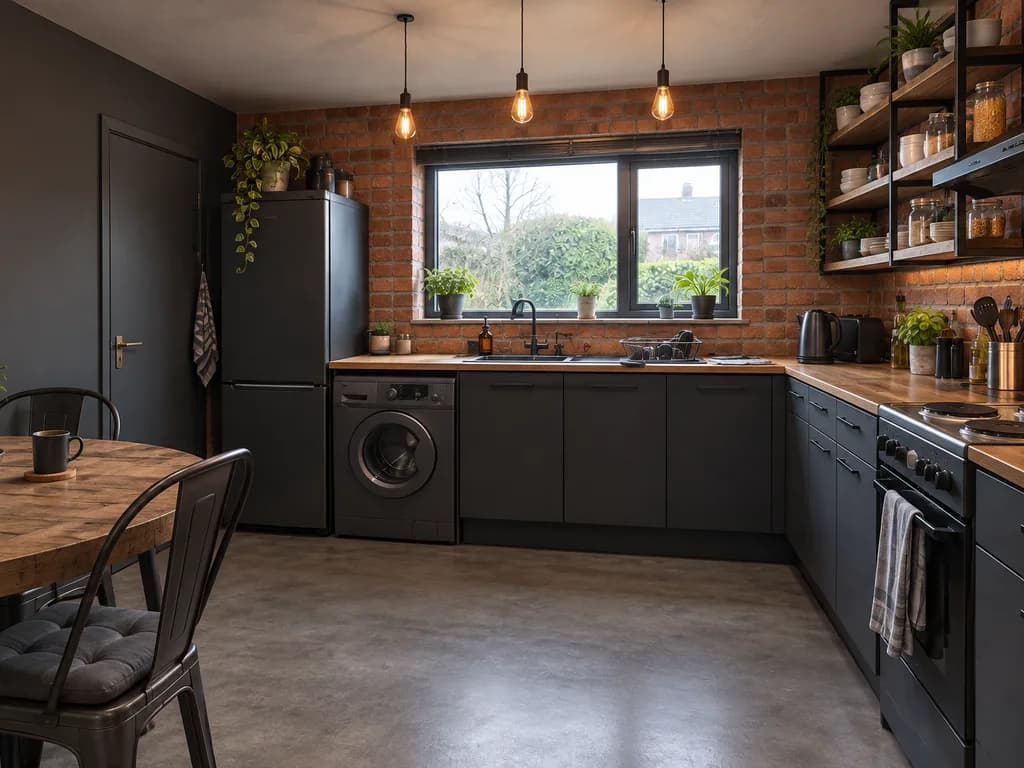
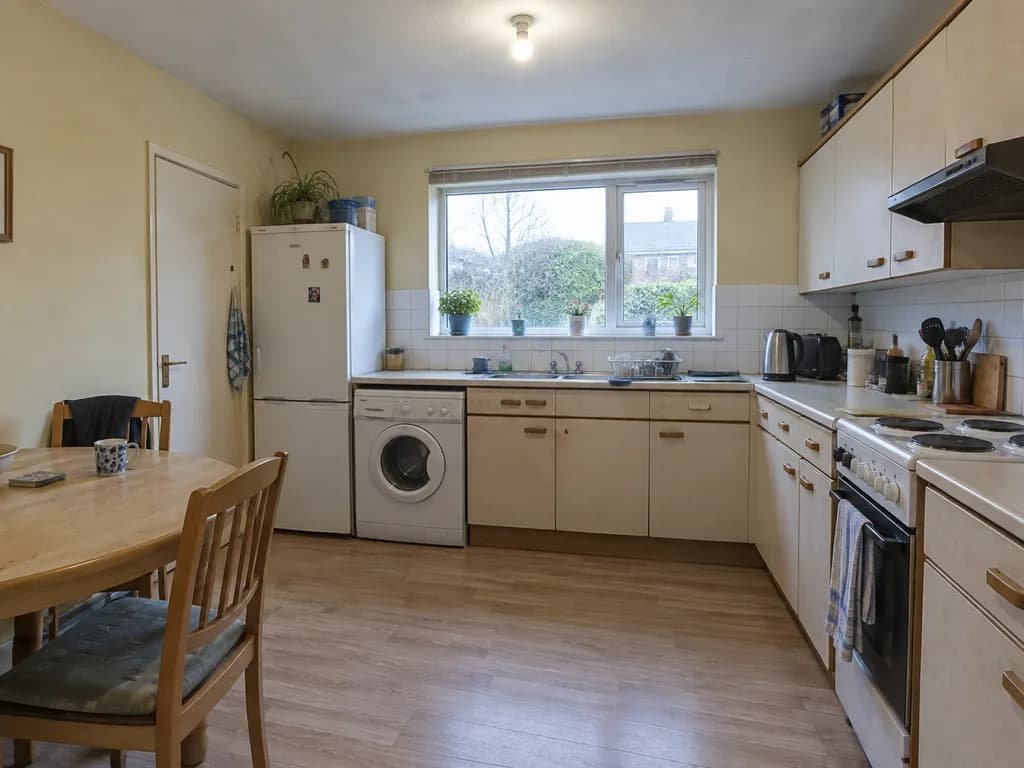 BeforeAfter
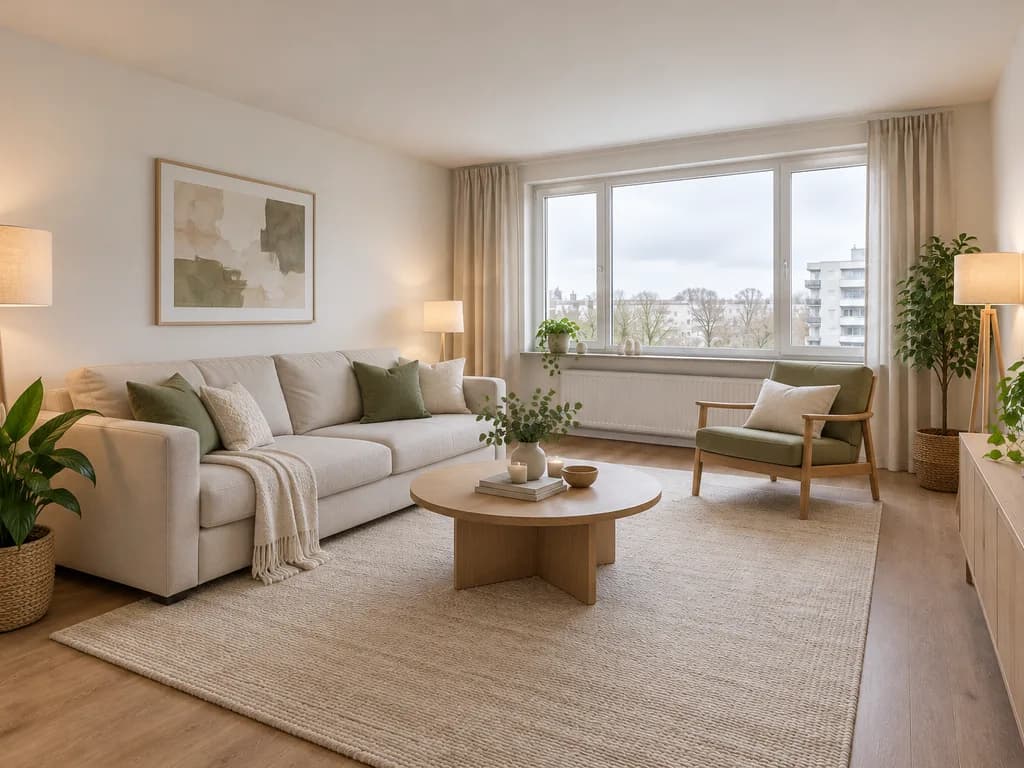
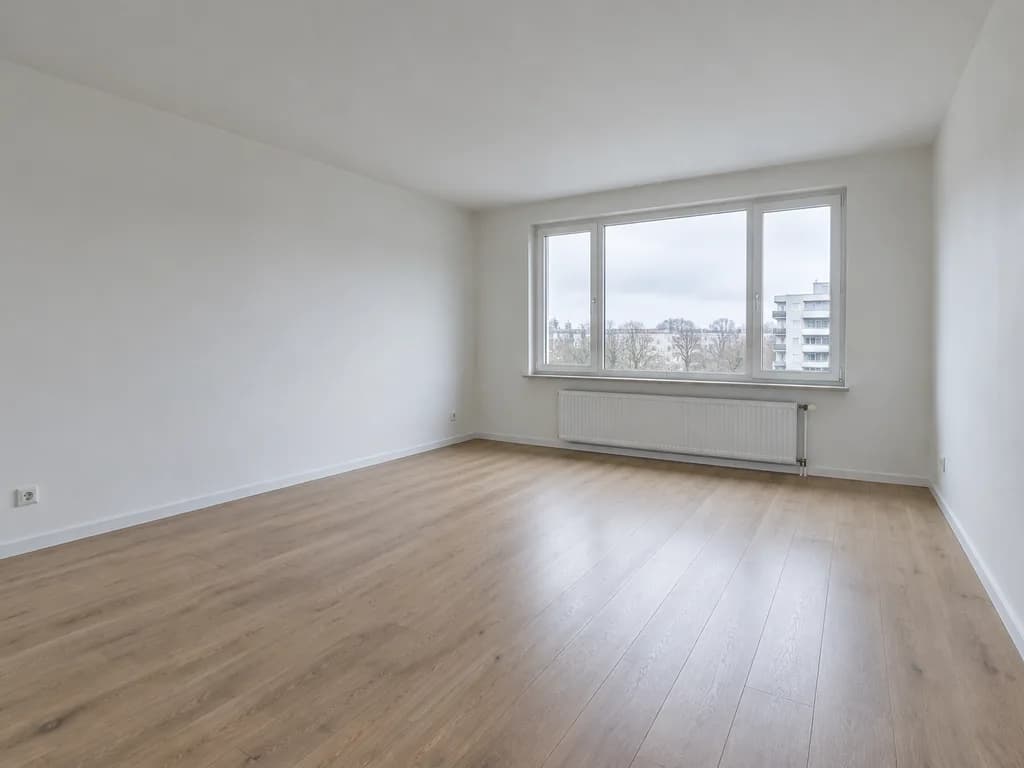 BeforeAfter
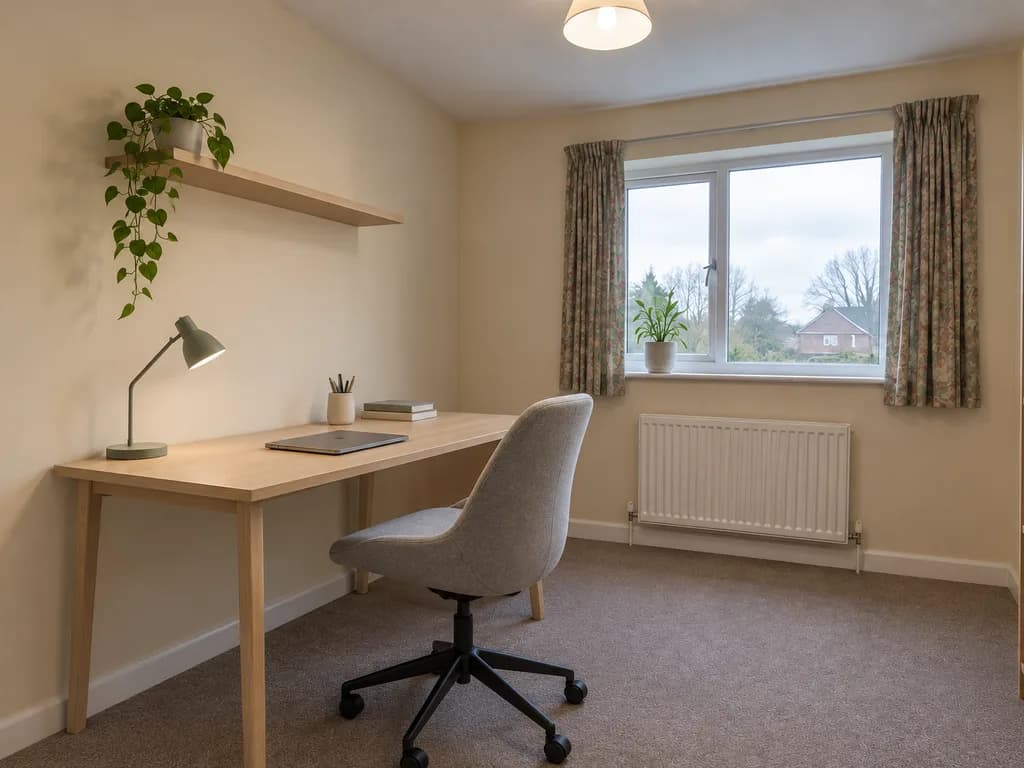
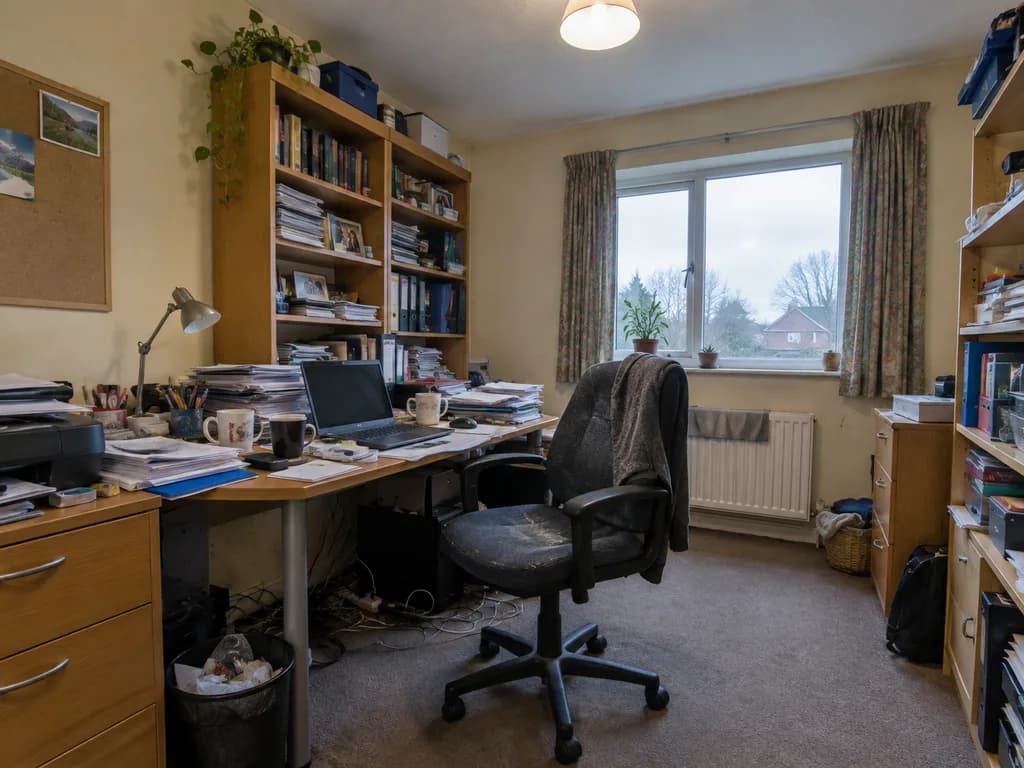 BeforeAfter
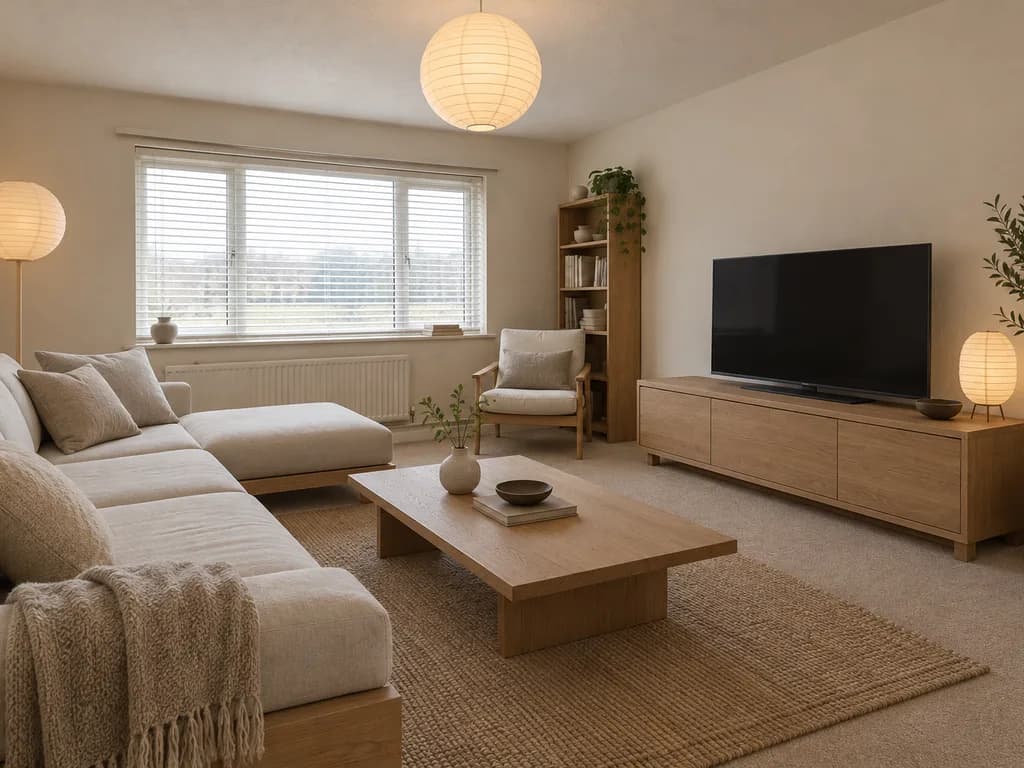
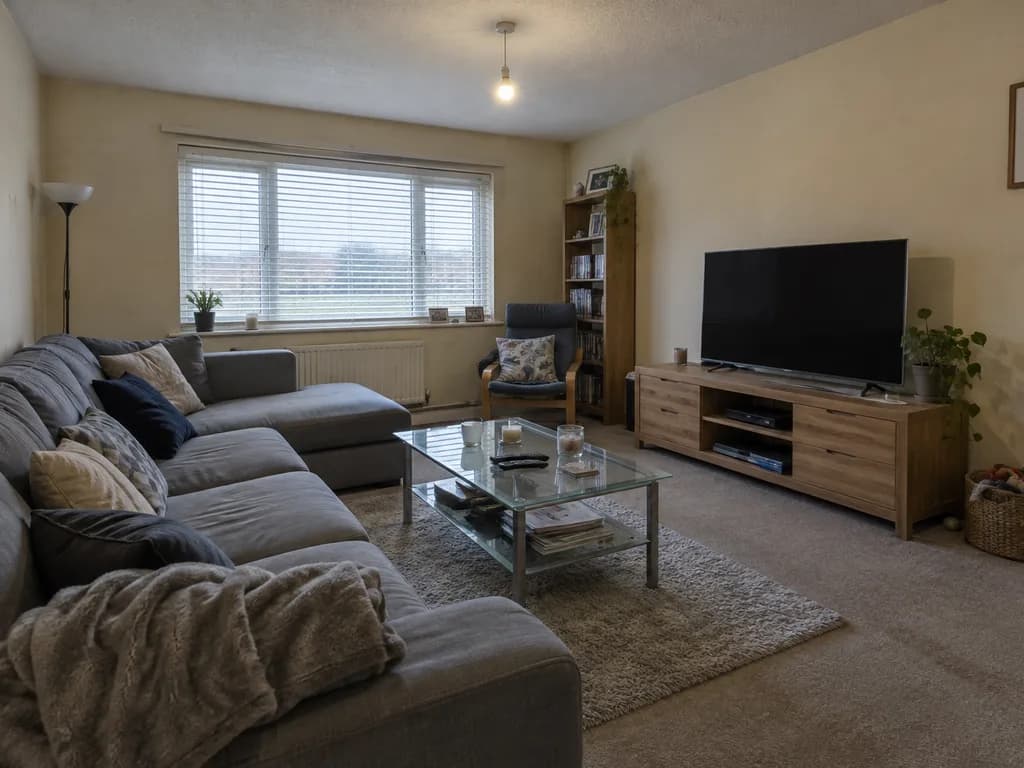 BeforeAfter
How it works
Photograph the room
From a corner, in daylight, with as much of the room in frame as you can.
Name the style
Pick a prompt below or write your own. Say what must stay: walls, windows, floor.
Compare and try another
Each look is a separate 12-gem run, so compare two or three styles before you shop.
Room styles to try on your photo
BeforeAfterIllustration of this look, made from the prompt with an image model, not from your photo. Your result starts from your own photo.
Redesign this room in a warm Scandinavian style: light wood, pale walls, simple furniture, linen textiles and soft daylight. Keep the walls, windows, doors and the camera angle exactly as in the photo.
Apply to my roomBeforeAfterIllustration of this look, made from the prompt with an image model, not from your photo. Your result starts from your own photo.
Redesign this room in mid-century modern style: walnut furniture with tapered legs, a low sofa in mustard or teal, a sunburst mirror and a geometric rug. Keep the walls, windows, doors and the camera angle exactly as in the photo.
Apply to my roomBeforeAfterIllustration of this look, made from the prompt with an image model, not from your photo. Your result starts from your own photo.
Redesign this room in industrial style: exposed brick on one wall, black metal shelving, a leather sofa, concrete-look floor and Edison-bulb pendants. Keep the windows, doors and the camera angle exactly as in the photo.
Apply to my roomBeforeAfterIllustration of this look, made from the prompt with an image model, not from your photo. Your result starts from your own photo.
Redesign this room in Japandi style: low wooden furniture, off-white walls, paper lamps, a single large plant, very few objects. Keep the walls, windows, doors and the camera angle exactly as in the photo.
Apply to my roomBeforeAfterIllustration of this look, made from the prompt with an image model, not from your photo. Your result starts from your own photo.
Furnish this empty room for a real-estate listing: a neutral sofa, a light rug, a coffee table, two plants and warm lamps, bright and tidy. Keep the walls, windows, doors, floor and the camera angle exactly as in the photo.
Apply to my roomRedesign this room in a cozy bohemian style: layered patterned rugs, rattan chairs, hanging plants, warm terracotta accents and string lights. Keep the walls, windows, doors and the camera angle exactly as in the photo.
Apply to my roomCan I use it to stage an empty room for a listing?
Yes: the "Staged for a listing" prompt furnishes an empty room in one 12-gem run, and you can rerun it with a different sofa color or style. Agents on r/realtors describe physical staging as commonly costing $2,000 and more per listing, so a few AI looks are a cheap way to decide whether staging is worth it and which style to brief. Label the images as virtual staging when you publish them; buyers and most listing platforms expect that.
About the examples
The before-and-after pairs on this page are illustrations made with an image model to show the kinds of restyle the tool targets. They are not UniqAI outputs. Examples from real room edits in the app will be added.
What it can and cannot do
It restyles the room you photograph: furniture, finishes, colors and lighting change, while the instruction asks the model to keep walls, windows and doors in place. It does not move walls, measure anything or check that a sofa fits through your door, and the furniture it draws is not a product you can buy. Treat the result as a mood board for a specific room, then shop or brief a designer from it.
Questions about AI Interior Design
Does AI interior design move my furniture or change the layout?
It replaces the furniture and finishes with new ones in the style you name, and the prompt asks the model to keep walls, windows and doors where they are. It does not produce a floor plan or move structure; it shows a direction for the room as photographed.
How much does one room design cost?
One look on Nano Banana costs 12 gems, shown next to the model before you generate. A quick test on Flux Schnell costs 3 gems. If a generation fails, the gems are returned, so comparing three styles is 36 gems.
What kind of room photo works well?
A photo from a corner in daylight, showing two walls, the floor and a window, gives the model the most to work with. Very dark, cropped or wide-angle-distorted photos give a less convincing room. Tidy the space a little if you want the model to keep the layout.
Can I try more than one style on the same room?
Yes. Each style is a separate run on the same photo, so you can compare Scandinavian, mid-century and Japandi side by side before you buy anything. Keep the sentence that tells the model to leave the walls and windows unchanged.
Can I use it to plan a real renovation or a shopping list?
Use it to choose a direction and to brief a designer or yourself. The furniture it draws is invented, not a product listing, and nothing is measured. For dimensions, fit and structural changes, work with a professional or a dedicated planning tool.

Coming soon to the App Store for iPhone
Chat, photo and video generation with several AI models in one app.