

AI Video Generator: Text-to-Video, Photo-to-Video and Effects
Make video from a text prompt, animate a photo, or apply a one-tap effect like an AI hug or dance.
Updated
Real examples
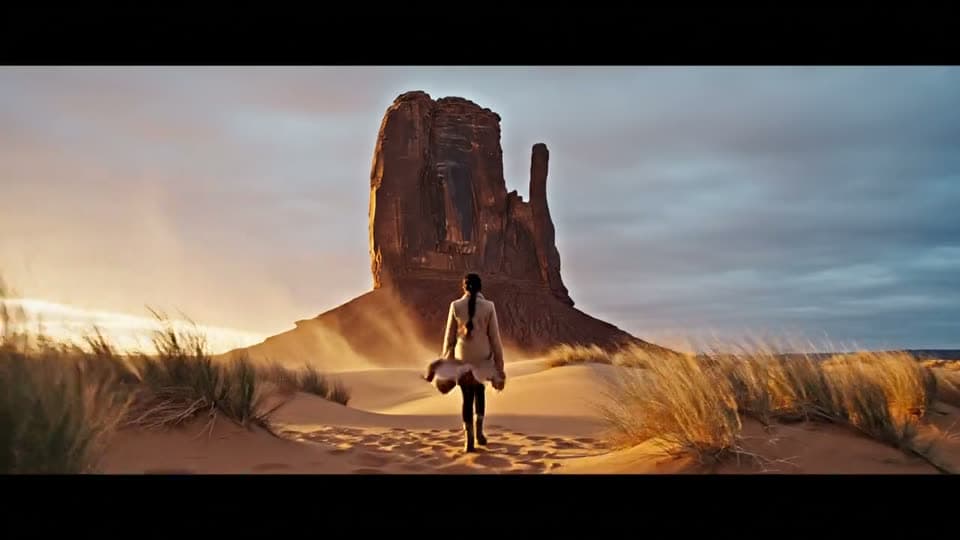
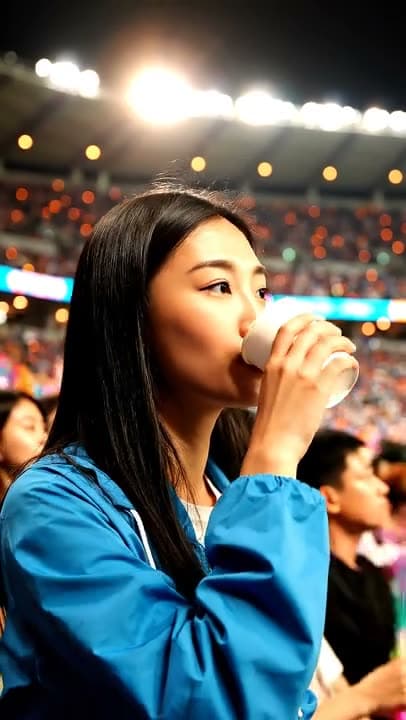
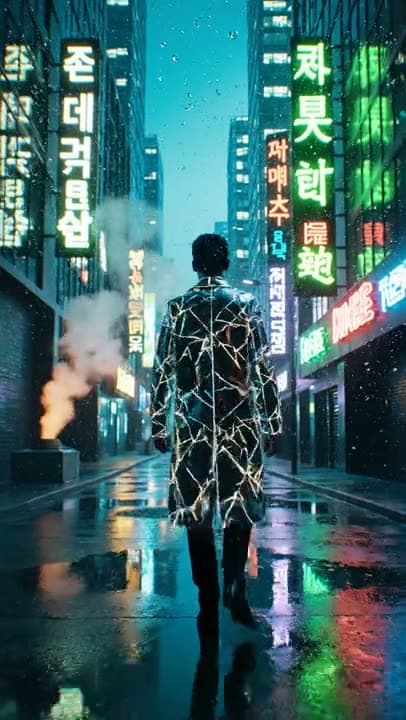
Real results from the app.
How it works
Choose text, photo or effect
Write a prompt, upload a photo, or pick a ready-made effect.
Pick a model
Kling 3.0, Veo 3 and Wan are available side by side.
Preview and save
Watch the result, then save it or run the prompt on a second model.
Popular video tools
Which video model should I pick?
| Model | Maker | Clip length | Cost per clip | Aspect ratios | Good for |
|---|---|---|---|---|---|
| Wan 2.5 | Alibaba | 5 s | 40Gems | 16:9, 9:16, 1:1 | The lowest cost: testing a prompt |
| Kling 3.0 | Kuaishou | 5 s or 8 s | 80Gemsor120Gems | 16:9, 9:16, 1:1 | Camera moves and physical motion |
| Veo 3 | 6 s or 8 s, with audio | 1Cinemaor2Cinema | 16:9, 9:16 | Scenes where sound matters |
All three start from text or from a photo, and video models need a paid plan. Veo 3 is paid in Cinema credits instead of gems. The cost is shown before you generate.
Text to video or image to video?
Use text to video when you start from an idea, and image to video when you already have the picture you want to move.
- Text to video: describe the subject, the setting and one camera move.
- Image to video: one sharp photo plus one clear movement, such as wind, water or a slow push-in.
- Moving from Sora: Sora alternative shows how to adapt a Sora prompt for these models.
- A seasonal clip: make a still on Halloween photo looks, then animate it with image to video.
Worked example: one prompt, three prices
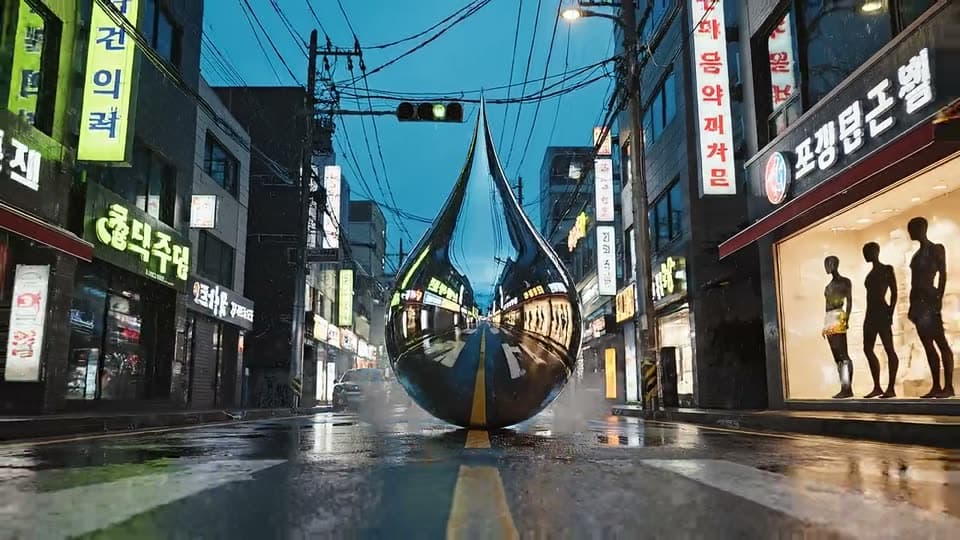
A giant chrome water droplet hangs over a wet neon-lit street at dusk, mist rising from the asphalt, low camera slowly pushing in
Run on Kling 3.0How much does one video cost?
One clip costs 40 to 120 gems, or 1 to 2 Cinema credits on Veo 3, depending on the model and length. The clip at the top of this page is 8 seconds long; an 8-second Kling 3.0 clip costs 120 gems. The same prompt on each model:
- Wan 2.5, 5 s: 40 gems.
- Kling 3.0, 5 s: 80 gems; 8 s: 120 gems.
- Veo 3 with audio, 6 s: 1 Cinema credit; 8 s: 2 Cinema credits.
Testing a prompt on Wan 2.5 first and running the final on Kling 3.0 or Veo 3 keeps the cost of retries down. If a generation fails, the gems are returned automatically.
How do I write a video prompt?
Describe one scene with one action, then say how the camera moves. The worked example names a subject, a place, the light and a slow push-in.
- Subject and action: "a chrome water droplet hangs over a street".
- Setting and light: "wet neon-lit street at dusk, mist rising".
- Camera: "low camera slowly pushing in", "tracking shot" or "slow pan".
- Sound, on Veo 3 only: "Sound: rain on asphalt, distant traffic".
Each prompt makes one clip of 5 to 8 seconds. For a longer piece, generate several clips and join them in any video editor.
Questions about AI Video Generator
Can I make a video from just a text prompt?
Yes. Describe the scene, the action and the style, and the model generates a short video clip. Adding details like camera movement or lighting improves the result.
Can I animate a photo I already have?
Yes. Upload a photo and the model adds motion to it, from subtle movement to a full scene, depending on the model and settings you choose.
Which AI video models are available?
The app includes Kling 3.0, Veo 3 and Wan for video, so you can run the same prompt on each and compare. The credit cost of every model is shown before you generate, and video models need a paid plan. The model list can change over time.
What can I use the videos for?
Short clips work well for social media, presentations and personal projects. The models render what you describe, so review every clip before you publish it, and only animate photos of people who agreed to it.

Coming soon to the App Store for iPhone
Chat, photo and video generation with several AI models in one app.