

Giddy Up
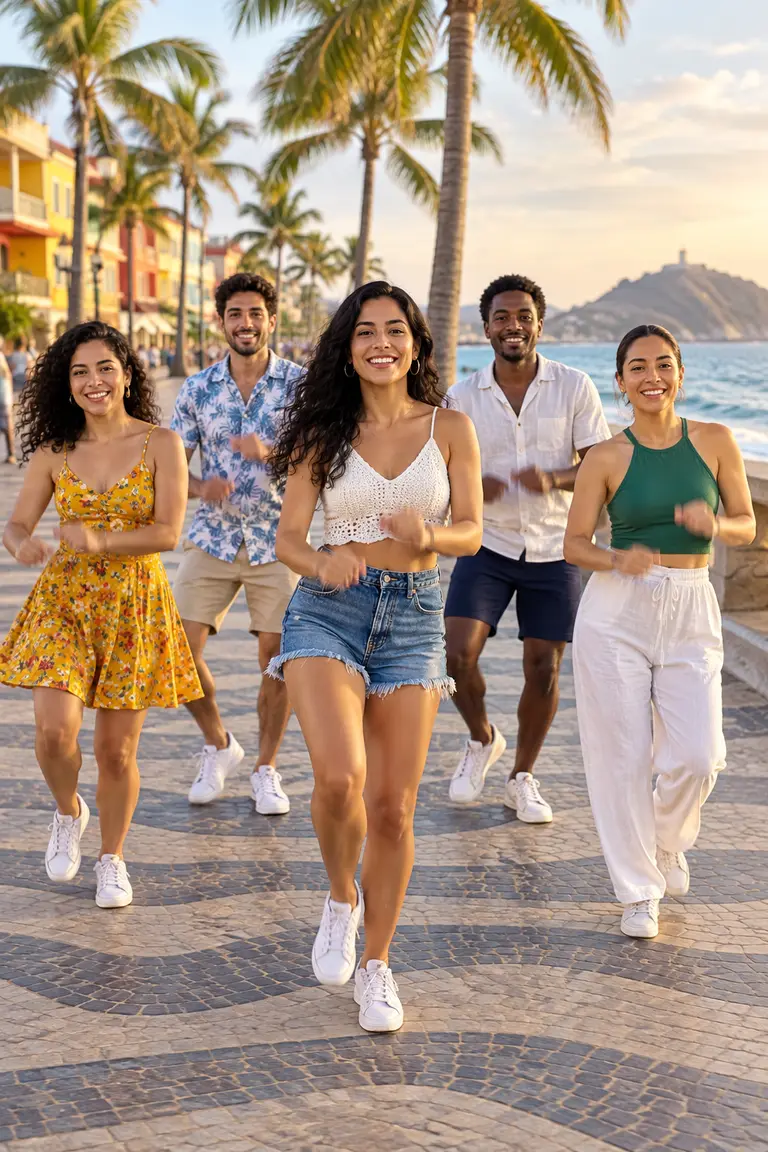
An easy two-person routine where friends side by side hit the same playful bounce-and-point steps in sync.
Upload one full-body photo, describe the move, and Kling 3.0 turns it into a 5 or 8 second 9:16 clip for 80 or 120 gems.
Updated
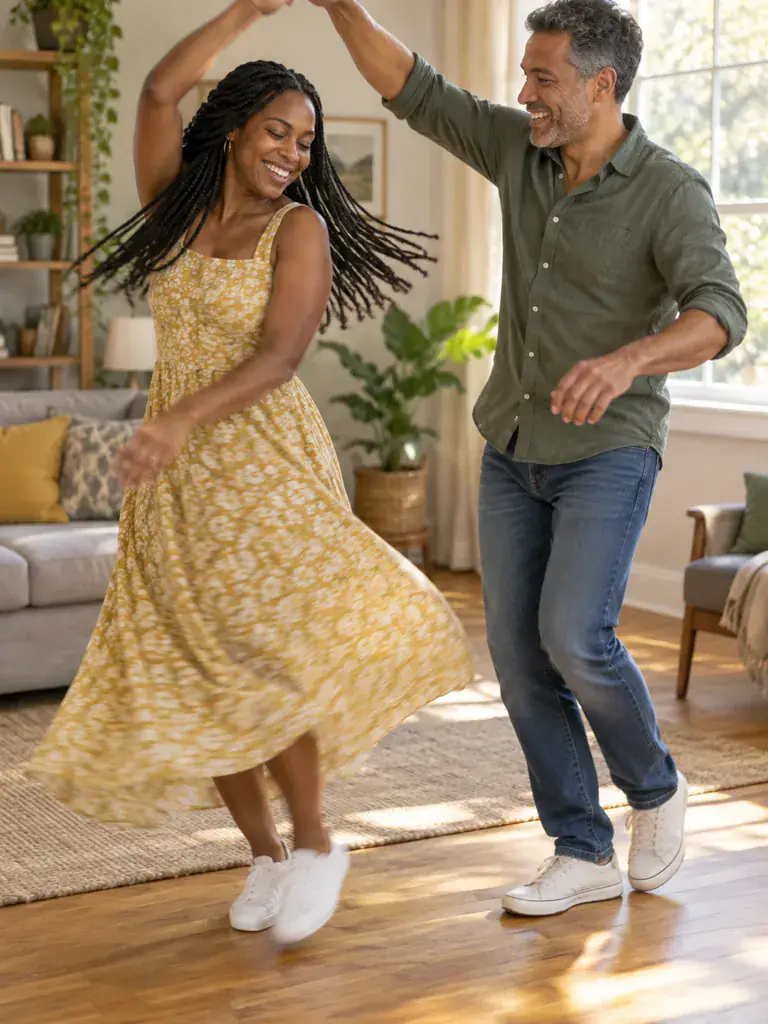 Illustration
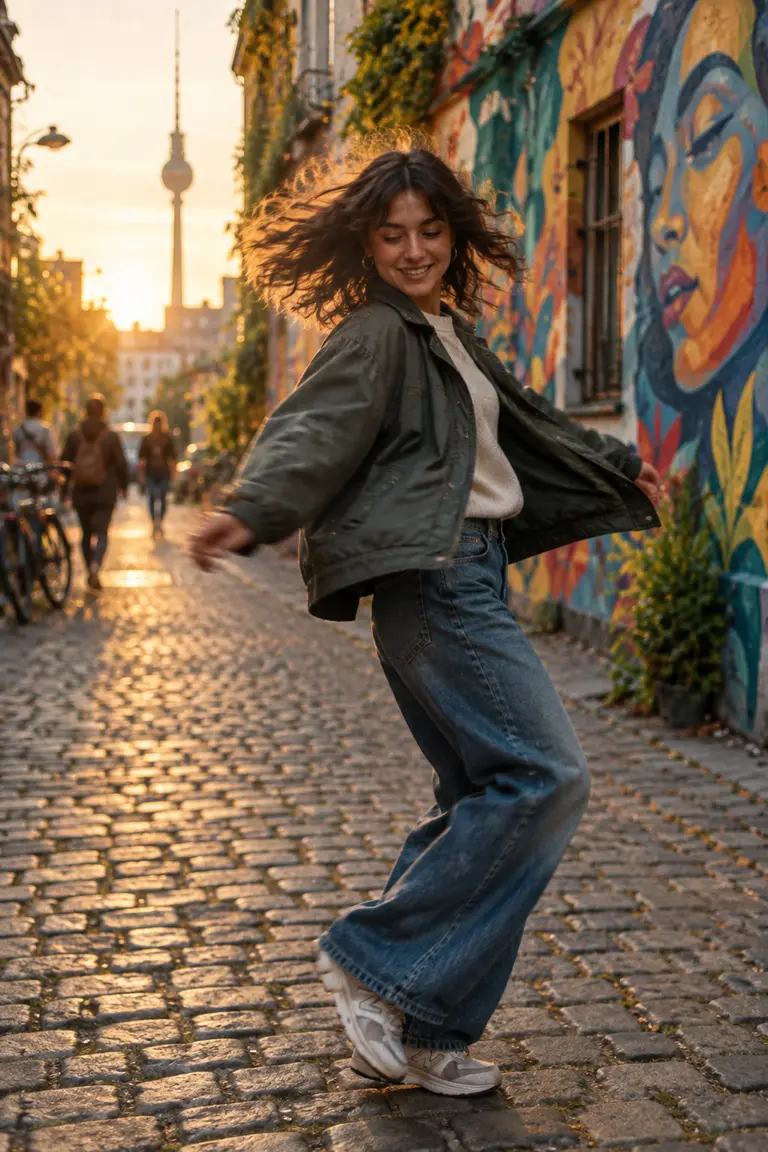
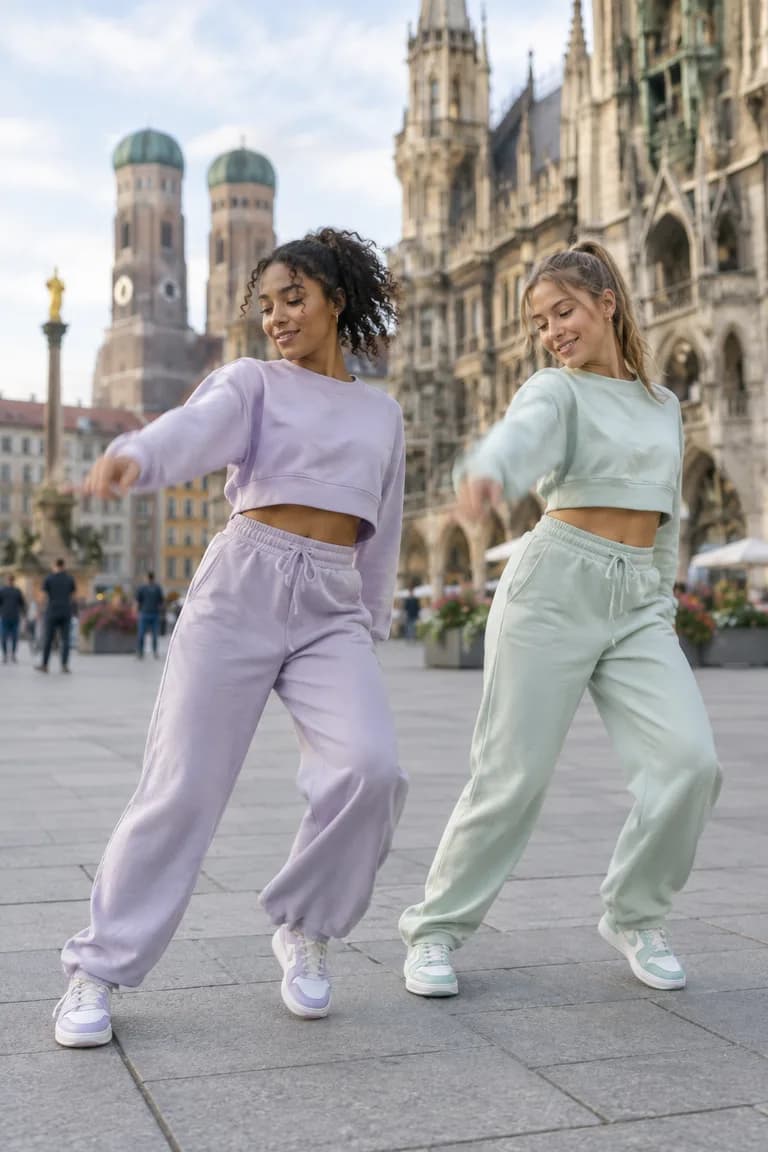
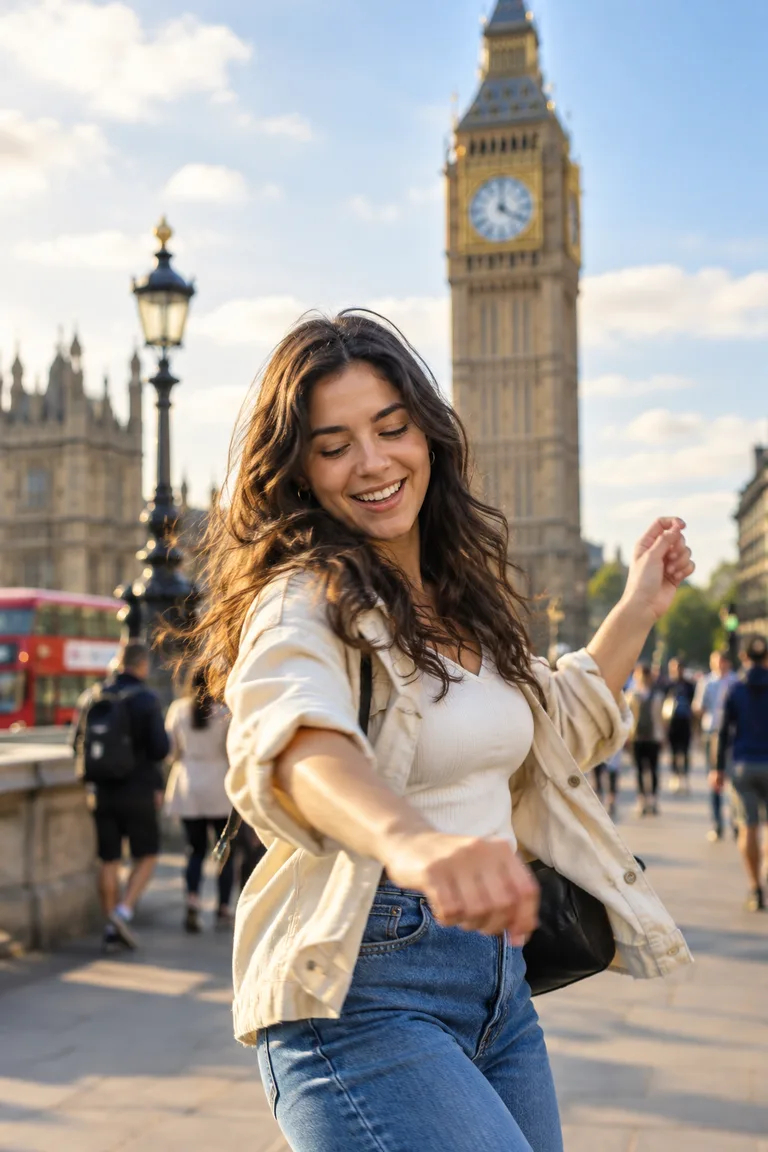
s of the kind of result this makes. They are not app outputs.
 Illustration
 Illustration
 Illustration
 Illustration
 Illustration
What people are posting in this format right now. Videos by TikTok creators, shown with TikTok's own player; they were not made with UniqAI.
An easy two-person routine where friends side by side hit the same playful bounce-and-point steps in sync.
A duo or trio does a smooth, rolling groove that never stops moving, timed to the 'can't stop, won't stop' line of the sound.
Dancers trade laid-back amapiano footwork, loose knees and low hand moves to a log-drum beat, often in a small crew facing the camera.
A short duo dance built around three hops on the beat followed by a quick arm and hip combo.
Standing, facing the camera, whole body in frame, simple background.
The prepared prompt asks for a natural dance. Name a style if you like: "slow waltz sway", "hip-hop bounce".
5 seconds for 80 gems or 8 for 120 on Kling 3.0. Check the clip, then save.
Kling 3.0 is the default for motion: 5 seconds for 80 gems or 8 seconds for 120. Wan 2.5 makes a 5 second clip for 40 gems and is the cheaper test. Veo 3 adds generated sound for 1 Cinema credit (6 s) or 2 (8 s). All video models need a paid plan; the cost is shown next to the model before you generate, and a failed generation returns its credits. Pick 9:16 for TikTok, Reels and Shorts.
The person in the photo does a relaxed hip-hop bounce: knees bending on the beat, shoulders rolling, one arm swinging loosely. Feet stay on the ground, the camera holds still. Keep their face, clothes and the background exactly as in the photo.
Use with my photoThe person in the photo sways slowly from side to side, arms lifting gently overhead and coming back down, a calm smile. Smooth, unhurried movement, the camera holds still. Keep their face, clothes and the background exactly as in the photo.
Use with my photoThe person in the photo steps to the left and right, touching the floor with the other foot, and claps on every second step. Light, cheerful energy, full body in frame, steady camera. Keep their face, clothes and the background exactly as in the photo.
Use with my photoThe person in the photo does a laid-back amapiano-style shuffle: small sliding steps, loose knees, hands moving low in front of the hips, head nodding to the rhythm. Steady camera, full body in frame. Keep their face, clothes and the background exactly as in the photo.
Use with my photoThe person in the photo does two quick steps, turns once on the spot and finishes facing the camera in a confident pose with one hand on the hip. Natural motion blur on the turn, the camera holds still. Keep their face, clothes and the background exactly as in the photo.
Use with my photoThe model does not know trends by name, so describe the moves instead: "two steps to the right, a shoulder shimmy, then a jump on the beat" works better than the song title. Short trends with two or three moves fit a 5 or 8 second clip; a long routine will not. Kling 3.0 and Wan 2.5 clips come without sound, so add the trending audio in the TikTok or Reels editor when you post. Veo 3 generates its own sound, not a specific song.
It animates the one photo you upload into a short, plausible dance; there is no library of named choreographies and no second photo. Motion comes from your description, so one clear move per prompt works better than a routine. Hands and feet can drift in fast moves, and the face can change slightly across the clip. Use your own photos, or photos of adults who agreed to it; do not put a real person into a dance they did not do.
Yes, for a dance that uses the whole body. A photo taken straight on, with feet in frame and a simple background, animates most naturally. A waist-up photo works for a sway or a head-and-shoulders groove.
There is no menu of moves. You describe the dance in words, for example "a slow sway" or "a hip-hop bounce with arm waves", or start from one of the prompts above, and Kling 3.0 animates it. One clear move per clip is more predictable than a routine.
You can get close by describing the moves step by step rather than naming the trend, since the model does not know dances by name. Keep it to two or three moves for a 5 or 8 second clip, then add the trending sound in the TikTok editor.
Yes, if both are in the one photo you upload, for example two friends standing side by side. Ask for the same simple move for both. Every extra person gives the model more to track, so hands and faces drift more than in a solo clip.
Kling 3.0 gives 5 seconds for 80 gems or 8 seconds for 120. Wan 2.5 gives 5 seconds for 40 gems. Video models need a paid plan, the cost is shown before you generate, and a failed generation returns its credits.
Choose 9:16 next to the model and the clip comes out vertical, ready for TikTok, Reels or Shorts. 1:1 and 16:9 are also available if you want a square or landscape version.

Coming soon to the App Store for iPhone
Chat, photo and video generation with several AI models in one app.