

Colorize Photo: Turn Black-and-White Into Natural Color
Upload a black-and-white or faded photo and this tool adds natural color to skin, sky and clothing.
Updated
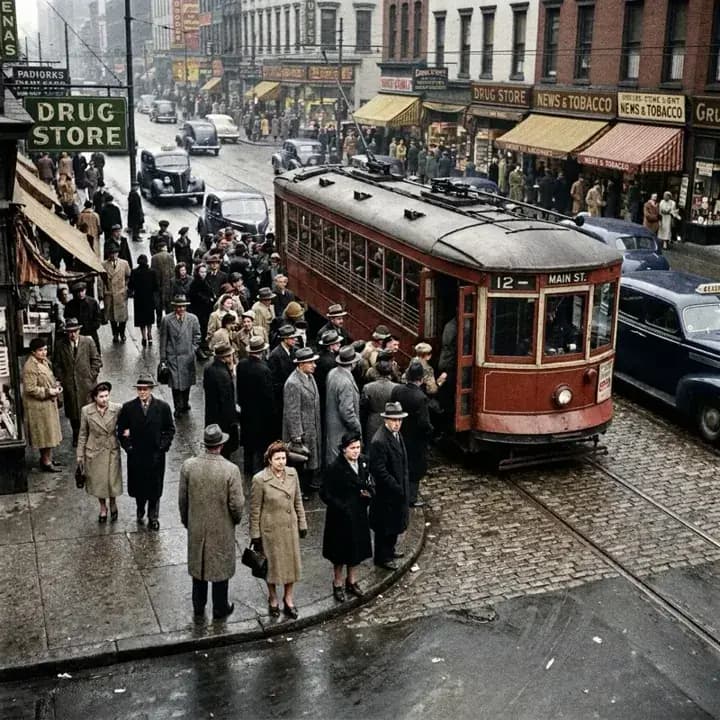
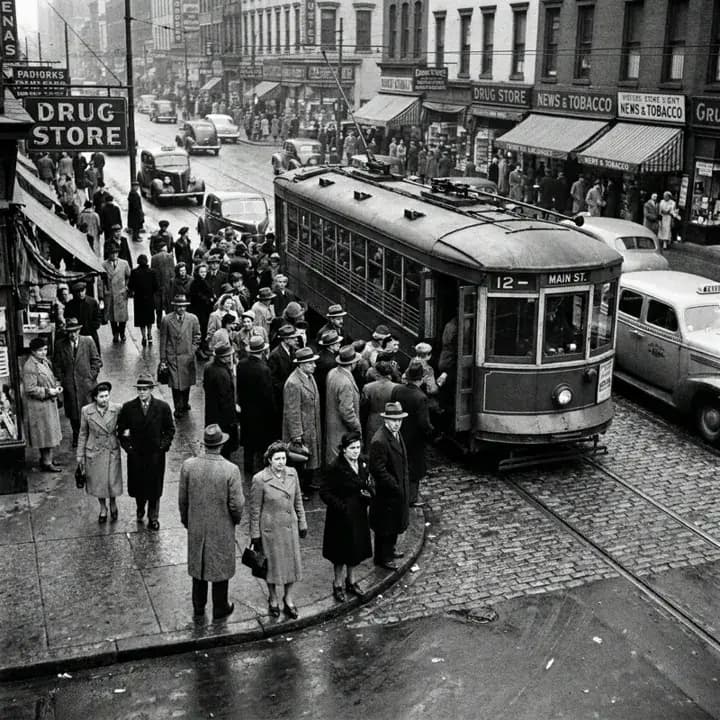 BeforeAfter
Examples
Illustrations of the kind of result this makes. They are not app outputs.
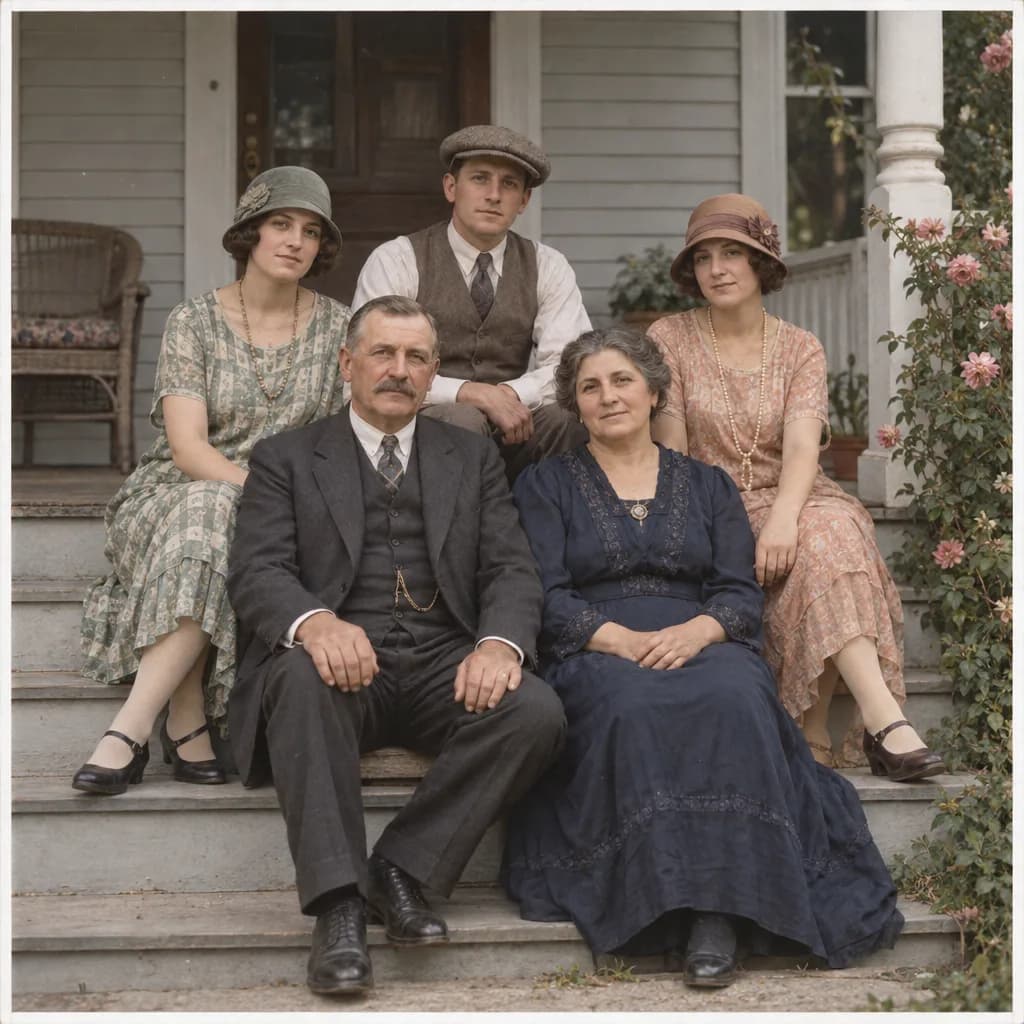
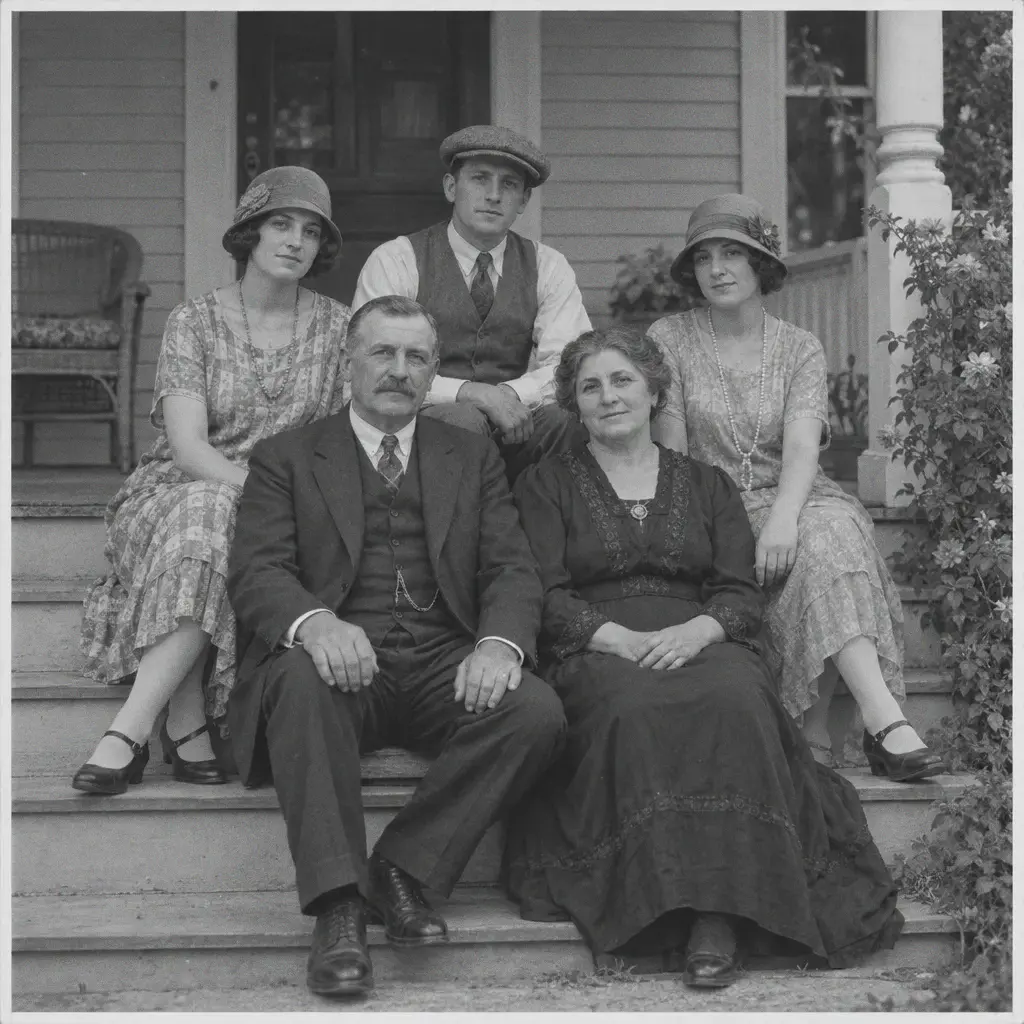 BeforeAfter
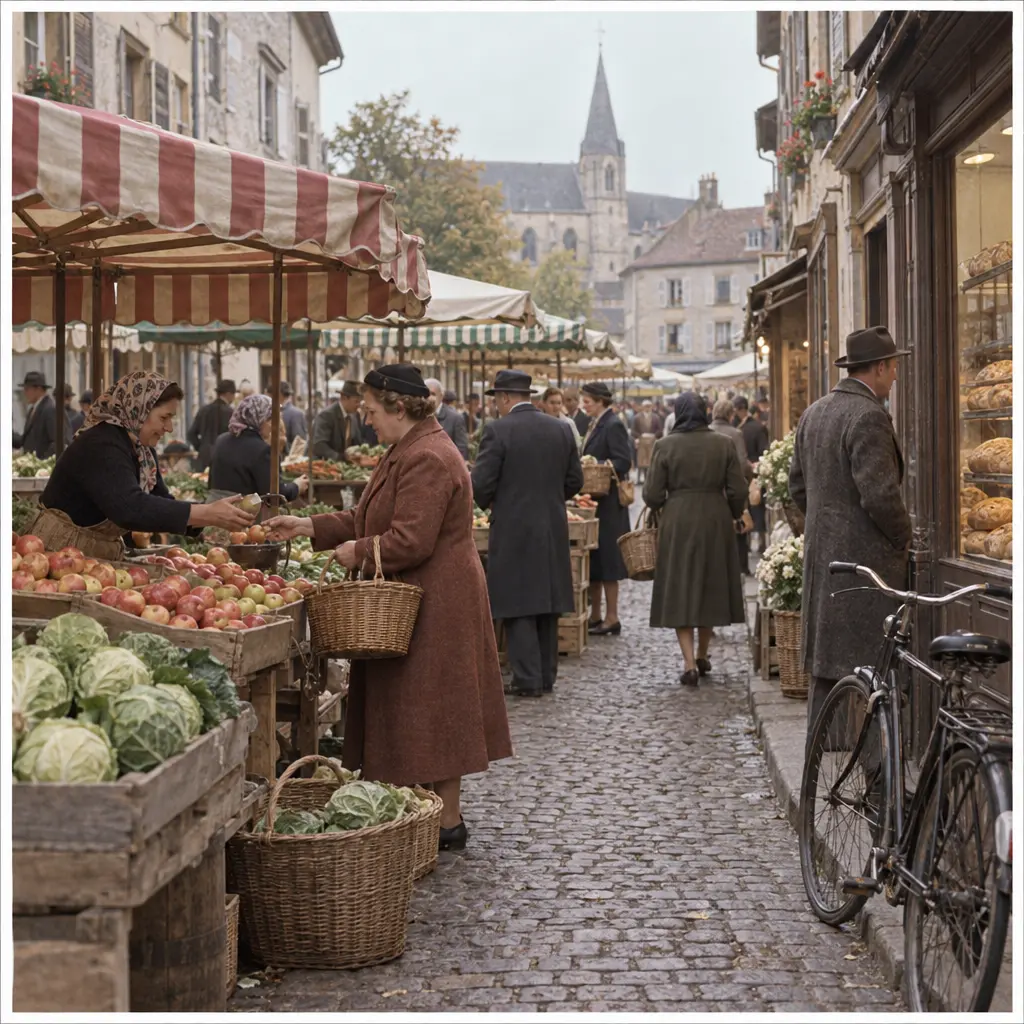
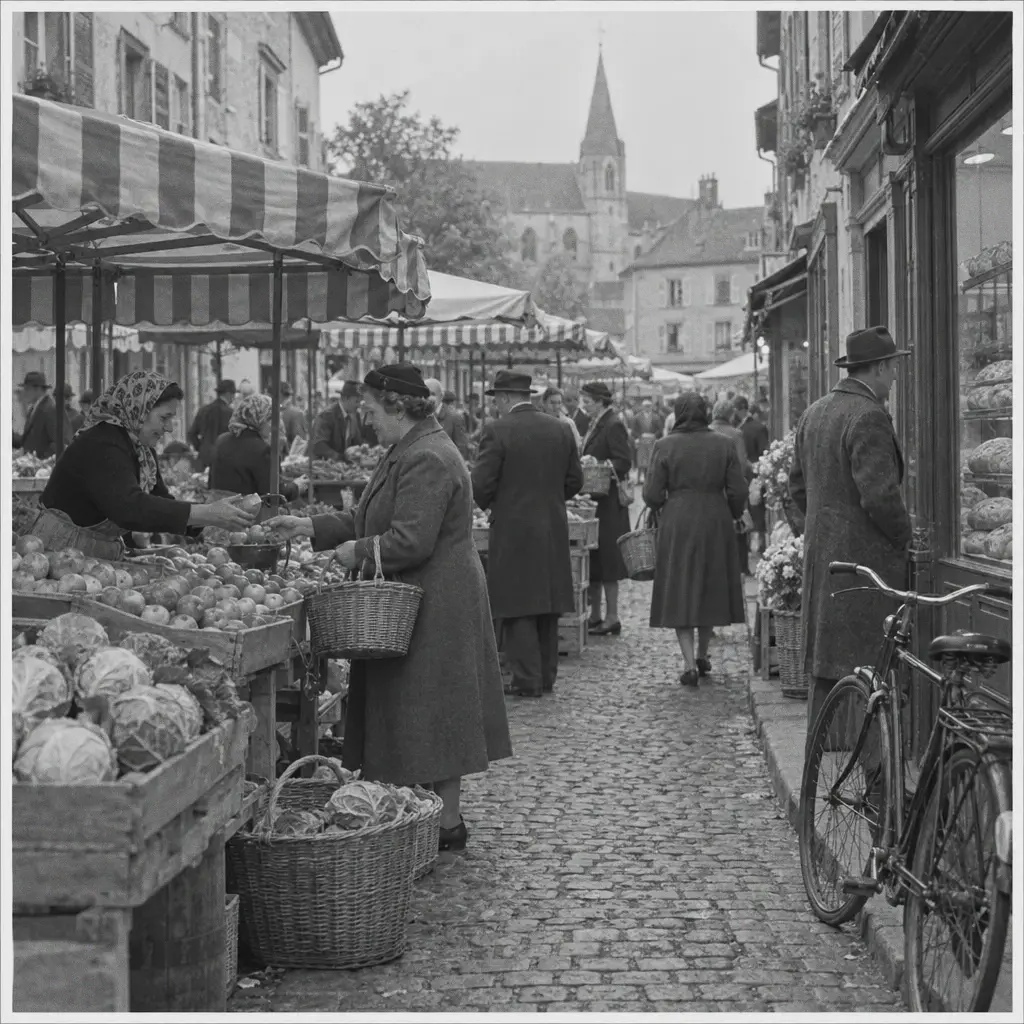 BeforeAfter
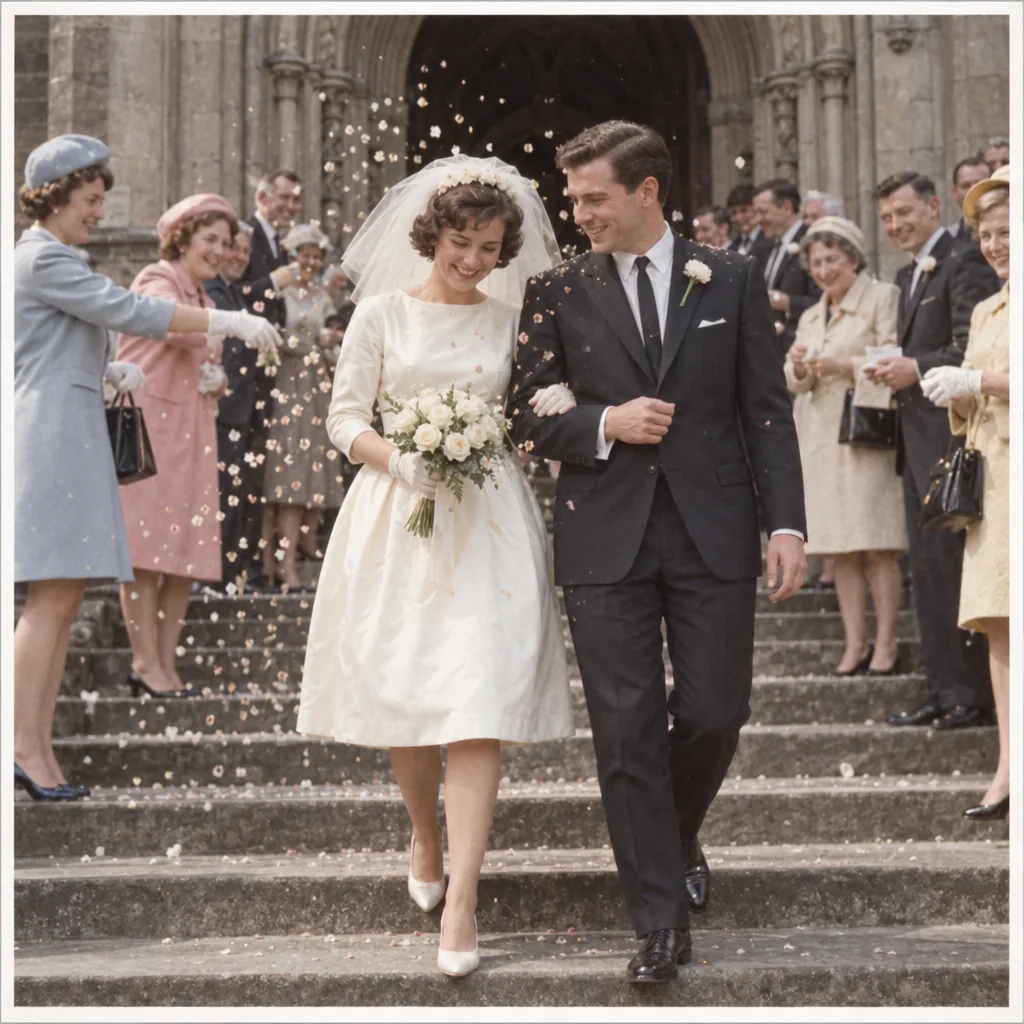
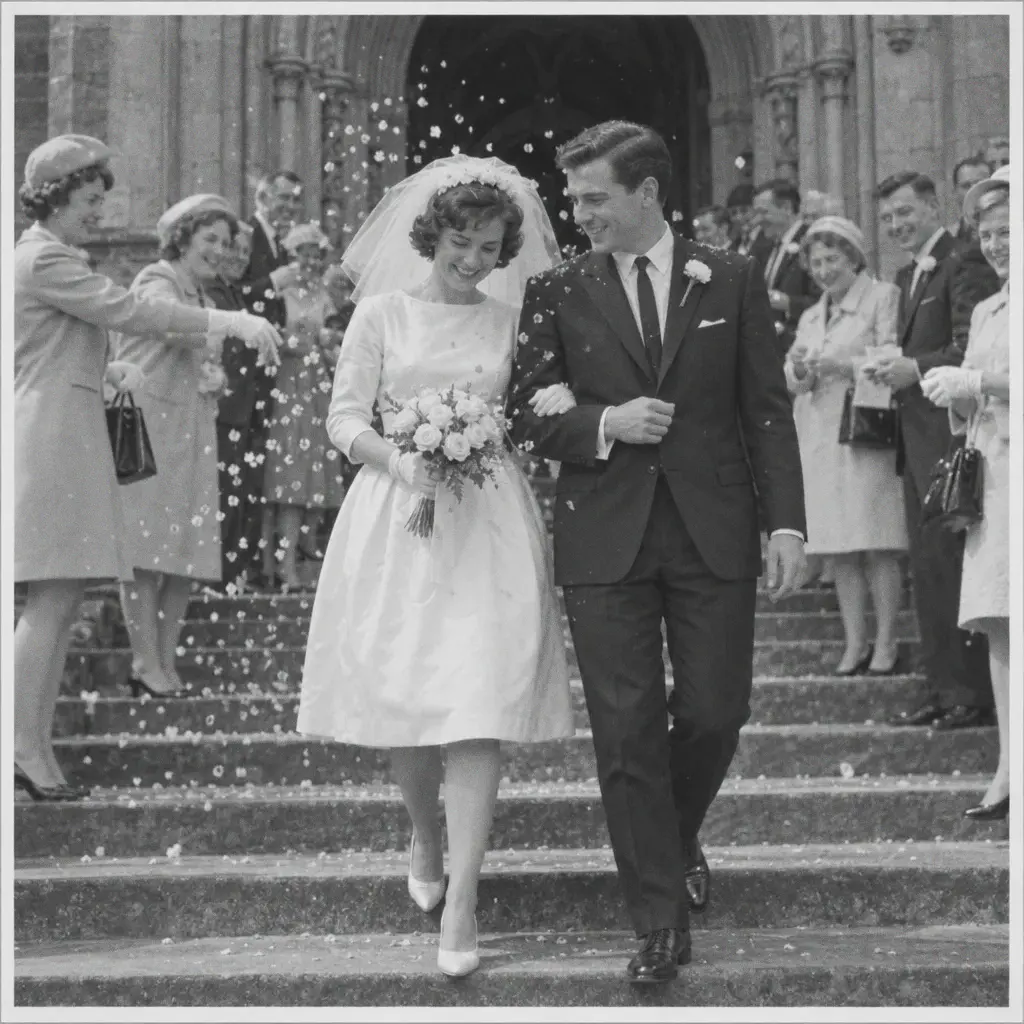 BeforeAfter
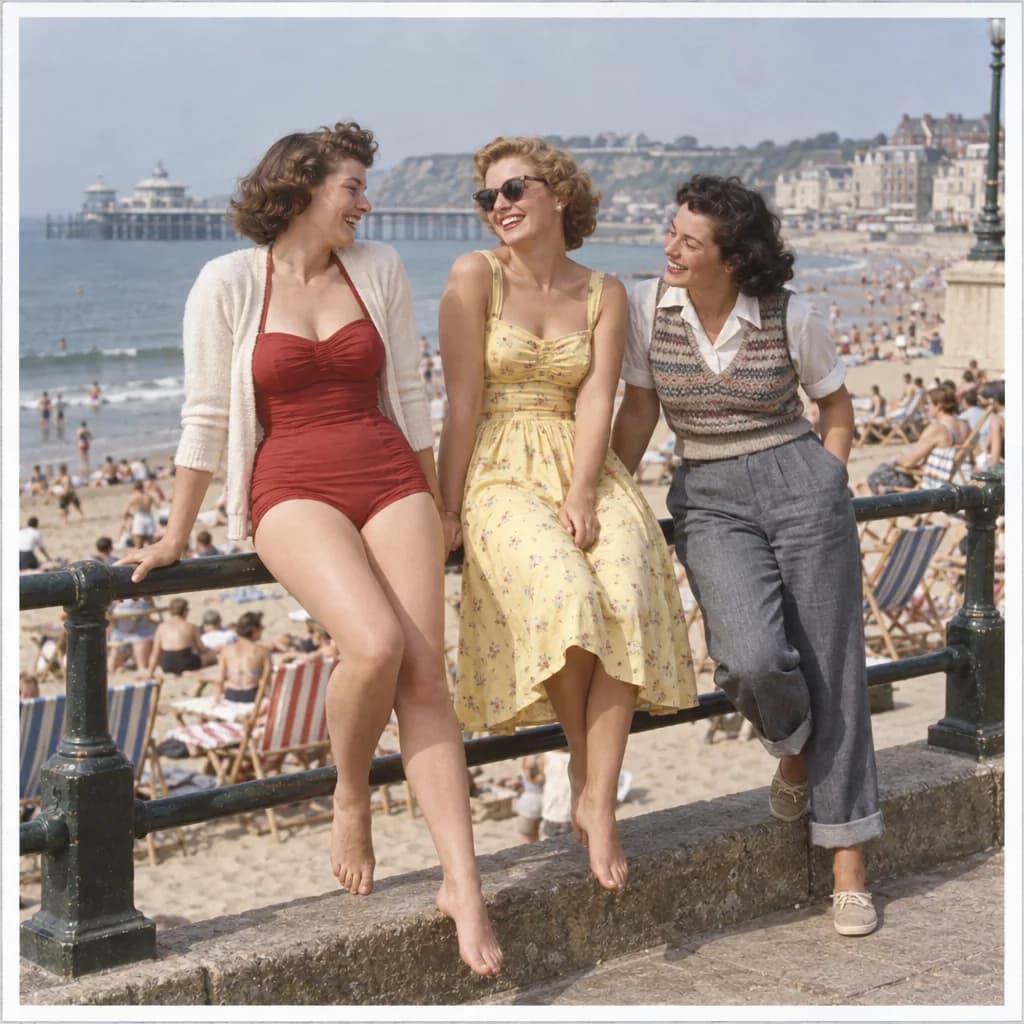
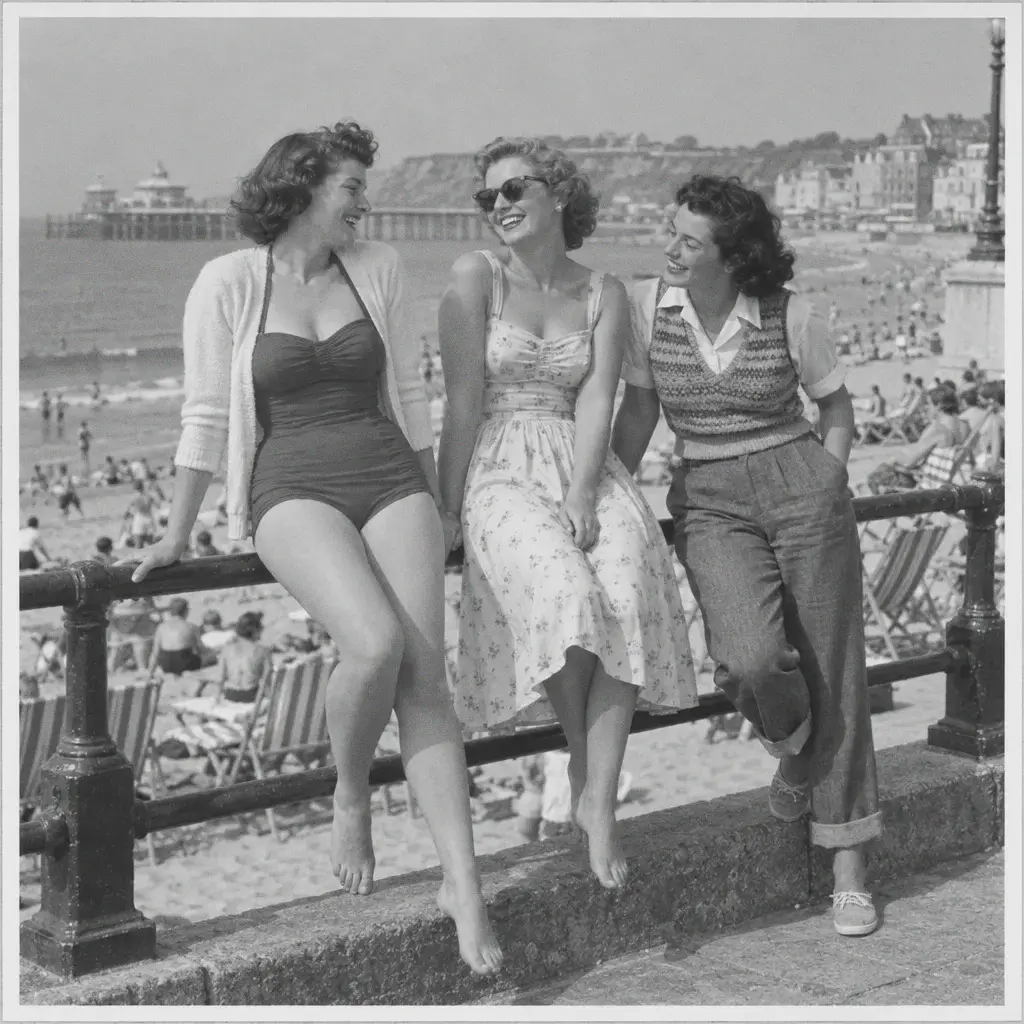 BeforeAfter
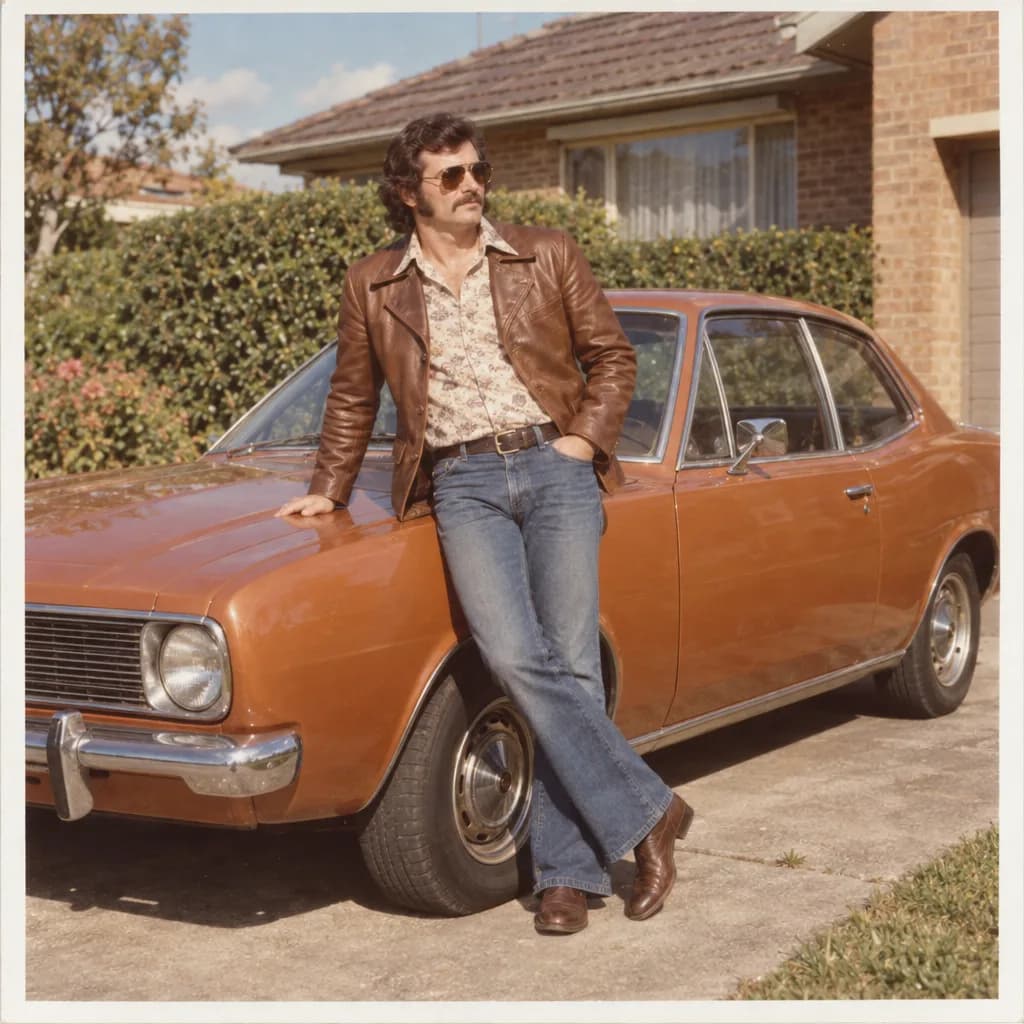
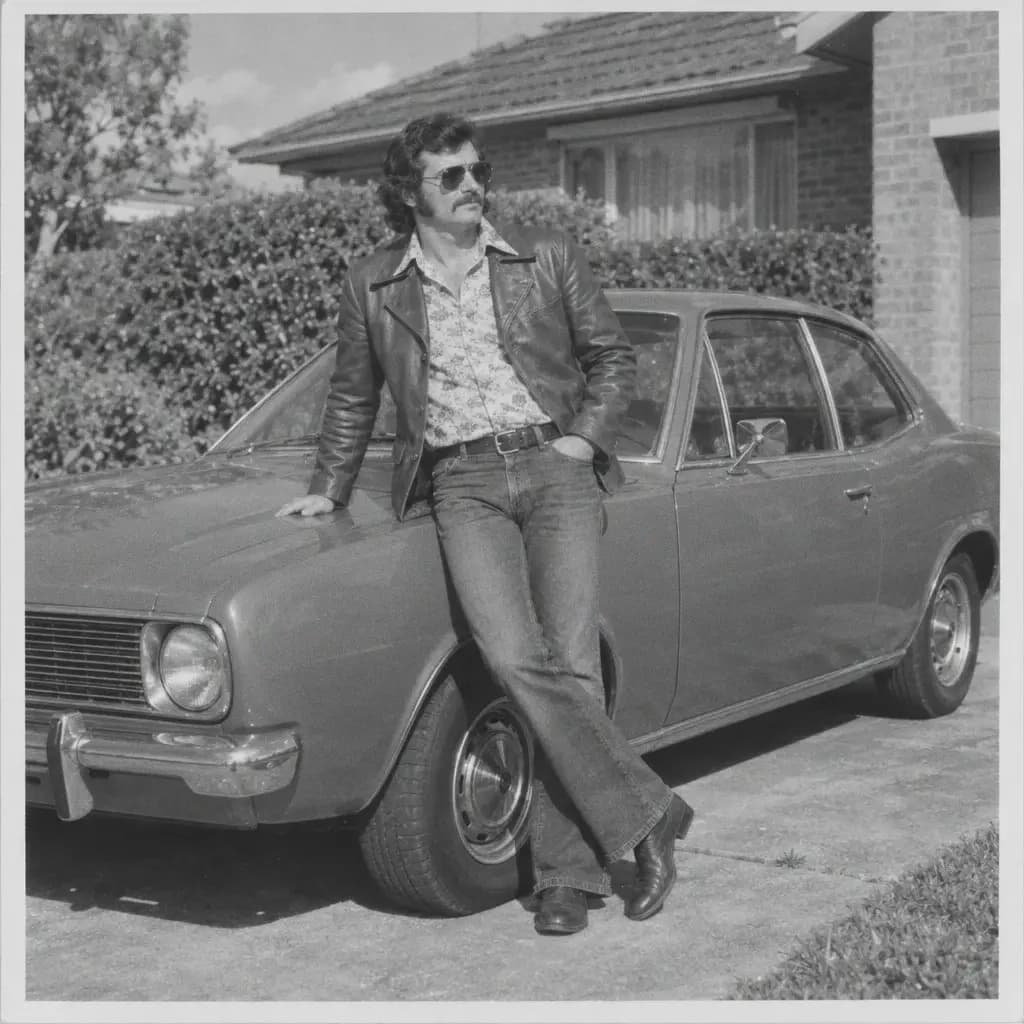 BeforeAfter
How it works
Upload your photo
Black-and-white, sepia or faded color photos all work.
Let it add color
Skin tones, sky and clothing are colorized automatically.
Compare and download
Check the result against the original, then save it.
About the examples
The first pair is a real result from the UniqAI app. The period-colour pairs below it are illustrations made with an image model: the colour image was generated first and the black-and-white version was derived from it, so they show the kind of scene the tool handles, not a UniqAI output. Examples from real colorizations will be added.
Tips for a clean result
A clean scan or a sharp photo of the original print gives the model more detail to base color choices on than a dark or blurry photo of it. Photos with clearer tonal contrast between areas — face, hair, clothing, background — tend to colorize more distinctly than a flat, low-contrast scan.
What it can't do
The model makes a plausible, natural guess at color based on tone and context; it doesn't know the exact original color of a specific dress or car, so treat unusual or specific colors as an estimate, not a historical record. Heavily damaged or very low-resolution originals colorize less precisely than a clean scan.
Questions about Colorize Photo
Can I colorize an old black-and-white family photo?
Yes, that is the main use case. Upload a scan or a photo of the black-and-white print and the tool adds natural color to skin, sky and clothing. A clean, sharp scan gives the most complete result.
Will the colors be historically accurate?
The model makes a realistic, plausible estimate based on tone and context, not a verified record of the exact original colors used. For specific details like an exact dress or car color, treat the result as a strong guess only.
Does it work on faded color photos, not just black-and-white ones?
Yes. Faded or sepia-toned color photos work as well as pure black-and-white ones; the model adds natural-looking color from the tones and context it sees. A sharp scan with clear contrast between face, hair, clothing and background colorizes most distinctly.
Can I fix scratches or tears at the same time as colorizing?
No. Colorizing adds color; it does not repair scratches, tears or creases. For a damaged print, run the restore tool first, which keeps the photo black and white, then colorize the clean result. Doing it in that order keeps the damage from being colorized too.

Coming soon to the App Store for iPhone
Chat, photo and video generation with several AI models in one app.