

Sora Alternative: Run Your Sora Prompts on Kling, Veo or Wan
OpenAI closed the Sora app on April 26, 2026 and its API on September 24, 2026.
Updated
Not affiliated with OpenAI.
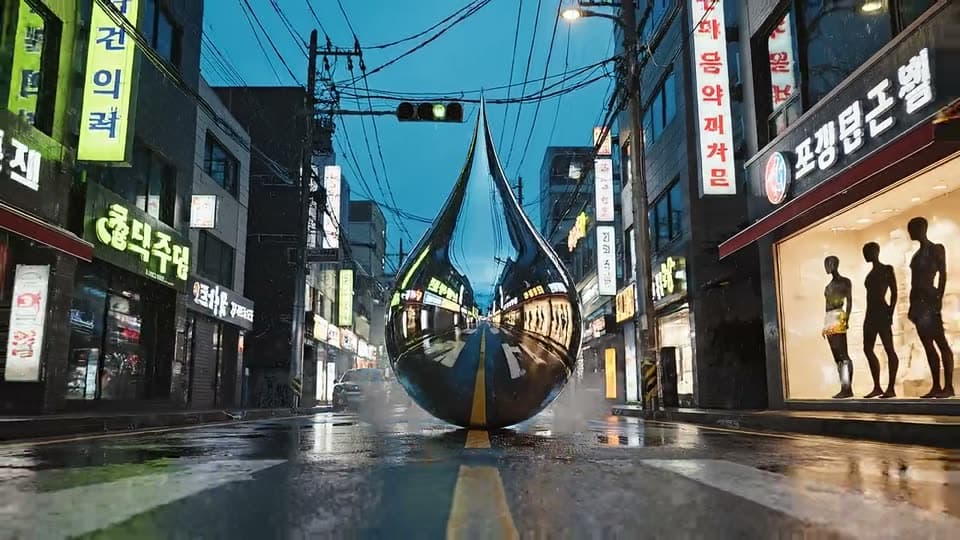
Real examples
Real results from the app.
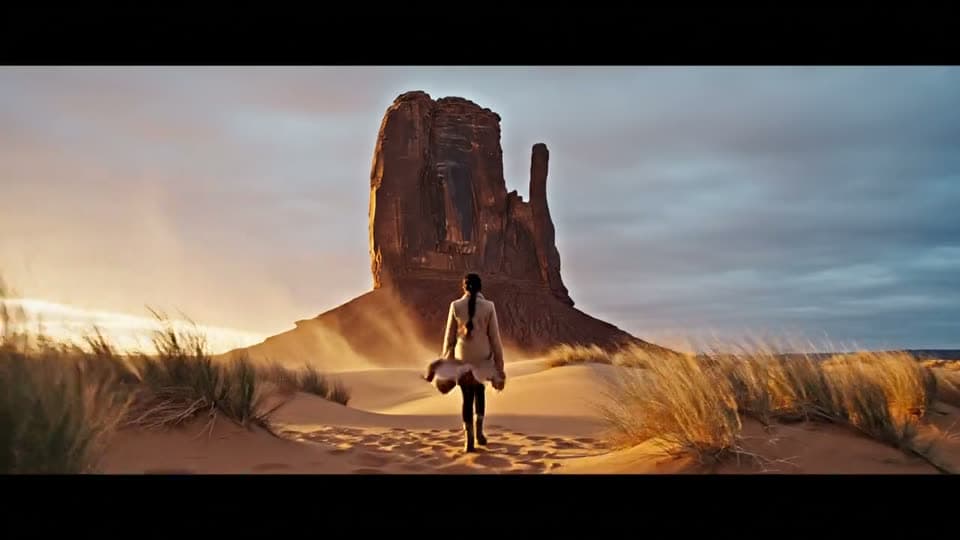
How it works
Paste your Sora prompt
Copy the text prompt you used with Sora into the box above.
Pick Kling 3.0, Veo 3 or Wan 2.5
The credit cost of each model is shown next to it before you generate.
Compare and adjust
Run the same prompt on a second model, then change the camera or sound wording.
What happened to Sora?
OpenAI discontinued Sora in two steps: the Sora app and web experience closed on April 26, 2026 and the Sora API shut down on September 24, 2026 (OpenAI help center). Videos and workflows built around Sora need another model. Prompts are plain text, so they move with you.
Models you can run your prompt on in UniqAI
| Model | Maker | Clip length | Good for |
|---|---|---|---|
| Kling 3.0 | Kuaishou | 5 s or 8 s | Camera movement and motion |
| Veo 3 | 6 s or 8 s, with audio | Scenes where sound matters | |
| Wan 2.5 | Alibaba | 5 s | Lowest gem cost of the three |
All three can start from text or from a photo. The credit cost appears before you generate. Video models need a paid plan. Newer vendor versions exist (Kling 4.0, Veo 3.1, Wan 2.6); UniqAI runs the versions listed here.
Adapting a Sora prompt
A golden retriever runs along a beach at sunset, cinematic, shallow depth of field.
Run on Kling 3Tracking shot at ground level: a golden retriever runs along a wet beach at sunset, waves rolling in behind it. Shallow depth of field, warm light. Sound: surf and paws on sand.
Run on Kling 3One Sora prompt, three models
Paste the rewritten prompt once and pick the model by what the clip needs: Kling 3.0 for the camera move, Veo 3 if you want the surf and paws on sand as sound, Wan 2.5 for the lowest cost. Run fills the composer at the top of this page; nothing is generated until you press Generate.
Tracking shot at ground level: a golden retriever runs along a wet beach at sunset, waves rolling in behind it. Shallow depth of field, warm light. Sound: surf and paws on sand.
No render of this prompt on Kling 3.0 published yet
Kling 3.0
No render of this prompt on Veo 3 published yet
Veo 3
No render of this prompt on Wan 2.5 published yet
Wan 2.5
What carries over from a Sora prompt?
Most of it. The subject, the action and the mood move as they are; camera moves and sound need a rewrite.
- Carries over: the subject, the action and the mood.
- Needs a rewrite: camera moves. Name them directly, such as slow dolly in or orbit.
- Veo 3 only: describe the sound, since Veo 3 makes audio with the clip.
- Does not carry over: Sora's exact look. Every model renders differently, so compare two before you settle.
Questions about Sora Alternative
Is Sora still available?
No. OpenAI closed the Sora app on April 26, 2026 and the Sora API on September 24, 2026, per OpenAI's help center notice on the Sora discontinuation (linked under Sources below). Your old prompts still work as plain text: paste them into Kling 3.0 (5 or 8 s), Veo 3 (6 or 8 s, with audio) or Wan 2.5 (5 s) in UniqAI and compare the clips.
Can I reuse my old Sora prompts?
Yes. Paste them in as a starting point. Each model reads camera and motion wording a little differently, so expect to adjust. Name the camera move, keep the action in order, and for Veo 3 describe the sound too. Then run the same prompt on a second model to compare.
Which AI video model is closest to Sora?
No model matches Sora exactly. Kling 3.0 is a good first try for camera movement and motion, Veo 3 adds audio to the clip, and Wan 2.5 has the lowest gem cost of the three. Run one prompt on two of them and keep the clip that fits your scene best.
How long are the clips and what do they cost?
Kling 3.0 makes 5 or 8 second clips, Veo 3 makes 6 or 8 second clips with audio, and Wan 2.5 makes 5 second clips. The credit cost is shown next to the model before you generate, so you see the price first. Video models need a paid plan.
Is there a replacement for the Sora API?
No key is needed to create clips here. You write a prompt in the web composer or the app and generate. This page covers creating clips by hand. If your workflow needs automated API calls, check the API options of each model provider separately.

Coming soon to the App Store for iPhone
Chat, photo and video generation with several AI models in one app.