

Dog Halloween costume reveal
An owner unveils their dog's costume in one quick shot, the classic October format (~432K on the discover card).
Turn one photo of your dog or cat into a royal portrait, an anime drawing or a Halloween costume, or animate it into a short clip.
Updated
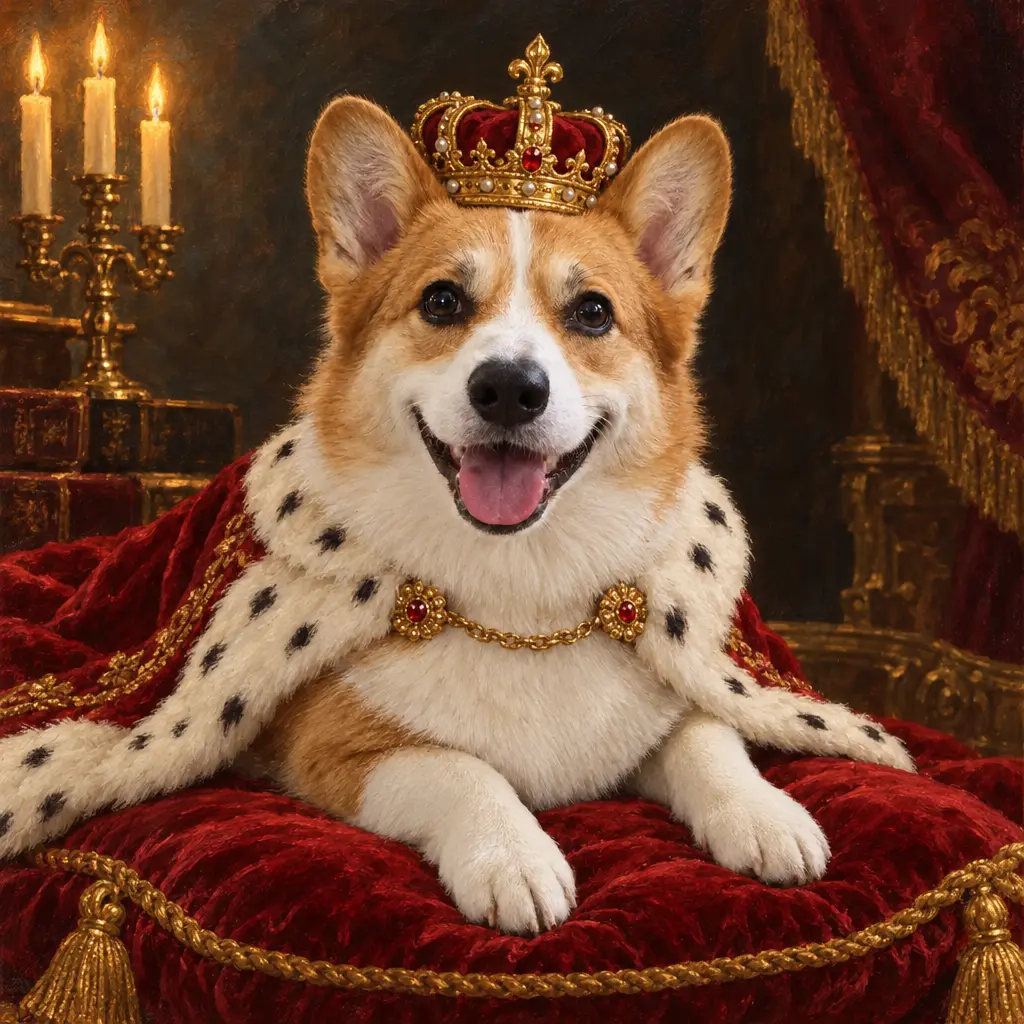
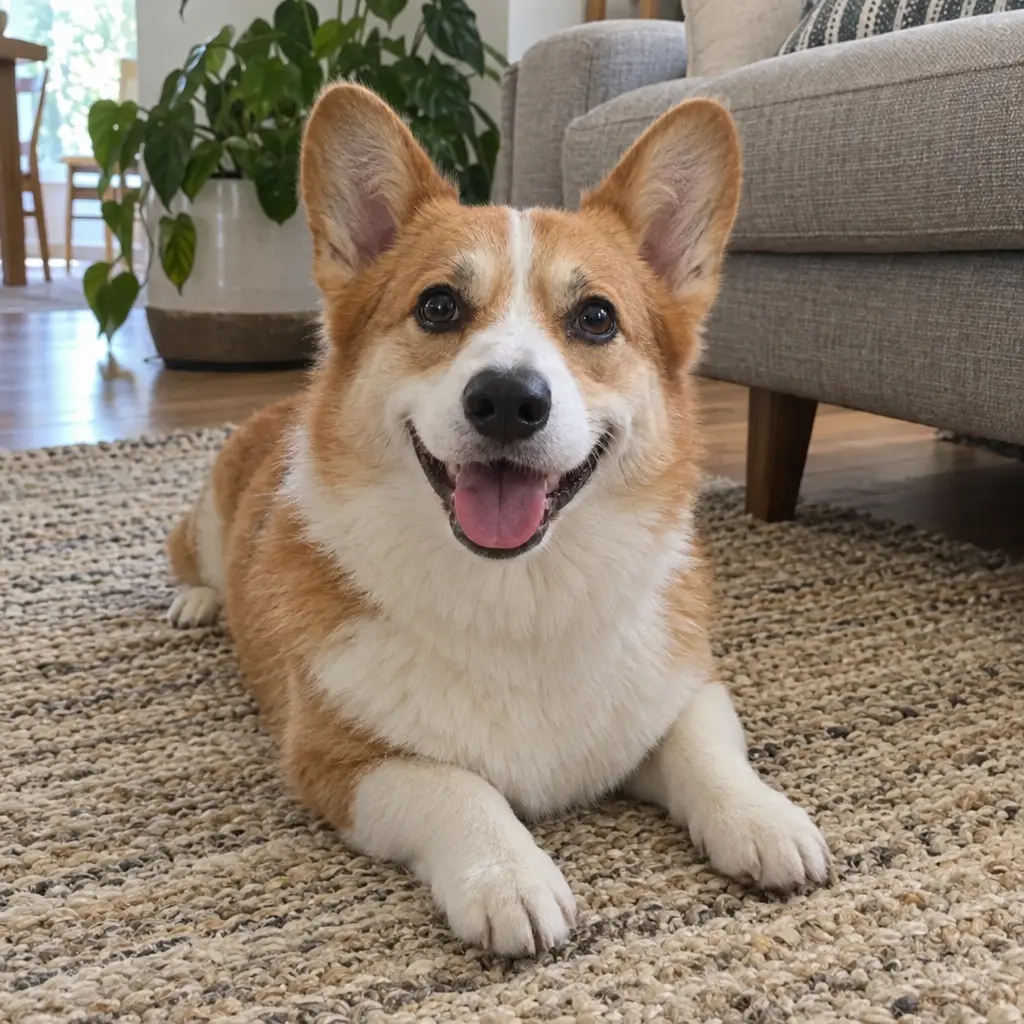 BeforeAfter
App samples come from the UniqAI app. Illustrations show other edits you can ask for.
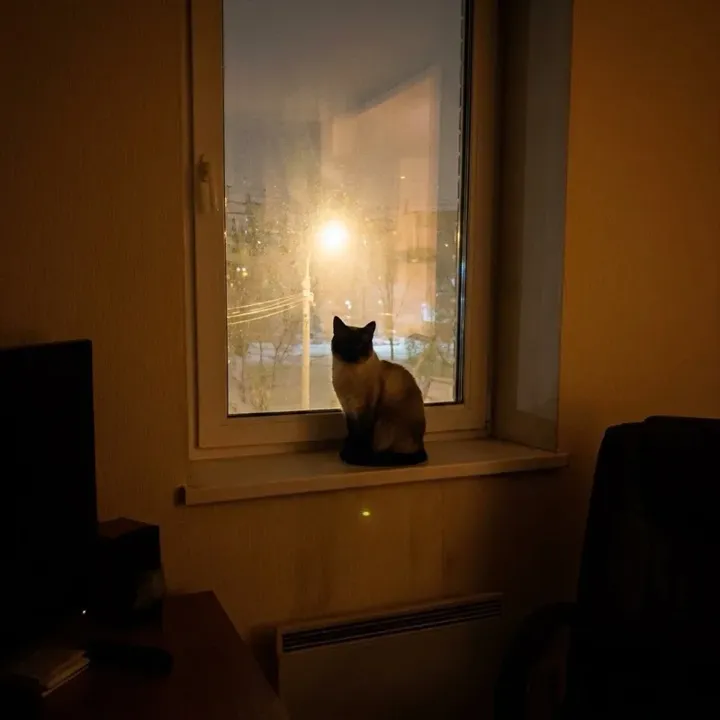 App sample
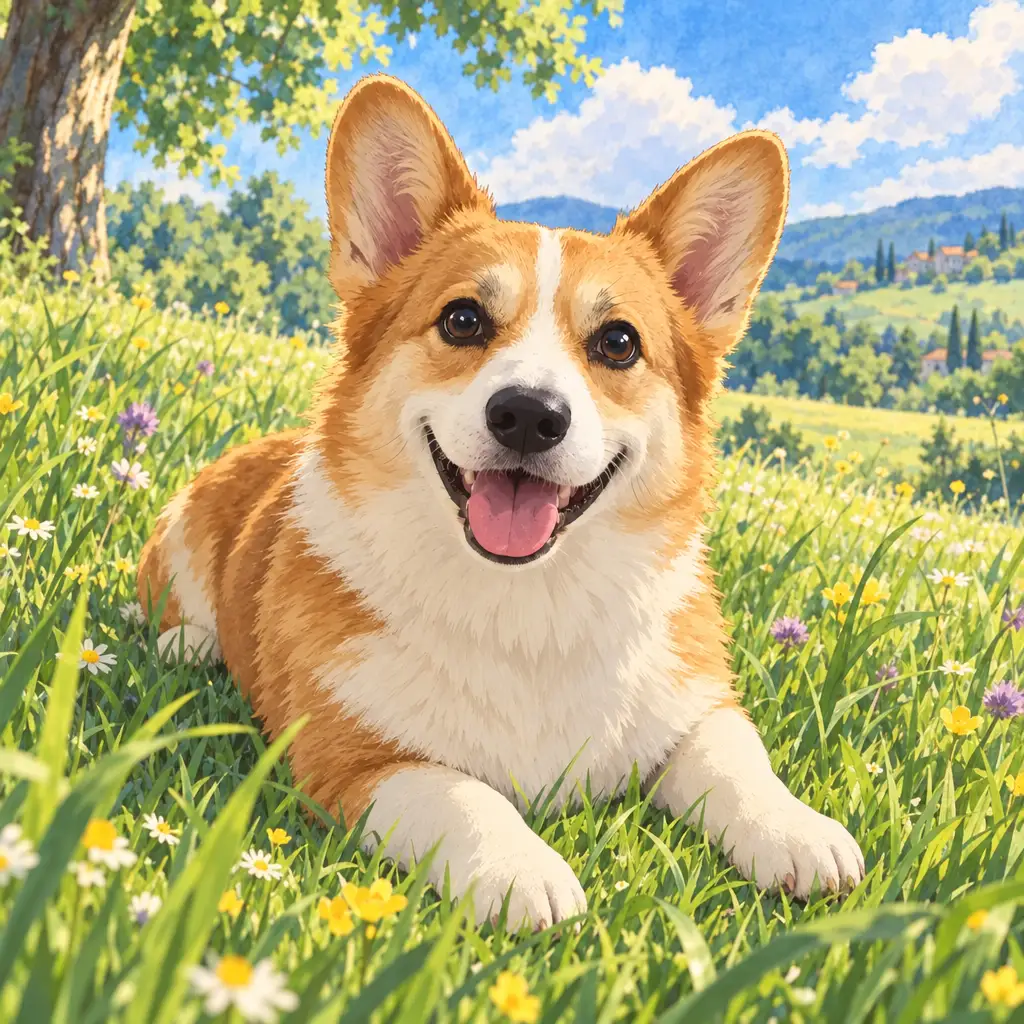 Illustration
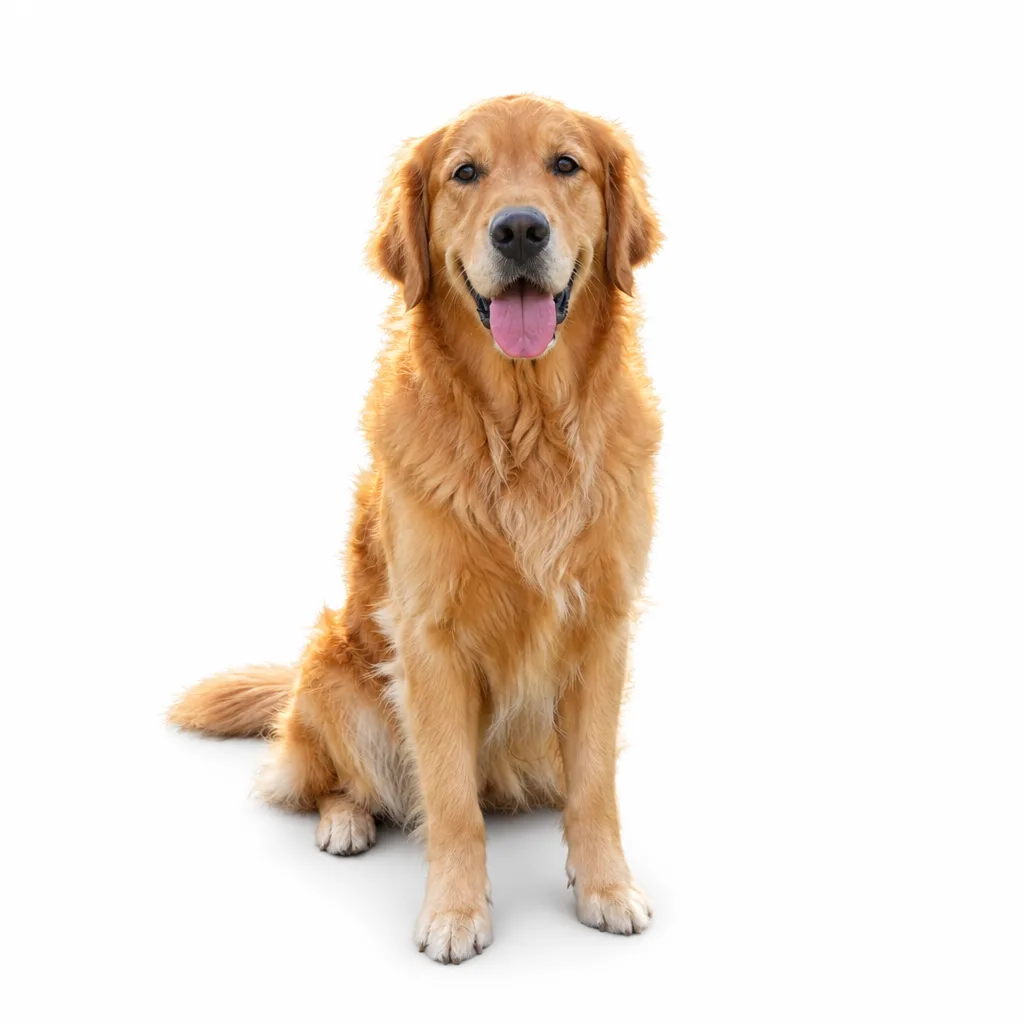
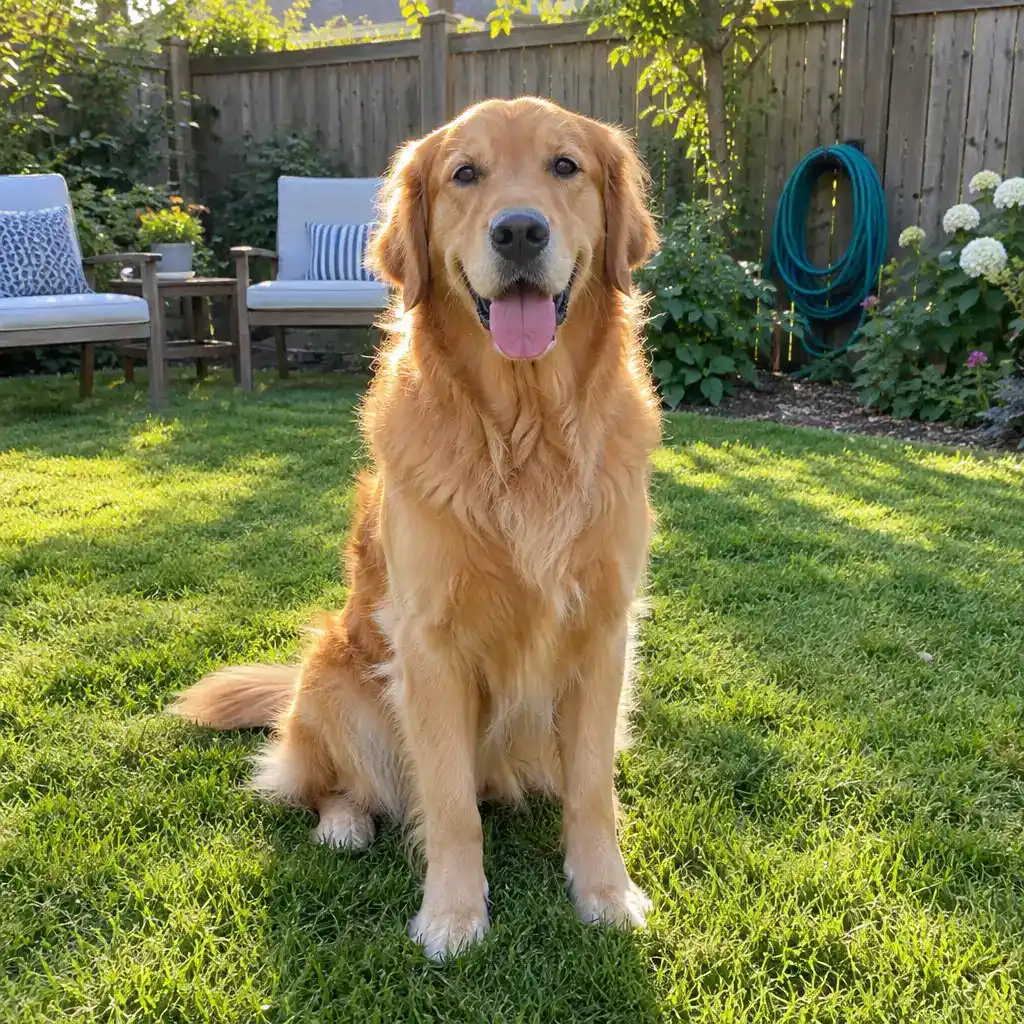
Example instruction: Redraw this pet as a hand-painted anime film still: soft watercolor sky, a sunny meadow with tall grass, clean line art, big expressive eyes. Keep the dog's breed, fur colors and markings exactly as in the photo.
 BeforeAfter
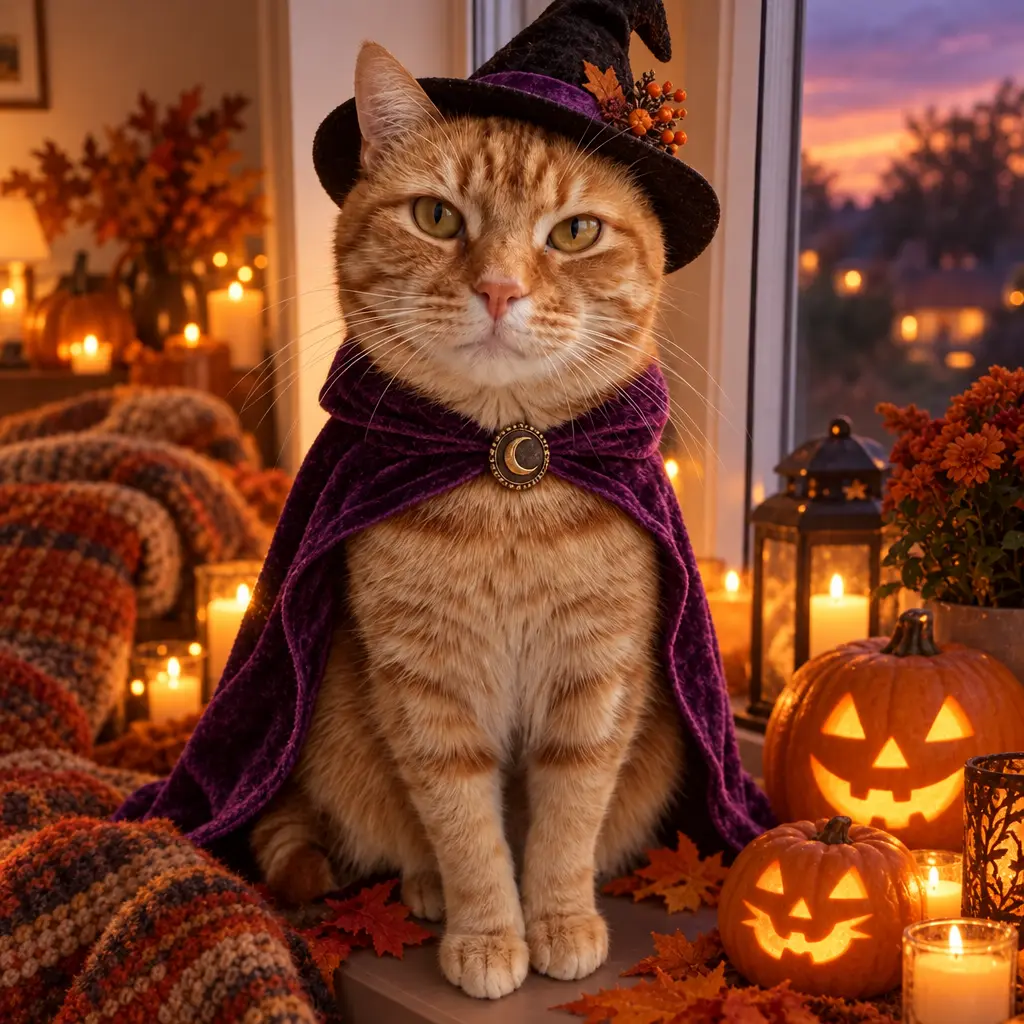
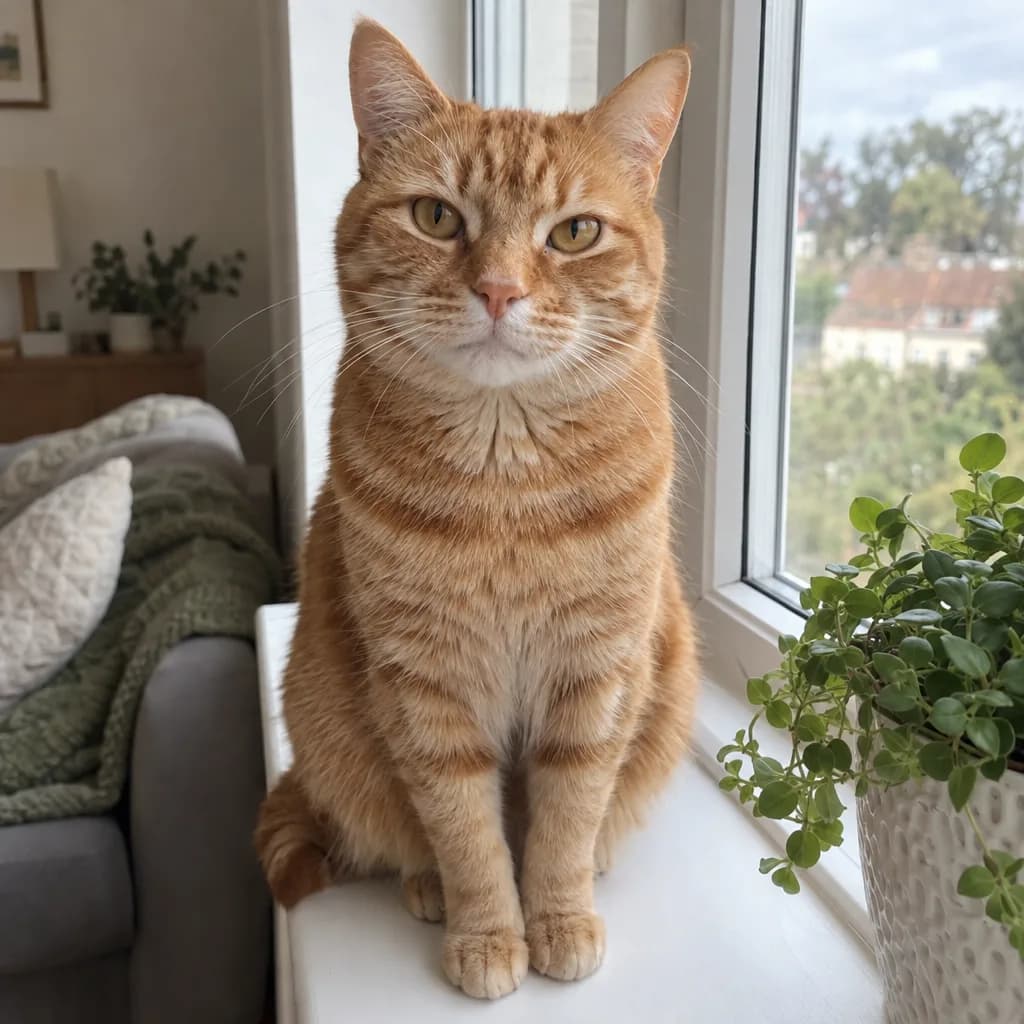
Example instruction: Dress this cat in a Halloween costume: a small black witch hat and a purple velvet cape, glowing carved pumpkins and candles around it at dusk, cozy autumn light. Keep the cat's fur colors, stripes, eyes and pose exactly as in the photo.
 BeforeAfter
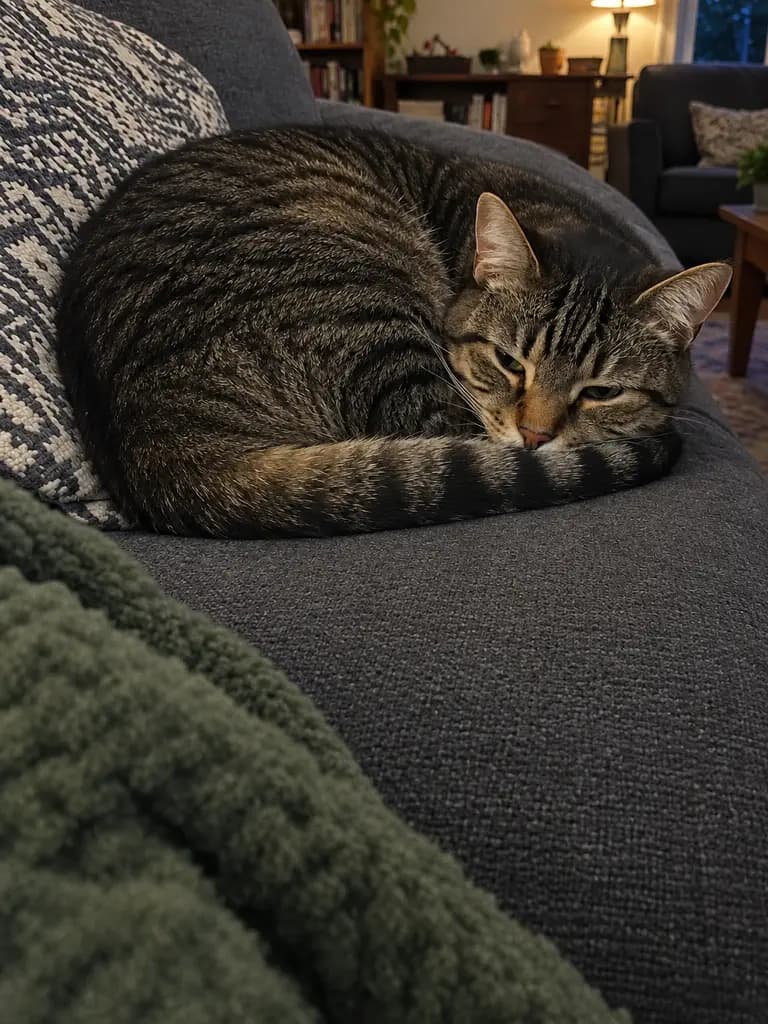
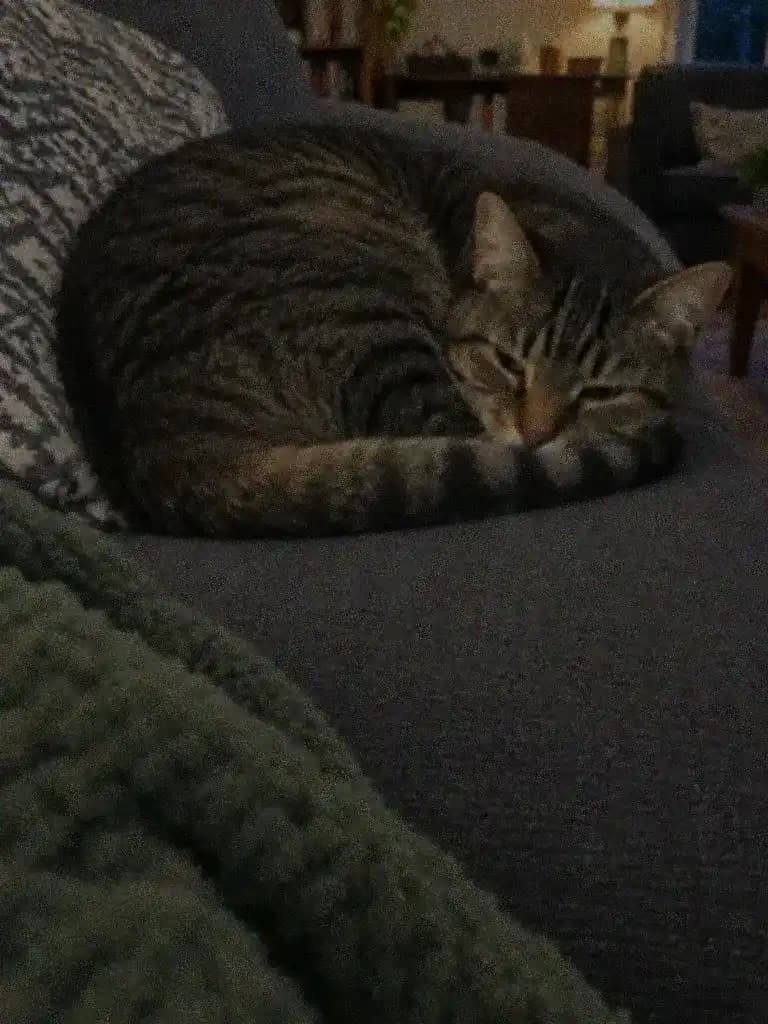 BeforeAfter
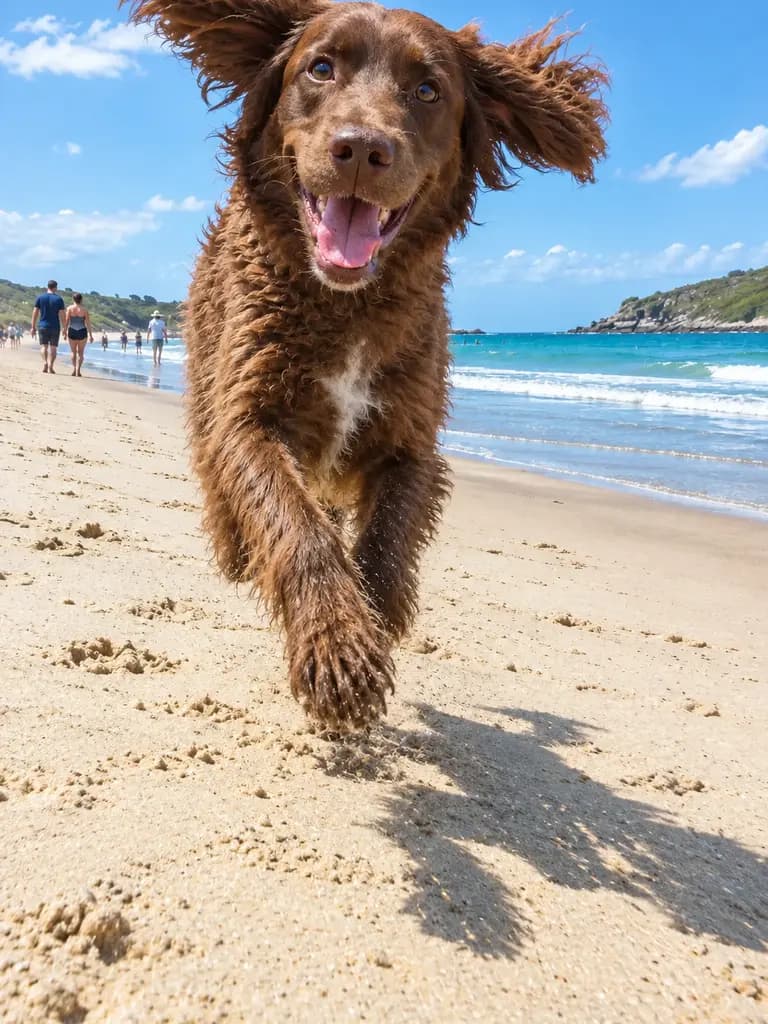
 BeforeAfter
What people are posting in this format right now. Videos by TikTok creators, shown with TikTok's own player; they were not made with UniqAI.
An owner unveils their dog's costume in one quick shot, the classic October format (~432K on the discover card).
A chihuahua 'asks' viewers if they like its costume, captioned in the pet's voice (~24K).
A still of a dog animated by AI into a looping dance to a trending sound, posted in parts (~97K).
A tutorial for the template that turns one pet photo into a short clip of the pet whining and 'talking' (~166K).
The owner reveals what AI imagines their dog would look like as a person (~76K; origin wave from April 2025, recent posts in this format have far lower reach).
Daylight, eye level and the whole face in frame give the model the most to work with.
Royal portrait, anime, a costume, a human version, or a short animated clip.
Check the markings against your photo and run it again if something is off.
IllustrationIllustrationIllustrationTurn this pet photo into a classical oil painting portrait: the pet sits on a red velvet cushion wearing a small gold crown and an ermine cape, dark painted background, warm candlelight. Keep the pet's breed, fur colors, markings and face exactly as in the photo.
Apply to my pet photoRedraw this pet as a hand-painted anime film still: soft watercolor sky, a sunny meadow, clean line art, big expressive eyes. Keep the pet's breed, fur colors and markings exactly as in the photo.
Apply to my pet photoDress this pet in a Halloween costume: a small black witch hat and a purple velvet cape, glowing carved pumpkins and candles around it at dusk. Keep the pet's fur colors, markings, eyes and pose exactly as in the photo.
Apply to my pet photoImagine this pet as an adult human. Echo its fur colors in their hair and clothes and its personality in their expression and pose. Realistic photo, soft daylight, same background as the original.
Apply to my pet photoPut this pet in a cozy red knit sweater in front of a decorated fir tree with warm string lights and wrapped gifts, soft evening glow. Keep the pet's breed, fur colors, markings and face exactly as in the photo.
Apply to my pet photoPlace this pet on a seamless sage green studio backdrop with soft, even light and a gentle shadow below, like a professional pet portrait session. Keep the pet, its fur and its pose exactly as in the photo.
Apply to my pet photoThe dog tilts its head toward the camera, ears perking up, then wags its tail. Gentle handheld camera, natural light, the background stays as it is.
Animate my photo on Kling 3.0Soft snowflakes start to fall around the pet; it looks up, blinks and sniffs the air. Slow push-in, quiet winter light.
Animate my photo on Kling 3.0The dog runs toward the camera along the wet sand, ears flapping, water splashing in slow motion. Low tracking shot, golden hour.
Animate my photo on Kling 3.0The pet bobs its head and sways side to side on the couch as if dancing to music, playful and smooth, camera locked off.
Animate my photo on Kling 3.0| What you make | Model | Cost per run |
|---|---|---|
| Portrait, costume, anime or human version from your photo | Nano Banana (Google), square result | 12Gems |
| Quick drafts to test an idea | Flux Schnell (Black Forest Labs) | 3Gems |
| Higher detail, more frame shapes | FLUX 1.1 Pro (Black Forest Labs), paid plan | 18Gems |
| Animated clip, 5 or 8 seconds | Kling 3.0, paid plan | 80Gemsor120Gems |
| Animated clip with sound, 6 or 8 seconds | Veo 3, paid plan | 1Cinemaor2Cinema |
The cost is shown before every run, and gems for a failed generation come back automatically.
The model only knows your pet from one photo, so that photo does most of the work.
It makes a convincing picture of your pet, not a copy of it. Small details like a split ear, an odd whisker or a patch on one paw can drift, so compare the result with your photo before you share it. Clips are short, 5 to 8 seconds, and the sound on Veo 3 is generated from your prompt, so a bark or a purr will not be your pet's real voice.
Yes, and for most other pets too. What matters is the photo: a sharp, well-lit shot where the face and markings are clearly visible gives a much closer result than a dark or heavily cropped one.
Each prompt asks the model to keep your pet's breed, fur colors and markings, in a realistic photo as well as in an anime or oil painting style. Fine details can still change, so compare the result with your photo and run it again if something looks off.
Yes. Upload the photo, describe one motion such as a head tilt or a run on the beach, and Kling 3.0 makes a 5 or 8 second clip. Veo 3 makes 6 or 8 second clips with generated sound. Video models need a paid plan.
Yes. Describe the costume in the prompt, for example a witch hat and a velvet cape, and the model draws it onto your pet's photo. Your pet never has to wear anything, which helps with pets that hate costumes.
A portrait on Nano Banana costs 12 gems and comes out square. A new account starts with 30 gems, enough for two portraits. The cost is shown before every run, and gems come back automatically if a generation fails.

Coming soon to the App Store for iPhone
Chat, photo and video generation with several AI models in one app.