

AI Photoshoot: See Yourself in a New Setting
Turn one clear selfie into a themed photo, from an old-money terrace to a dating profile or travel shot, without booking a studio.
Updated
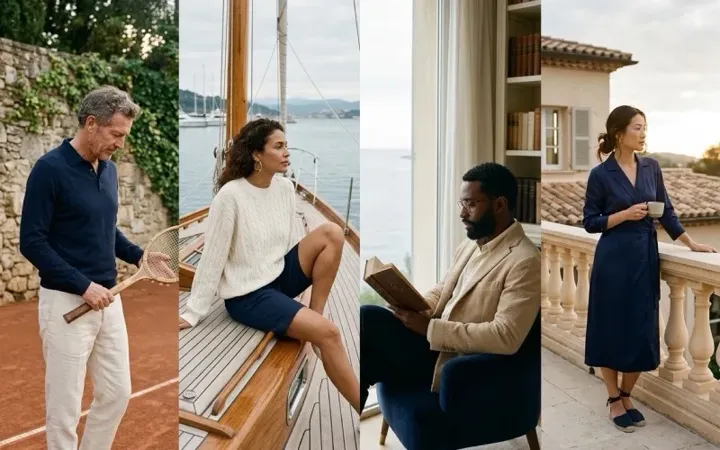 App sample
Examples
App samples come from the UniqAI app. Illustrations show other edits you can ask for.
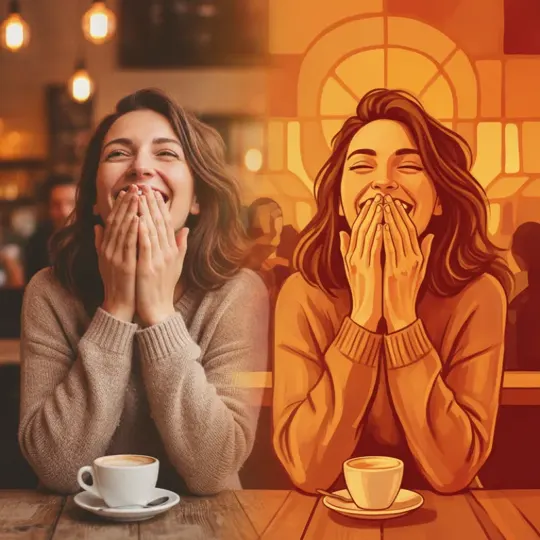 App sample
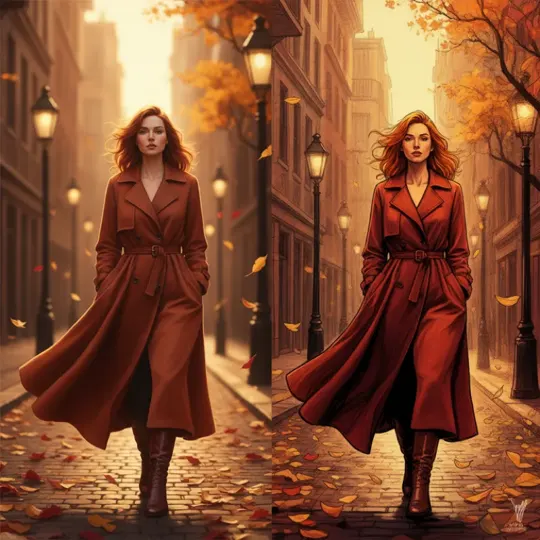 App sample
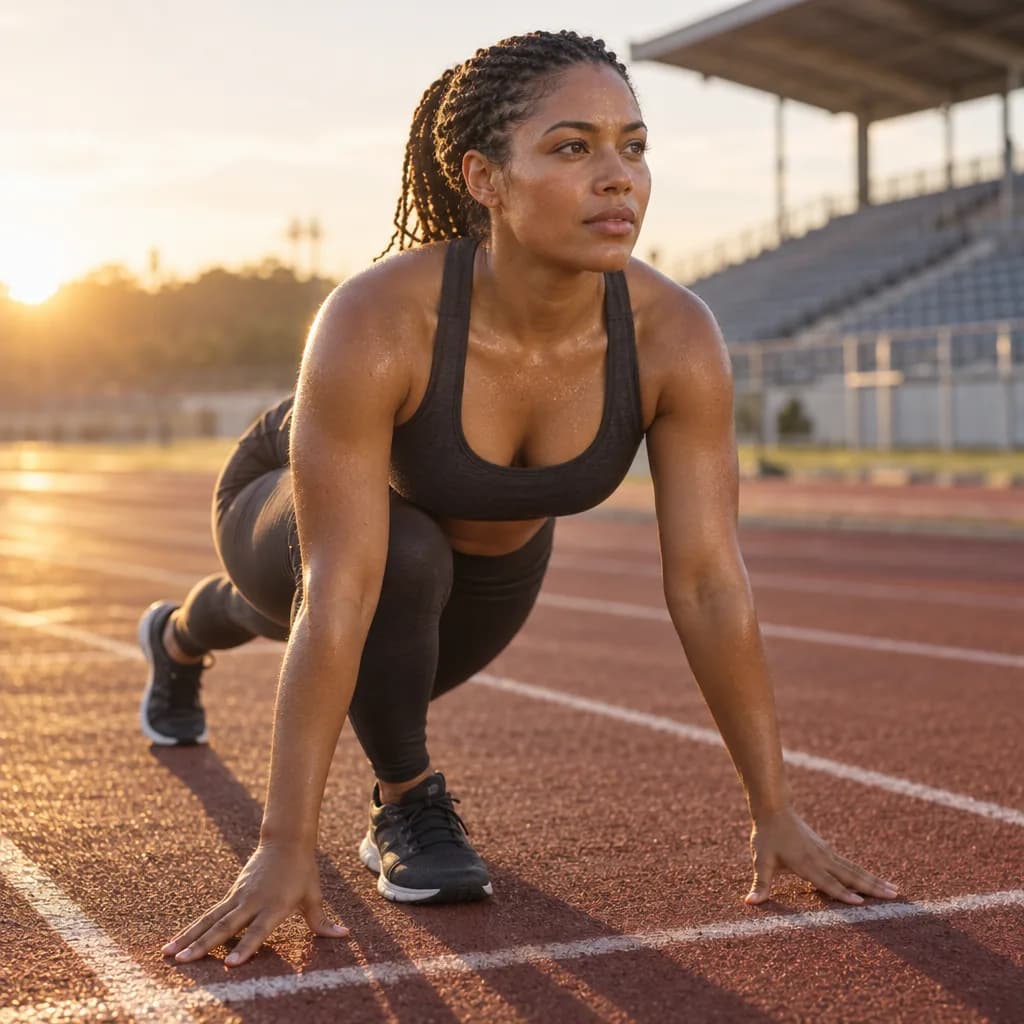 Illustration
Example instruction: Fitness photoshoot: a woman in her thirties with medium-brown skin and braids tied back, in a charcoal sports bra and leggings, mid-stretch at the start line of an outdoor running track at sunrise, a light sheen of sweat, low golden sun from behind rimming her shoulders, long shadows on the red track, stadium seats blurred behind. Editorial lifestyle photograph, 50 mm lens at f/2, soft natural light, gentle filmic colour grade with creamy highlights and slightly lifted blacks, natural skin texture with visible pores, no retouched plastic look. Square frame.
 Illustration
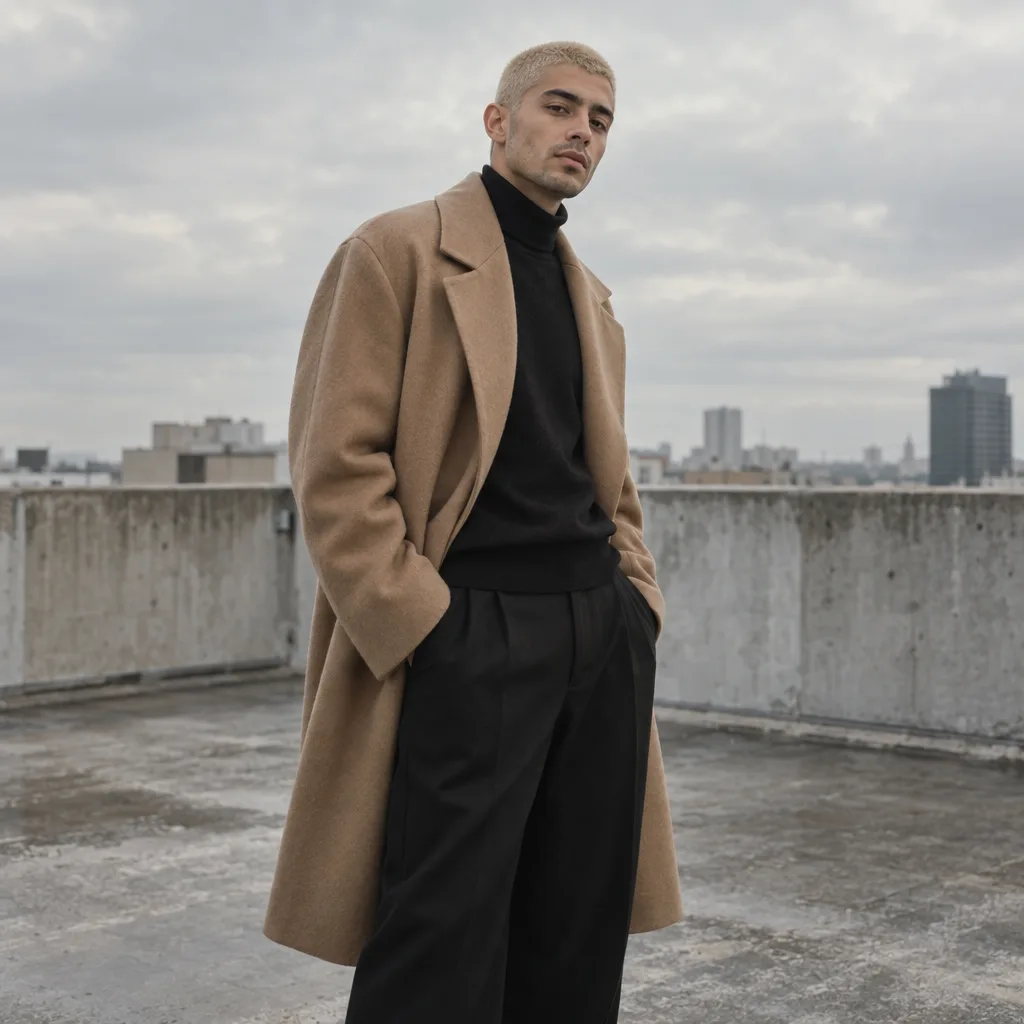
Example instruction: Model photoshoot: a man in his mid-twenties with light olive skin and a bleached buzz cut, wearing an oversized camel wool coat over a black turtleneck and wide black trousers, standing on a bare concrete rooftop under a flat overcast sky, three-quarter length, strong fashion-editorial pose, muted palette of camel, concrete grey and black. Editorial lifestyle photograph, 50 mm lens at f/2, soft natural light, gentle filmic colour grade with creamy highlights and slightly lifted blacks, natural skin texture with visible pores, no retouched plastic look. Square frame.
 Illustration
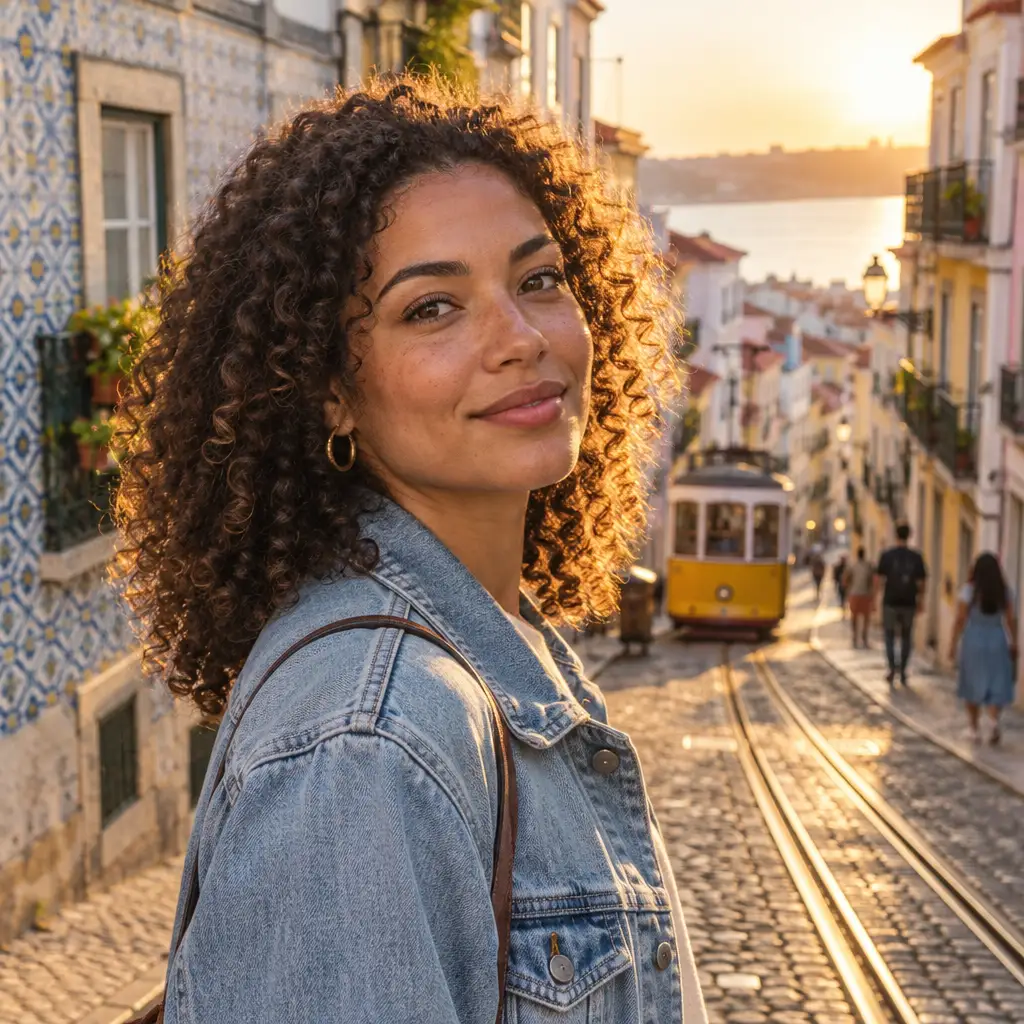
Example instruction: Waist-up portrait of a woman with natural curly hair in a light denim jacket on a steep Lisbon street at golden hour; yellow tram rails on cobblestones, pastel azulejo facades, low sun rim-lighting her hair and one cheek, warm bounce on the shadow side. Editorial lifestyle photograph, 50 mm lens at f/2, soft natural light, gentle filmic colour grade with creamy highlights and slightly lifted blacks, natural skin texture with visible pores, no retouched plastic look. Square frame.
 Illustration
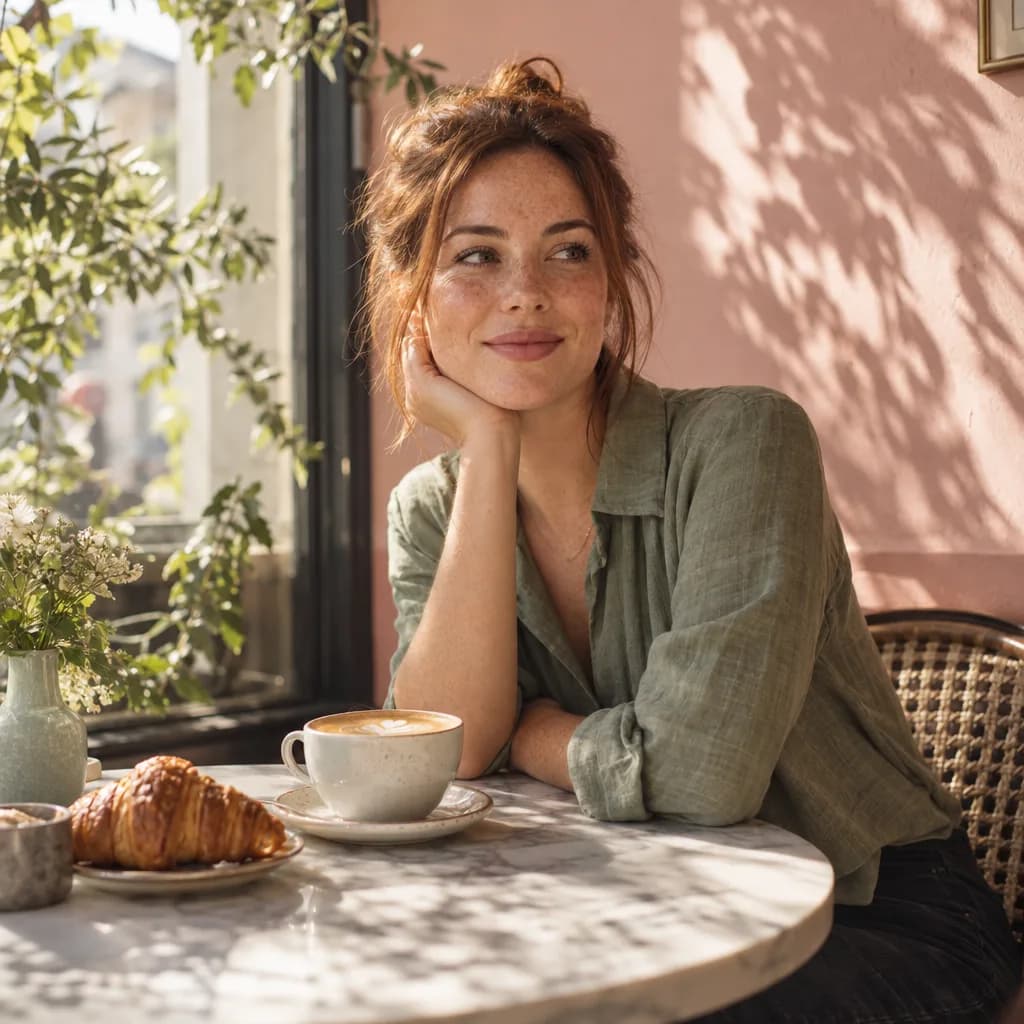
Example instruction: Instagram-style photoshoot: a woman in her late twenties with freckles and auburn hair in a loose bun, in a sage linen shirt, sitting at a small marble cafe table with a flat white and a croissant, a pastel pink wall and a window with morning sun casting soft leaf shadows, warm tones, three-quarter view, looking just past the camera. Editorial lifestyle photograph, 50 mm lens at f/2, soft natural light, gentle filmic colour grade with creamy highlights and slightly lifted blacks, natural skin texture with visible pores, no retouched plastic look. Square frame.
 Illustration
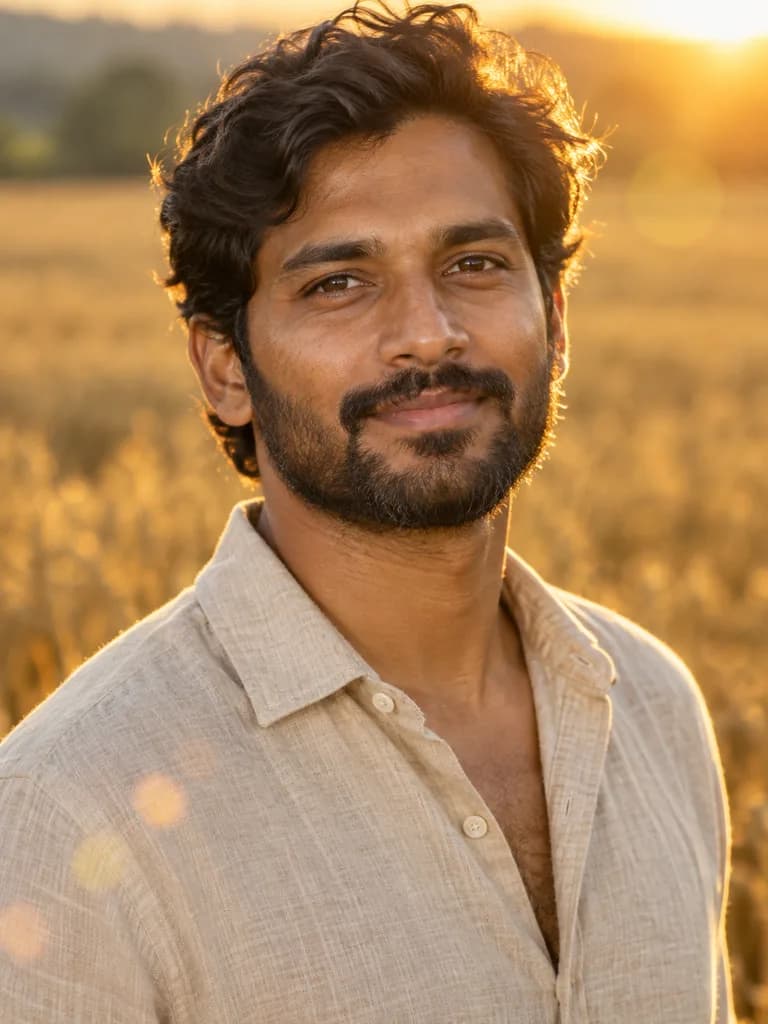
Example instruction: Outdoor editorial portrait of a South Asian man in his early thirties with a short dark beard and wavy hair, wearing an open-collar oatmeal linen shirt, standing in a ripe wheat field at golden hour. 135 mm lens at f/2, low sun behind him lighting the edge of the hair and beard, a soft reflector fill on the face, gentle lens flare, creamy out-of-focus field, warm honey and ochre palette, natural skin texture with no smoothing. Head and shoulders in the upper two thirds of a vertical frame.
How it works
Add one clear selfie
A sharp, well-lit photo facing the camera works best.
Pick or describe a theme
Old-money, dating profile, travel, fitness, or your own idea.
Generate and repeat
Run the prompt again with a new setting to build your own set.
Which photoshoot theme fits my goal?
| Goal | Theme | Setting and light to ask for |
|---|---|---|
| Dating profile | Casual lifestyle | A cafe or a park, natural daylight, relaxed smile |
| LinkedIn or a résumé | AI headshot generator | Plain studio backdrop, soft light, head and shoulders |
| Social posts with a polished look | Old money | Seaside terrace, navy and cream outfit, editorial light |
| Travel post | Travel | A named place and time of day, such as a harbor at sunset |
| Fitness post | Fitness | A gym or an outdoor track, morning light, sportswear |
| A seasonal photo | Halloween photo looks | Pumpkin patch at dusk, a candlelit forest, costume details |
| Keep your photo, change only the place | Background changer | Describe the new backdrop; the subject stays as it is |
Themes are prompts, so you can mix them. Each run makes one photo from your selfie.
How much does an AI photoshoot cost?
Each photo is one run: 12 gems on Nano Banana, the model this page starts on. A set of five themed photos from one selfie is five runs, 60 gems. The cost is shown before every run.
- Flux Schnell (Black Forest Labs): 3 gems per image, the lowest cost.
- Nano Banana (Google): 12 gems per image.
- FLUX 1.1 Pro (Black Forest Labs): 18 gems per image, paid plan only.
If a generation fails, the gems are returned automatically. Photo packs that make a whole set in one go are planned for the iPhone app and are not available yet.
Worked example: a pumpkin patch shoot from one selfie
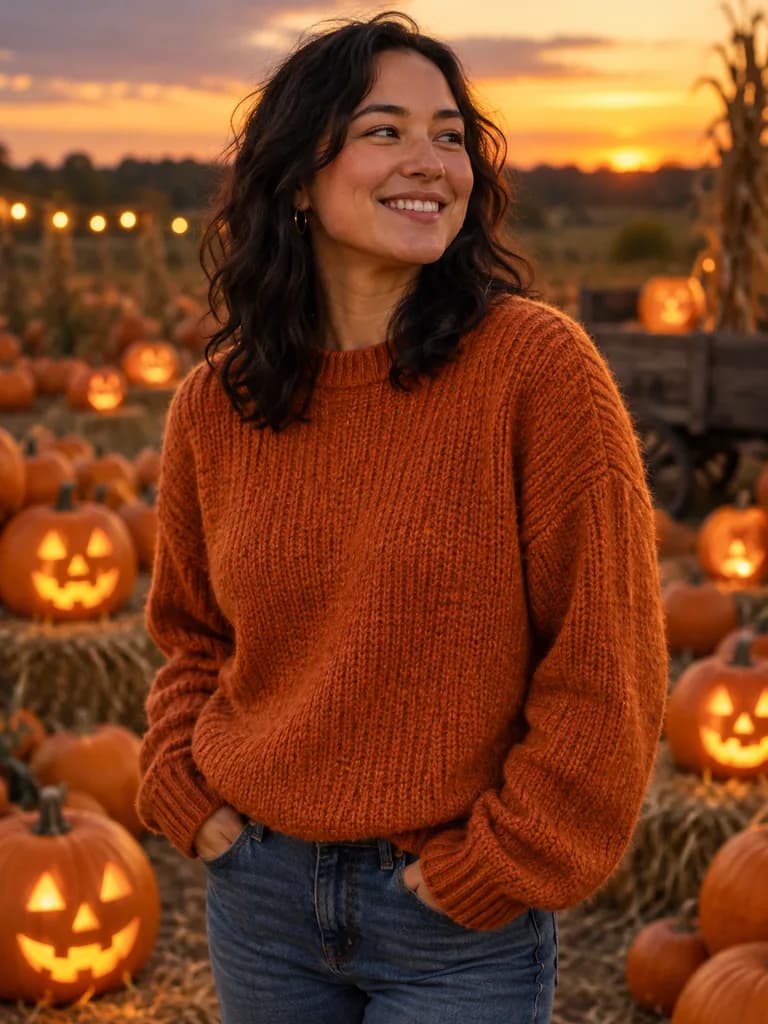 Illustration
 of this look, made from the prompt with an image model, not from your photo. Your result starts from your own photo.
Place me in a pumpkin patch at dusk wearing a cozy orange sweater, glowing jack-o'-lanterns around me, warm golden light, shallow depth of field. Keep my face and features exactly as in the photo.
Apply to my photoHow do I get photos that look like a real shoot?
Name the place, the outfit and the light in one sentence, and keep the line that asks the model to keep your face. The worked example above does exactly that.
- Start from one sharp, front-facing selfie in daylight, with nothing covering your face.
- Be specific: "seaside terrace, navy knitwear, soft morning light" works better than "luxury photo".
- To build a set, keep the outfit and light the same and change only the place.
- Check every face against your selfie before you post it, and only use photos of yourself or of people who agreed to it.
Questions about AI Photoshoot
How many selfies do I need to upload?
One clear selfie per photo. To build a set, run the prompt several times with different settings. Photo packs that create a whole set in one go are planned for the iPhone app.
Will the photos look like an actual photoshoot?
The model generates portrait-style images that match the chosen theme's lighting, setting and framing, aiming for a result close to a real photoshoot rather than an obvious edit.
Can I use the photos for a dating profile or LinkedIn?
Many people use themed sets for dating apps or professional profiles. For a dating profile, keep the setting casual and the light natural; for LinkedIn, use the headshot tool with a plain studio backdrop. Only use a result where your face still looks accurate.
What if I don't like the first set of results?
Run the prompt again with a different setting, or try another selfie with better light and a straighter angle, since the source photo drives the result. Keep the last line of the prompt, which asks the model to keep your face unchanged.

Coming soon to the App Store for iPhone
Chat, photo and video generation with several AI models in one app.