

AI Hairstyle: Try a New Cut or Color on Your Own Face
Upload a selfie, describe the cut or color you have in mind, and the model shows it on your own face.
Updated
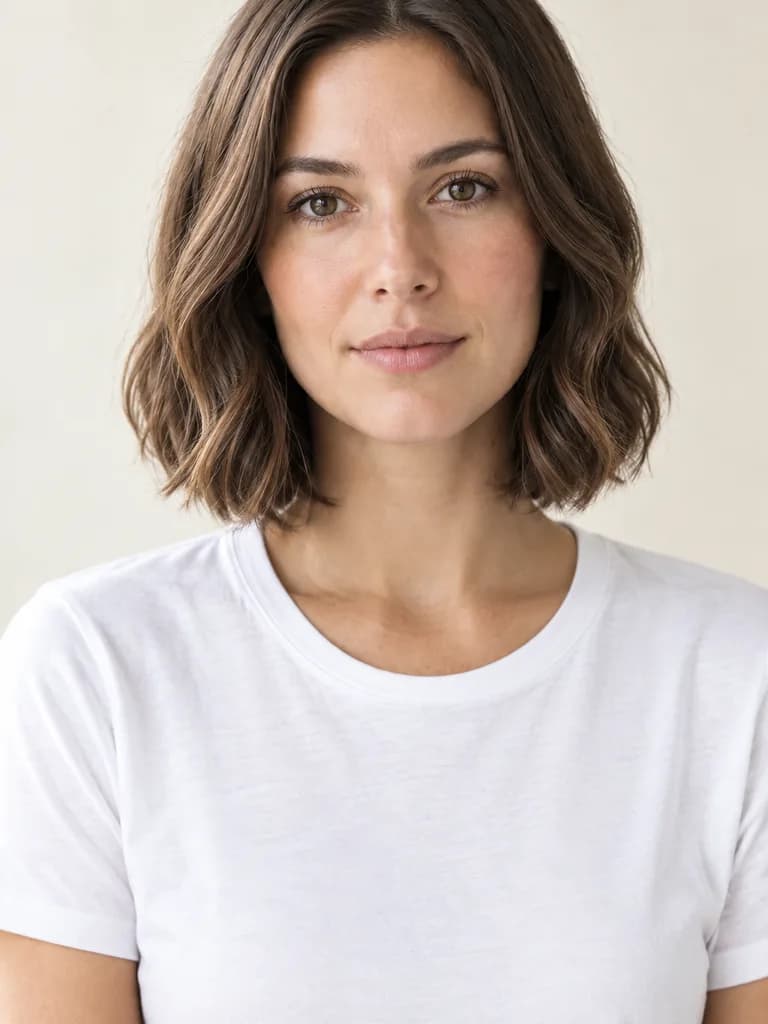
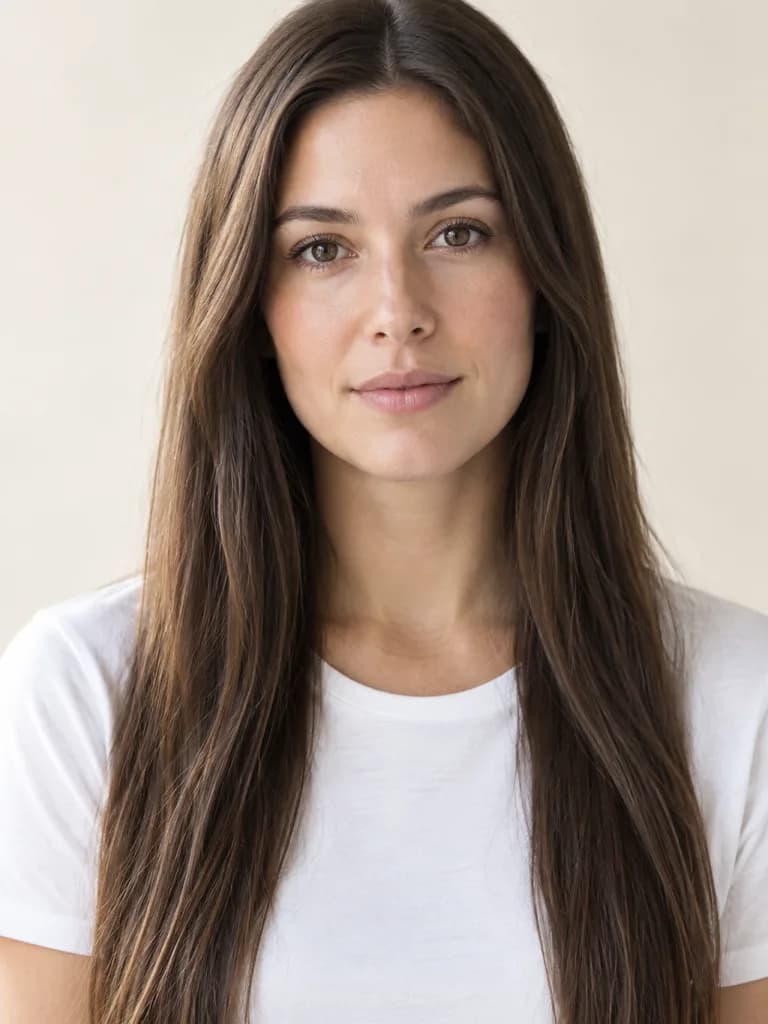 BeforeAfter
Examples
Illustrations of the kind of result this makes. They are not app outputs.
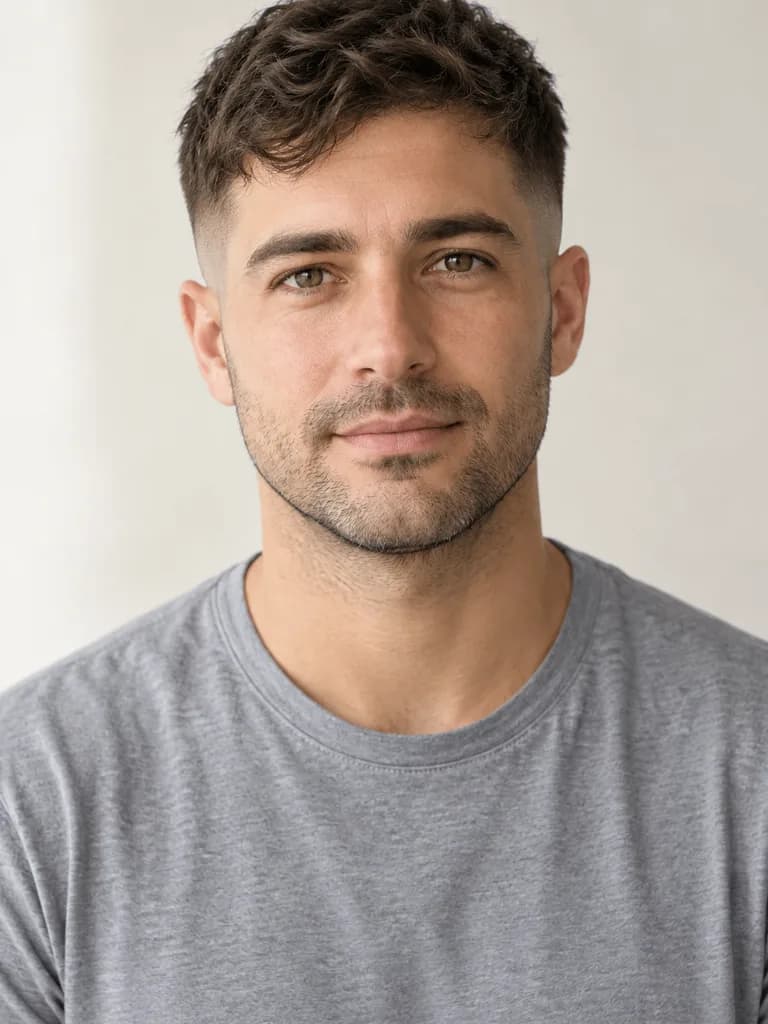
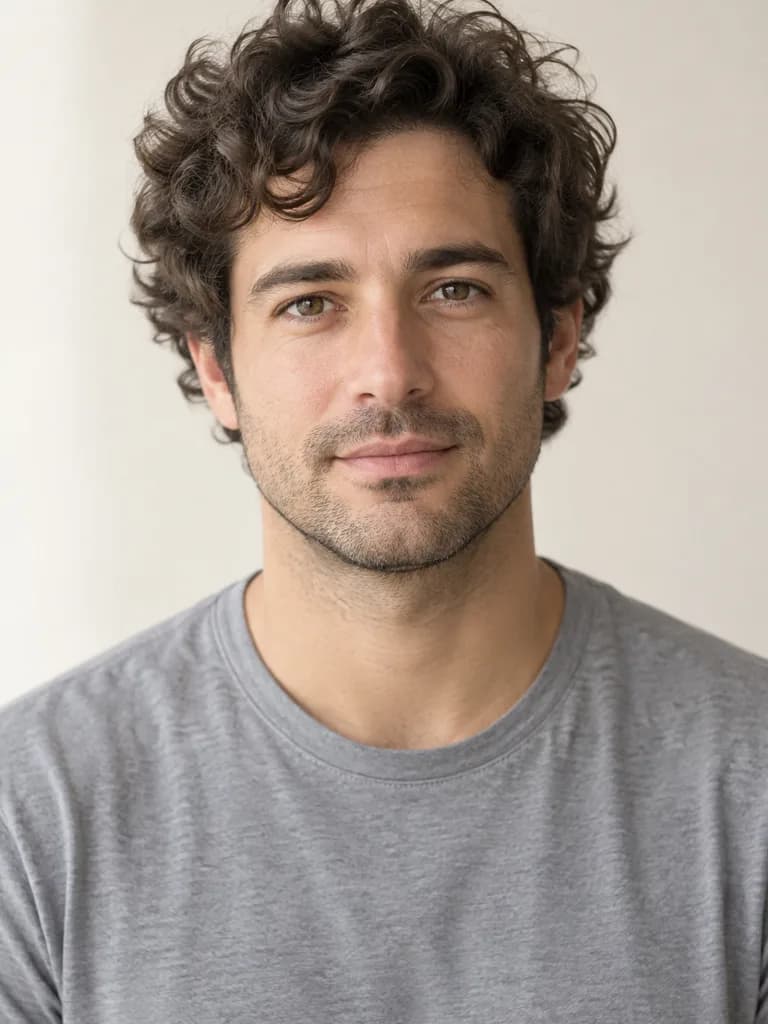 BeforeAfter
Example instruction: Change his hairstyle to a short textured crop on top with a clean skin fade on the sides, same dark hair color. Keep his face, stubble, skin, expression, clothes, the background and the light exactly as they are. The new hair must look real and salon-fresh: individual strands, natural hairline, realistic shine and volume, believable from every angle. Do not change the framing, crop, camera angle, or anything not mentioned. The result must look like an untouched real photograph, with no smudges, repeated textures, halos or visible seams.
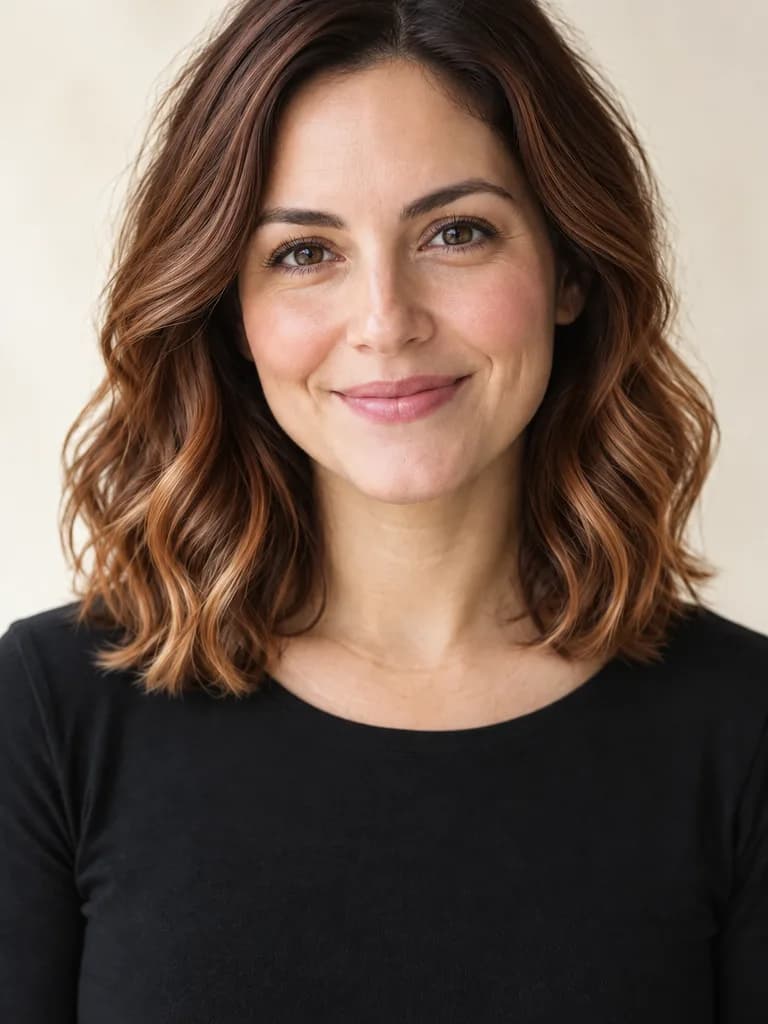
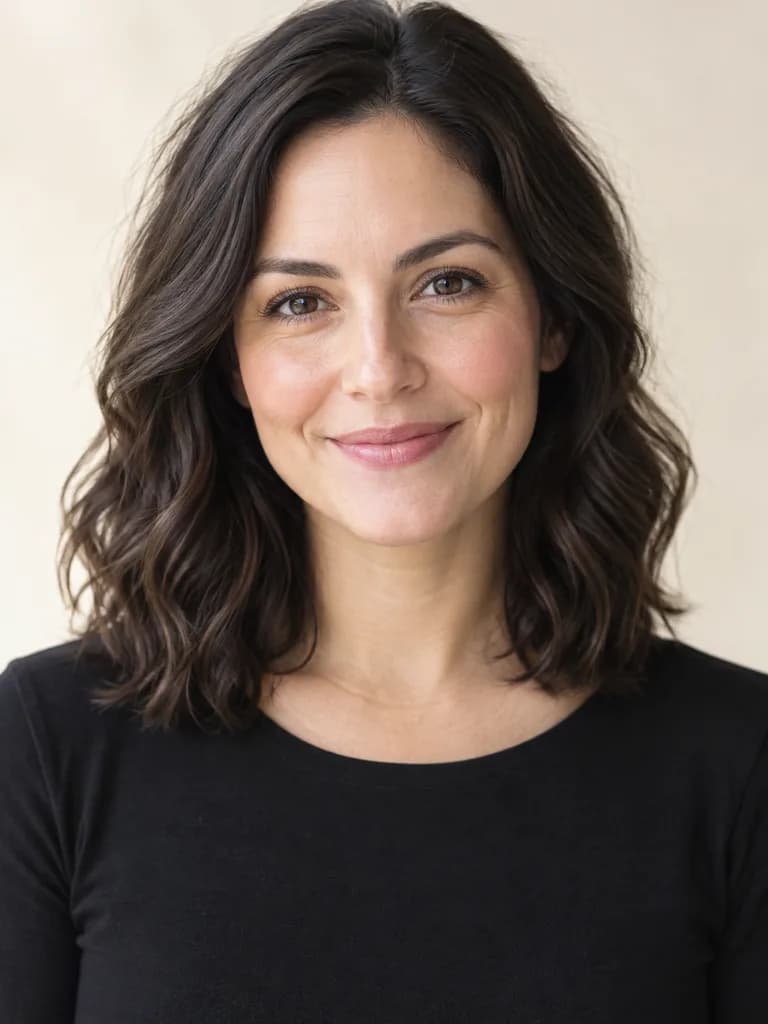 BeforeAfter
Example instruction: Keep her haircut exactly as it is but change the hair color to a warm copper balayage with darker roots and lighter ends. Keep her face, skin, expression, clothes, the background and the light exactly as they are. The new hair must look real and salon-fresh: individual strands, natural hairline, realistic shine and volume, believable from every angle. Do not change the framing, crop, camera angle, or anything not mentioned. The result must look like an untouched real photograph, with no smudges, repeated textures, halos or visible seams.
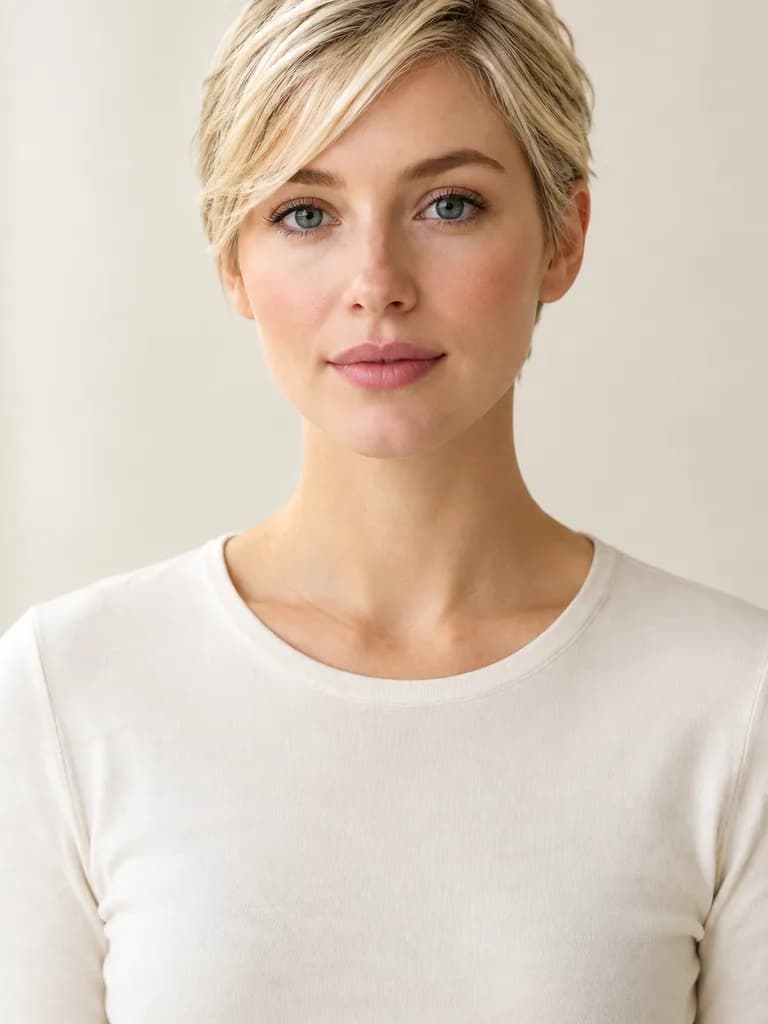
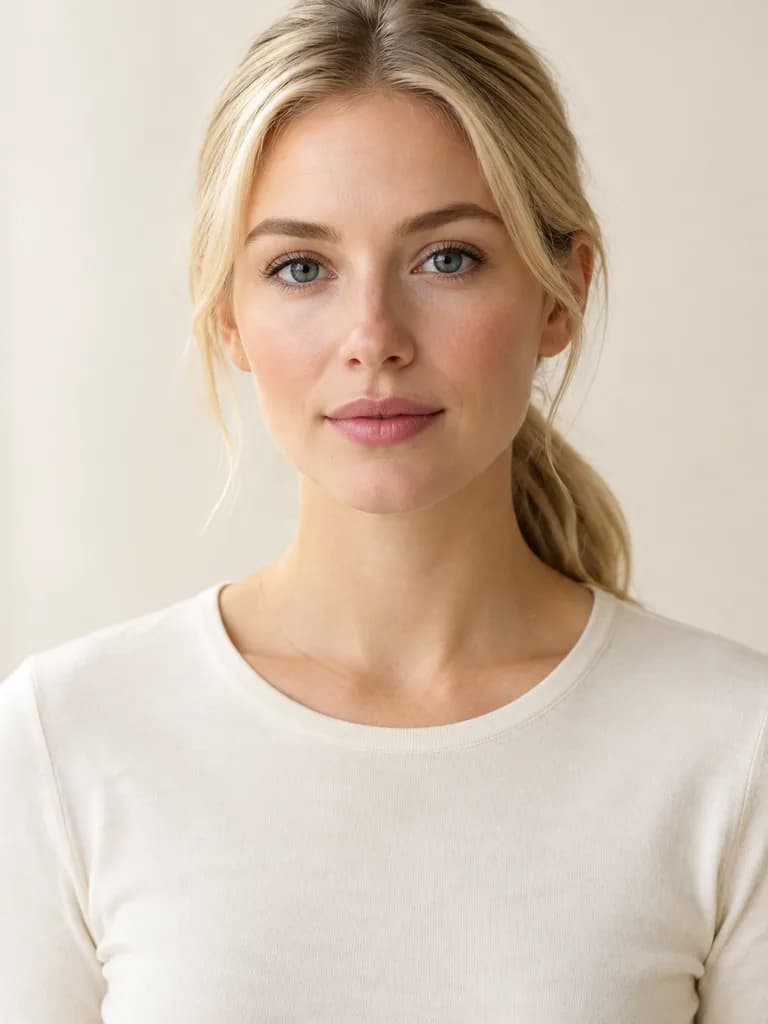 BeforeAfter
Example instruction: Change her hairstyle to a soft pixie cut with a slightly longer side-swept fringe, same blonde color. Keep her face, skin, expression, clothes, the background and the light exactly as they are. The new hair must look real and salon-fresh: individual strands, natural hairline, realistic shine and volume, believable from every angle. Do not change the framing, crop, camera angle, or anything not mentioned. The result must look like an untouched real photograph, with no smudges, repeated textures, halos or visible seams.
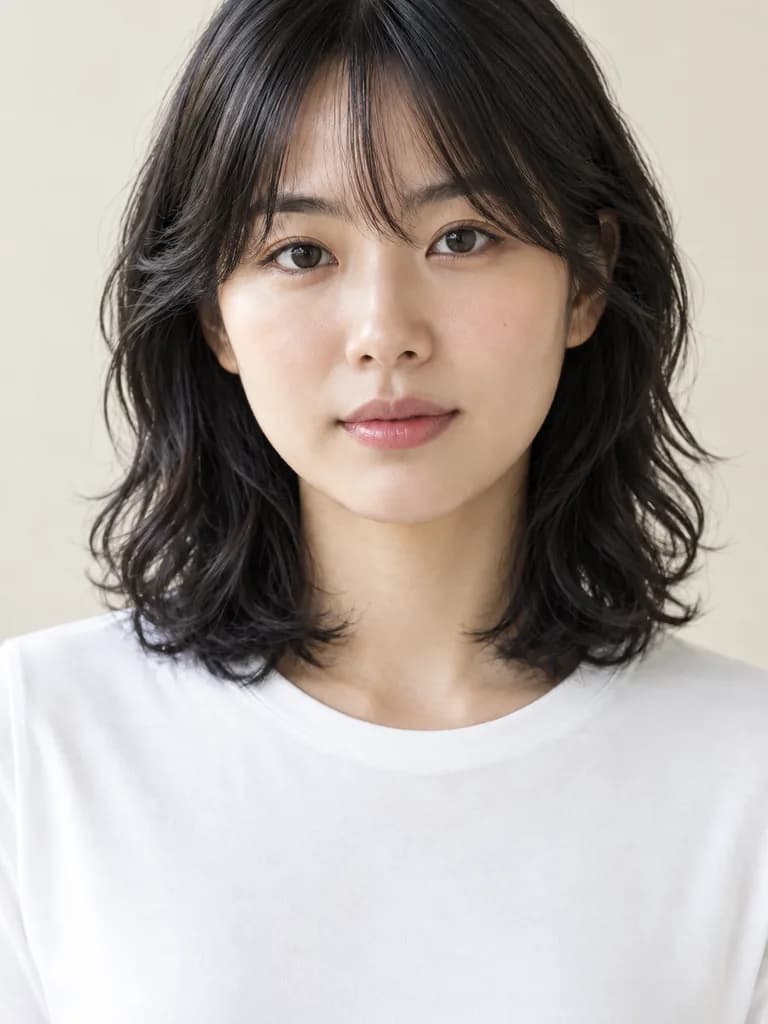
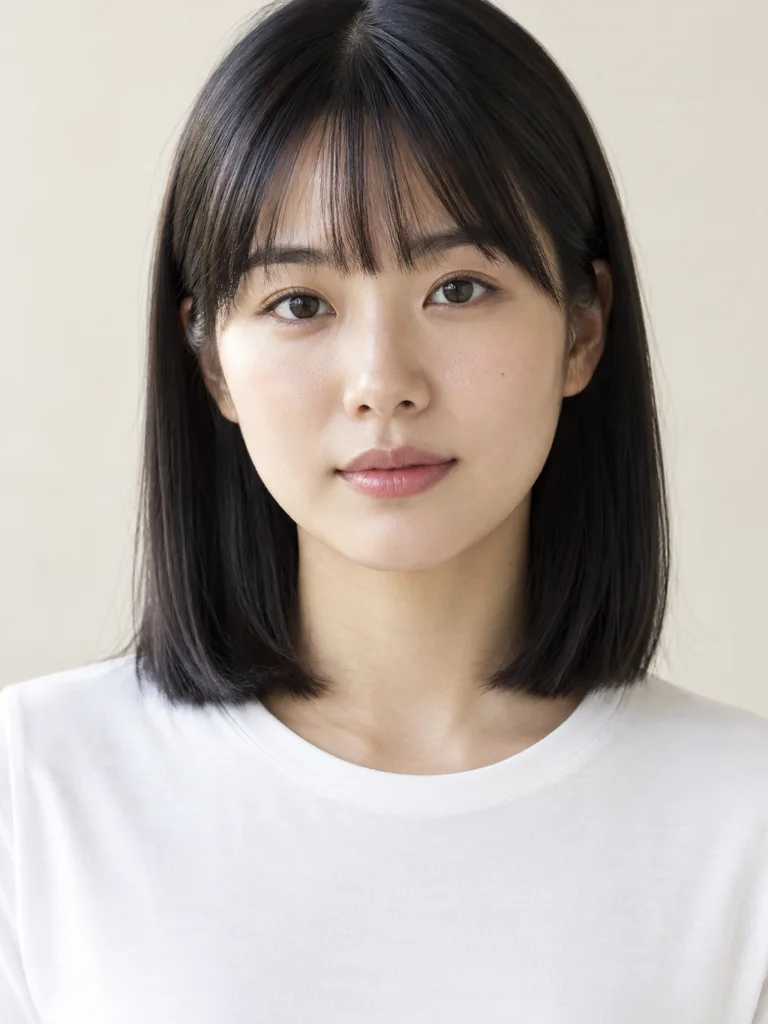 BeforeAfter
Example instruction: …shoulder-length curly shag with lots of layers and a curtain fringe, same black color. Keep her face, skin, expression, clothes, the background and the light exactly as they are. The new hair must look real and salon-fresh: individual strands, natural hairline, realistic shine and volume, believable from every angle. Do not change the framing, crop, camera angle, or anything not mentioned. The result must look like an untouched real photograph, with no smudges, repeated textures, halos or visible seams.
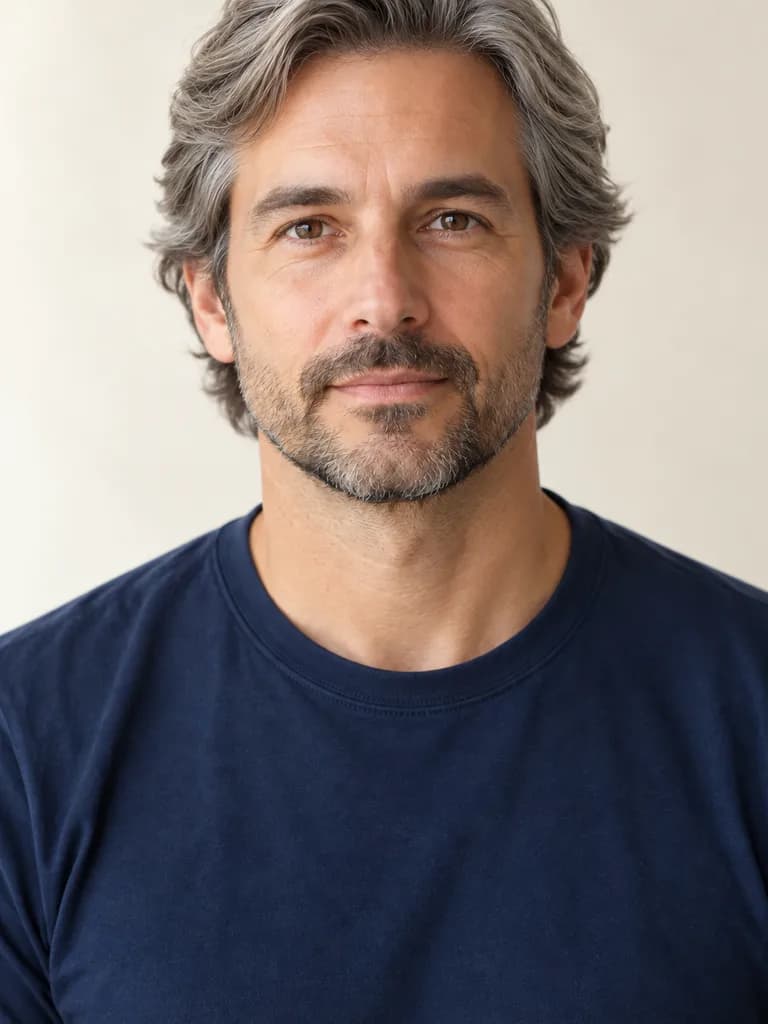
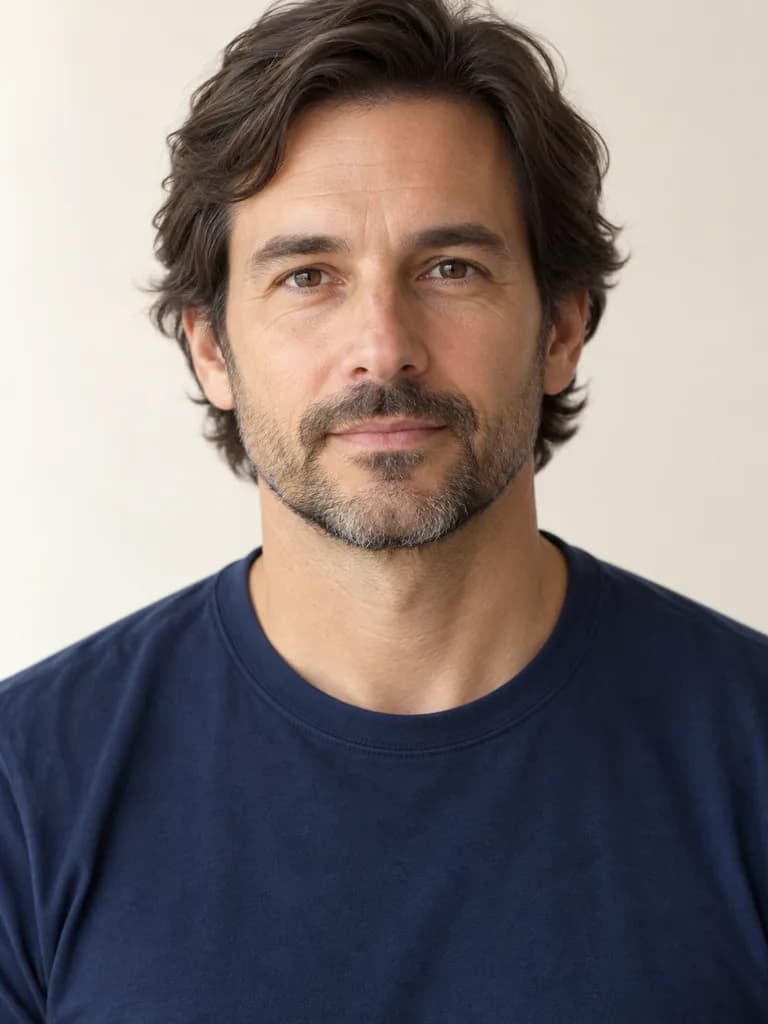 BeforeAfter
Example instruction: Change his hair color to silver grey and style it swept back, keeping the length; keep the beard as it is. Keep his face, skin, expression, clothes, the background and the light exactly as they are. The new hair must look real and salon-fresh: individual strands, natural hairline, realistic shine and volume, believable from every angle. Do not change the framing, crop, camera angle, or anything not mentioned. The result must look like an untouched real photograph, with no smudges, repeated textures, halos or visible seams.
How it works
Take a front-facing selfie
Even daylight, hair visible, nothing covering the face.
Describe the cut or color
Pick a prompt below or write your own: length, texture, fringe, color.
Compare a few looks
Each look is a 12-gem run on the same selfie. Save the ones to show your stylist.
Hairstyles to try on your selfie
BeforeAfterIllustration of this look, made from the prompt with an image model, not from your photo. Your result starts from your own photo.
Change my hairstyle to a chin-length curtain bob with soft waves, keeping my natural hair color. Keep my face, skin, expression, clothes and the background exactly as in the photo.
Apply to my selfieBeforeAfterIllustration of this look, made from the prompt with an image model, not from your photo. Your result starts from your own photo.
Change my hairstyle to a short textured crop on top with a clean skin fade on the sides, keeping my natural hair color. Keep my face, skin, expression, clothes and the background exactly as in the photo.
Apply to my selfieBeforeAfterIllustration of this look, made from the prompt with an image model, not from your photo. Your result starts from your own photo.
Keep my current haircut but change the color to a warm copper balayage with darker roots and lighter ends. Keep my face, skin, expression, clothes and the background exactly as in the photo.
Apply to my selfieBeforeAfterIllustration of this look, made from the prompt with an image model, not from your photo. Your result starts from your own photo.
Change my hairstyle to a soft pixie cut with a slightly longer, side-swept fringe, keeping my natural hair color. Keep my face, skin, expression, clothes and the background exactly as in the photo.
Apply to my selfieBeforeAfterIllustration of this look, made from the prompt with an image model, not from your photo. Your result starts from your own photo.
Change my hairstyle to a shoulder-length curly shag with lots of layers and a curtain fringe, keeping my natural hair color. Keep my face, skin, expression, clothes and the background exactly as in the photo.
Apply to my selfieChange my hair to long layers past the shoulders in a cool platinum blonde. Keep my face, skin, expression, clothes and the background exactly as in the photo.
Apply to my selfieHow close is the preview to the real haircut?
Close enough to judge length, shape and color against your face, which is what most people want before booking. It is not a prediction of how your hair will behave: the model does not know your hair's texture, thickness or growth pattern, and a curly shag drawn on fine straight hair will look fuller than real life. Show the picture to your stylist and ask what would change for your hair type.
About the examples
The before-and-after pairs on this page are illustrations made with an image model to show the kinds of change the tool targets. They are not UniqAI outputs. Examples from real edits in the app will be added.
What it can and cannot do
It is a generative edit: the model repaints the hair and aims to leave the face alone, but fine facial detail can drift, especially when the new hair covers the forehead or ears. Use a sharp selfie, keep the last line of the prompt, and compare the result with the original. Use your own photos, or photos of adults who agreed to it.
Questions about AI Hairstyle
Can AI show what I would look like with a different haircut?
Yes. Tap Apply to my selfie on a style, add a clear front-facing selfie in the web app and send. The model redraws the hair and keeps the face, so you can judge length, shape and color against your own features.
Does it work for hair color as well as cuts?
Yes. The copper balayage and platinum prompts change only the color; the others change the cut. You can combine both in one sentence, but one change at a time is more predictable and makes it easier to see what you like.
How much does one hairstyle preview cost?
One look on Nano Banana costs 12 gems, shown next to the model before you generate. If a generation fails, the gems are returned. Three looks to compare come to 36 gems.
How accurate is an AI hairstyle try on?
Close in shape and color, not a prediction. It shows the cut and color on your face, but the model does not know your hair's texture, thickness or how it falls, so a real cut can sit differently. Treat it as a reference to bring to your stylist, not a promise.
Why does my face look slightly different in the result?
The model repaints the picture, so fine detail can drift, especially where new hair meets the forehead or ears. Use a sharper, well-lit selfie, keep the line that asks to leave the face unchanged, and run it again if needed.

Coming soon to the App Store for iPhone
Chat, photo and video generation with several AI models in one app.