

AI Filters: See Yourself in Any Style
Try AI photo styles on your own selfie: anime, 3D cartoon, hand-painted animation, fantasy and cyberpunk.
Updated
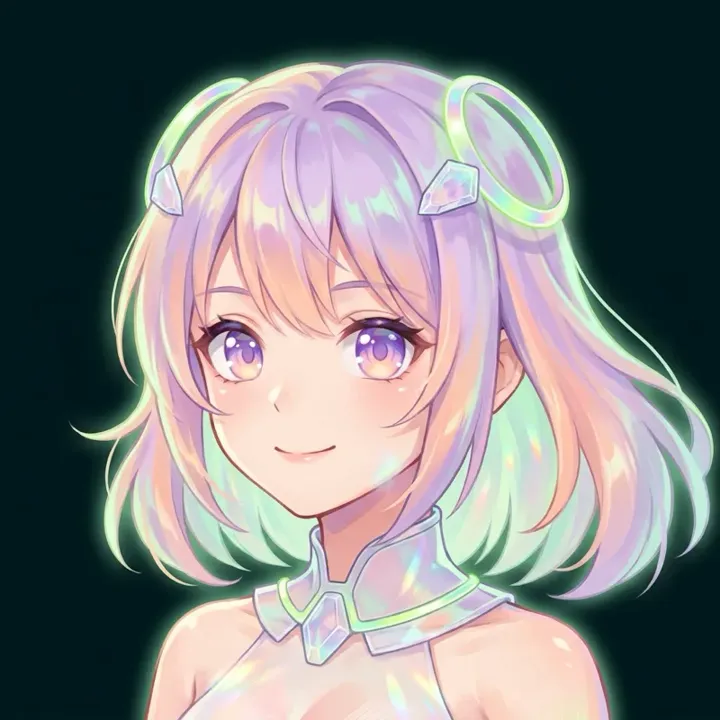 App sample
Examples
App samples come from the UniqAI app. Illustrations show other edits you can ask for.
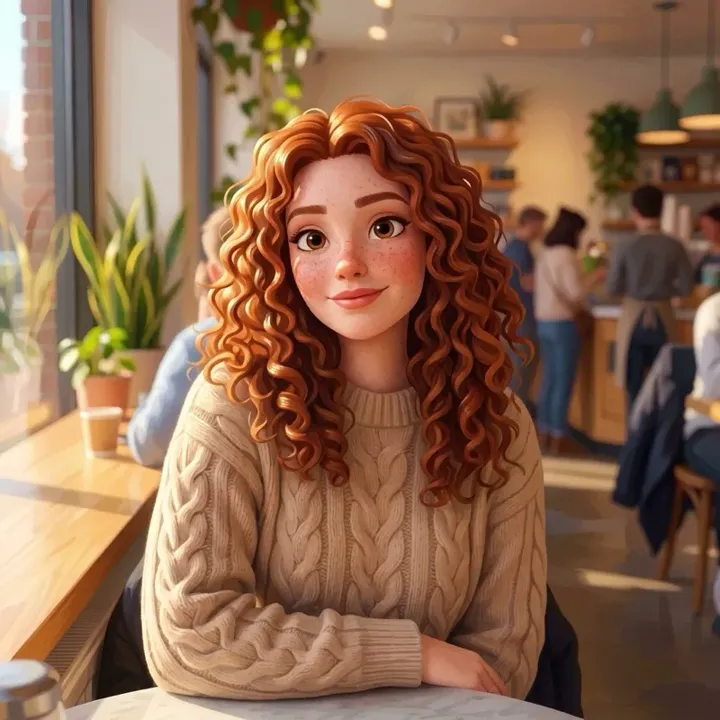 App sample
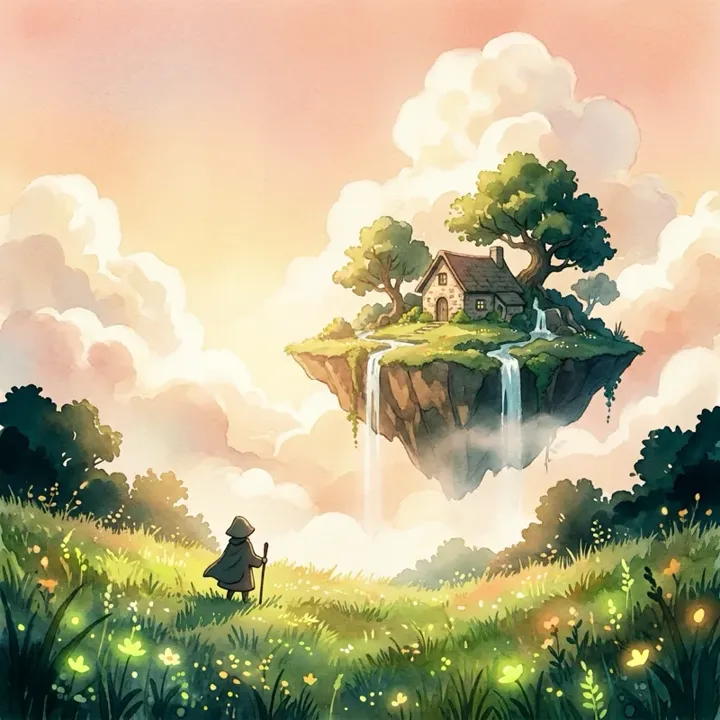 App sample
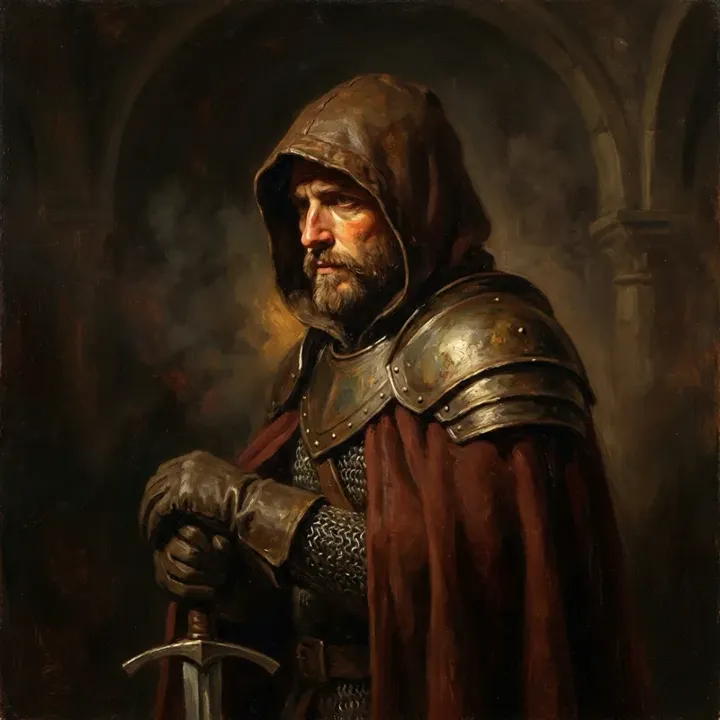 App sample
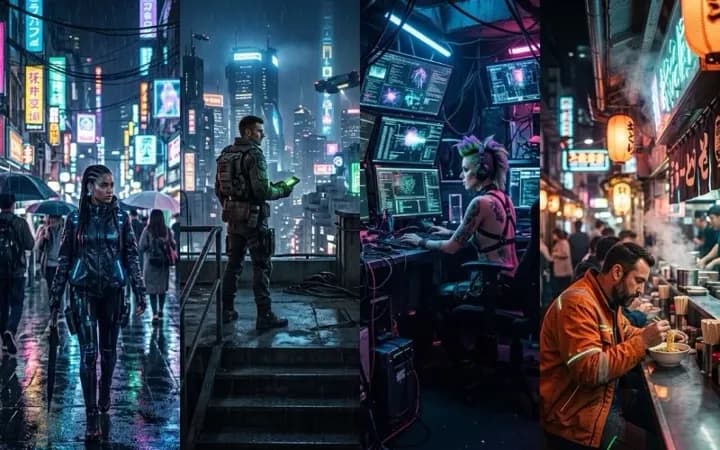 App sample
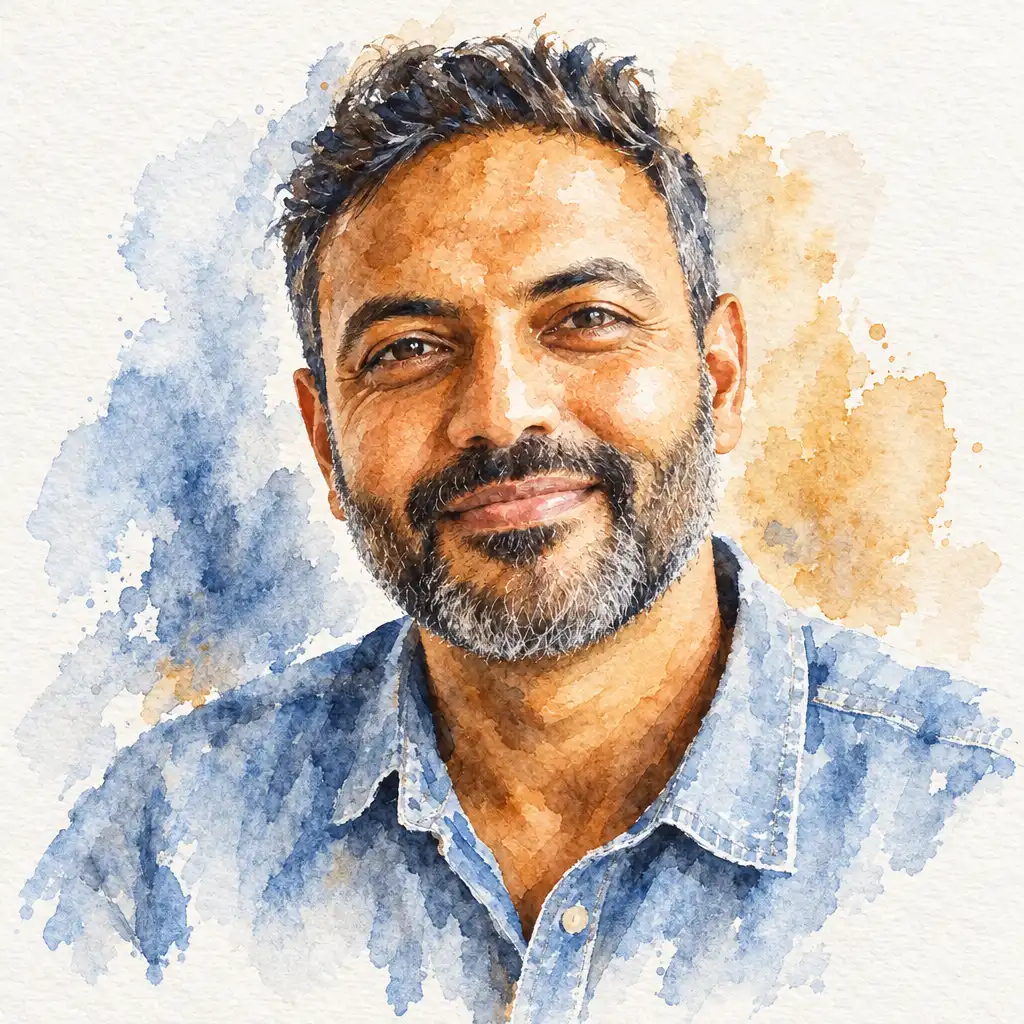
 BeforeAfter
Example instruction: Repaint this photo as a loose transparent watercolor portrait on cold-pressed paper: wet-on-wet washes, granulating pigment, soft bleeding edges, white paper left showing in the highlights, a few crisp ink-fine details around the eyes, a limited palette of indigo, burnt sienna and ochre. It must unmistakably read as a hand-painted watercolor, not a photo filter. Keep the likeness, pose and composition exactly as they are.
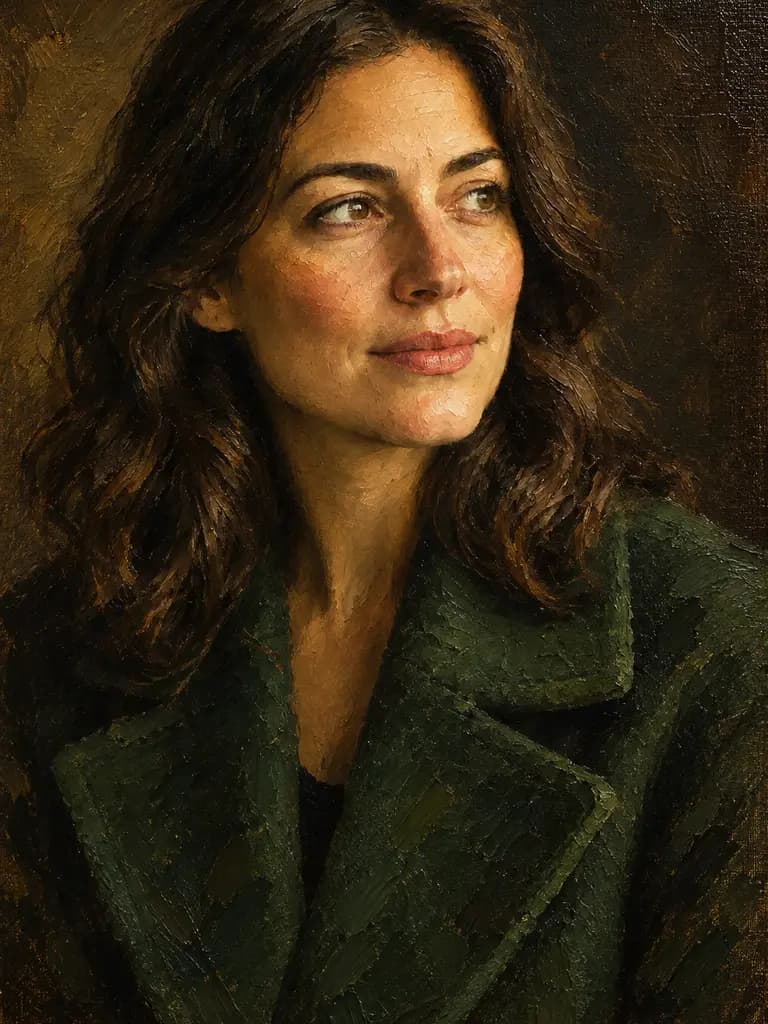
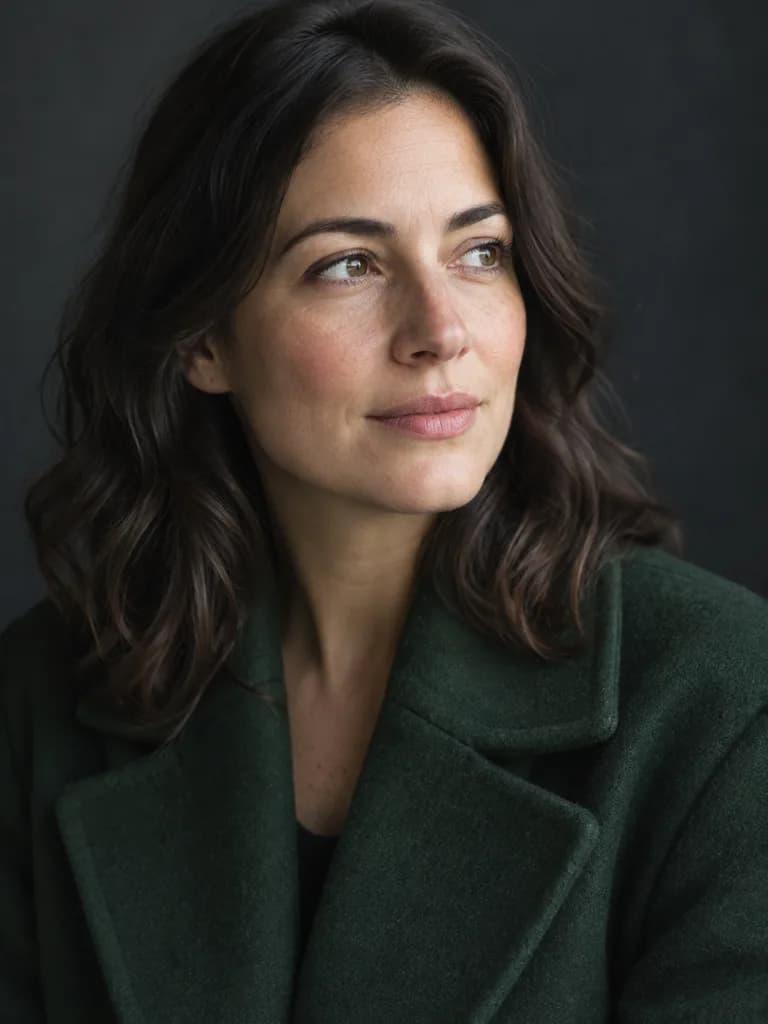 BeforeAfter
Example instruction: Repaint this portrait as a genuine classical oil painting on canvas: thick visible impasto brush strokes, canvas weave showing through thin passages, soft painterly edges, Rembrandt-like chiaroscuro with warm umber shadows and a deep green coat, varnish sheen. It must unmistakably read as a hand-painted museum oil painting, not a photograph or a filter. Keep the likeness, pose and composition.
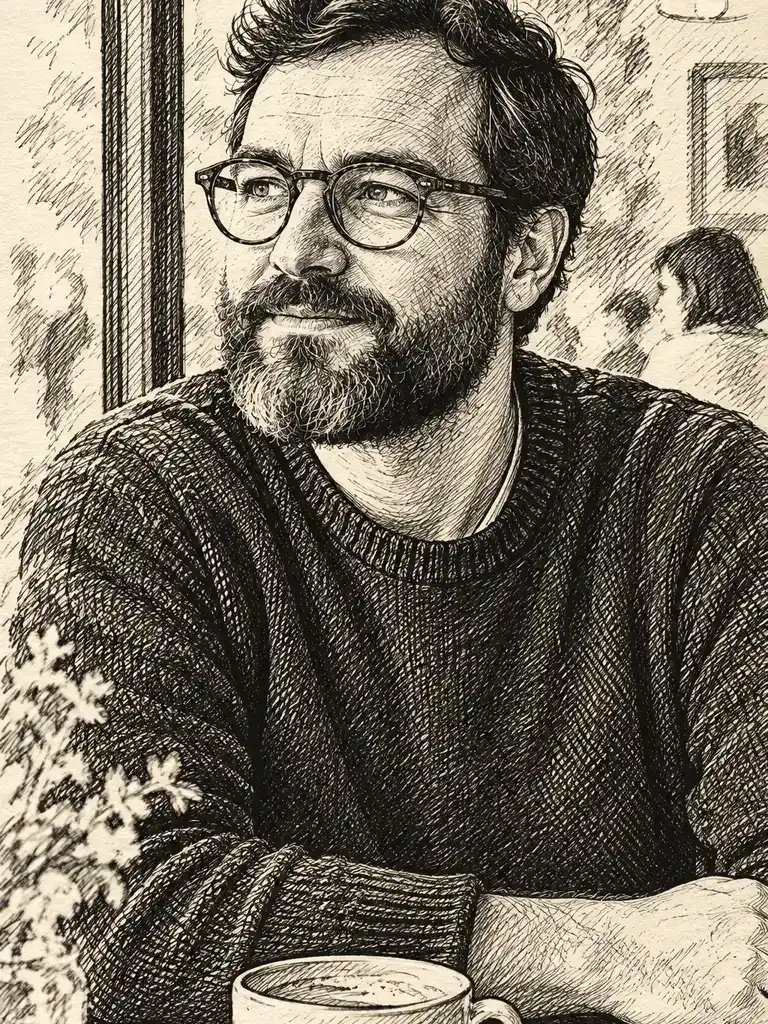
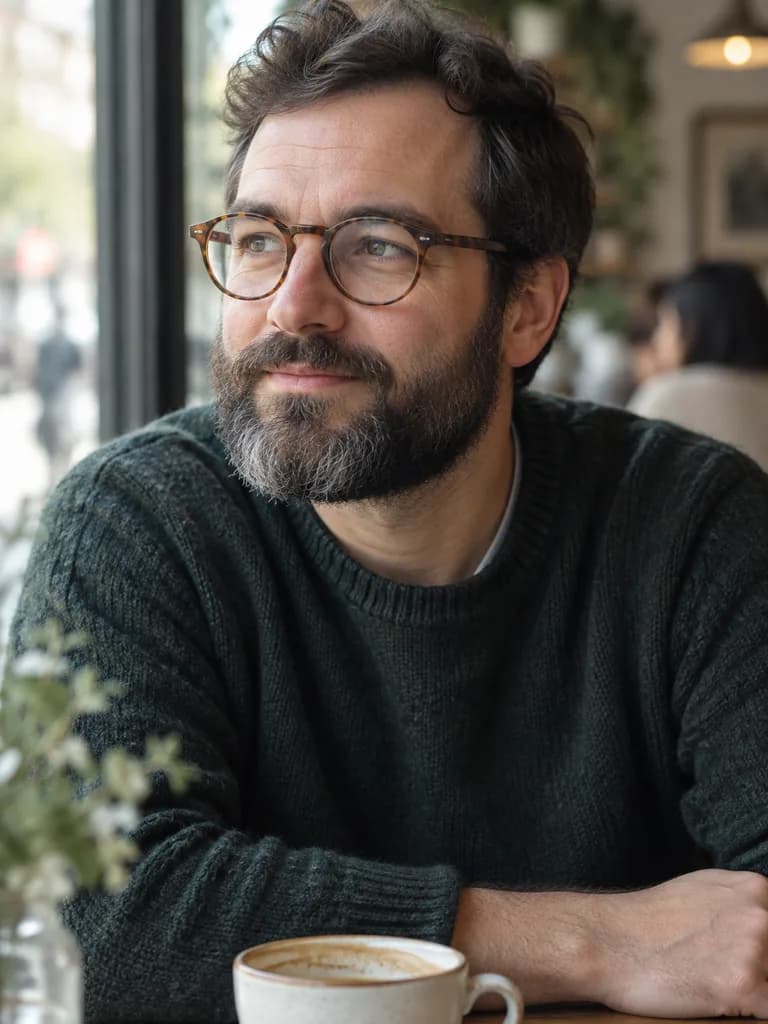 BeforeAfter
Example instruction: Redraw this photo as a black ink sketch on cream paper: confident cross-hatching, a few loose lines for the background, no color. Keep the face and the composition exactly as they are. Museum-quality artwork with confident craft, rich texture and a cohesive palette. Keep the likeness, pose and composition.
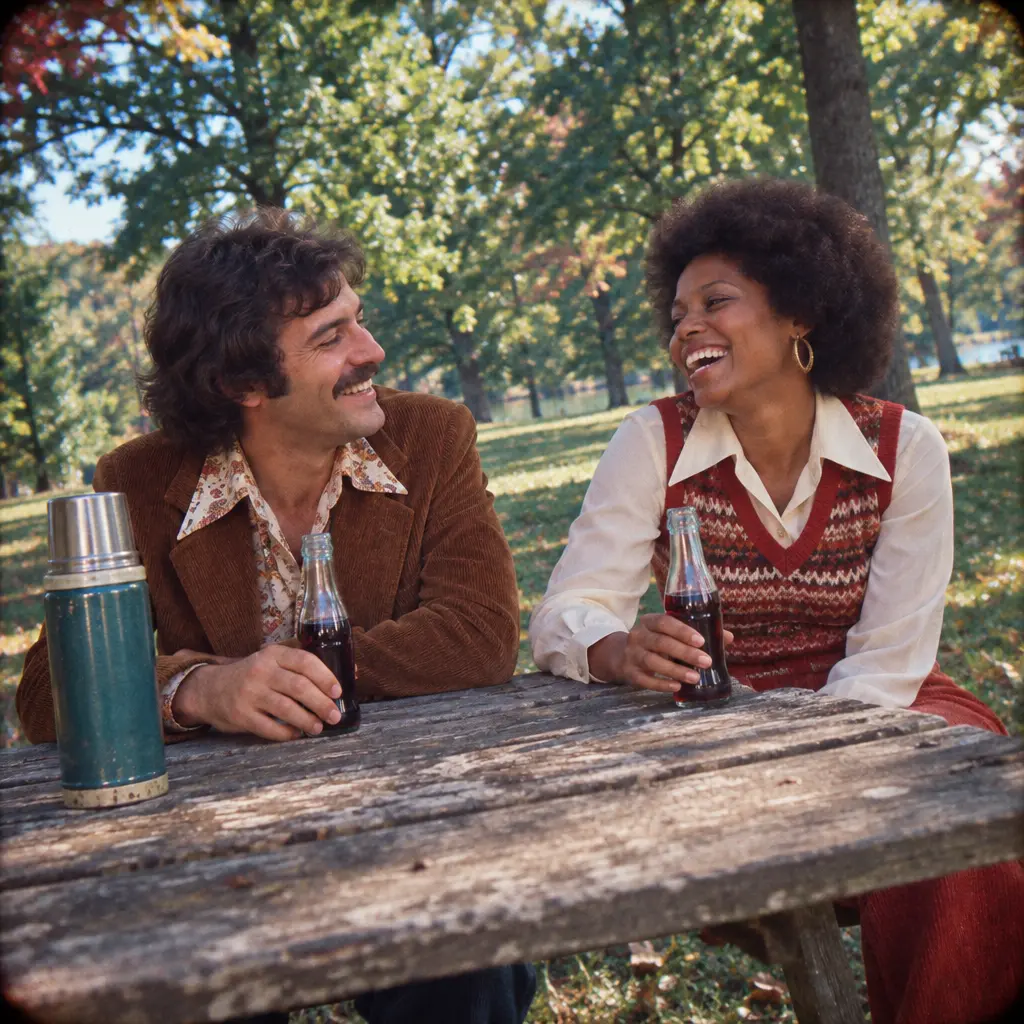 Illustration
Example instruction: Authentic 1974 Kodachrome slide photo of two friends in their thirties laughing at a weathered wooden picnic table in a leafy suburban park: 1970s clothes (corduroy, wide collars, knit vest), period hairstyles, a thermos and glass soda bottles on the table, no modern buildings or objects anywhere. Saturated reds and teal greens, warm faded highlights, visible film grain, slight vignette and soft focus at the edges, candid point-and-shoot framing with a slightly tilted horizon. Square frame.
How it works
Upload a clear selfie
Front-facing photos with good lighting work best.
Pick a style
Anime, 3D cartoon, hand-painted animation, fantasy or cyberpunk, or describe your own.
Generate and compare
See your original next to the styled version, then save it.
Popular styles
Which style should I pick?
| You want | Style to ask for | Words to put in the prompt |
|---|---|---|
| A soft illustrated avatar | Anime | Pastel colors, clean outlines, keep my face |
| A playful profile picture | 3D cartoon | Friendly 3D character, keep the face recognizable |
| A storybook scene | Hand-painted animation | Watercolor sky, warm light, gentle details |
| A character for a game or story | Fantasy portrait | Silver armor or a hooded cloak, dramatic sky |
| A night-city look | Cyberpunk | Rain-soaked neon street, magenta and cyan rim light |
| A costume look for October | Halloween photo looks | Six ready prompts, from a witch to a 1950s horror portrait |
| A realistic photo, not an art style | AI photoshoot or AI headshots | A real place, outfit and light instead of a style name |
Every style here is written as a prompt, so you can edit it or name any style you like. Each run makes one image.
How much does an AI filter cost?
One styled image costs 12 gems on Nano Banana, the model this page starts on. Trying three styles on the same selfie is three runs, 36 gems. The cost is shown before you generate.
- Flux Schnell (Black Forest Labs): 3 gems per image, the lowest cost.
- Nano Banana (Google): 12 gems per image.
- FLUX 1.1 Pro (Black Forest Labs): 18 gems per image, paid plan only.
If a generation fails, the gems are returned automatically.
Worked example: a selfie as a 1950s horror movie portrait
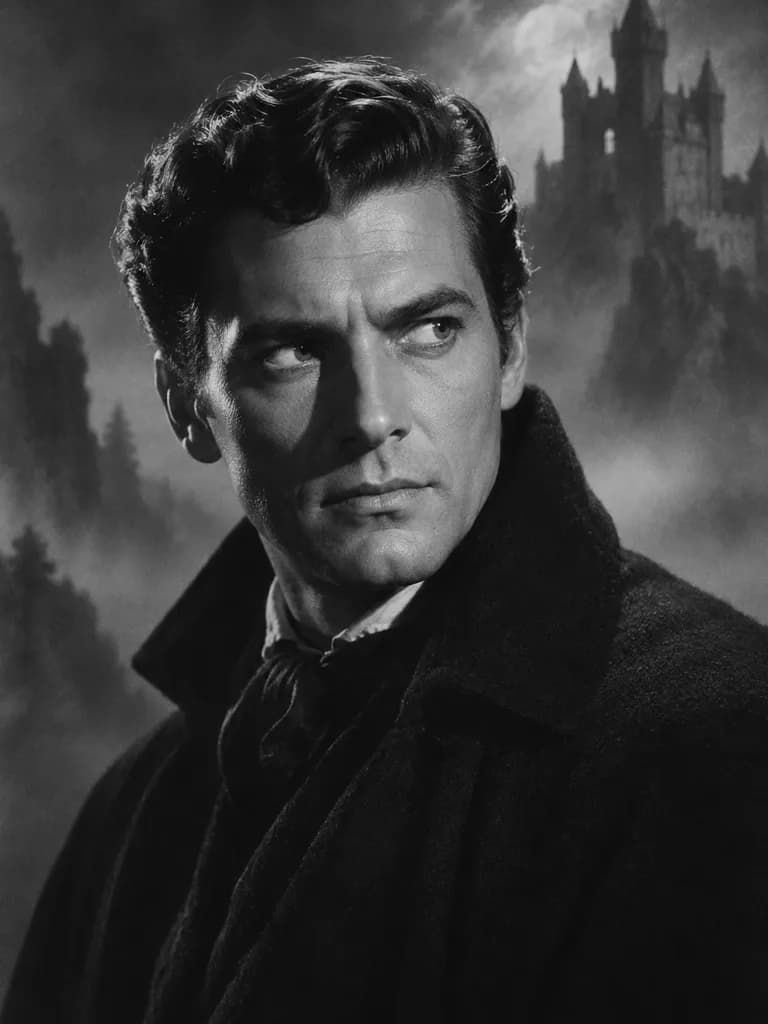 Illustration
 of this look, made from the prompt with an image model, not from your photo. Your result starts from your own photo.
Restyle this photo as a 1950s black-and-white horror movie studio portrait: dramatic side lighting, deep shadows, soft film grain, a misty castle in the background. Keep my face and features exactly as in the photo.
Apply to my photoHow do I write my own style prompt?
Name the style first, add two or three visual details, and end with the line that keeps your face. The worked example above follows that order.
- Style name: anime, watercolor, comic book, vintage film, 1950s studio portrait.
- Two or three details: colors, light and texture, such as "pastel colors, soft outlines".
- Last line: "Keep my face and features exactly as in the photo."
- One change per run, so you can tell which word changed the result.
More prompts written this way are on Halloween photo looks.
Questions about AI Filters
Do these filters work on group photos?
Most styles are built for one clear face, so results are most consistent with a solo photo. Group photos may work for some styles but with less predictable results per person.
How close does the result look to my actual face?
Styles aim to keep your face's proportions and key features recognizable even when the art style changes heavily, such as in an anime or cartoon filter.
Can I try a filter before deciding which one to use?
Yes. The real examples on this page show what each style looks like before you upload your own photo. Pick the closest one, then adjust the prompt.
Can I describe my own style?
Yes. Edit the prompt to name any style you like, such as watercolor, comic book or vintage film, and keep the last line that asks the model to keep your face.

Coming soon to the App Store for iPhone
Chat, photo and video generation with several AI models in one app.