

Horror Movie Still of Yourself
One selfie becomes a film-grain frame from a classic horror scene, posted as a before-and-after reveal for Halloween.
Seasonal looks, art styles and video effects people are posting this autumn, each with an example.
Updated
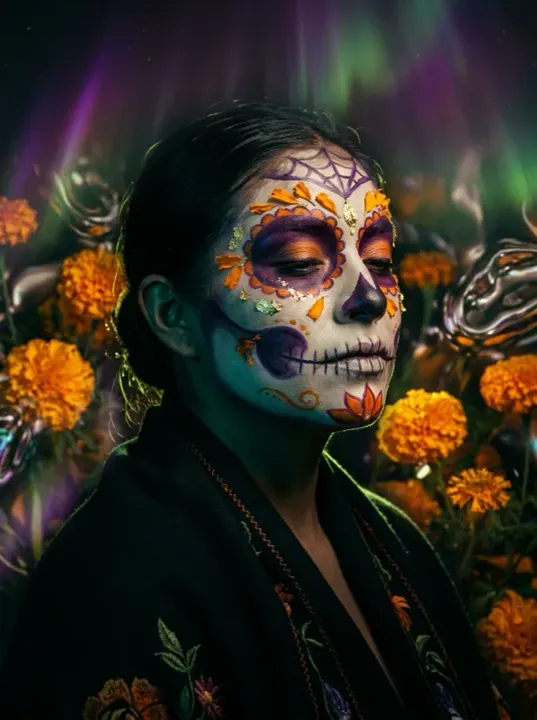 App sample
s come from the UniqAI app. Illustrations show other edits you can ask for.
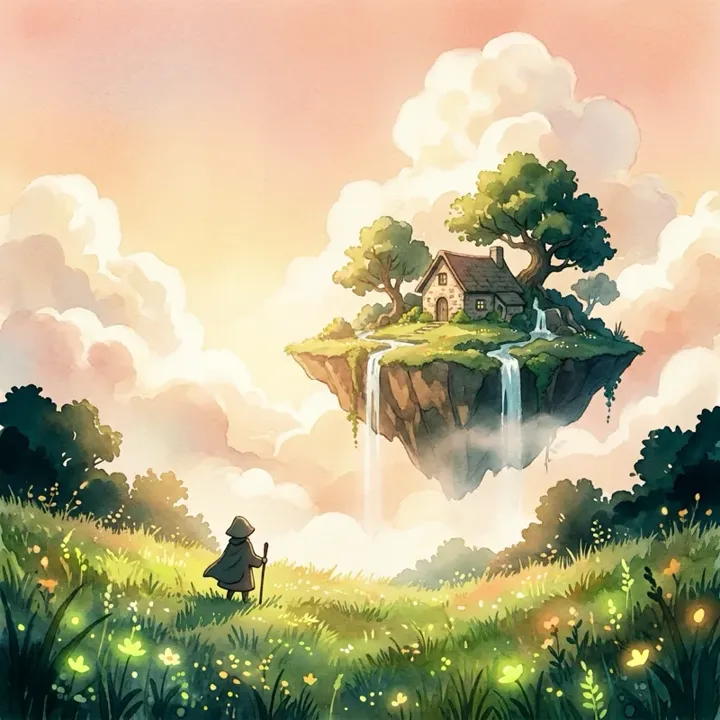 App sample
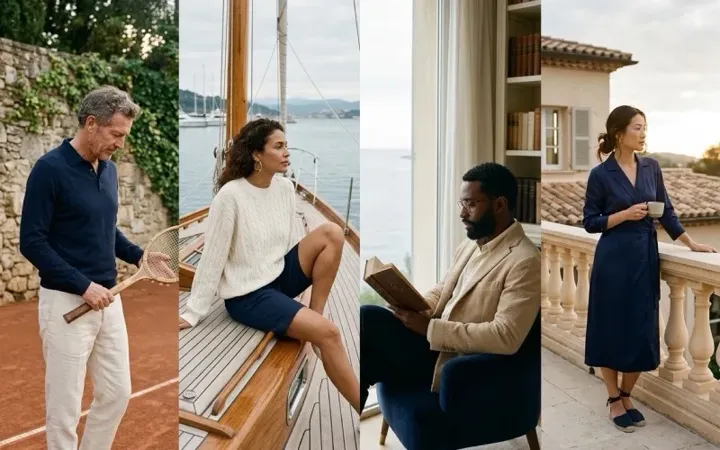 App sample
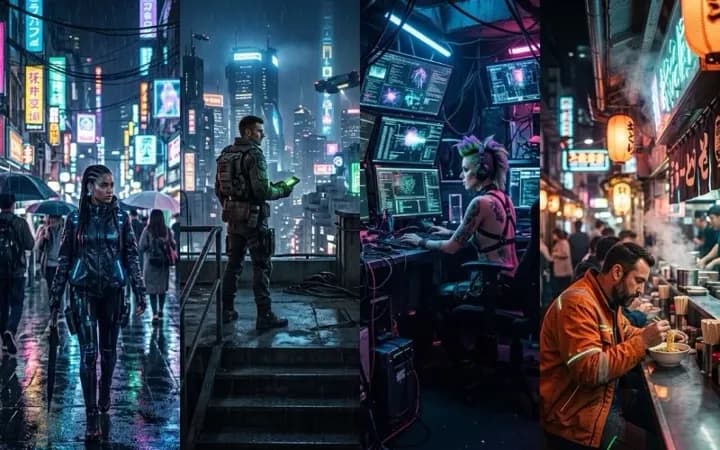 App sample
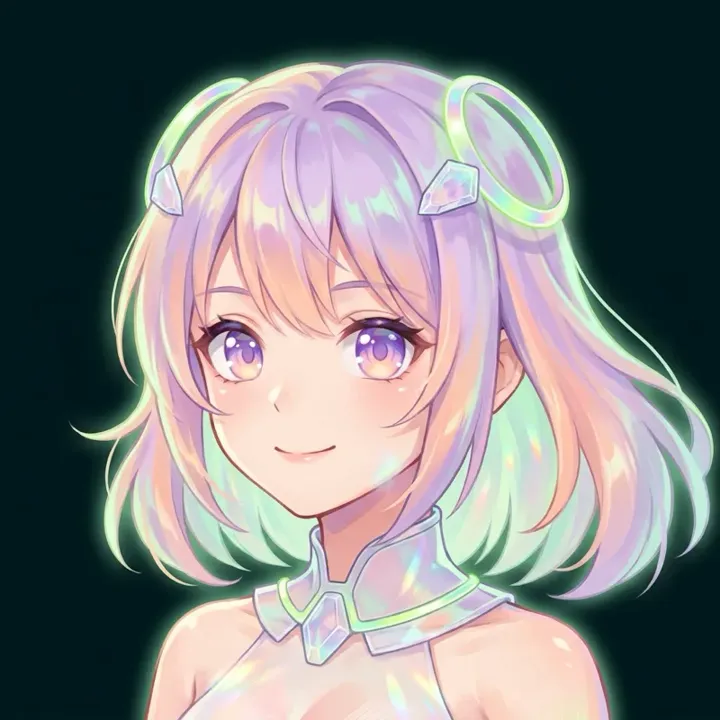 App sample
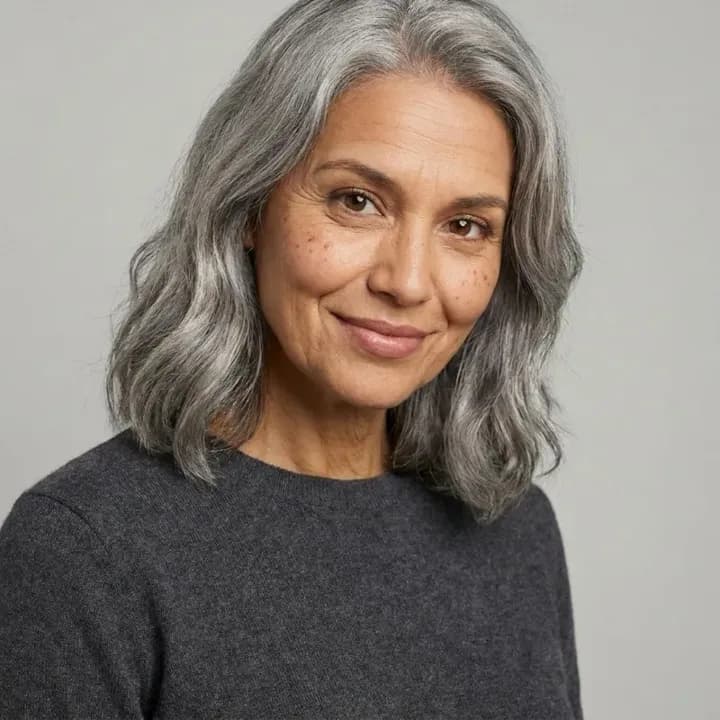 App sample
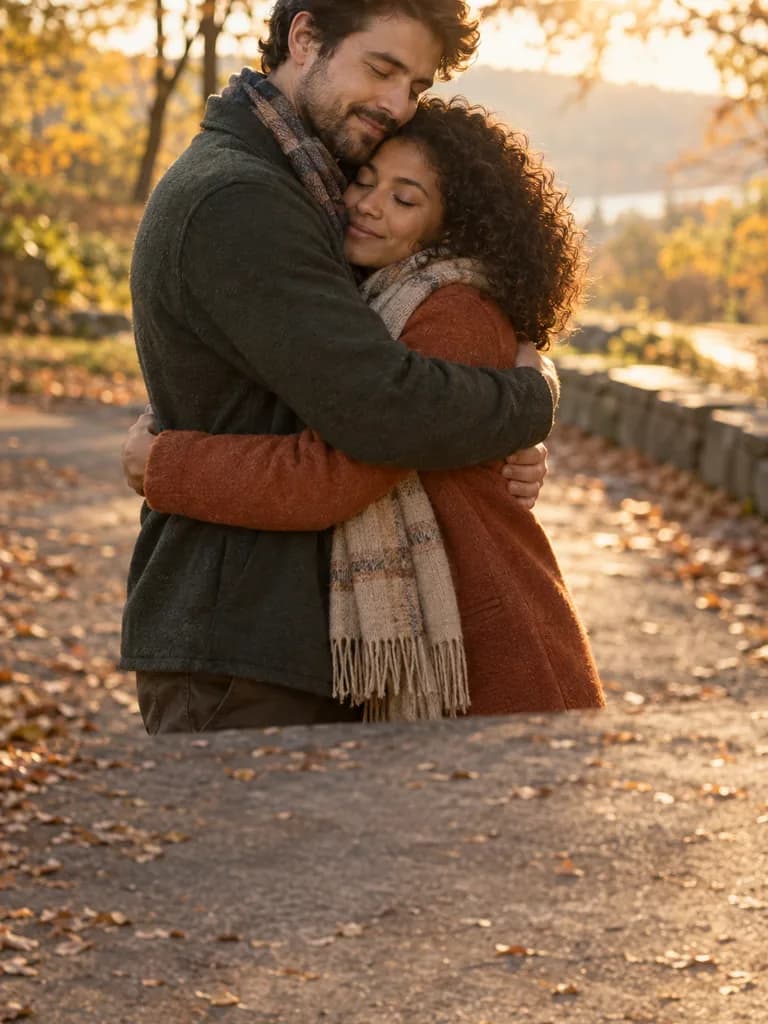 Illustration
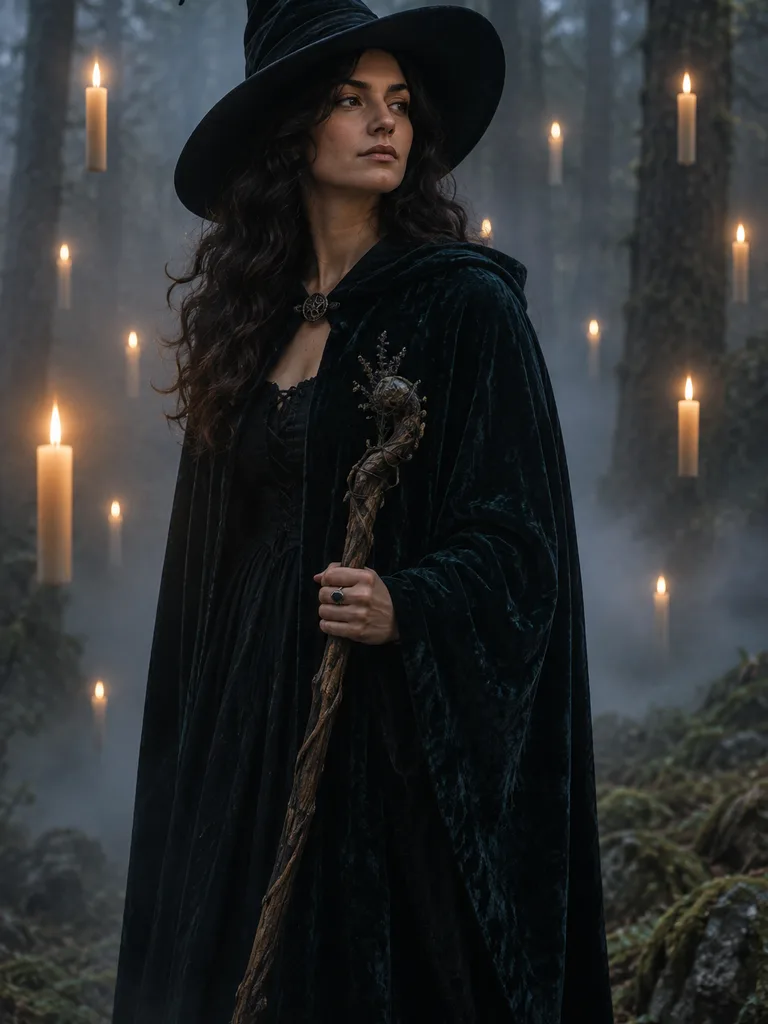 Illustration
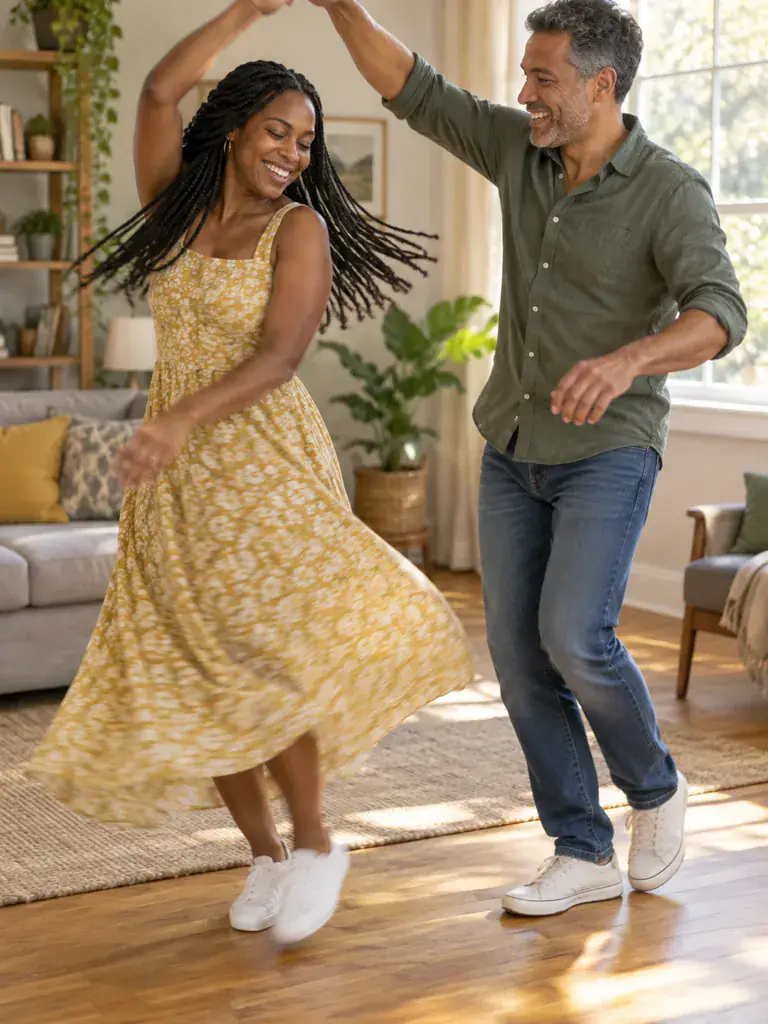 Illustration
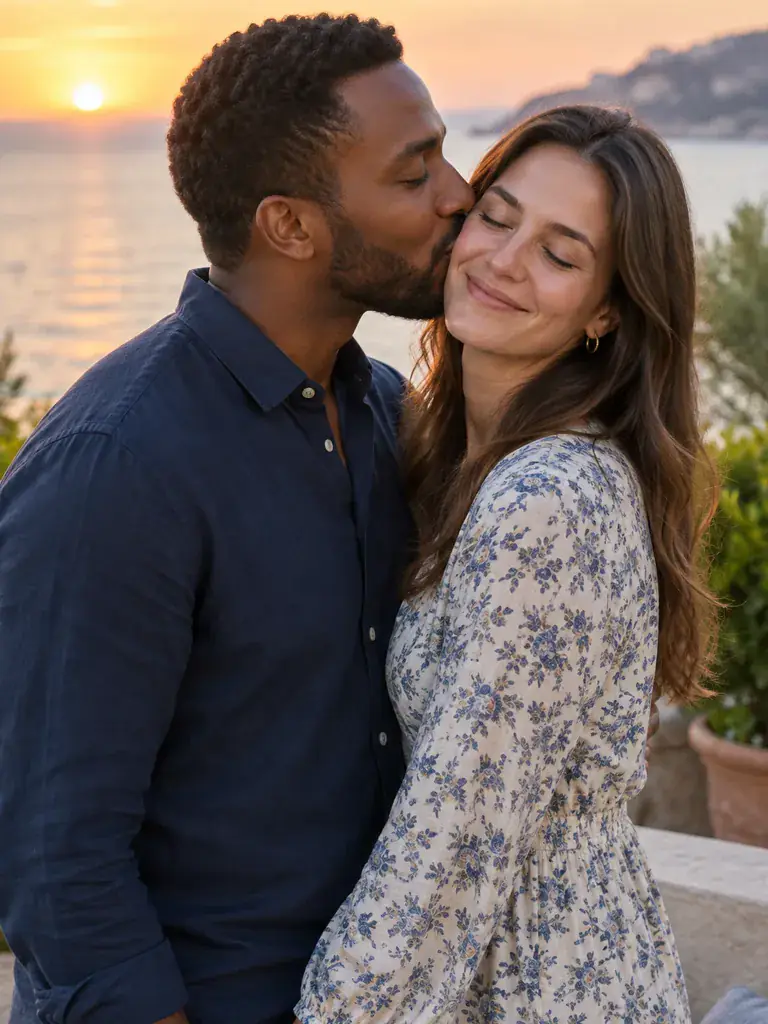 Illustration
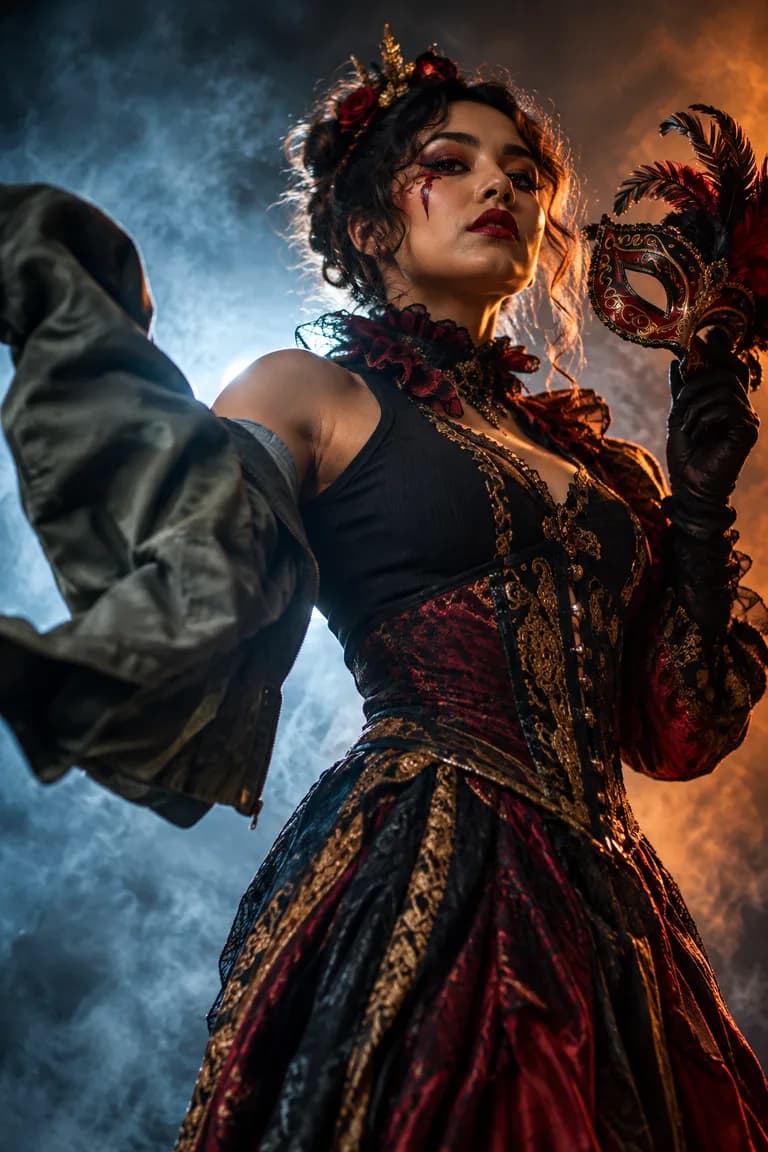 Illustration
What people are posting in this format right now. Videos by TikTok creators, shown with TikTok's own player; they were not made with UniqAI.
One selfie becomes a film-grain frame from a classic horror scene, posted as a before-and-after reveal for Halloween.
Creators show a dull phone snapshot, then the same shot rebuilt by an AI prompt into a sharp, well-lit editorial photo.
A single still photo is animated into the viral shoulder-bounce dance, no filming needed.
An ordinary selfie turns into a moody overhead shot of the person lying in a bed of orange leaves.
A slideshow opens on a glossy AI-perfect costume photo, then cuts to the real homemade costume for the laugh.
A casual selfie becomes a premium black-and-white studio portrait with soft cinematic light, often styled with a hijab.
Start with a seasonal look, an art style or a video effect from the examples above.
A front-facing photo in good light works for most looks. Effects with two people need both of you in the shot.
Check the result next to your original, tweak one word of the prompt if needed, then save it.
| You have | Trend to try | Where to start |
|---|---|---|
| One selfie, and it's the last week of October | A Day of the Dead portrait, a witch or a 1950s horror still | Halloween photo looks |
| One selfie, any time of year | Anime, 3D cartoon, hand-painted animation or cyber neon | AI filters |
| A full-body photo | An old-money terrace shoot or a styled outdoor portrait | AI photoshoot |
| A photo you want to see moving | A dance, a hug or a slow cinematic push-in | Image to video |
| A clip you saw on your feed | The same format with a ready prompt | TikTok trends this week |
| Curiosity about your older self | Gray hair, laugh lines, the same smile |
Each look is a prompt you can edit. One run makes one image or one clip.
We keep a separate list of formats taking off on TikTok in the US, the UK, Mexico, Brazil and Germany, refreshed every week. Each trend has its own page with a short description of the format, a prompt you can use here and an example image we made ourselves. The original video plays in TikTok's own player when you click it; we never copy it.
The full list is on TikTok trends this week.
Some formats return every year, so they are worth saving for later.
New accounts start with 30 gems and 1 Cinema credit, and you can begin without signing up: an anonymous account is created automatically. The cost of each run is shown before you generate, and if a generation fails, the gems come back automatically. Current prices for every model are on the pricing page.
This page follows the looks people are actively posting, like Day of the Dead portraits in late October. For short-video formats, the weekly TikTok list shows what is taking off in each country, with a ready prompt for every trend.
No. Every look here starts from a written prompt you can read and edit before you generate. You can also skip the prompt and describe the trend in your own words, then keep the line that asks the model to keep your face.
Yes. Start from a still photo where everyone is clearly visible, switch to video and describe the motion, for example a slow hug or a short dance. The cost is shown before you generate, so you can check it first.
It follows the same format and style, but your own photo shapes the final look. Lighting, angle and expression all carry over, so some variation is normal. A clear, front-facing photo gives the most consistent result.
Use photos of yourself, or of adults who agreed to be in the picture. Effects like a hug or a kiss involve two people, so ask the other person first before you post the result anywhere.

Coming soon to the App Store for iPhone
Chat, photo and video generation with several AI models in one app.