

My drawing came to life
A hand-drawn character slips off the page and plays around the artist in a short cute animation.
Upload a sketch, a painting, a character design or an old photo, say what should move, and Kling 3.0 or Veo 3 turns the still into a 5 to 8 second animated clip.
Updated
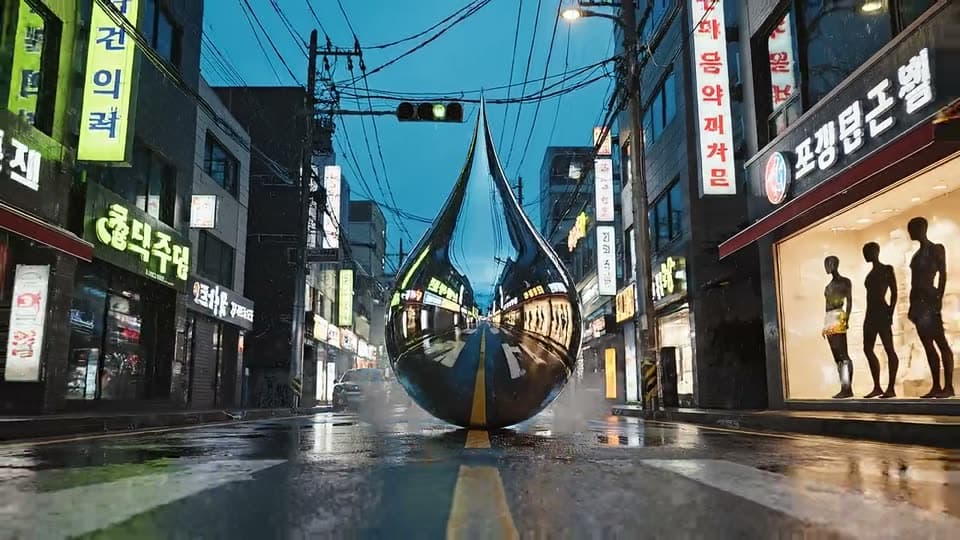
Real results from the app.
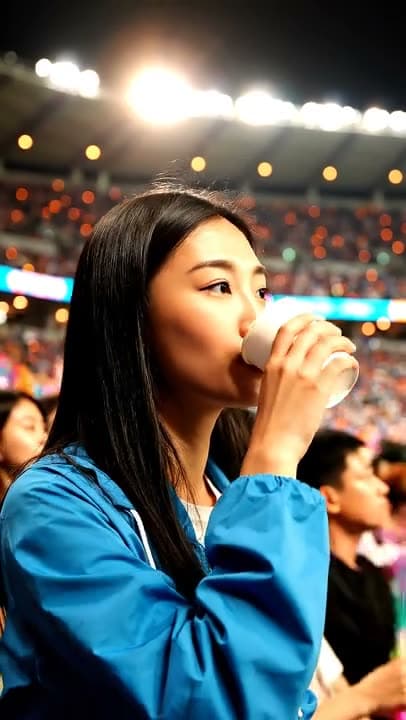
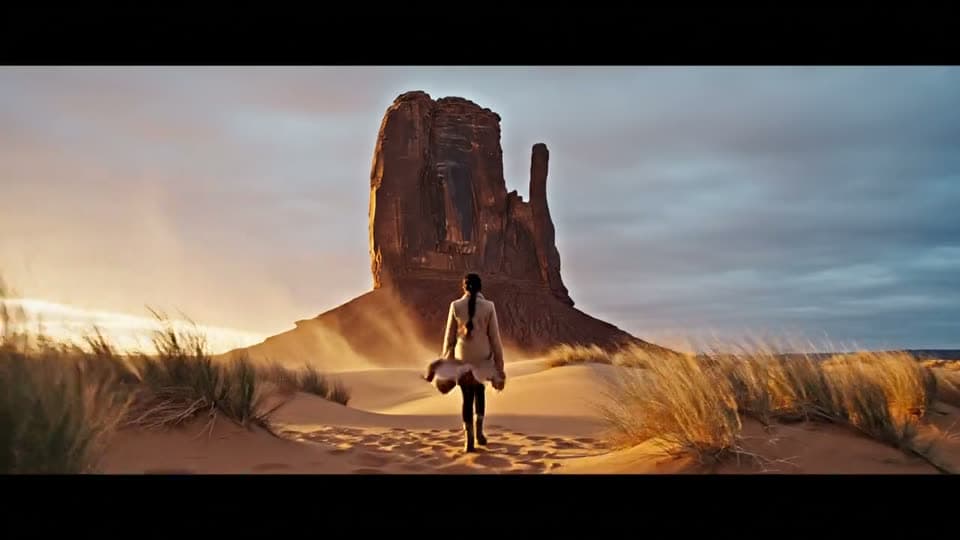
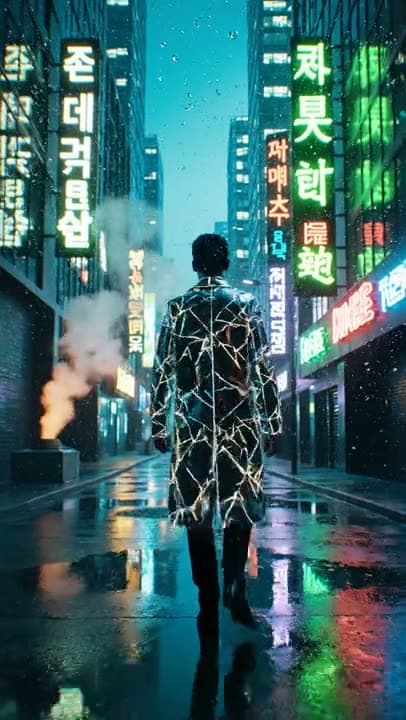
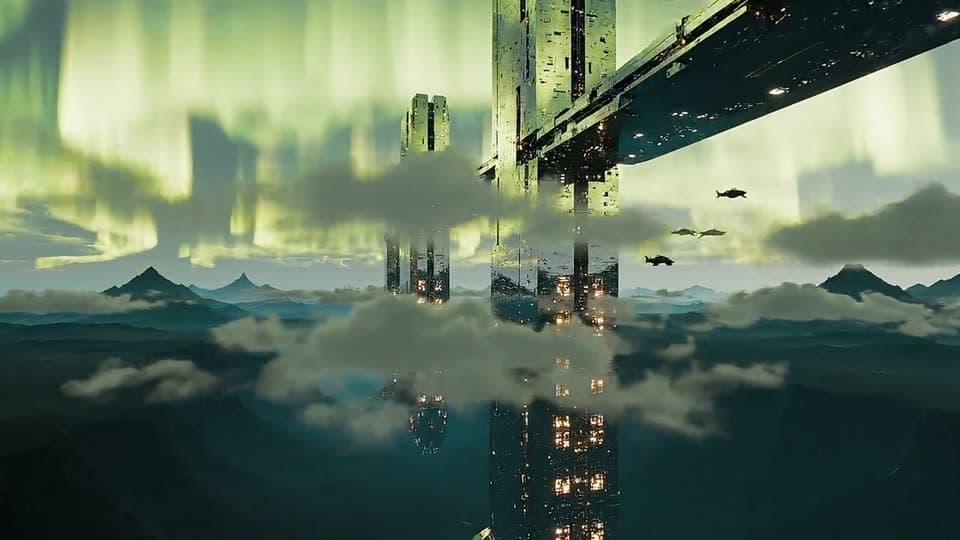
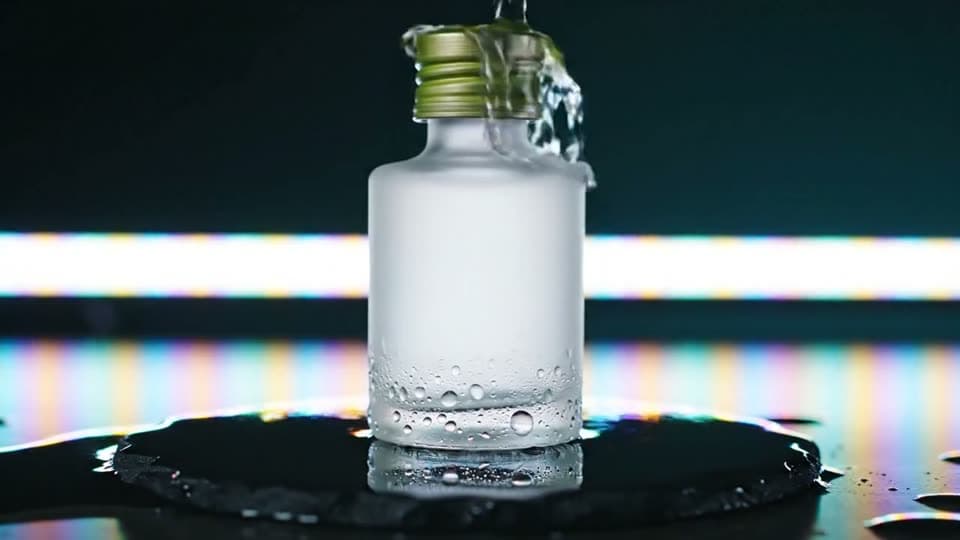
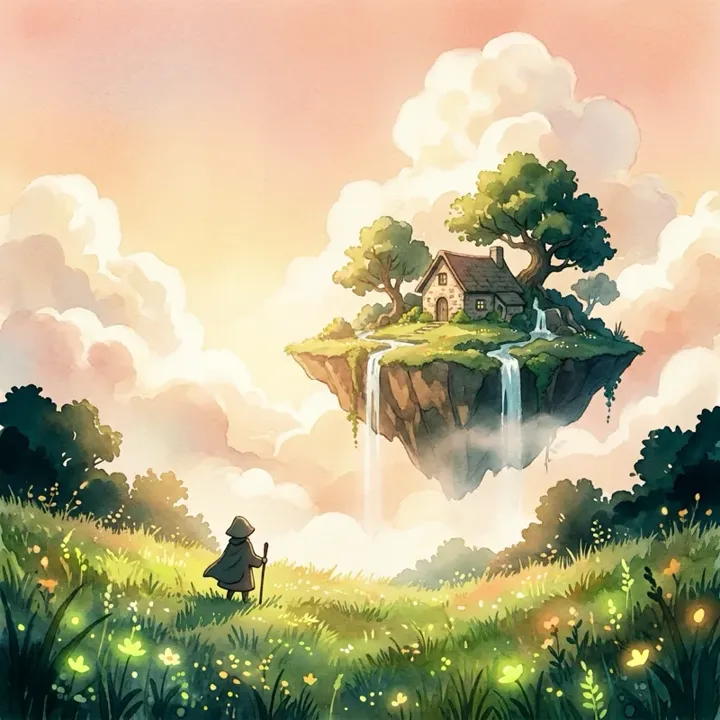 App sample
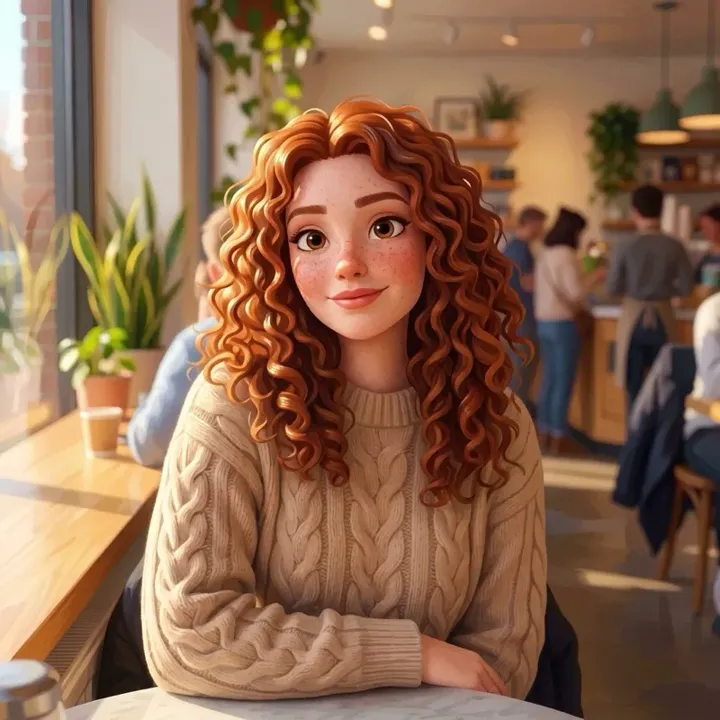 App sample
What people are posting in this format right now. Videos by TikTok creators, shown with TikTok's own player; they were not made with UniqAI.
A hand-drawn character slips off the page and plays around the artist in a short cute animation.
A 2D drawn character is composited into real footage and interacts with objects in the room.
A single still photo is turned into a dance clip by copying the motion of a trending reference video.
Recurring cartoon characters act out short relationship jokes in a polished 3D animated style.
A multi-part narrative told through short AI-animated scenes with the same characters each episode.
A creator uploads an ordinary still, types the motion in plain words and shows the generated clip.
A scanned sketch, a digital painting, a character design or an old print. Crop so the subject fills most of the frame.
Name one motion, like a blink, a wave or hair in the wind, and ask to keep the art style. The prepared prompt already does both.
Kling 3.0 gives 5 seconds for 80 gems or 8 for 120; Veo 3 adds sound. Watch the clip, then save it or try new wording.
Drawings work best when they are photographed flat in even light, with no glare or shadow across the paper, and cropped to the artwork. Clear outlines and flat colour hold together better than faint pencil. Character designs animate most cleanly from a single pose on a plain background. For a scratched or faded print, clean it up first with restore old photos, add colour with colorize photo if you want it, then bring the result here.
The model redraws every frame, so the style can drift. Say it plainly in the prompt: keep the line art, colours and character design exactly as in the image. Small moves keep the look steadier than big ones; a blink, a breath, a turn of the head or a slow camera push-in rarely break a drawing, while running, spinning or two characters touching often do. Hands and faces drift first, so check those frames and generate again if needed.
Kling 3.0 is the default for animation: 5 or 8 seconds in 16:9, 9:16 or 1:1. Veo 3 adds generated sound such as wind, footsteps or music, in 16:9 or 9:16, for 1 Cinema credit (6 s) or 2 (8 s). Wan 2.5 makes a 5 second clip for 40 gems and is the cheaper way to test an idea. Every video model needs a paid plan; the cost is shown before you generate, and a failed generation returns its credits.
You get one short clip from one still. There is no rig, no keyframes, no frame-by-frame editing and no multi-scene episode, so a longer story means animating several stills and joining the clips in any video editor. With an old photo, the motion is invented: a smile or a turn of the head is the model's guess, not footage of what happened. Animate only images you made or have the right to use, and photos of people only with their consent.
Yes. Photograph or scan it flat in even light so there is no glare on the paper, crop to the drawing and upload it. Ask for one small move, like a blink or a head turn, and say to keep the lines as drawn. Bold outlines animate more steadily than faint pencil.
Yes. If the print is scratched or faded, fix it first on the restore old photos page, then animate the clean copy here. Keep the motion gentle, such as a slight smile, a blink or a breeze. The movement is generated by the model, so treat it as an interpretation, not a record of that day.
Most of the time, if the motion is gentle and the prompt asks to keep the style and design. Fast action, spins or several characters interacting make faces and hands drift. If a frame looks wrong, change the wording or ask for a smaller move and generate again.
Kling 3.0 makes 5 seconds for 80 gems or 8 seconds for 120. Veo 3 with sound makes 6 seconds for 1 Cinema credit or 8 seconds for 2. Wan 2.5 makes 5 seconds for 40 gems. Video models need a paid plan.
Yes, in two steps. Restyle the photo as anime or 3D cartoon on the AI art generator page with Nano Banana for 12 gems, then upload that still here and animate it with Kling 3.0. The clip keeps whatever style the still already has.
Pick the one closest to the shape of your still. Kling 3.0 offers 16:9, 9:16 and 1:1, and Veo 3 offers 16:9 and 9:16. Use 9:16 for vertical phone feeds and 16:9 for a landscape scene or a widescreen edit.

Coming soon to the App Store for iPhone
Chat, photo and video generation with several AI models in one app.