

AI Art Generator: Turn a Photo or an Idea Into Art
Upload a photo and name a style, or describe a scene in words, and the model paints it as oil, anime, 3D cartoon or watercolor.
Updated
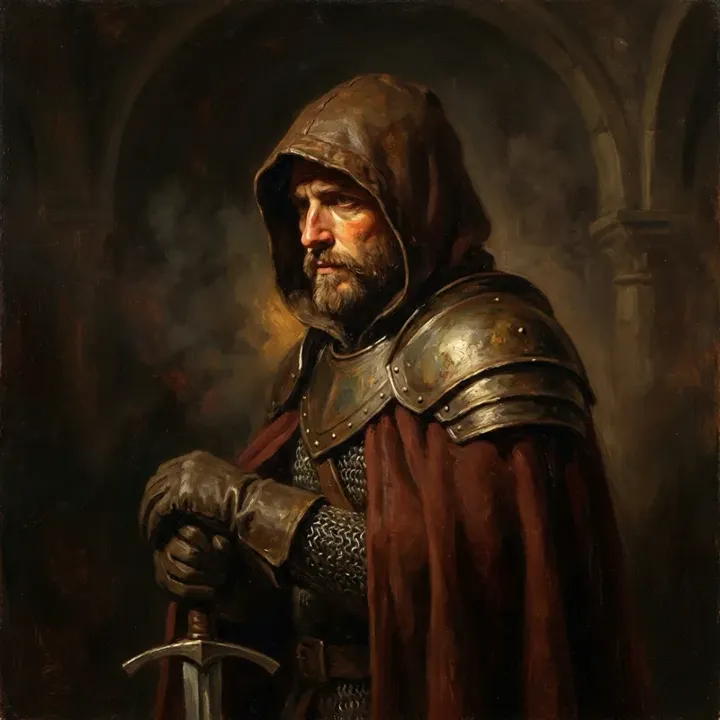 App sample
Examples
App samples come from the UniqAI app. Illustrations show other edits you can ask for.
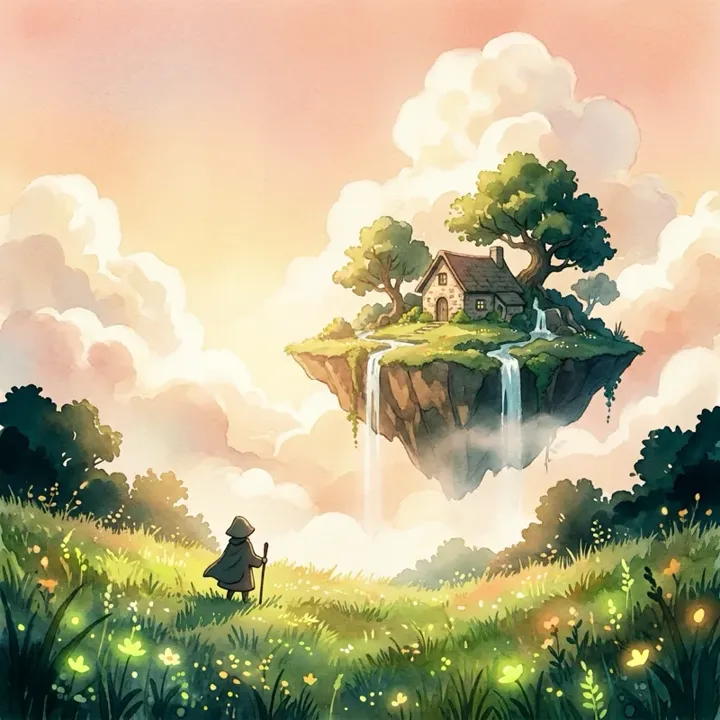 App sample
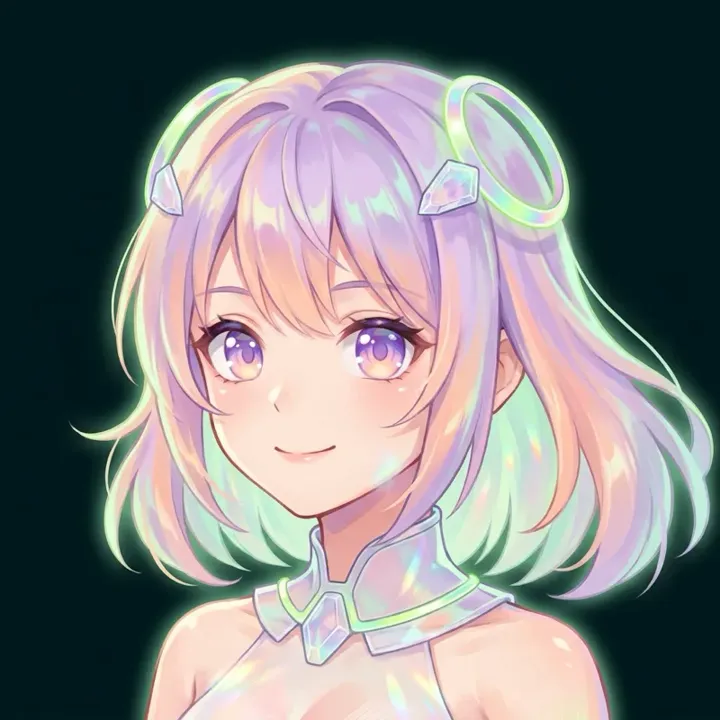 App sample
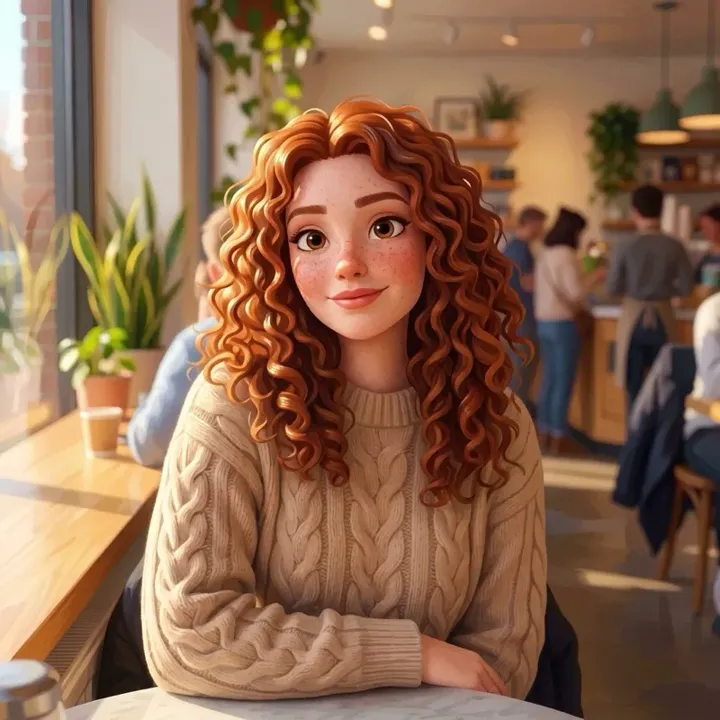 App sample
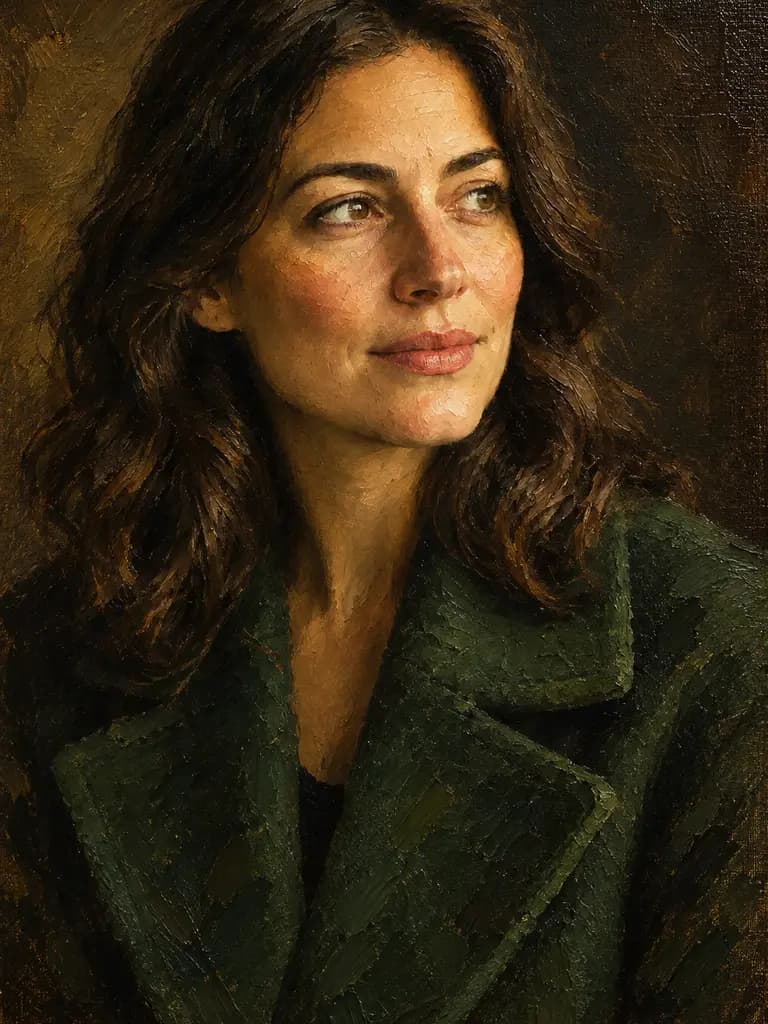
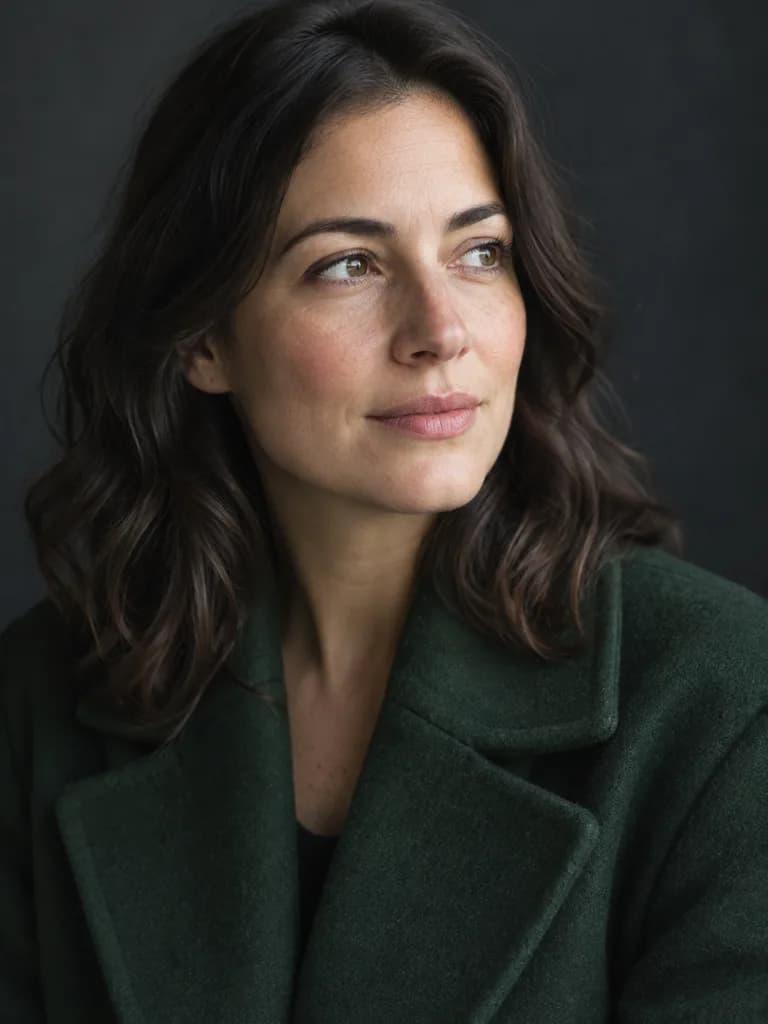 BeforeAfter
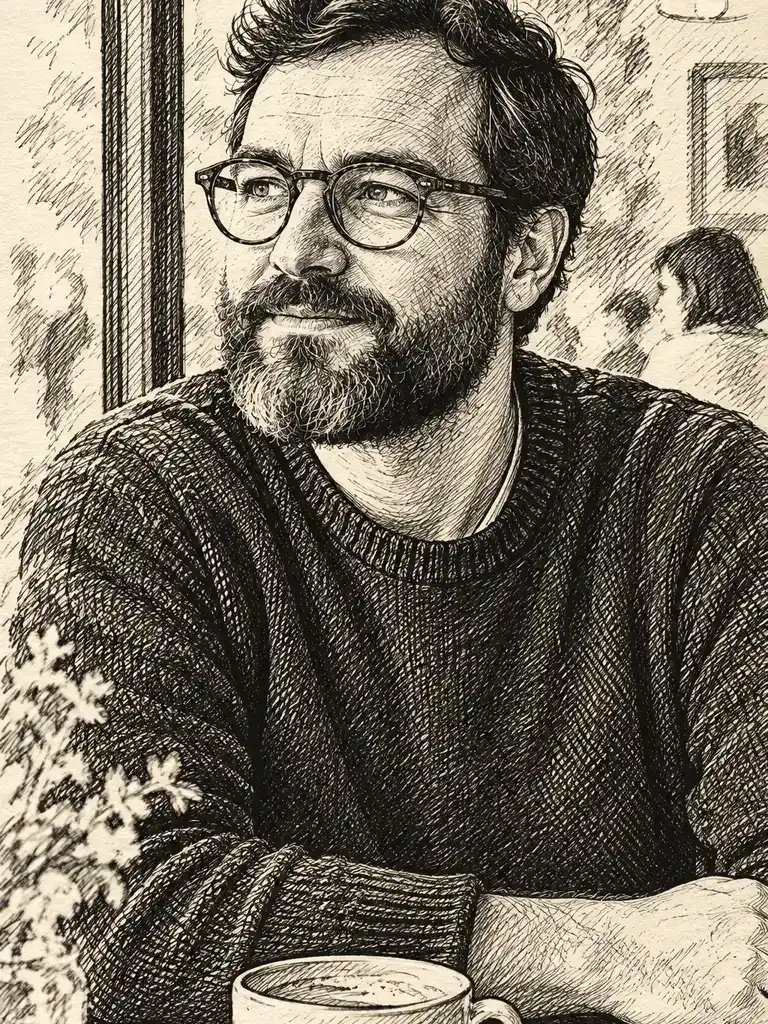
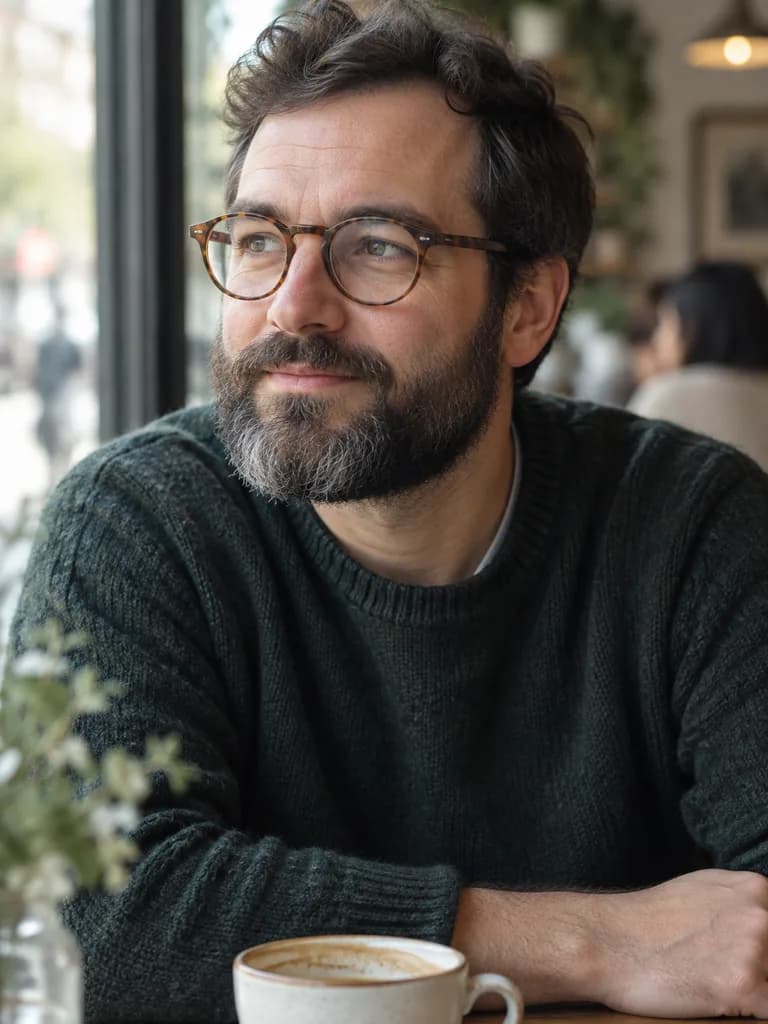 BeforeAfter
How it works
Add a photo, or skip it
A clear photo with one main subject restyles most cleanly. With no photo, describe the scene instead.
Name the style
Pick a prompt below or write your own: oil painting, watercolor, anime, 3D cartoon, ink.
Compare and save
Check that a face still looks like the person, then save or try another style.
Art styles to try on a photo
BeforeAfterIllustration of this look, made from the prompt with an image model, not from your photo. Your result starts from your own photo.
Turn this photo into a classical oil painting with visible brush strokes, warm museum lighting and a dark painted background. Keep the face and the composition exactly as in the photo.
Apply to my photoRepaint this photo as a soft watercolor on textured paper: loose washes, gentle bleeding edges, a light pastel palette. Keep the face and the composition exactly as in the photo.
Apply to my photoRedraw this photo as an anime portrait: clean line art, large expressive eyes, soft cel shading, a simple dark background. Keep the hairstyle, clothing and pose as in the photo.
Apply to my photoTurn this photo into a 3D animated-film style character: smooth stylised features, big friendly eyes, soft studio lighting, the same setting as in the photo. Keep the hairstyle, clothing and pose as in the photo.
Apply to my photoBeforeAfterIllustration of this look, made from the prompt with an image model, not from your photo. Your result starts from your own photo.
Redraw this photo as a black ink sketch on cream paper: confident cross-hatching, a few loose lines for the background, no color. Keep the face and the composition exactly as in the photo.
Apply to my photoTurn this photo into a comic book panel: bold black outlines, flat halftone shading, a dramatic two-color background, no text or speech bubbles. Keep the face and the pose as in the photo.
Apply to my photoPhoto or text: which start gives better art?
Start from a photo when the picture should still be a specific person, pet or place: the model keeps the composition and changes the medium. Start from text when you want a scene that never existed, such as a fox in a yellow raincoat in a misty pine forest, watercolor style. For text, Flux Schnell draws a draft for 3 gems; for a photo, Nano Banana follows the instruction closely for 12 gems. Add the style words at the end of the prompt either way.
About the examples
The four images above were made in the UniqAI app: an oil-painting portrait, a watercolor scene, an anime portrait and a 3D cartoon. The prompts for them were not recorded, so each style card above carries a fresh prompt that produces the same kind of result. More examples with prompts will be added.
What it can and cannot do
Each result is a new image generated for your photo or prompt, not a copy of an existing artwork. The model will not reproduce a named living artist's work, and the prompts here name media and techniques rather than artists. Small background text, logos and very fine detail in the source photo may not carry over, and a face can drift in heavily stylised looks such as anime. Compare with the original before you share or print.
Questions about AI Art Generator
Can I turn my own photo into art, not just a text prompt?
Yes. Tap Apply to my photo on a style card, add a clear photo in the web app and send. The model keeps the composition and changes the medium. Without a photo, describe the scene and the style in text instead.
How much does one piece of AI art cost?
Restyling a photo on Nano Banana costs 12 gems. Drawing from text on Flux Schnell costs 3 gems, and FLUX 1.1 Pro costs 18 gems on a paid plan. The cost is shown before you generate, and a failed generation returns its gems.
Which art styles work well?
Oil painting, watercolor, anime, 3D cartoon, ink sketch and comic panel are on this page as ready prompts. Any medium you can name in words works the same way: pastel, charcoal, stained glass, pixel art. Describe the technique rather than naming an artist.
Is the art original, or copied from real artists?
Each image is generated fresh for your photo or prompt; it is not a copy of an existing artwork. The prompts on this page describe media and techniques, not artists' names, and the model does not add a real artist's signature.
Can I make character art for a tabletop game?
Yes. Describe the character, the gear and the setting in text, or restyle a photo of yourself as the character with the oil-painting or comic prompt. Run it a few times and keep the version you like; each run costs 3 gems on Flux Schnell or 12 on Nano Banana.

Coming soon to the App Store for iPhone
Chat, photo and video generation with several AI models in one app.