

Nano Banana Prompts: Photo Edits From Plain Language
Nano Banana is Google's Gemini 2.5 Flash Image model, known for editing a photo from a short prompt while leaving the rest alone.
Updated
Not affiliated with Google.
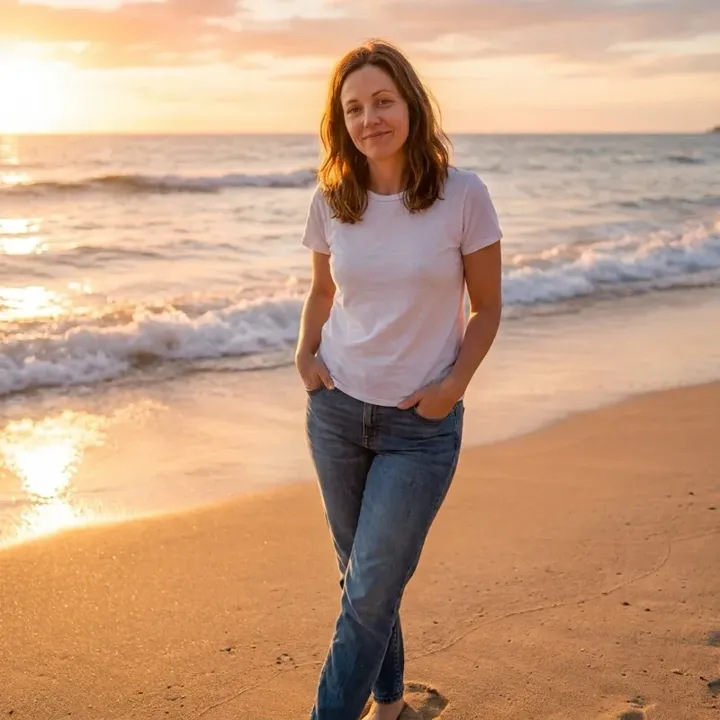
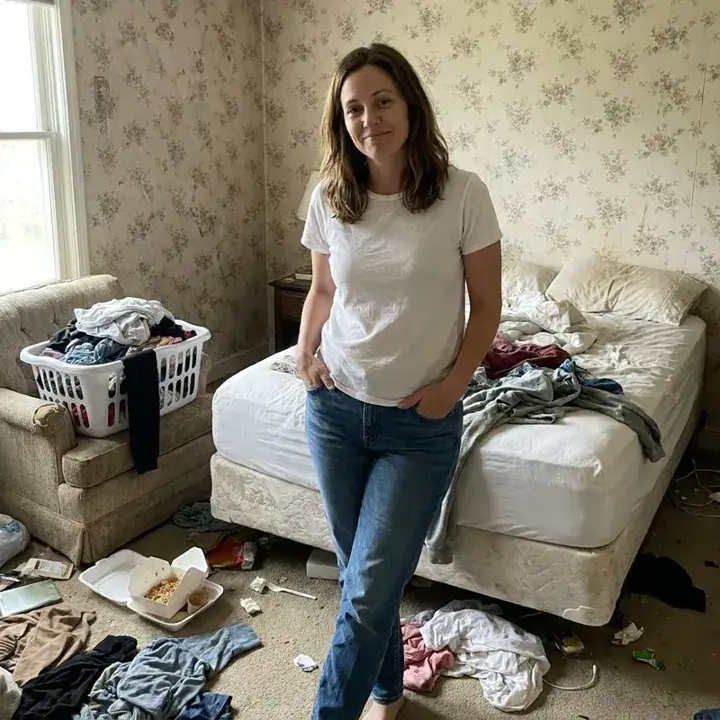 BeforeAfter
Examples
Illustrations of the kind of result this makes. They are not app outputs.
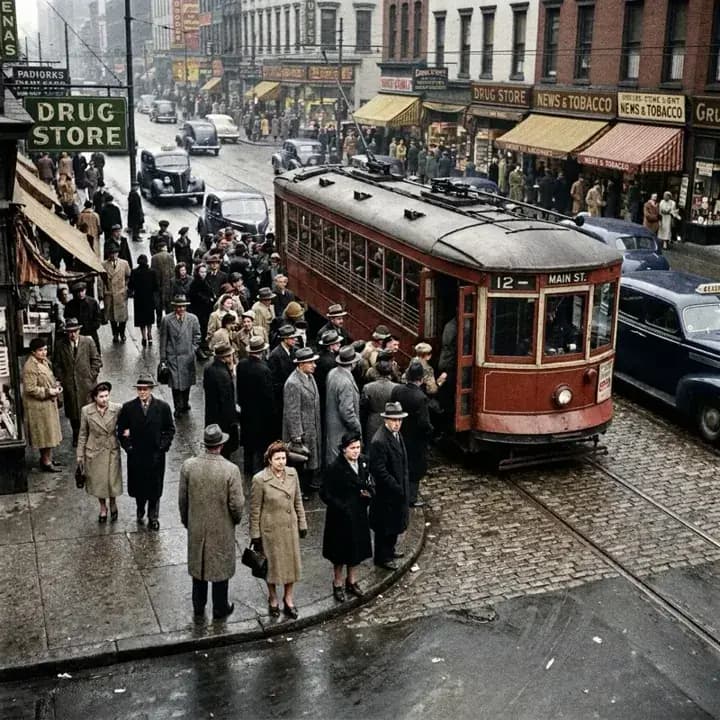
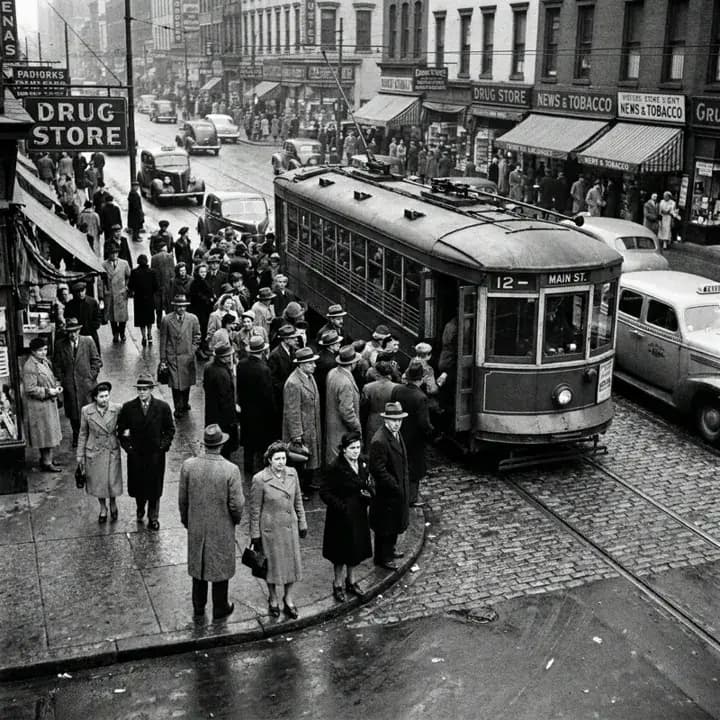 BeforeAfter
 Illustration
 Illustration
 Illustration
 Illustration
 Illustration
 Illustration
How it works
Upload a photo
A clear, well-lit photo gives the model more to keep intact.
Describe one change
Say what should change and what should stay: 'change the jacket to red, keep my face and the background'.
Generate for 12 Gems
The cost is shown before you run it. Compare with the original, then run again with a tweak if needed.
What is Nano Banana?
Nano Banana is Google's name for Gemini 2.5 Flash Image, an image model announced on August 26, 2025 (Google developers blog). It generates images from text, but it is best known for editing: you upload a photo, describe a change in plain language, and it rewrites that part of the picture while keeping the rest close to the original. Google has since added Nano Banana Pro (Gemini 3 Pro Image) and Nano Banana 2 to its lineup (Gemini API docs); UniqAI runs the original Nano Banana. This page is updated when another version is added.
How much does Nano Banana cost in UniqAI?
One Nano Banana image costs 12 Gems, from text or from a photo, and it does not need a paid plan. Output is square (1:1). For comparison, Flux Schnell costs 3 Gems and FLUX 1.1 Pro 18 Gems on a paid plan; both offer more aspect ratios. The cost is shown next to the model before you generate, and credits come back automatically if a generation fails. A new account starts with 30 Gems, enough for two Nano Banana edits.
Nano Banana prompts to copy
IllustrationIllustration of this look, made from the prompt with an image model, not from your photo. Your result starts from your own photo.
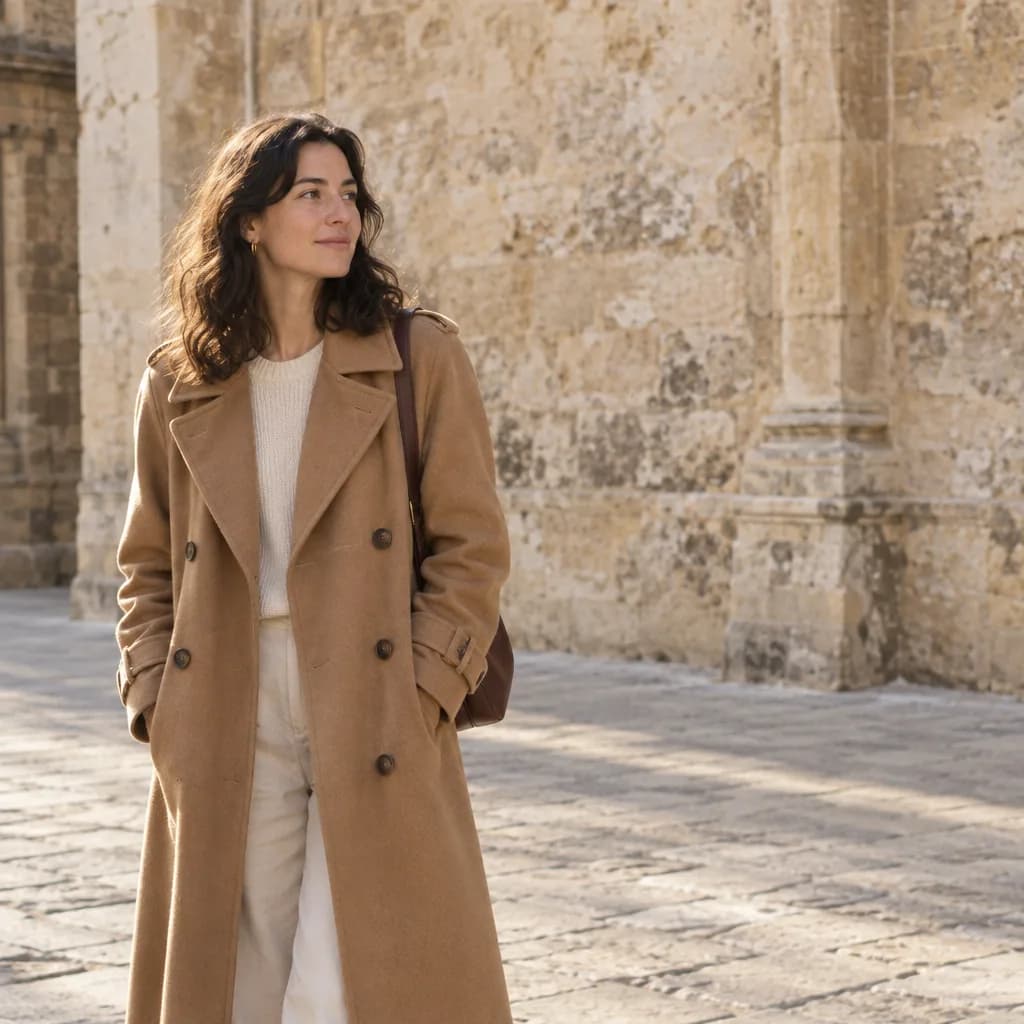
Change my outfit to a dark green wool coat with a cream scarf. Keep my face, hair, pose and the background exactly as in the photo.
Apply to my photoIllustrationIllustration of this look, made from the prompt with an image model, not from your photo. Your result starts from your own photo.
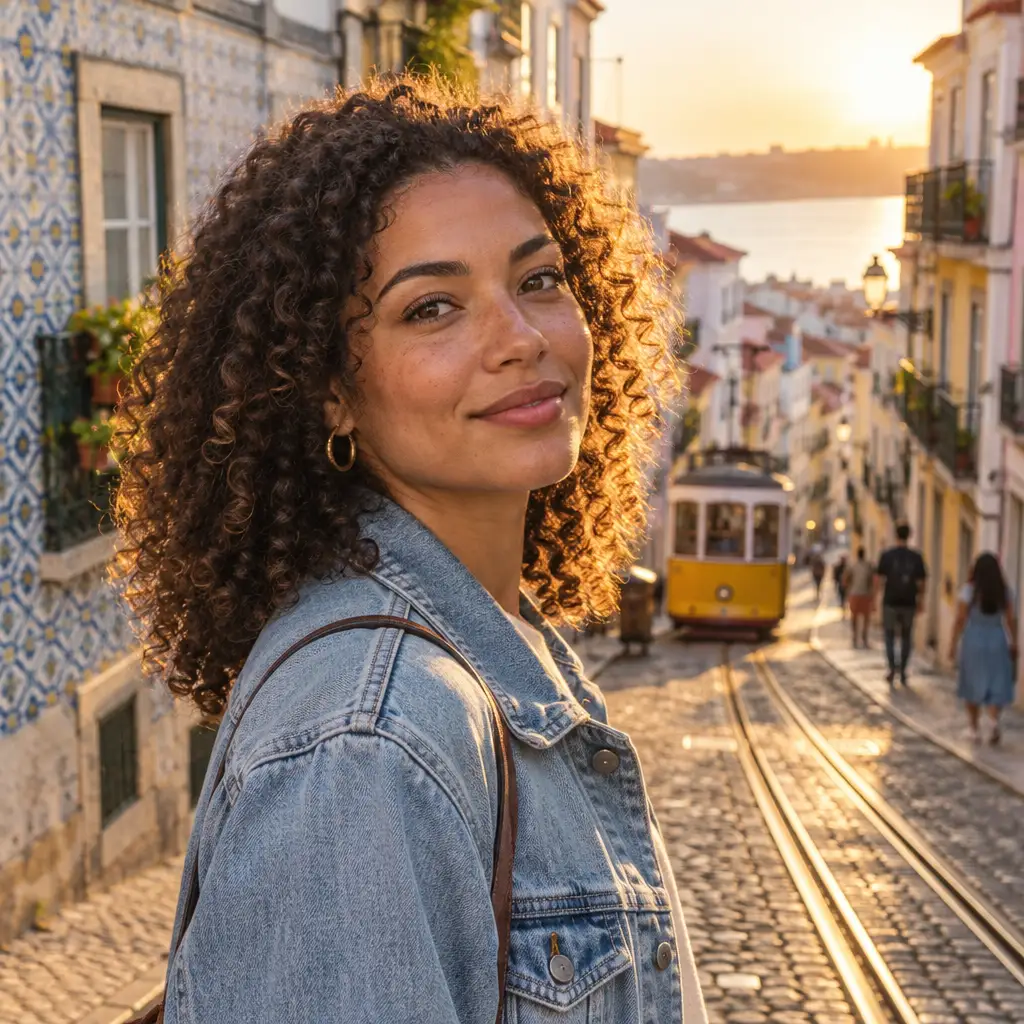
Replace the background with a quiet Lisbon street at golden hour, tram tracks and tiled facades. Keep me exactly as I am, match the warm light on my face.
Apply to my photoIllustrationIllustration of this look, made from the prompt with an image model, not from your photo. Your result starts from your own photo.
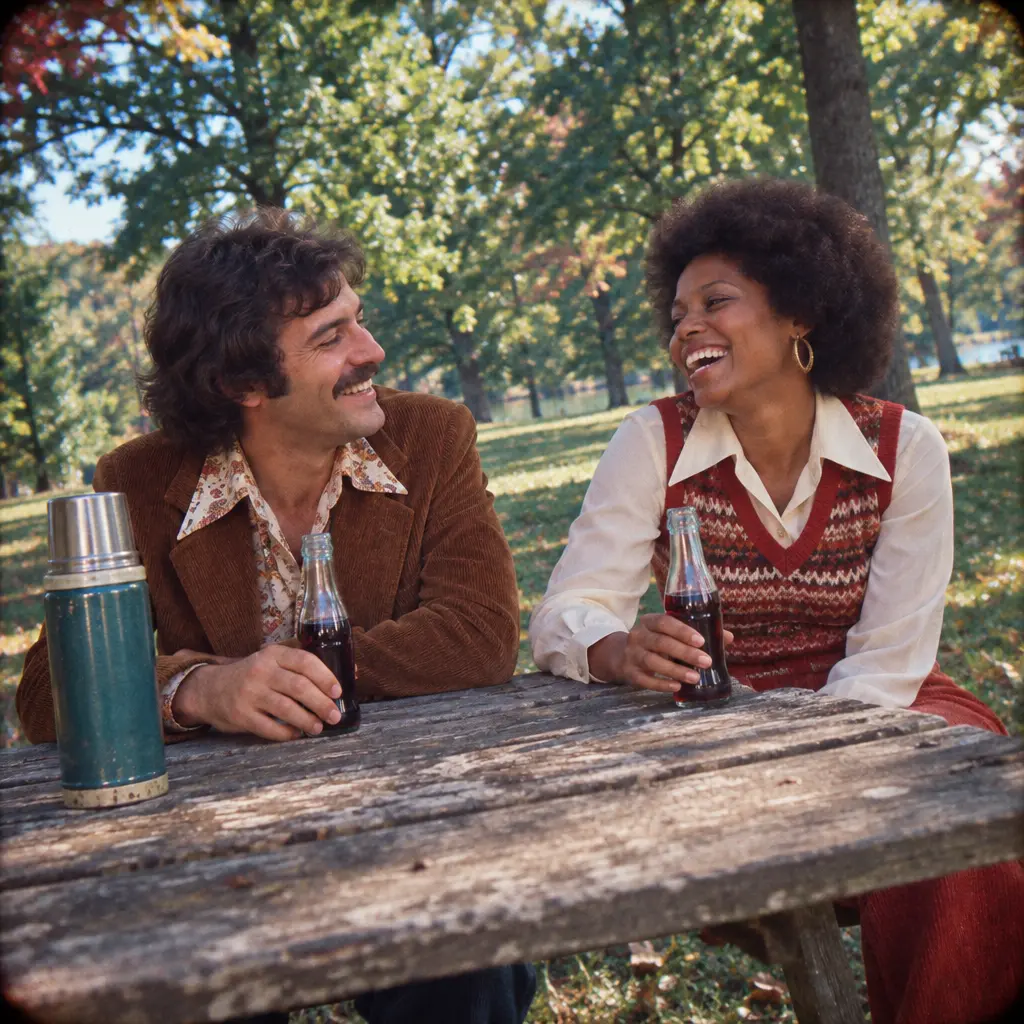
Make this photo look like a 1970s Kodachrome print: warm faded colors, soft grain, slight vignette. Keep my face and features unchanged.
Apply to my photoIllustrationIllustration of this look, made from the prompt with an image model, not from your photo. Your result starts from your own photo.
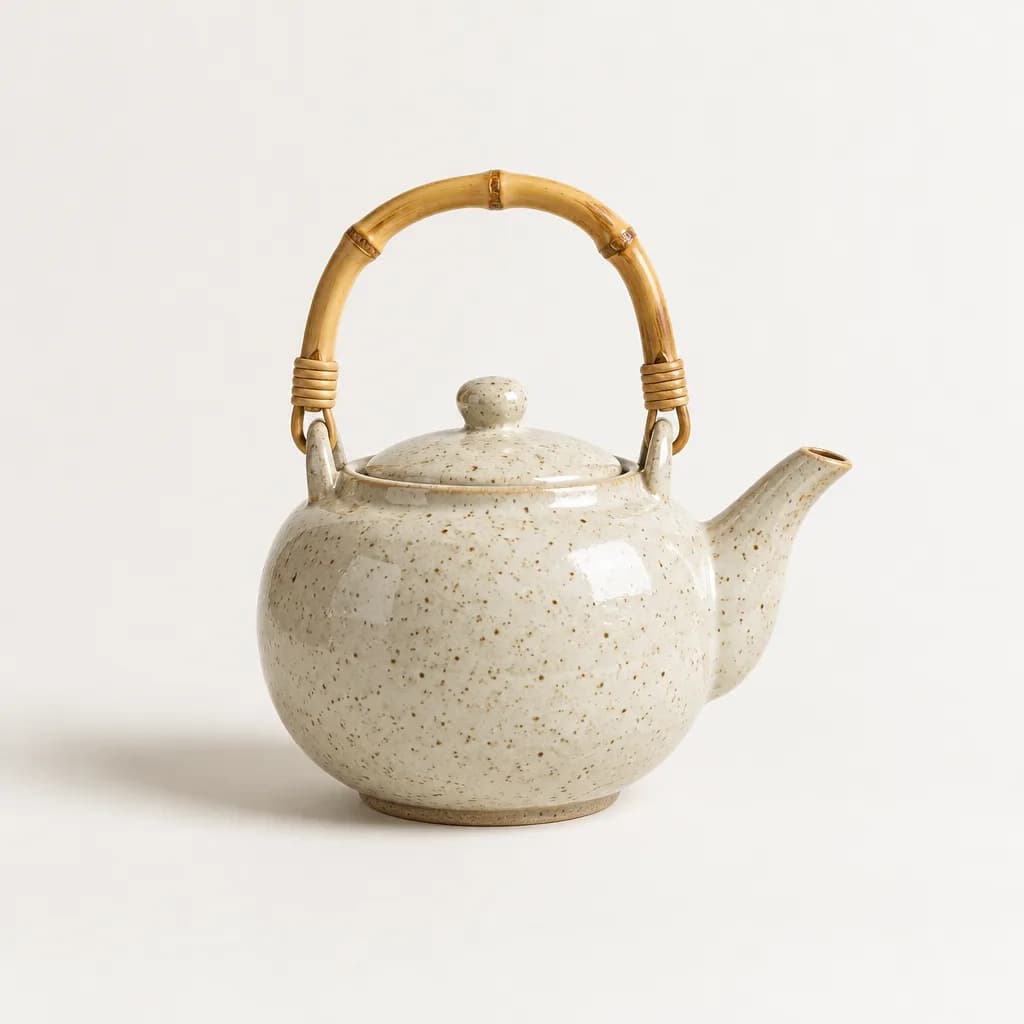
Place this object on a matte white studio sweep with soft shadow and one large softbox from the left. Remove everything else from the frame.
Apply to my photoIllustrationIllustration of this look, made from the prompt with an image model, not from your photo. Your result starts from your own photo.
Turn the summer scene into late autumn: orange and brown leaves, low soft sun, light mist. Keep the people and their clothes as they are.
Apply to my photoIllustrationIllustration of this look, made from the prompt with an image model, not from your photo. Your result starts from your own photo.
Remove the people in the background and the sign on the wall. Fill the space naturally so nothing looks cut out; keep the main subject untouched.
Apply to my photoHow do you write a Nano Banana prompt?
Ask for one change per prompt and name what must stay the same. 'Change the jacket to red; keep my face, hair and the background' works better than 'make it look cooler'. Describe light and material when they matter ('soft window light', 'matte wool'). For a stronger restyle, run two prompts in sequence instead of one long one, and check each result against the original before the next step.
What can't Nano Banana do here?
In UniqAI the output is square only; pick Flux for 9:16 or 16:9. Fine facial detail can drift on a heavy restyle, so compare with the original and run again if the face moved. Text inside the image is unreliable. It edits your own photos; do not upload photos of other people without their consent. Nano Banana Pro and Nano Banana 2 are not in UniqAI today.
Sources
Questions about Nano Banana Prompts
Is Nano Banana free to use?
In UniqAI a Nano Banana image costs 12 Gems and does not need a paid plan; a new account starts with 30 Gems. Google's own apps have their own plans and limits, set by Google. The cost here is shown before you generate, and credits come back if a generation fails.
Is Nano Banana the same as Gemini?
Nano Banana is the image model inside Google's Gemini family, officially Gemini 2.5 Flash Image. Gemini the chat assistant is a different product. In UniqAI you use Nano Banana in the image composer and the Gemini chat models in the chat view.
Which Nano Banana version does UniqAI run?
The original Nano Banana, Gemini 2.5 Flash Image. Google also lists Nano Banana Pro (Gemini 3 Pro Image) and Nano Banana 2 in its API docs (see Sources); those are not in UniqAI today. The date at the top shows the last check, and this page is updated when a version is added.
Will my face still look like me after an edit?
Usually close, especially for small changes like an outfit or background. On a heavy restyle fine detail can drift. Name what must stay ('keep my face and features exactly'), compare with the original, and run again if it moved; failed generations return their credits.
What image sizes does Nano Banana make here?
Square only, 1:1, which suits profile pictures and most social posts. If you need 9:16 for stories or 16:9 for a banner, use Flux Schnell (3 Gems) or FLUX 1.1 Pro (18 Gems, paid plan), which both accept a source photo and offer five aspect ratios.

Coming soon to the App Store for iPhone
Chat, photo and video generation with several AI models in one app.