

Text to Image AI: Turn a Written Prompt Into an Image
Describe the subject, setting and light in a sentence and get an image back.
Updated
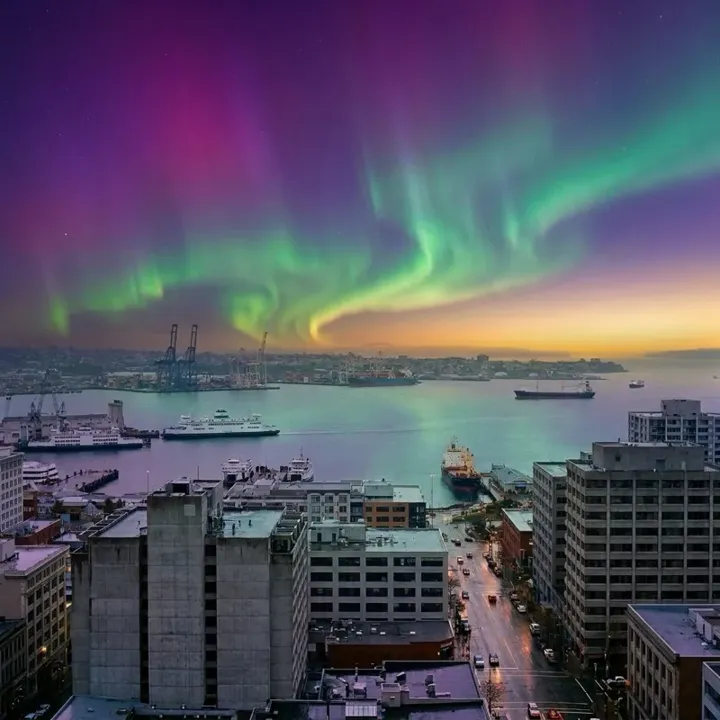 App sample
Examples
App samples come from the UniqAI app. Illustrations show other edits you can ask for.
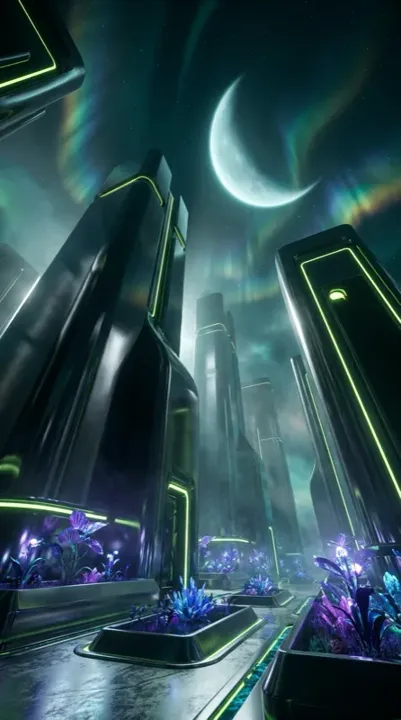 App sample
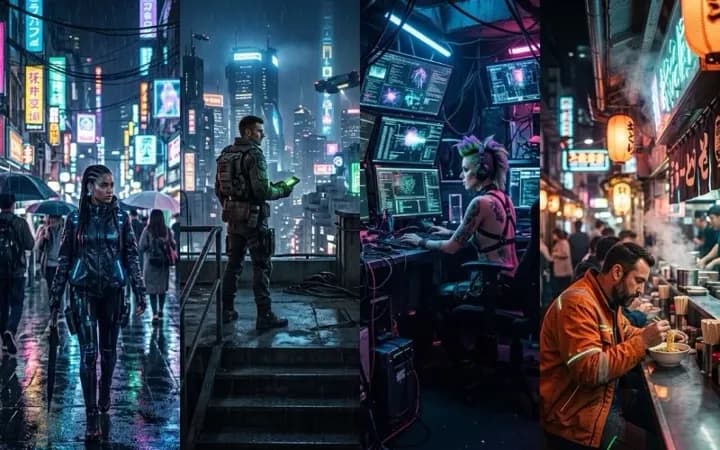 App sample
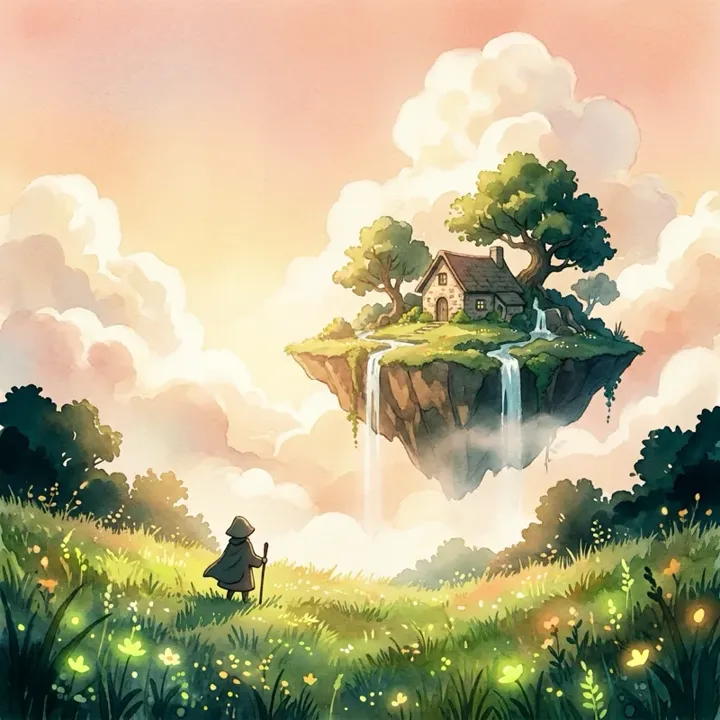 App sample
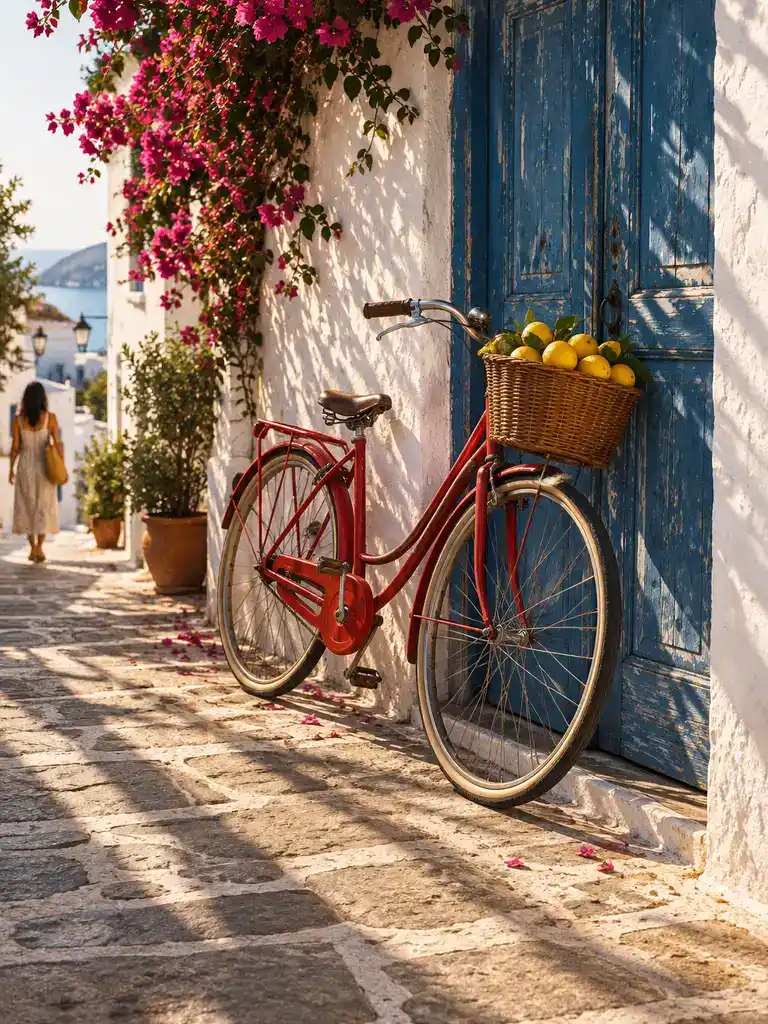 Illustration
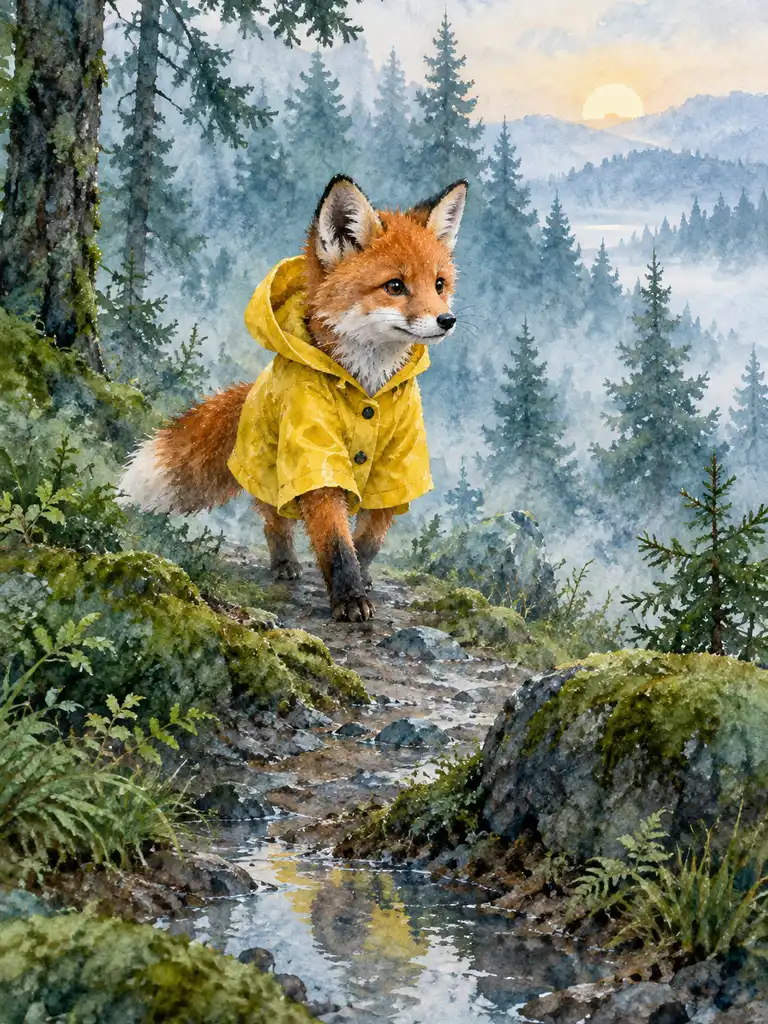 Illustration
How it works
Write the prompt
Subject, setting, light and framing, in that order. One or two sentences is enough.
Pick a model and aspect ratio
Flux Schnell for 3 gems to test, Nano Banana or FLUX 1.1 Pro for the final image.
Generate and refine
Change one detail in the prompt at a time and run it again until it matches.
Which text to image model should I pick?
| Model | Maker | Cost per image | Aspect ratios | Good for |
|---|---|---|---|---|
| Flux Schnell | Black Forest Labs | 3Gems | 1:1, 4:5, 9:16, 16:9, 3:2 | Fast drafts and trying several wordings |
| Nano Banana | 12Gems | 1:1 | Detailed scenes and prompts with several elements | |
| FLUX 1.1 Pro | Black Forest Labs | 18GemsPaid plan | 1:1, 4:5, 9:16, 16:9, 3:2 | A final image in a wide or vertical format |
The cost is shown next to the model before you generate, and a failed generation returns its gems. Video models are on the video pages and need a paid plan.
How do I write a prompt that works?
Describe what the camera would see, in this order:
- Subject with one or two details: "a red bicycle leaning on a blue door".
- Setting: "a sunny seaside alley".
- Light and mood: "late afternoon sun, long shadows".
- Style and framing: "35 mm photo" or "watercolor", then where the subject sits in the frame.
- Exclusions: "no text or logos" keeps stray lettering out.
Two or three concrete details sharpen the result more than a list of adjectives. Test the wording on Flux Schnell for 3 gems, then run the version you like on Nano Banana or FLUX 1.1 Pro.
Can I write the prompt in another language?
You can type the prompt in your own language and the models usually follow it, but English prompts are the most reliable, especially for style words and camera terms. If a result misses a detail, try the same prompt in English before changing anything else.
What it can and cannot do
It creates a new picture from your description each time; there is no live preview as you type, and the same prompt gives a different image on each run. It cannot reliably render small, specific text inside the image, and it cannot reproduce a real, named person or an exact real place. Long prompts with conflicting requests render less predictably than one clear scene.
About the examples
The images above were made in the UniqAI app from text prompts. The exact prompts were not recorded, so none is shown; the prompt pattern above is how they were written. More examples with their prompts will be added.
Questions about Text to Image AI
How much does one text to image generation cost?
Flux Schnell costs 3 gems per image, Nano Banana 12 gems, and FLUX 1.1 Pro 18 gems on a paid plan. The cost is shown next to the model before you generate, and a failed generation returns its gems.
What should I include in a good text to image prompt?
Name the subject, the setting, the light and the style in one or two sentences, and say what to leave out. Two or three concrete details sharpen the result more than many adjectives. Change one detail at a time between runs so you can see what each word does.
Can I generate images in a language other than English?
Yes, prompts in other languages usually work, but English is the most reliable, especially for style and camera terms. If a detail is missed, rerun the same prompt in English before changing the wording.
Does the image update in real time as I type?
No. The model draws the image after you send the whole prompt, and each run makes a new image. Refine the wording and run it again; a test on Flux Schnell costs 3 gems.
Which aspect ratios can I generate?
Flux Schnell and FLUX 1.1 Pro offer 1:1, 4:5, 9:16, 16:9 and 3:2. Nano Banana makes 1:1 images from text. Pick the ratio next to the model before you generate: 9:16 for stories, 16:9 for a wide scene.

Coming soon to the App Store for iPhone
Chat, photo and video generation with several AI models in one app.