

AI Kiss Video: Animate a Gentle Kiss From a Couple's Photo
Upload one photo with both of you in it and Kling 3.0 animates a short, gentle kiss: 5 seconds for 80 gems or 8 for 120.
Updated
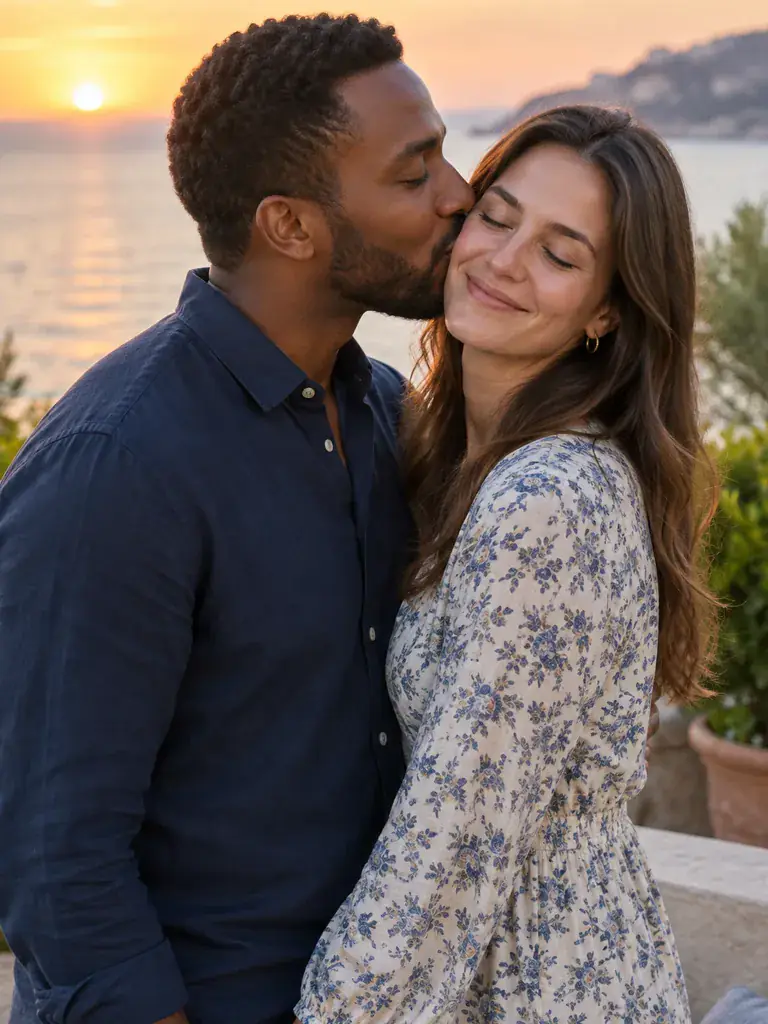 Illustration
Examples
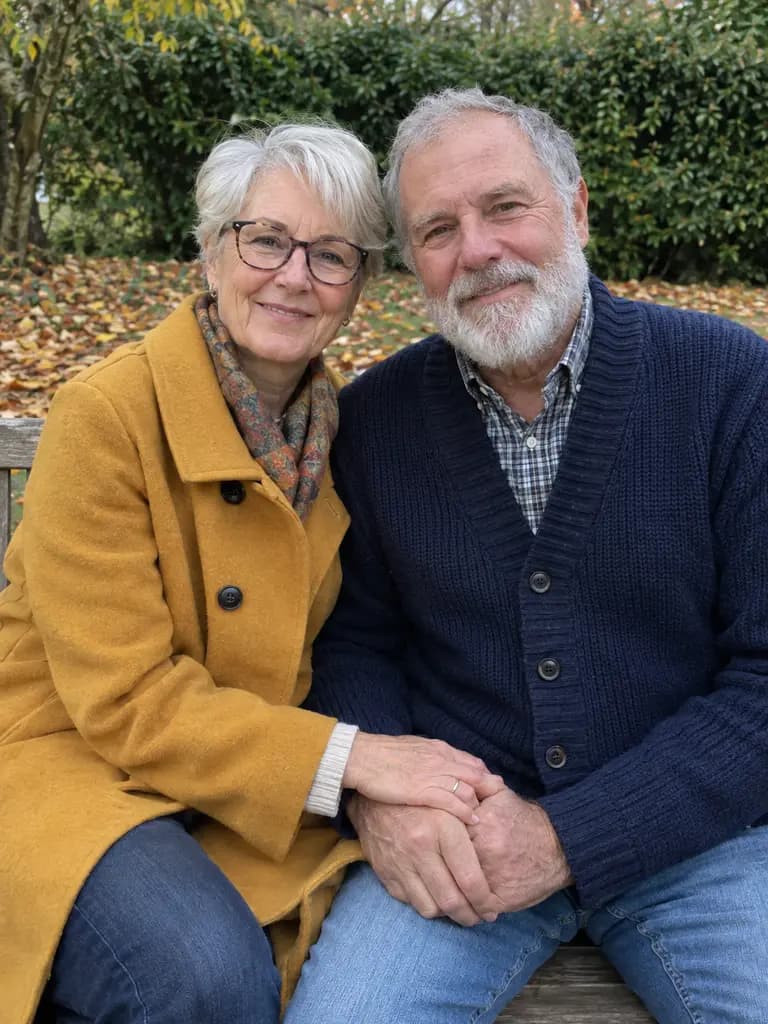
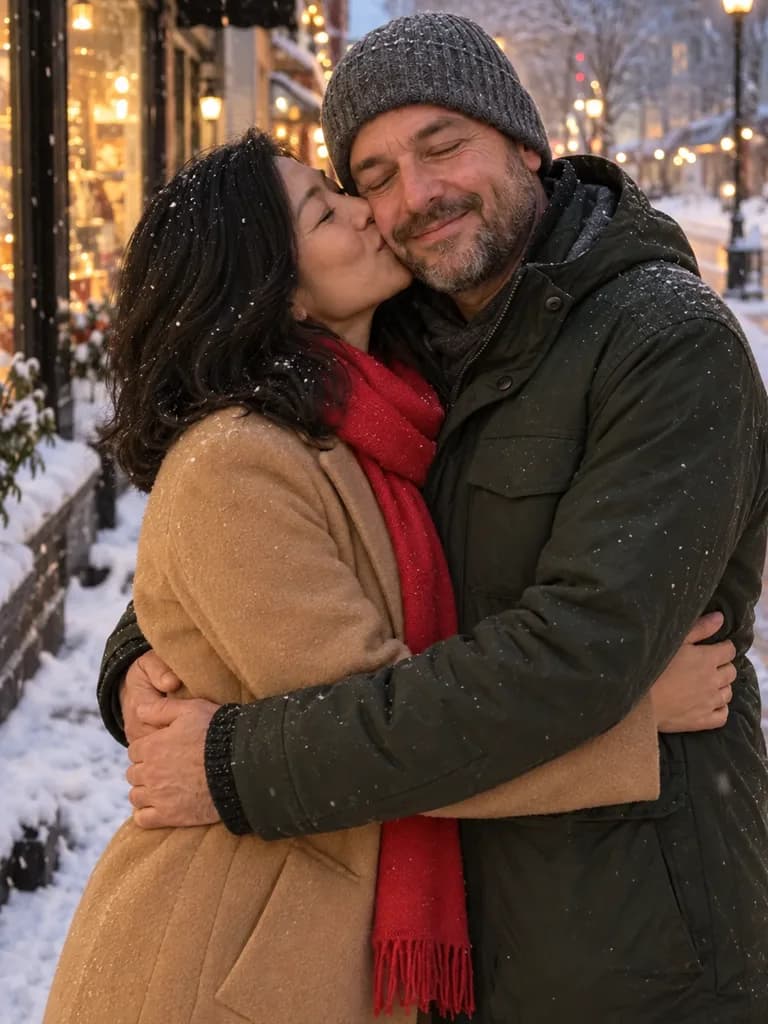
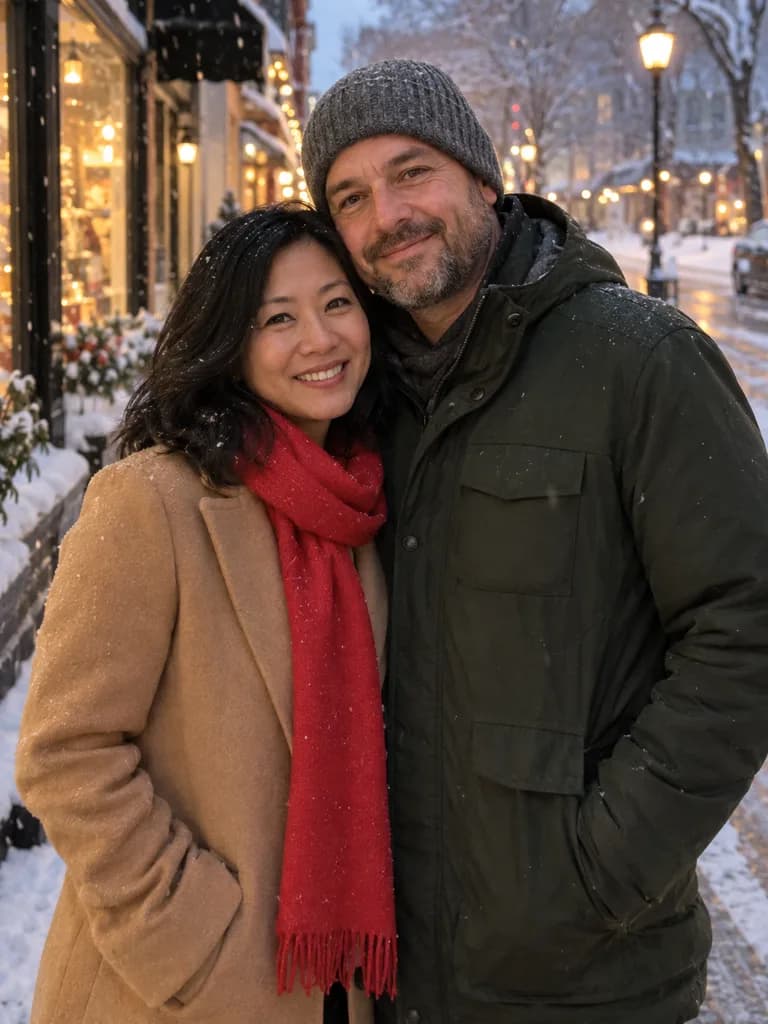
Illustrations of the kind of result this makes. They are not app outputs.
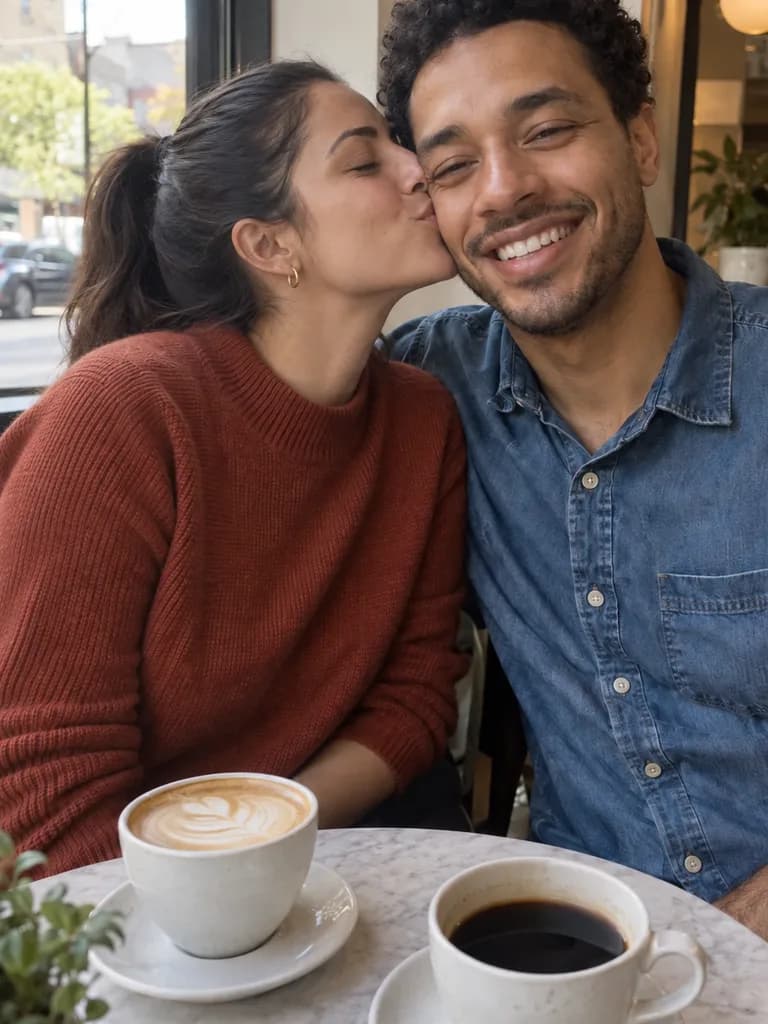
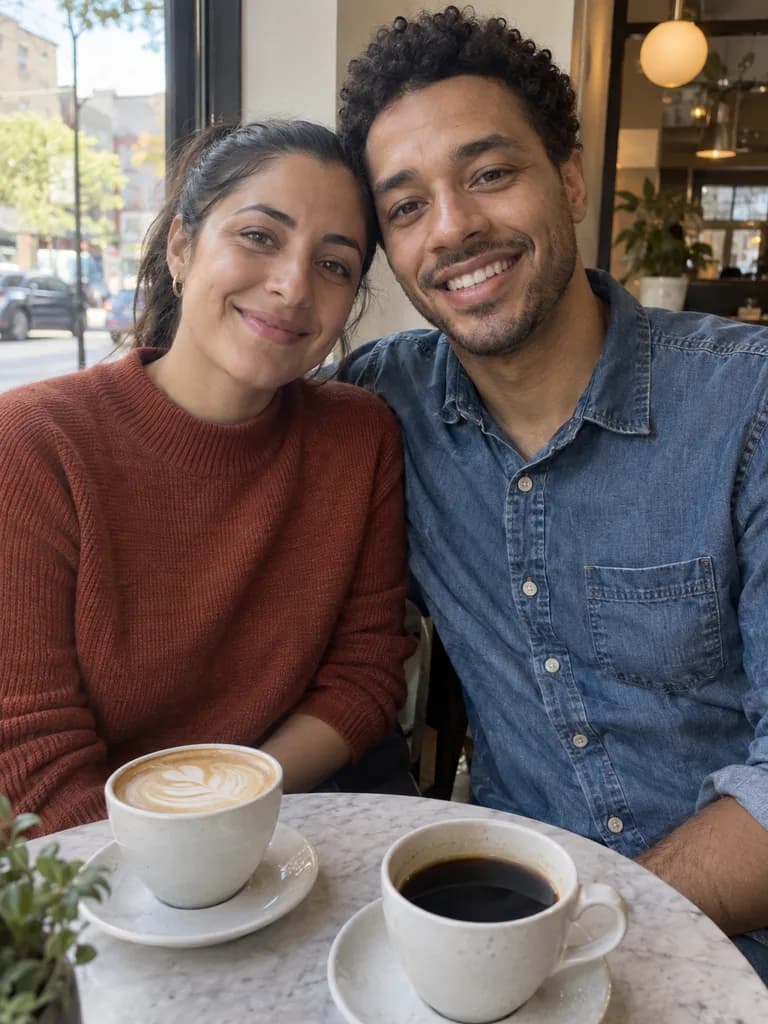 BeforeAfter
Example instruction: The couple in the photo turn toward each other, she gives him a gentle kiss on the cheek and he laughs, slow natural movement, the camera holds still. Keep their faces, clothes and the background exactly as in the photo.
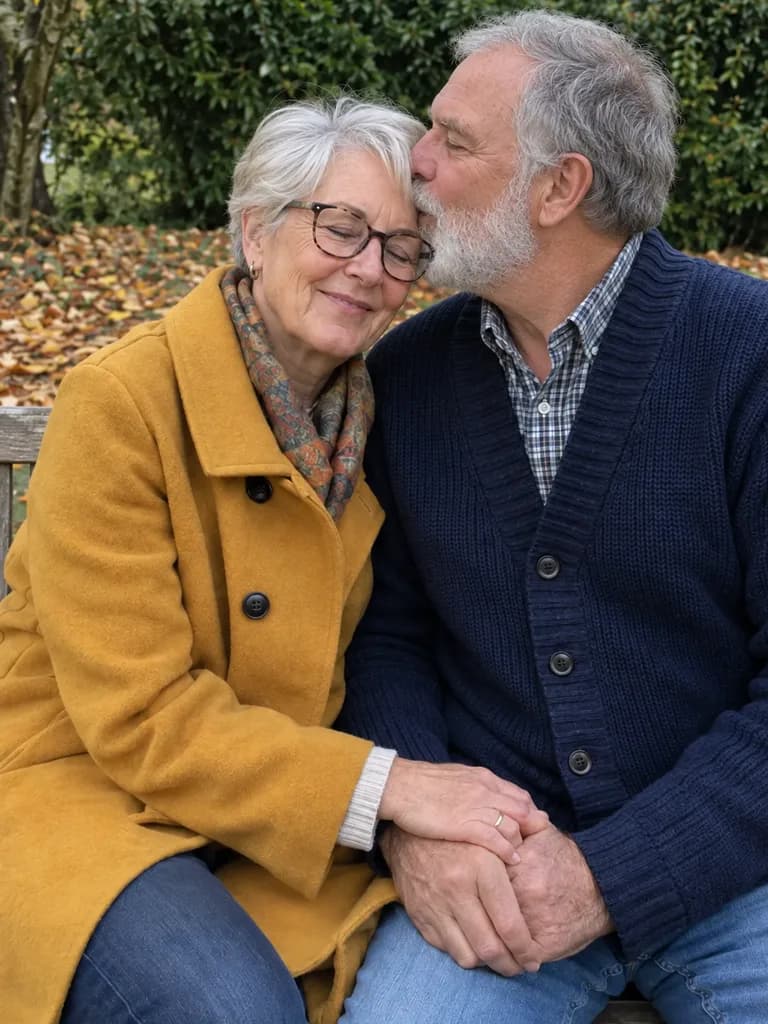
 BeforeAfter
Example instruction: The man in the photo turns and gives the woman a soft kiss on the forehead, she closes her eyes and smiles, slow gentle movement, the camera holds still. Keep their faces, clothes and the garden exactly as in the photo.
 BeforeAfter
Example instruction: …step closer into a warm hug and she kisses him lightly on the temple, snow keeps falling, slow natural movement, the camera holds still. Keep their faces, coats and the street exactly as in the photo.
How it works
Upload one photo of you both
Both faces visible, side by side or close together, in good light.
Keep or edit the prompt
The prepared prompt asks for a brief, gentle kiss. Change it to a kiss on the cheek or forehead if you prefer.
Pick length and generate
5 seconds for 80 gems or 8 for 120 on Kling 3.0. Watch the clip, then save it.
Which photo works best
Pick a photo where both people are already close, faces turned slightly toward each other and clearly lit. Sunglasses, hats pulled low and heavy filters make the motion less steady. A photo cropped from the waist up gives the model enough room for the lean-in without cutting off heads.
Gentle variations to try
The two people in the photo turn toward each other and one gives the other a light kiss on the cheek, both smile, slow natural movement, the camera holds still. Keep their faces, clothes and the background exactly as in the photo.
Use with my photoOne person in the photo gently kisses the other on the forehead, the other closes their eyes and smiles, slow calm movement, the camera holds still. Keep their faces, clothes and the background exactly as in the photo.
Use with my photoThe couple in the photo step into a warm hug, one kisses the other lightly on the temple, then they look at the camera and laugh, slow natural movement, the camera holds still. Keep their faces, clothes and the background exactly as in the photo.
Use with my photoThe couple in the photo hold hands, look at each other fondly and share a brief, gentle kiss, then rest their foreheads together, soft warm light, slow movement, the camera holds still. Keep their faces, clothes and the background exactly as in the photo.
Use with my photoWhich model and how much?
Kling 3.0 is the default: 5 seconds for 80 gems or 8 seconds for 120. Wan 2.5 makes a 5 second clip for 40 gems. Veo 3 adds generated sound for 1 Cinema credit (6 s) or 2 (8 s). Video models need a paid plan; the cost is shown before you generate, and a failed generation returns its credits.
What it can and cannot do
It animates the one photo you upload; there is no second photo and no way to place two people together who were never in the same frame. The result is a short, plausible clip, not a recording, and faces or hands can drift slightly as they move. Keep it to your own photos or photos of adults who agreed to it, and keep it affectionate rather than explicit.
Questions about AI Kiss Video
Whose photos can I use for the AI kiss video?
Your own, or photos of adults who clearly agreed to it. Celebrities, public figures, minors and anyone who has not consented are off limits, and the clip should never be presented as a real recording of something that happened.
Do I need two separate photos?
No, and the web app takes only one photo per generation. Use a photo where both of you are already in the frame, ideally close together; the model animates the kiss from there.
Can I make it a kiss on the cheek or forehead instead?
Yes. The prompt is plain text, so you can change it before you generate. Ask for a kiss on the cheek, the forehead or the temple, or a hug first, and keep the line that tells the model to keep faces and clothes as they are.
How much does an AI kiss video cost?
Kling 3.0 costs 80 gems for 5 seconds or 120 for 8. Wan 2.5 costs 40 gems for 5 seconds. Video models need a paid plan, and a failed generation returns its credits automatically.
Is the generated video realistic enough to pass as real?
It is a short generated clip from one photo, and small drifts in faces and hands are common. Treat it as a keepsake, not footage of a real moment, and say it was made with AI when you share it.
What if someone made a kiss video of me without asking?
Report it to UniqAI support with a link or description of the clip. The terms commit to acting on content reports within 24 hours, and clips made from photos of people who did not consent break the rules for this effect.

Coming soon to the App Store for iPhone
Chat, photo and video generation with several AI models in one app.