

Background Changer: Swap Any Photo's Background
Upload a photo, describe the backdrop you want, and this background changer regenerates the scene behind your subject.
Updated
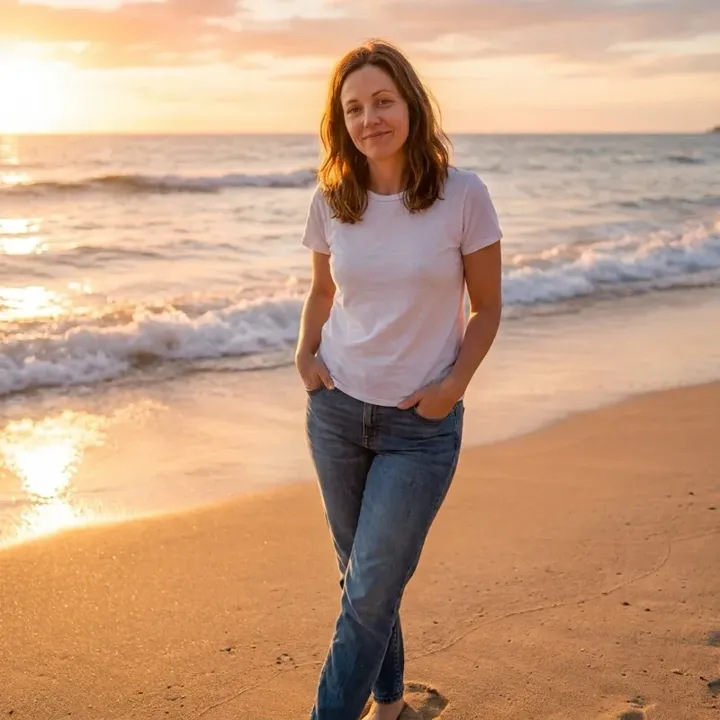
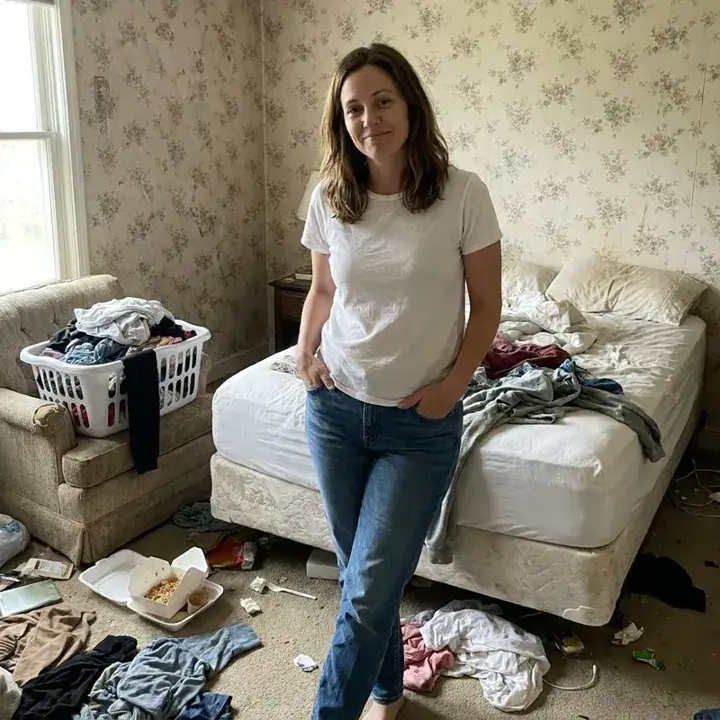 BeforeAfter
Examples
Illustrations of the kind of result this makes. They are not app outputs.
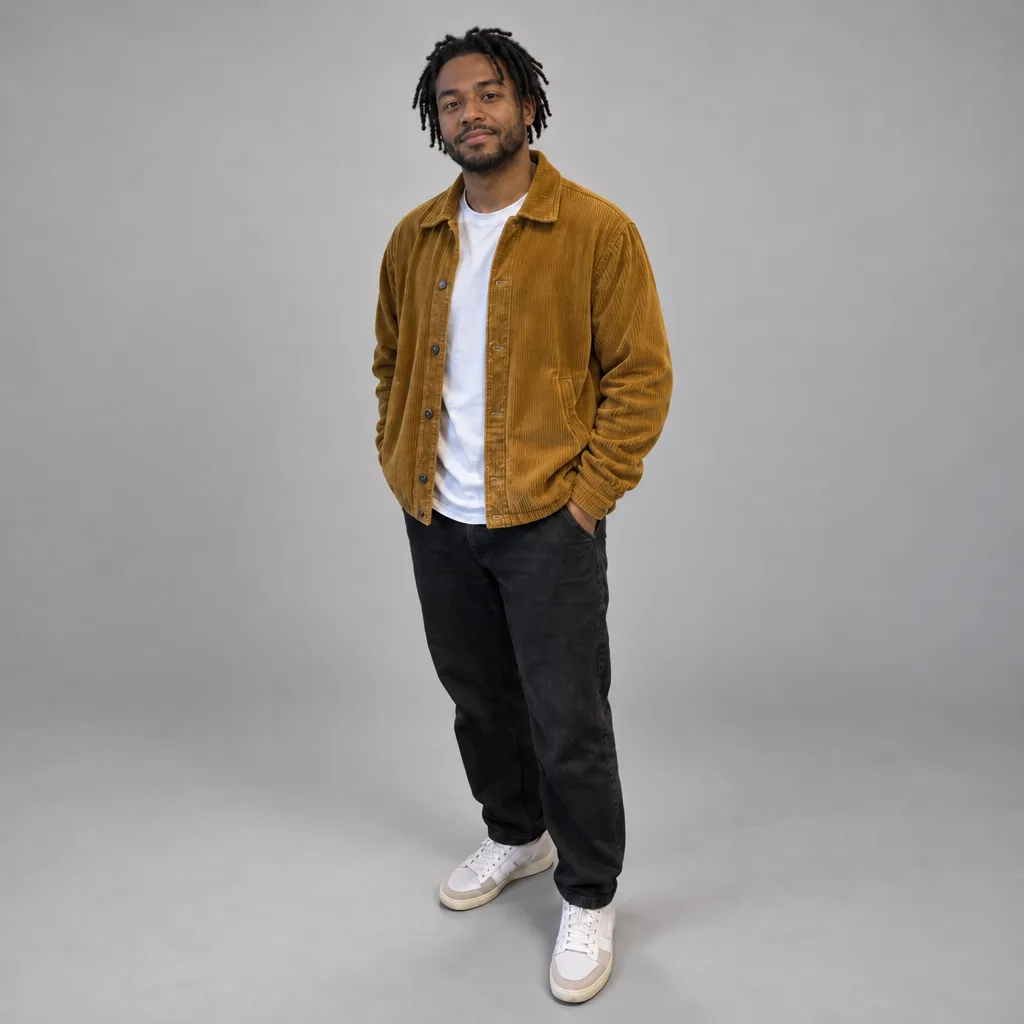
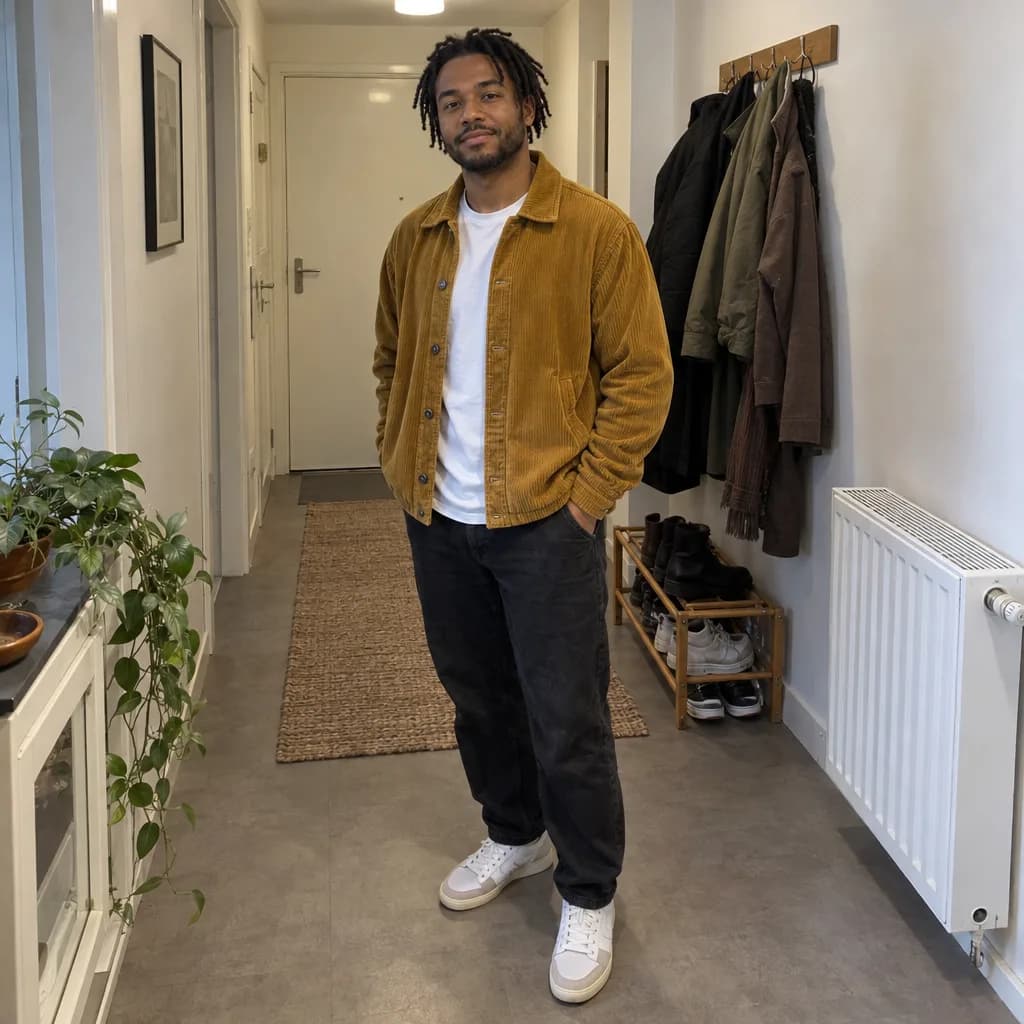 BeforeAfter
Example instruction: Replace the background with a plain, evenly lit light-grey photo-studio backdrop with a soft natural shadow behind him.
 BeforeAfter
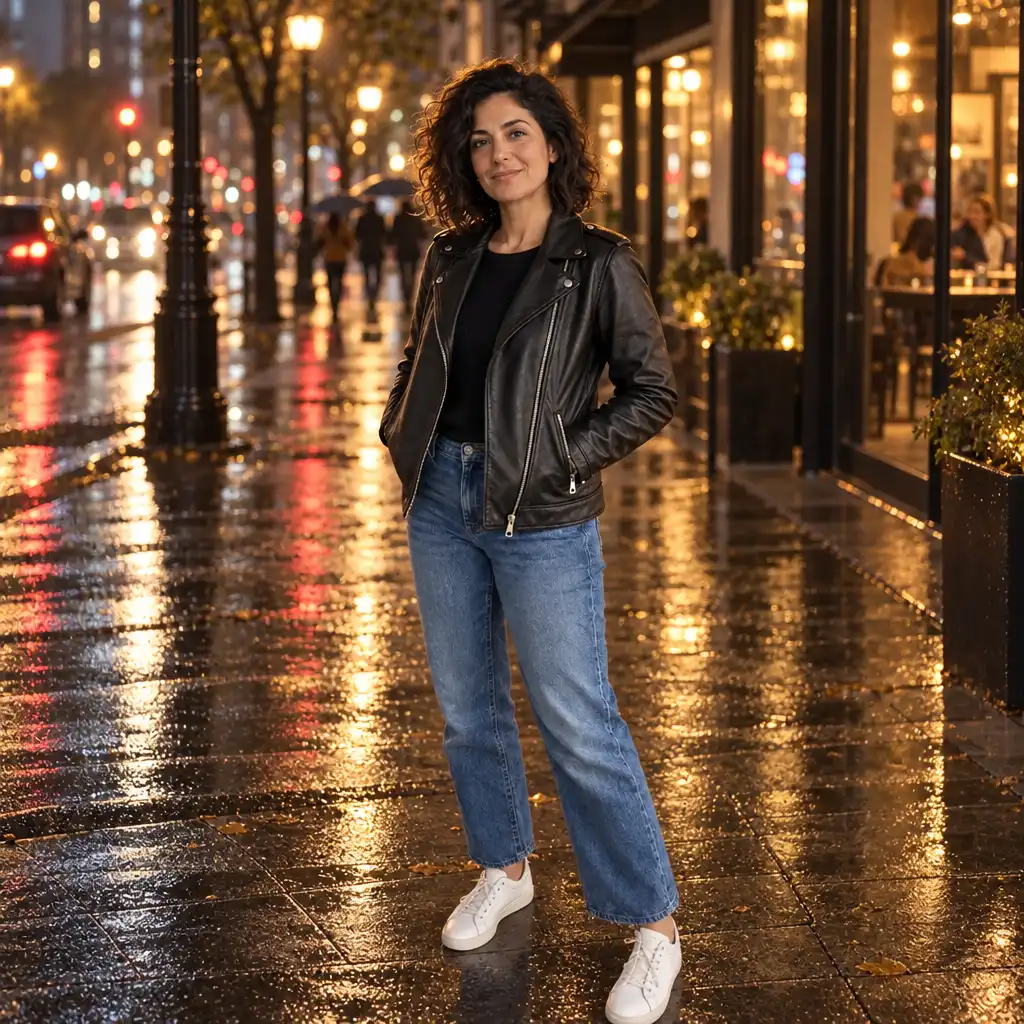
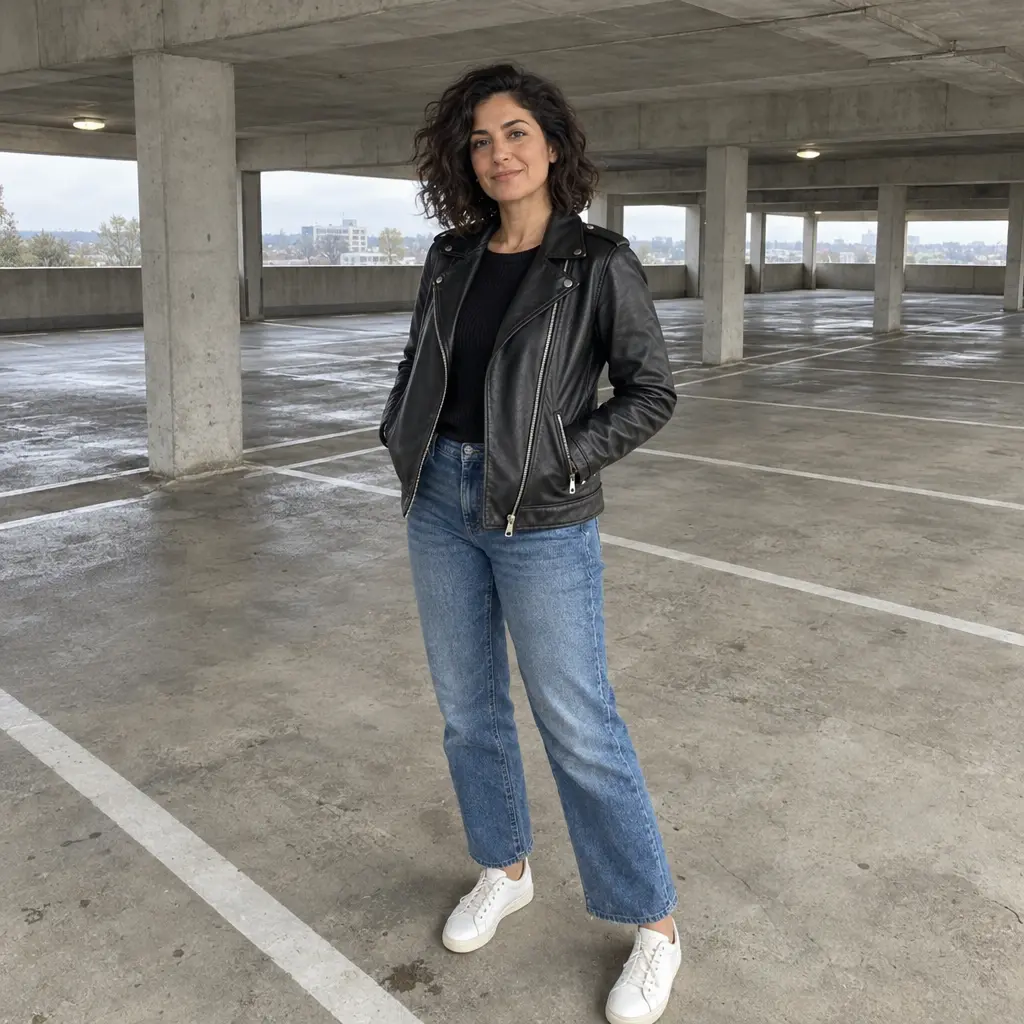
Example instruction: …rainy city street at night: wet asphalt reflecting warm shop windows and street lamps, soft out-of-focus bokeh lights, a gentle warm glow wrapping her hair and shoulders so she sits naturally in the scene.
 BeforeAfter
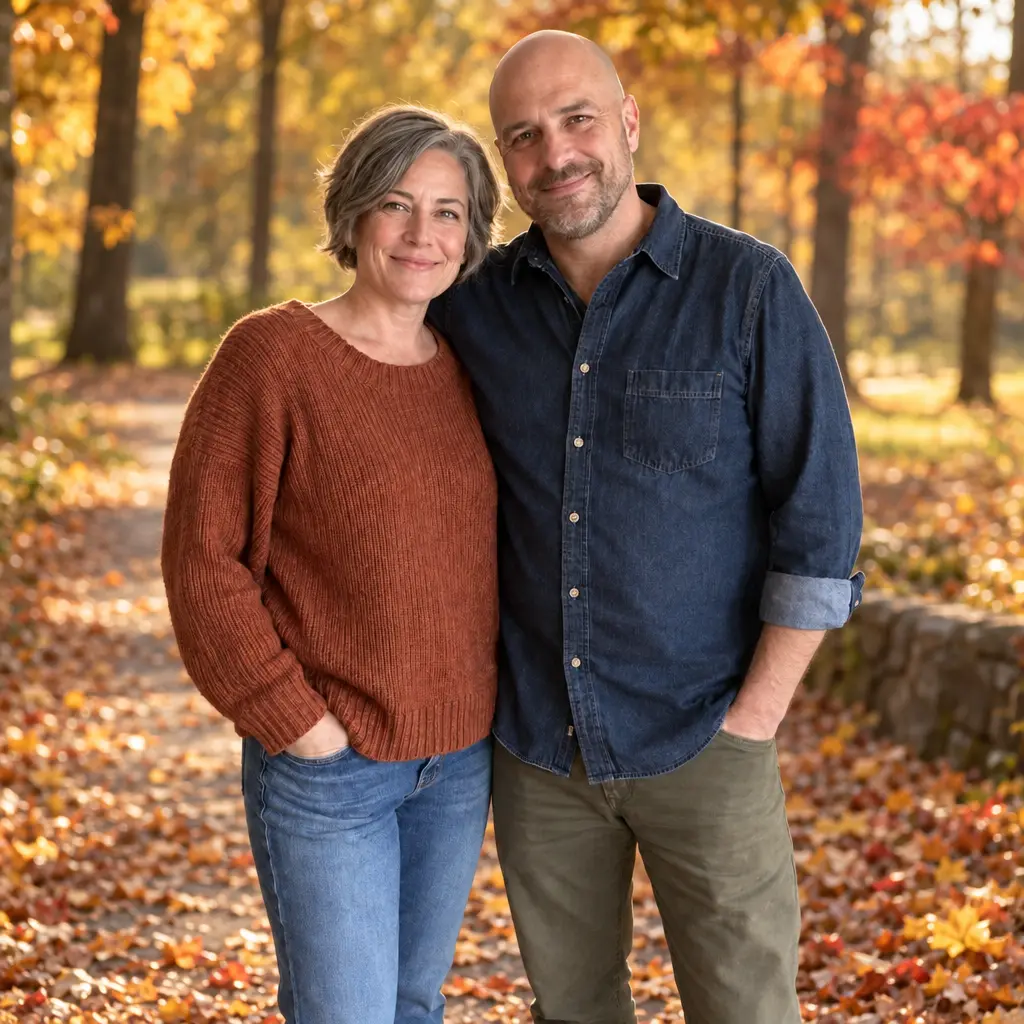
Example instruction: …an autumn park: a leaf-strewn path, golden and rust maple trees, soft low afternoon sun with a gentle warm haze, the trees blurred behind them.

 BeforeAfter
Example instruction: …bright modern open-plan office: glass partitions, pale wood desks, a few plants, soft daylight from large windows on the same side as her existing light, everything gently out of focus.
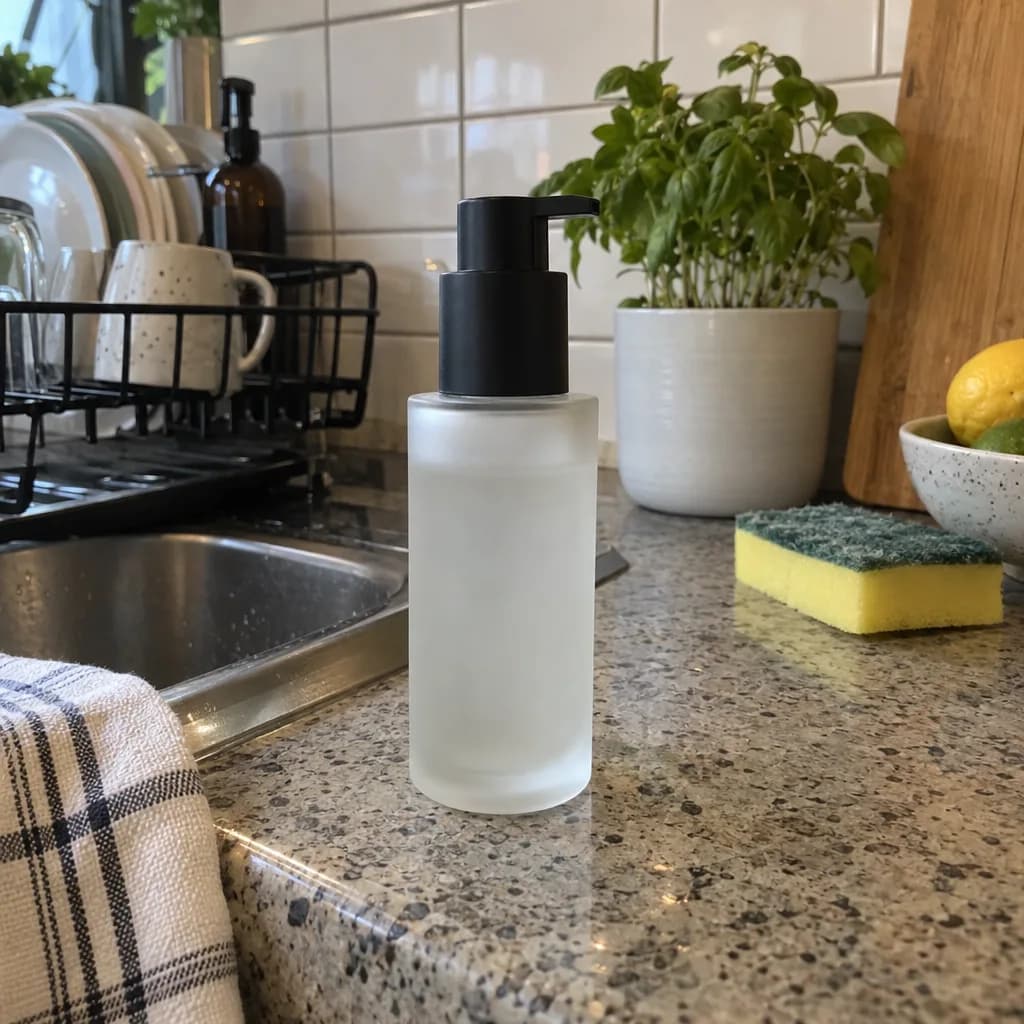 BeforeAfter
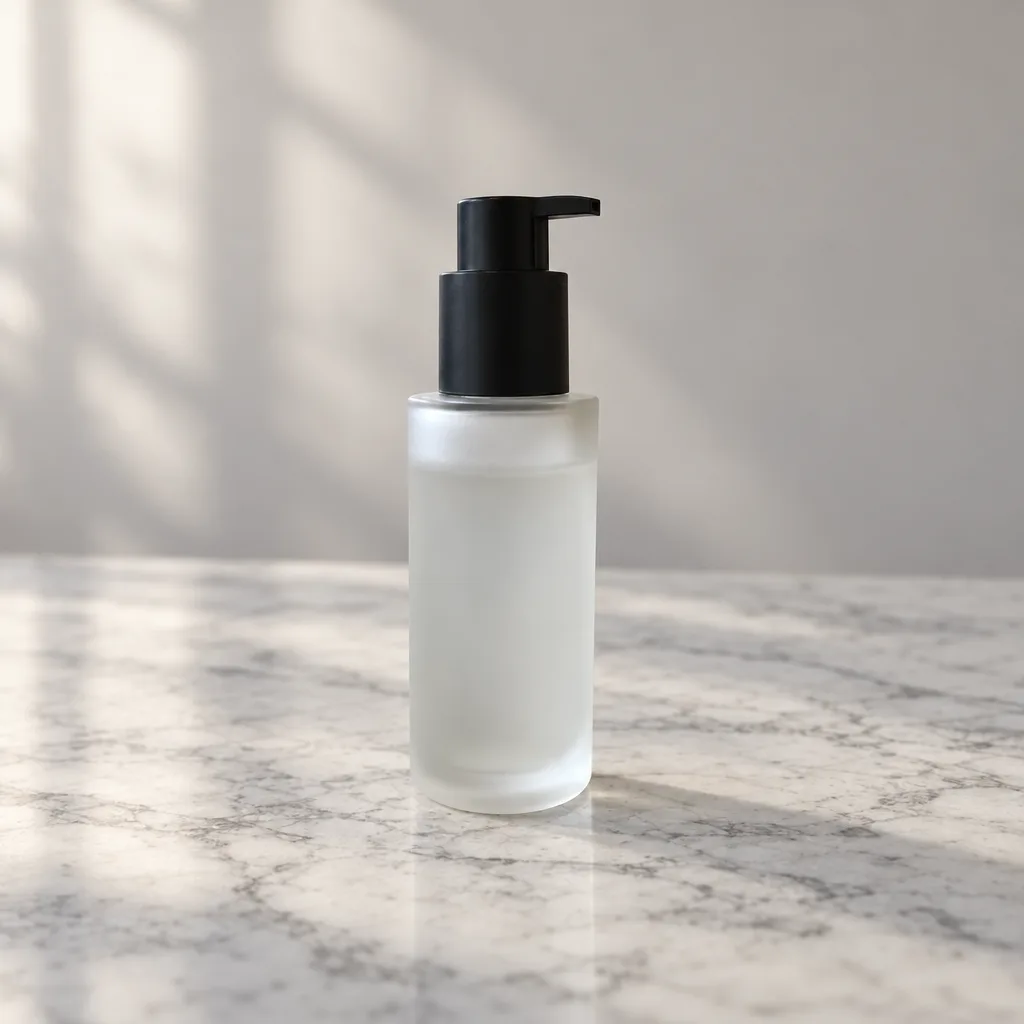
Example instruction: Replace everything except the bottle: remove the whole kitchen, including the counter, sink, fruit bowl, lemons, plants, utensils and sponge. The bottle now stands alone on a white Carrara marble slab in soft window light, with a pale warm-grey wall softly blurred behind and a soft natural contact shadow under the bottle; nothing else in the frame.
How it works
Upload your photo
A photo with a clear, separable subject works well.
Describe the new background
A beach at sunset, a grey studio backdrop, a plain white wall: type it in words.
Compare and save
Check faces, edges and lighting against the original, then save.
Tips for a clean result
Describe the light as well as the place, for example "soft window light from the left", so the new scene matches the way the subject was lit. A photo with a clear subject and simple edges gives the cleanest blend. Add "keep the person exactly as in the photo" if the face drifts.
What it can't do
This is a generative edit: the model rebuilds the image around the subject rather than cutting the subject out, so fine detail such as hair edges, jewellery or text on clothing can shift. There is no list of preset scenes; you describe the backdrop in words. Always compare the face with the original before you share the result.
Questions about Background Changer
Can I change the background of a photo without redoing the whole photo?
You keep the subject and describe a new scene; the model repaints the background around them. Because it is generative, small details can drift, so compare the result with the original. If the face changed, run it again and add "keep the person exactly as in the photo" to the prompt.
What kinds of new backgrounds can I use?
Anything you can describe in words: a beach at sunset, a grey studio backdrop, a plain white wall, a city street at night. There is no preset list. Name the place and the light in one sentence, and keep it simple for the cleanest blend behind the subject.
Does it work on iPhone photos?
Yes. Any photo from a phone or a camera works; you add it in the web app after pressing the button, and the result costs 12 gems on Nano Banana. A sharp photo where the subject stands out from the old background gives the model the most to work with.
Will the edges around hair or fine detail look clean?
Usually, when the subject stands out from the old background. Loose hair strands over a busy new scene are the hardest case, so a simpler backdrop looks cleanest. Zoom in on the edges and the face before you save, and run it again if something looks off.

Coming soon to the App Store for iPhone
Chat, photo and video generation with several AI models in one app.