

AI Sway Dance
A single still photo is animated into a short clip of the person swaying to a beat.
Pick an effect, add one photo and get a short clip.
Updated
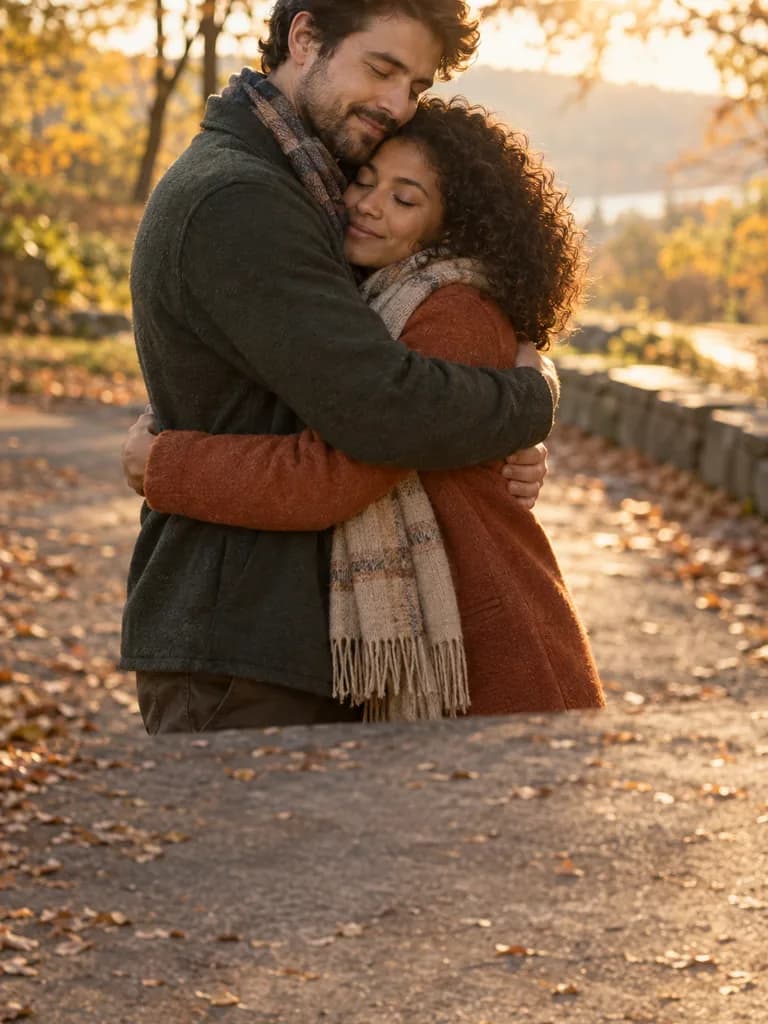 Illustration
App samples come from the UniqAI app. Illustrations show other edits you can ask for.
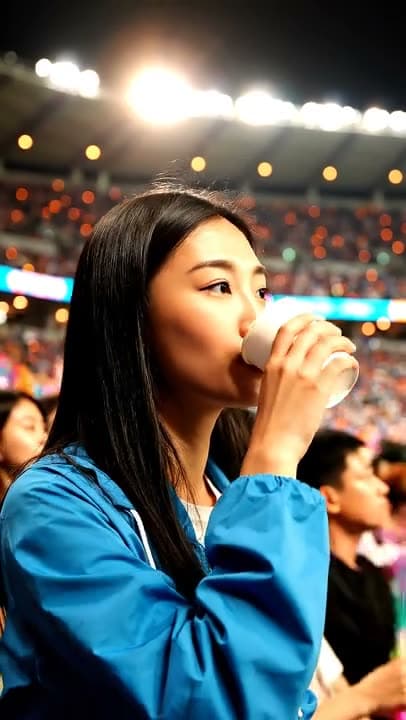
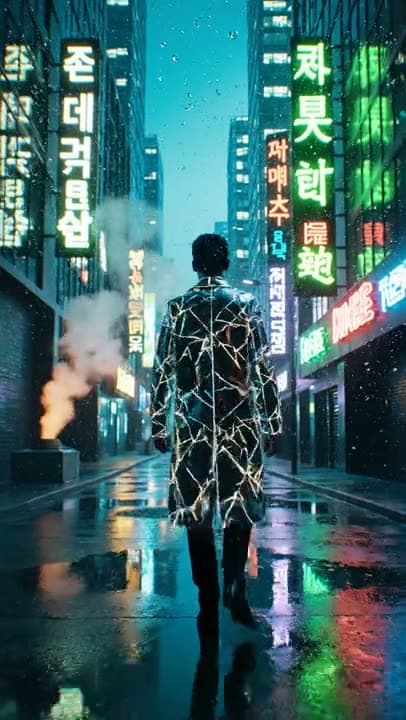
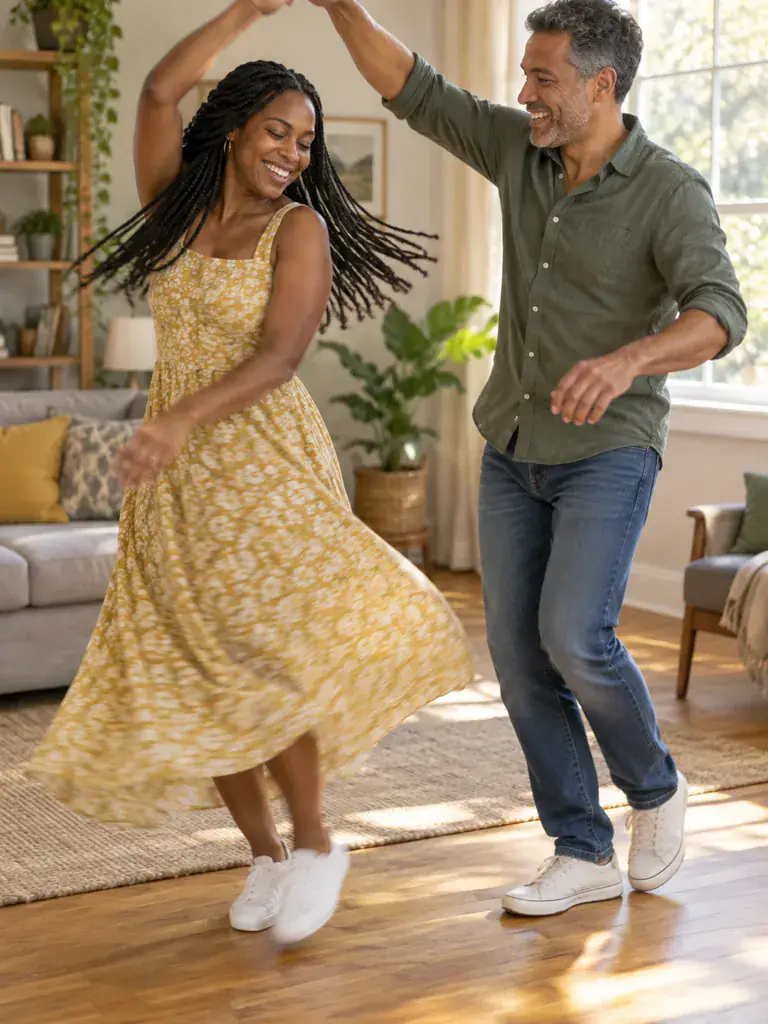 Illustration
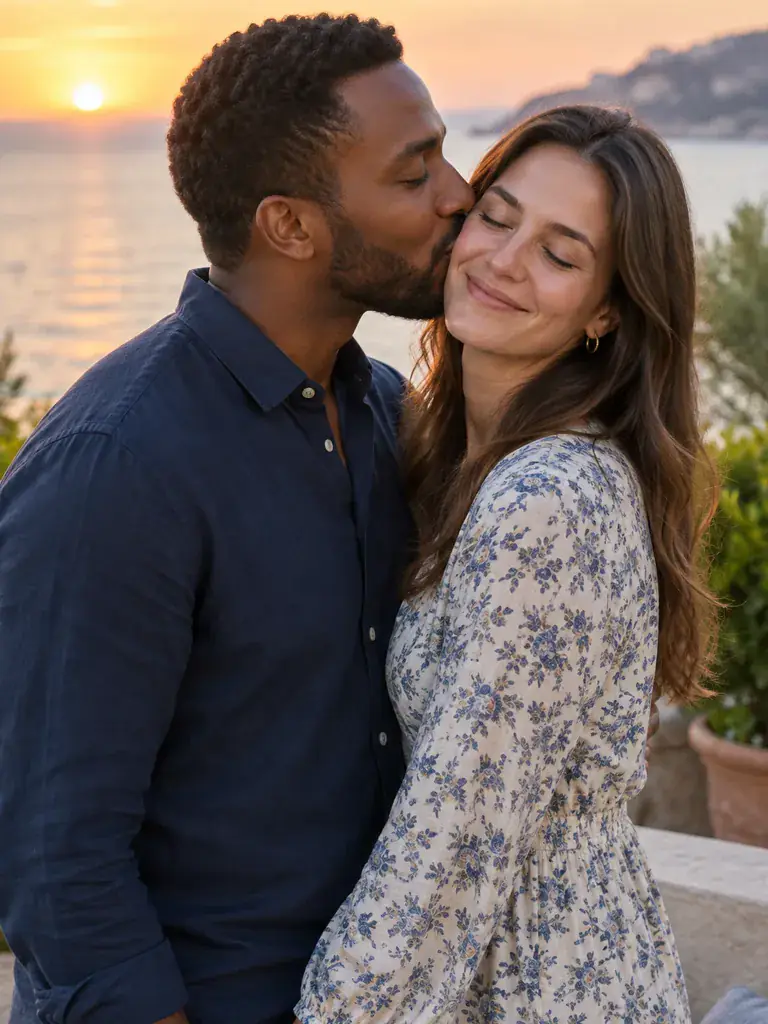 Illustration
What people are posting in this format right now. Videos by TikTok creators, shown with TikTok's own player; they were not made with UniqAI.
A single still photo is animated into a short clip of the person swaying to a beat.
A template turns one portrait into a short dance clip set in falling rain.
Upload a single photo and a template turns it into a short moving clip with a trending look.
A photo of yourself is turned into a clip of a stadium cheer routine with arm moves.
Two people in one photo turn toward each other and share a warm hug.
Choose the hug, the dance or the kiss. Each one comes with its own short motion prompt.
For the hug and the kiss, use a photo with both people in it. For the dance, a full-body photo of one person.
Pick a video model, check the cost shown before you start, then watch the clip and save it.
| Effect | Photo to upload | What moves | Prompt the effect fills in |
|---|---|---|---|
| AI hug | One photo with both people, side by side | The two people turn to each other and hug | "The two people in the photo turn to each other and hug warmly, natural movement." |
| AI dance | One full-body photo of one person | The person dances while the camera holds still | "The person in the photo dances, full body in frame, steady camera." |
| AI kiss | One photo with both people, close together | The two people share a soft kiss | "The two people in the photo share a gentle kiss, soft natural movement." |
Each effect sends one photo plus the prompt shown here to the video model you pick.
An effect is image to video with the prompt already written. You still upload a photo and pick a model; the effect only saves you from describing the motion.
The same as any clip on the AI video generator, because the effect runs on the model you choose:
Video models need a paid plan, and the cost is shown before you generate. If a generation fails, the gems are returned automatically. Plans are listed on pricing.
Most odd results come from the photo, not the effect.
One. The hug and the kiss work from a single photo that already shows both people together. The dance needs one full-body photo of one person. If the two people are in separate photos, combine them into one picture first.
The same as any video clip, because the effect runs on the model you pick: 40 gems on Wan 2.5, 80 or 120 gems on Kling 3.0, or 1 to 2 Cinema credits on Veo 3. Video models need a paid plan, and gems for a failed generation are returned automatically.
Yes. The effect places its short motion prompt in the prompt box, so you can read it and adjust the wording before you generate. For a completely different motion, use image to video and describe it yourself.
Use photos of yourself and of adults who agreed to be animated. Do not upload photos of public figures or of people who would not want a hug or kiss clip made of them. Review every clip before you share it.
Usually the photo is the cause: faces turned away, people standing far apart, or a cropped body for the dance. A sharp, evenly lit photo with both people close together gives the most natural motion.

Coming soon to the App Store for iPhone
Chat, photo and video generation with several AI models in one app.