

AI Prompts: A Library You Can Copy or Run
A library of AI prompts for images, photo edits and video.
Updated
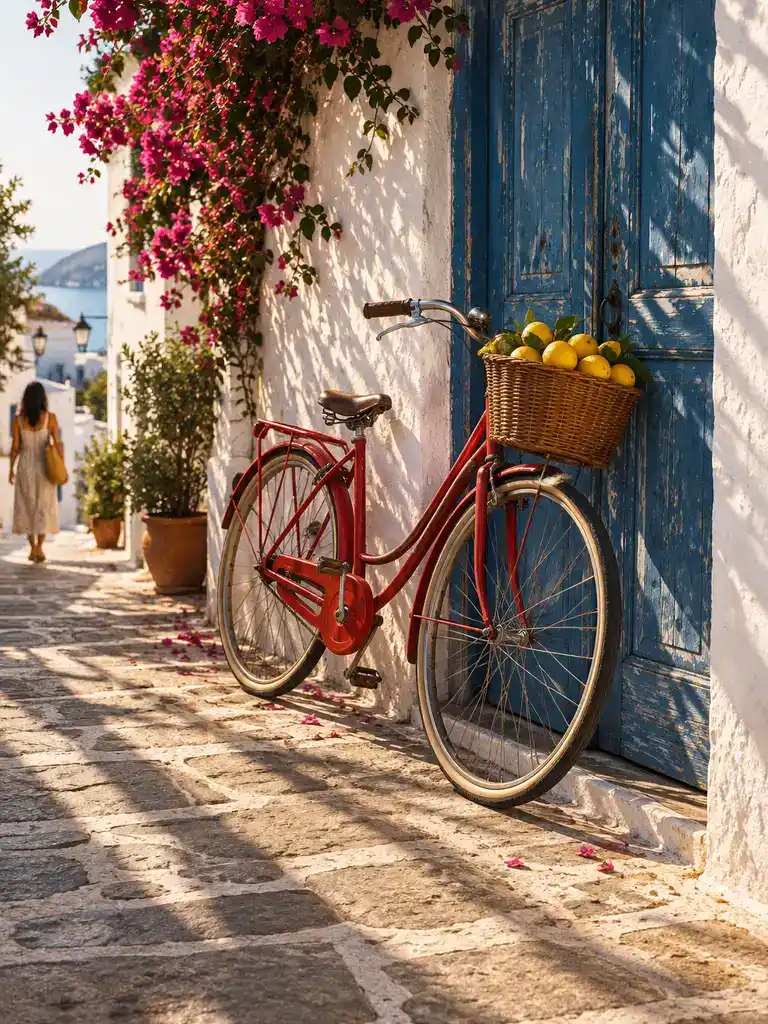 Illustration
Examples
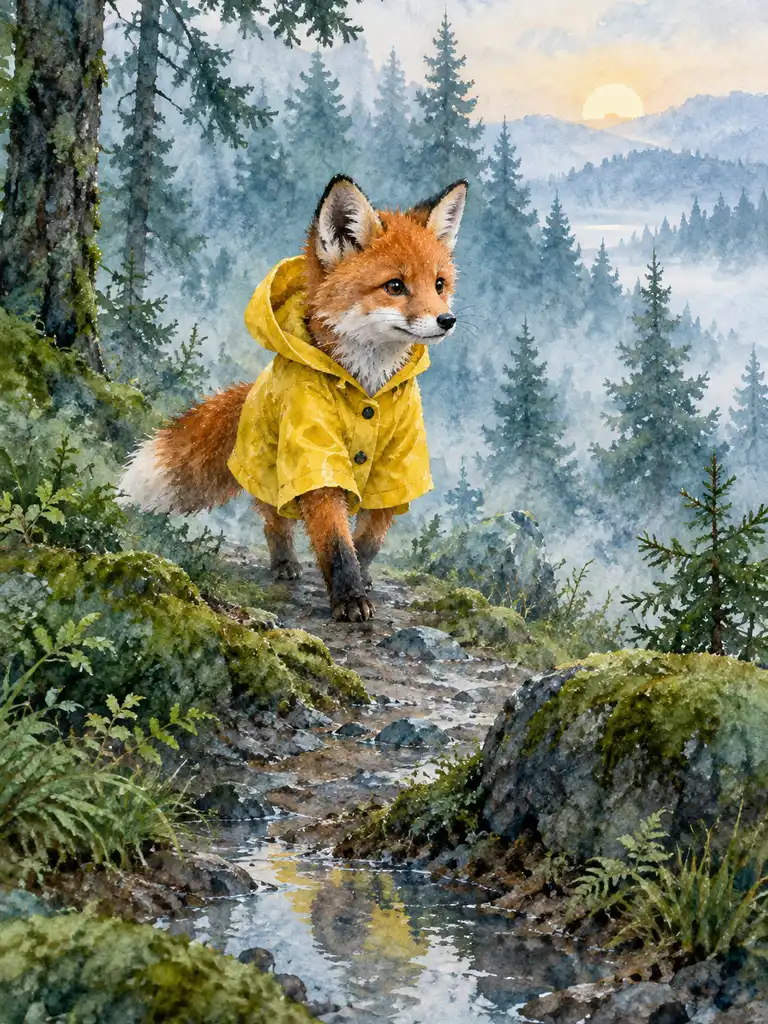
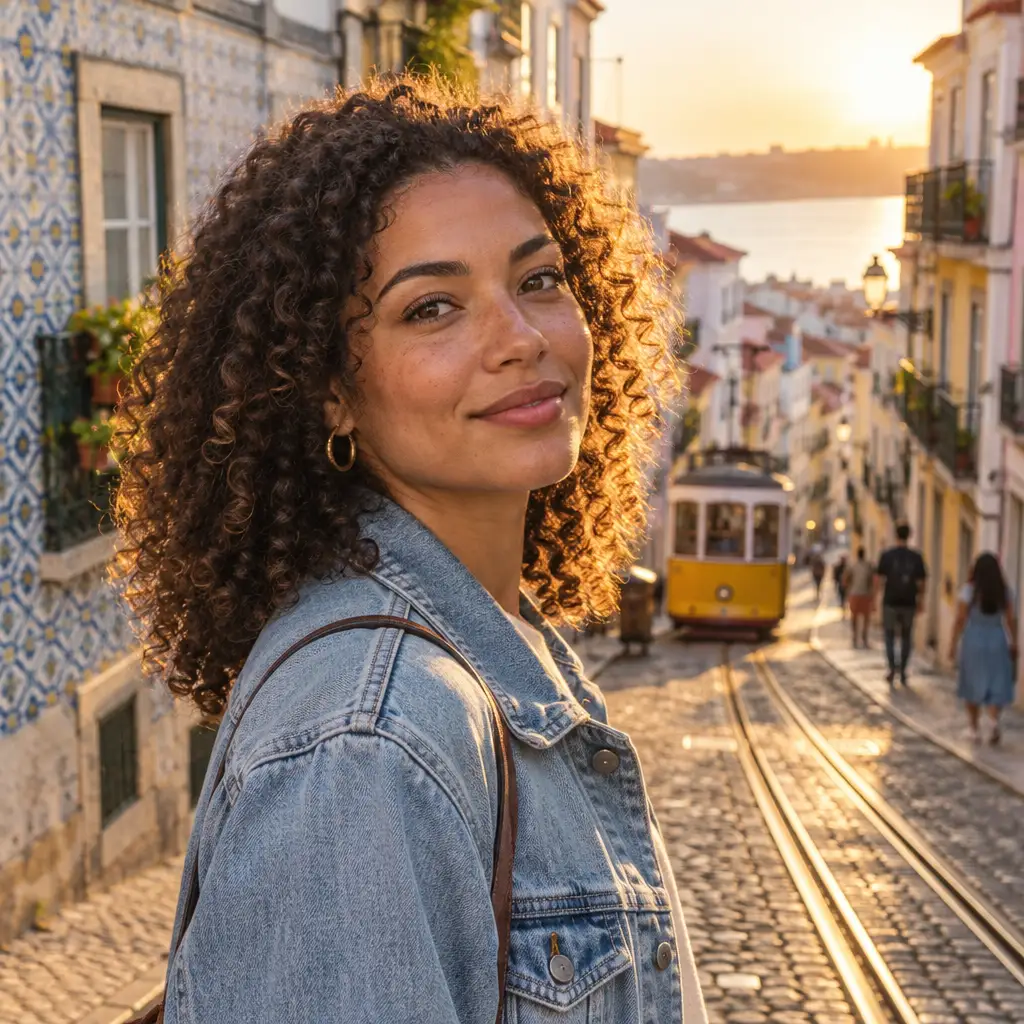
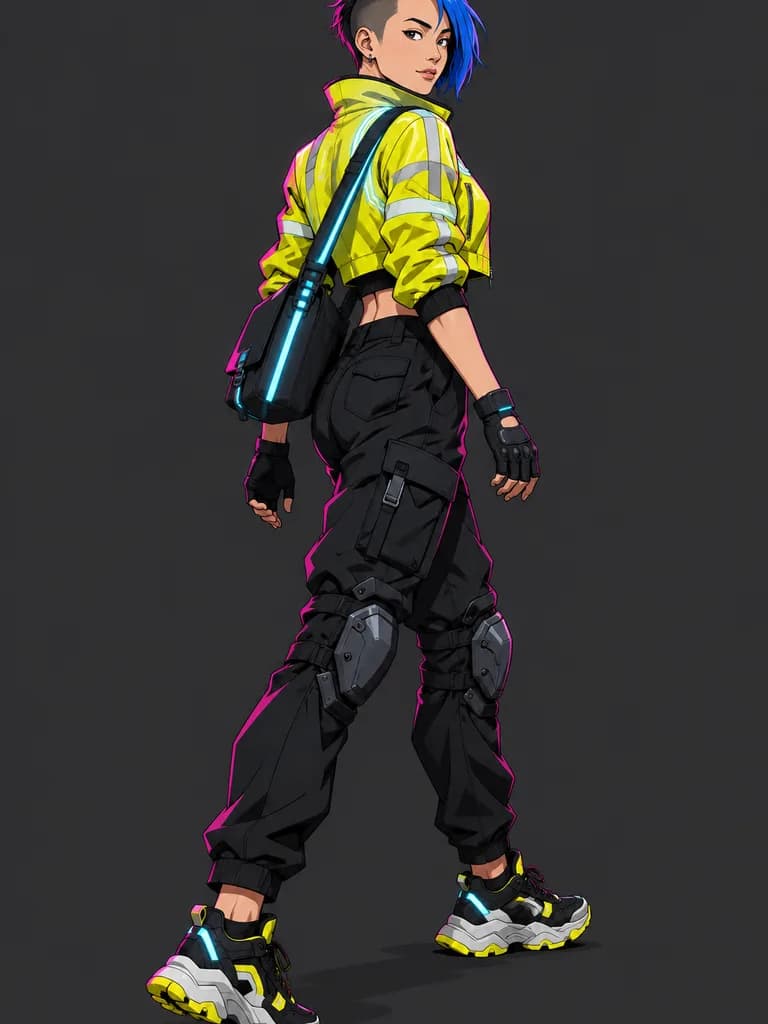
Illustrations of the kind of result this makes. They are not app outputs.
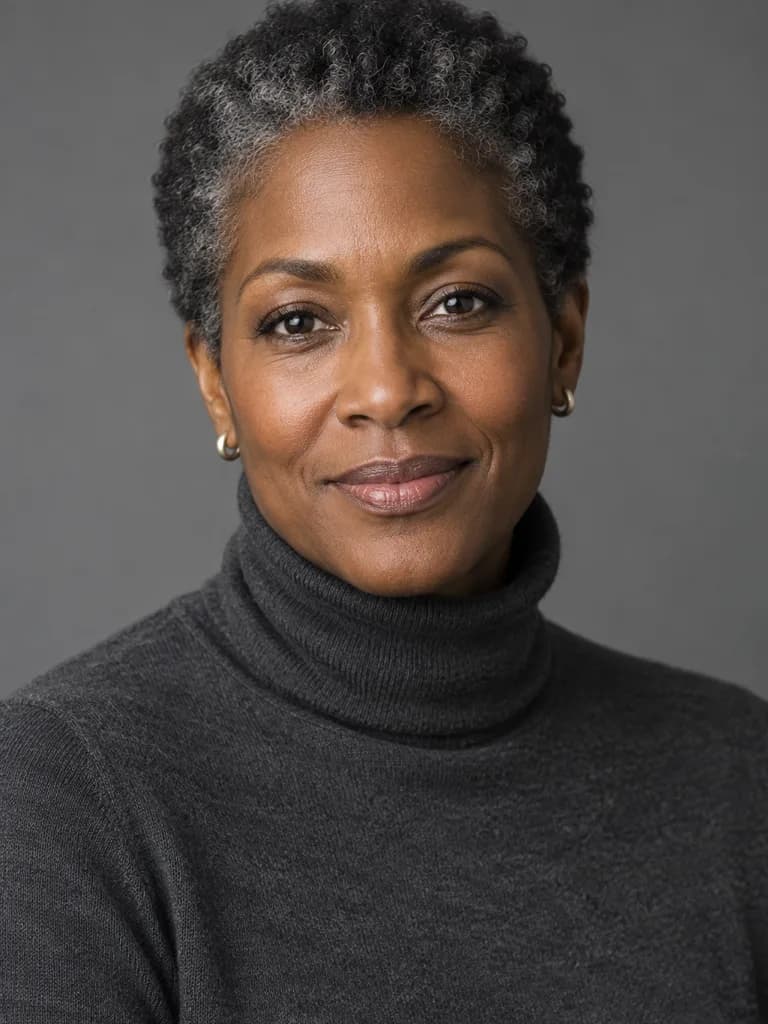 Illustration
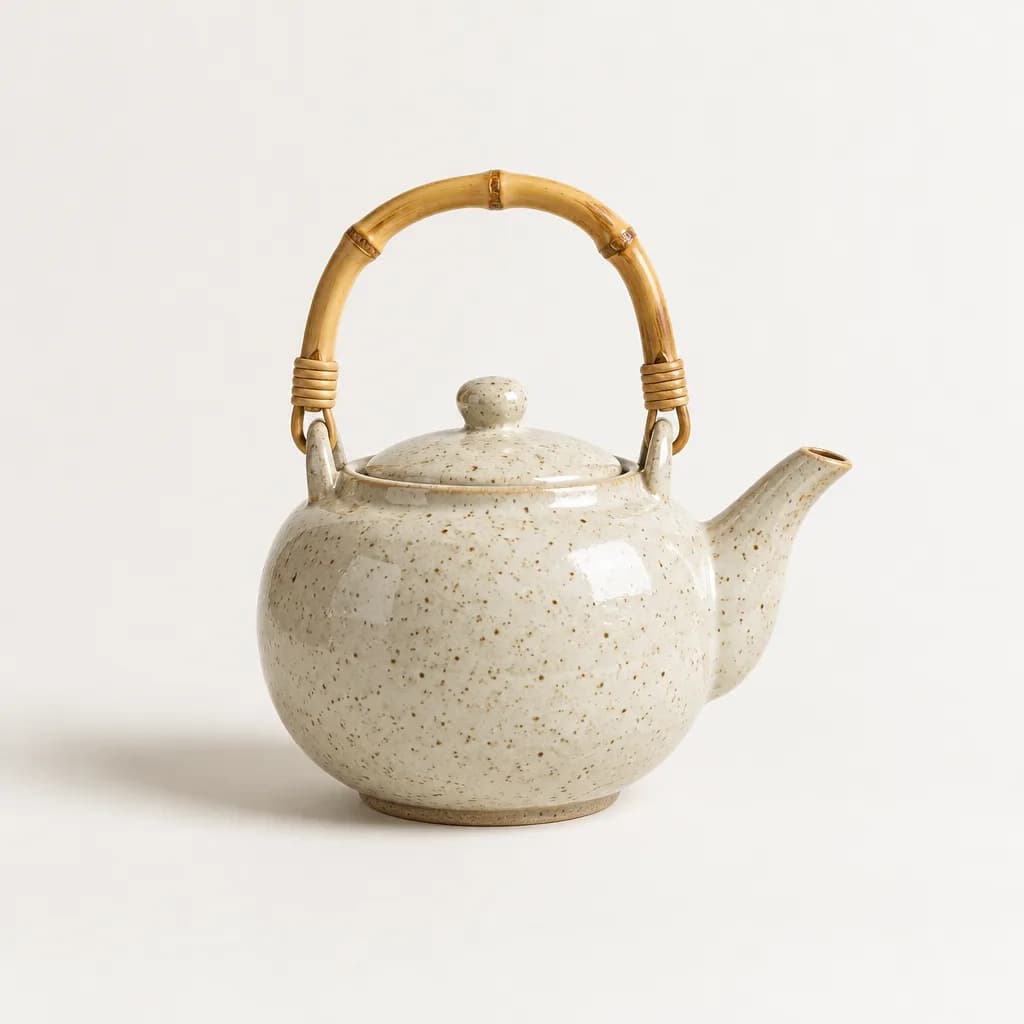 Illustration
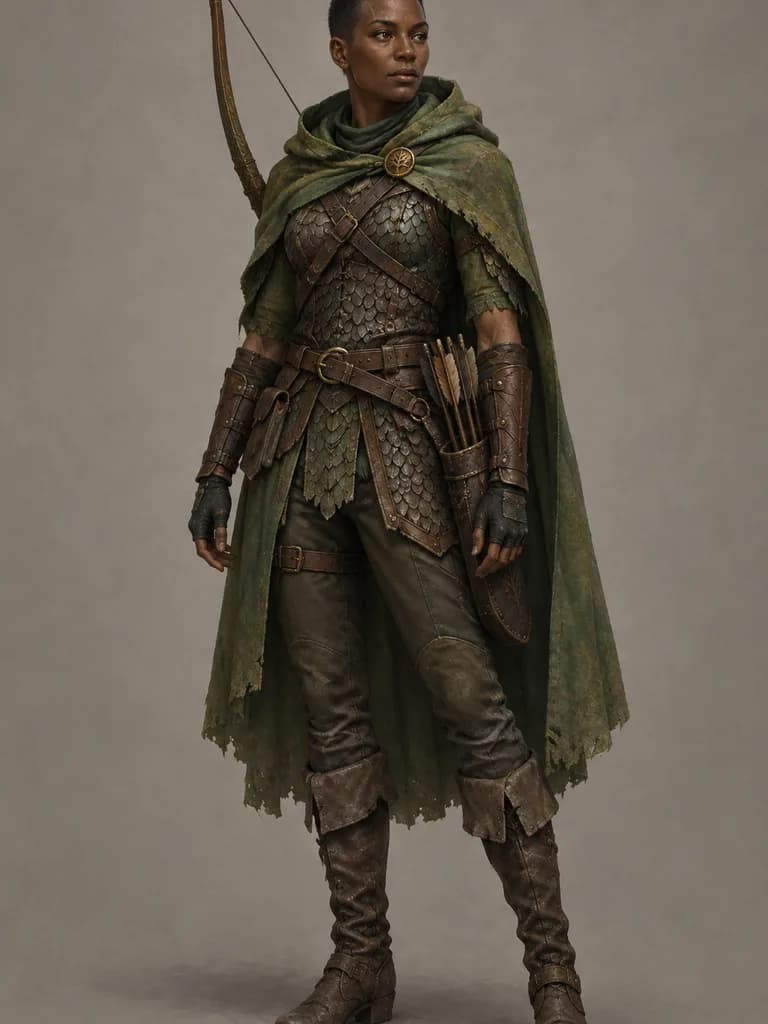 Illustration
 Illustration
 BeforeAfter
 Illustration
 Illustration
How it works
Open a collection
Kling video prompts, photo-editing prompts or product photo prompts, each with the result next to the text.
Copy it, or run it in UniqAI
Copy puts the plain text on your clipboard. Run opens the composer with the prompt, model and cost filled in.
Change one line at a time
Keep the structure, swap the subject or the light, and compare with the example to see what the wording did.
What is this prompt library?
This is a collection of AI prompts you can reuse: text-to-image prompts, photo-editing prompts that change one thing in a photo and keep the rest, and video prompts written for Kling 3.0. Every image prompt is shown with the exact picture it produced, so the example is evidence of what the wording does, not a mood board. Every prompt is original, names no real person or brand, and describes adults only.
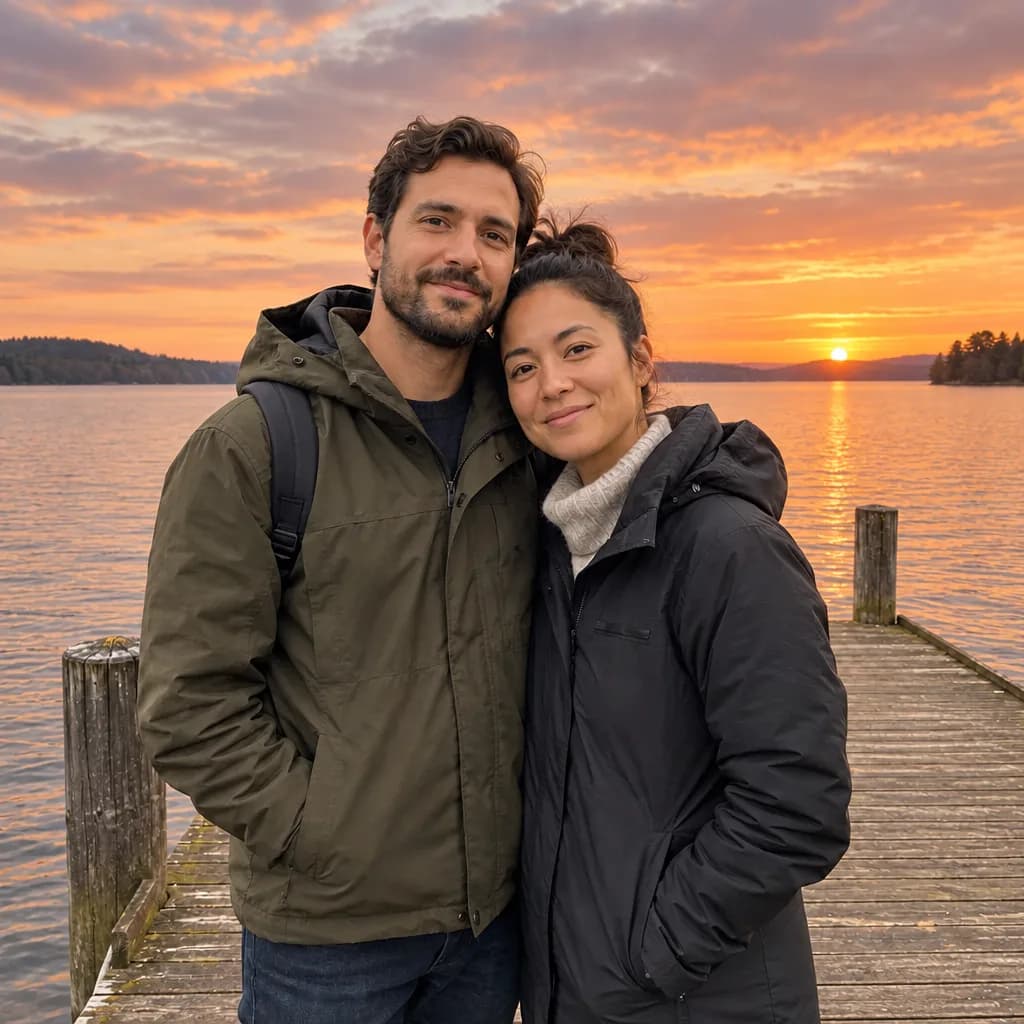
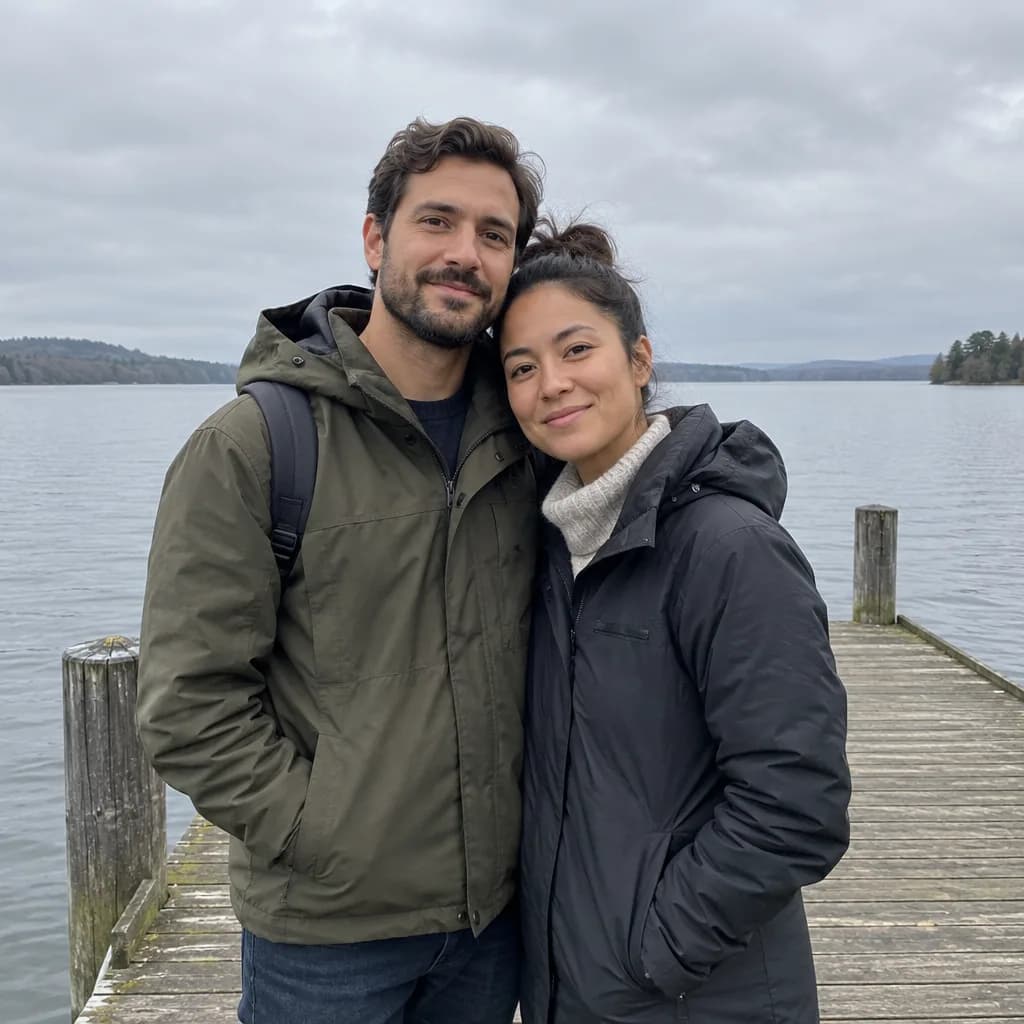
How the examples were made: the image prompts were run once on an image model to illustrate the wording; the results are illustrations, not UniqAI outputs, and none of the people exist. The photo-editing pairs were made by running the editing prompt on the "before" image. The Kling prompts follow the structure in Kuaishou's prompt guides, and the clips on that page are sample clips from the app, not the output of those exact prompts. Where a page shows app results, the caption says so.
How do I use a prompt?
Each card has two actions. Copy puts the prompt on your clipboard as plain text, so it works in any image or video tool. Run opens the UniqAI composer in a new tab with the prompt filled in, the right mode and model preselected, and the gem cost shown next to Generate; nothing is charged until you press it. Photo-editing prompts ask for your photo first, then apply the same wording to it.
A prompt is a starting point, not a recipe with one outcome: the same text gives a different image on every run, and a different model reads it differently. Keep the structure, change one line, and compare with the example to learn what each part of the wording is doing.
Pick a tool
Prompt collections
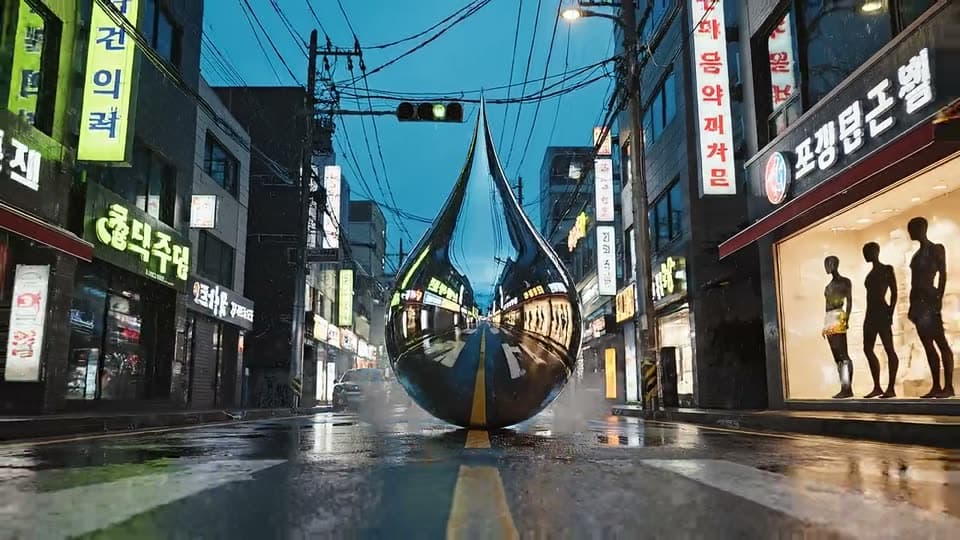 App sampleKling AI promptsCamera moves, product shots, portraits, nature, action and photo-to-video for Kling 3.0.
- IllustrationPhoto editing promptsChange the sky, swap an outfit, remove an object, recolour hair or restore a print, shown before and after.
- IllustrationProduct photo promptsA catalogue shot from text, a clean cutout from a phone photo and a short product clip.
Three prompts to start with
 Illustration
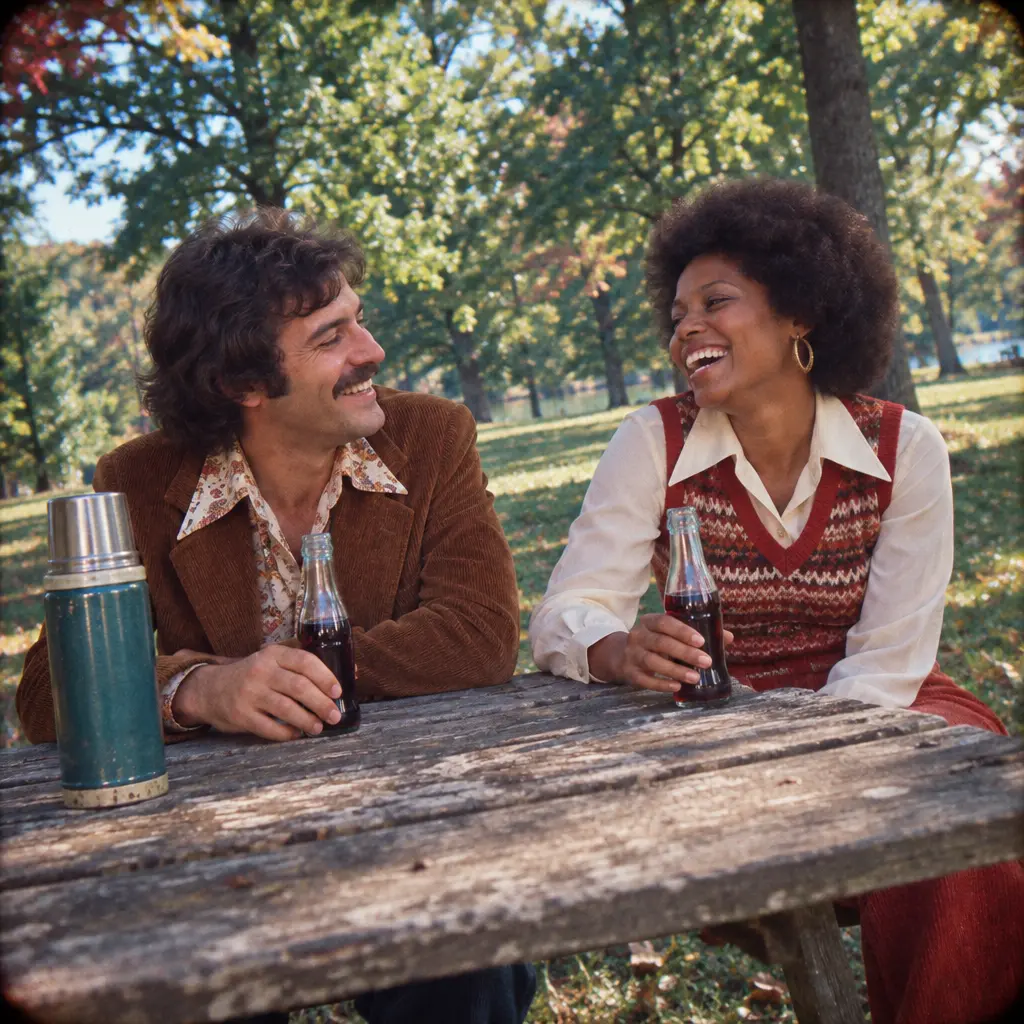
 made from this prompt with an image model, not a result from the UniqAI app.
Authentic 1974 Kodachrome slide photo of two friends in their thirties laughing at a weathered wooden picnic table in a leafy suburban park: 1970s clothes (corduroy, wide collars, knit vest), period hairstyles, a thermos and glass soda bottles on the table, no modern buildings or objects anywhere. Saturated reds and teal greens, warm faded highlights, visible film grain, slight vignette and soft focus at the edges, candid point-and-shoot framing with a slightly tilted horizon. Square frame.
Run this prompt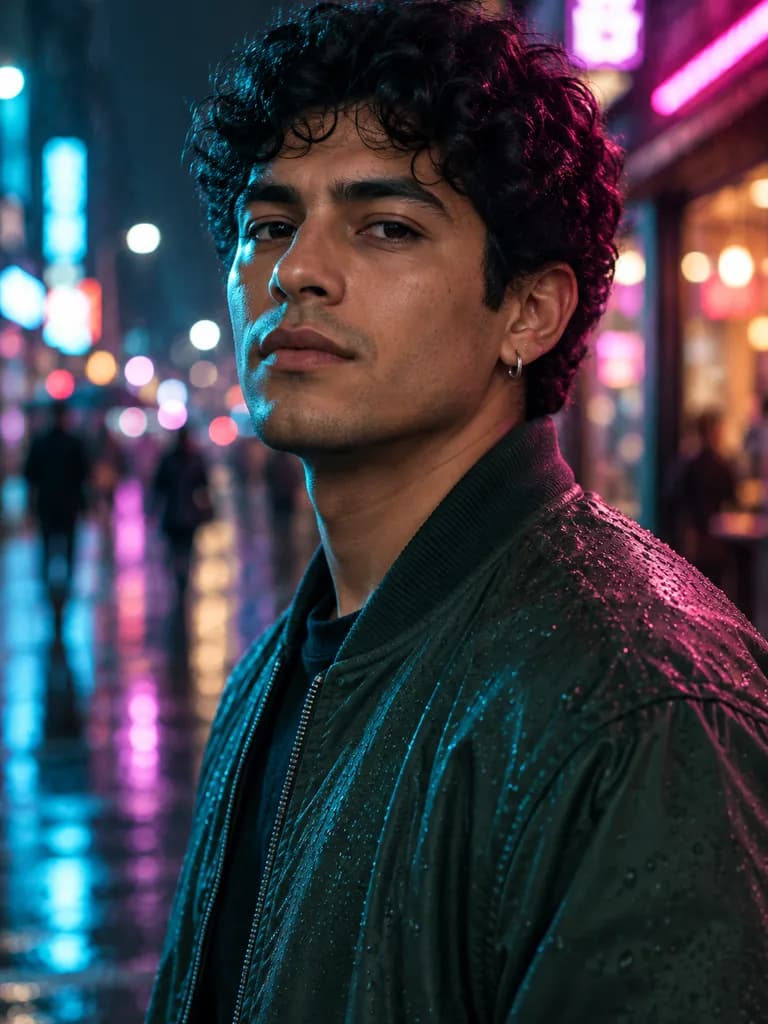 Illustration
 made from this prompt with an image model, not a result from the UniqAI app.
Cinematic night portrait of a Latino man in his mid-twenties with dark curly hair, a small silver hoop earring and a dark green bomber jacket, standing on a rain-wet street lit by shop signs. 50 mm anamorphic lens at f/1.8, cyan rim light on one side and magenta on the other, soft practical light on the face, rain droplets on the jacket, bokeh of blurred signs behind, teal-and-magenta film grade with natural skin texture preserved. Head and shoulders in the upper two thirds of a vertical frame.
Run this prompt Illustration
 made from this prompt with an image model, not a result from the UniqAI app.
Modern geometric logo mark for a software startup: a fox head built from five sharp triangles in vivid orange and charcoal, symmetrical, confident, clever use of negative space for the eyes, flat vector, crisp edges. Symbol only, centred on a white background with generous empty space.
Run this promptWhat a prompt costs to run
| Model | Makes | Cost per run |
|---|---|---|
| Flux Schnell | Image, fast draft | 3Gems |
| Nano Banana | Image, and edits of your photo | 12Gems |
| FLUX 1.1 Pro | Image, highest detail | 18Gems |
| Wan 2.5 | Video, 5 s | 40Gems |
| Kling 3.0 | Video, 5 s or 8 s | 80Gemsor120Gems |
| Veo 3 with audio | Video, 6 s or 8 s | 1Cinemaor2Cinema |
Video models need a paid plan. The cost is shown next to the model before you generate, and credits for a failed generation are returned automatically. Plans and packs are on the pricing page.
How is a good prompt built?
The prompts in this library share one order, whatever the model: the subject and what it is doing, the setting, the camera (lens, framing, and for video one camera move), the light, and the mood or finish. Short, concrete sentences work better than adjectives: "85 mm lens, one large soft light from the left, mid-grey backdrop" tells the model more than "beautiful professional lighting".
- One scene, one action. Image models render a single moment; video models in UniqAI render 5 to 8 seconds. A second action usually gets dropped or blended.
- Say what stays. Editing prompts list what must not change (face, pose, framing); otherwise the model redraws more than you asked.
- Skip exact counts and text. Models are weak at "seven apples" and at legible lettering; describe the arrangement instead.
- Name real things, not real people. Lens, film stock, materials and places help. Named people and brands are rejected or render badly, and this library does not use them.
The model pages explain where each one is strong: Kling AI for camera movement, Nano Banana for edits that keep your photo intact, Veo 3 for clips with sound.
Questions about AI Prompts
Can I use these prompts in other AI apps?
Yes. Every prompt is plain text with no app-specific syntax, so it pastes into any image or video tool. The example next to it was made with that exact wording on an image model, so another model will land close in structure but differ in style, faces and detail.
Are the example images results from UniqAI?
The images on this page and on the photo and product pages are illustrations made with an image model from the prompt shown, so you can see what the wording produces; they are not UniqAI outputs. The clips on the Kling page are sample clips from the app, and their captions say which model made them.
What happens when I press Run?
The UniqAI composer opens in a new tab with the prompt, mode and model already set. The gem cost of that model is shown next to Generate, and nothing is charged until you press it. For photo-editing prompts the composer asks you to add a photo first; video models need a paid plan.
Why does my result look different from the example?
Generation is random on every run, and each model reads the same words differently. Lighting and framing words are followed closely; faces, hands, small text and exact counts drift. If a detail matters, state it in its own short sentence and generate two or three candidates.
Can I use a prompt that names a celebrity or a brand?
This library does not include them, and it is not a good idea: image and video models refuse or distort recognisable people, and brand marks render as broken lettering. Describe the look instead, such as the lens, the era, the clothing and the light, as the prompts here do.

Coming soon to the App Store for iPhone
Chat, photo and video generation with several AI models in one app.