

AI mini movies
Creators post short AI-made story films with a recurring character, moody grade and film-style framing, released as episodes.
Name the camera move, the lens feel and the light, or start from a photo you like, and get a short clip that plays like a single film shot.
Updated
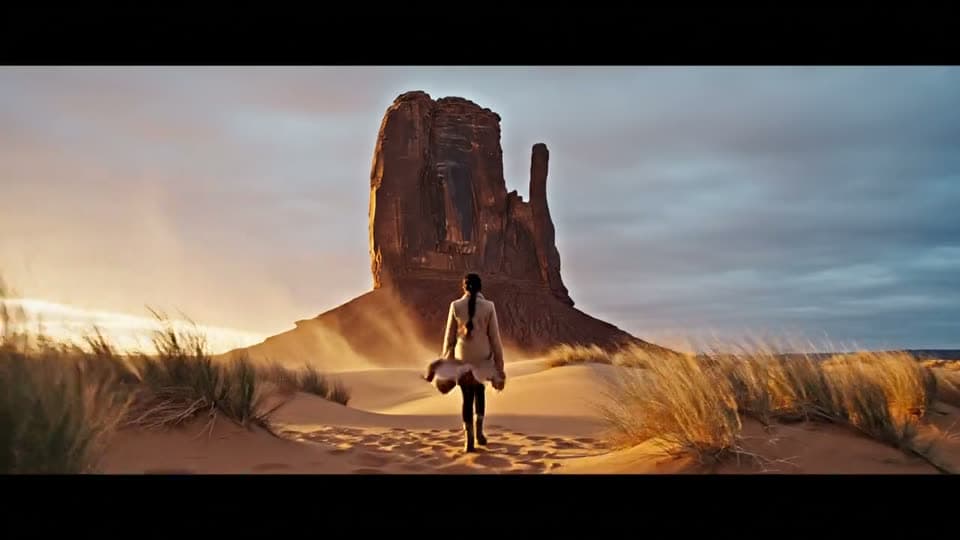
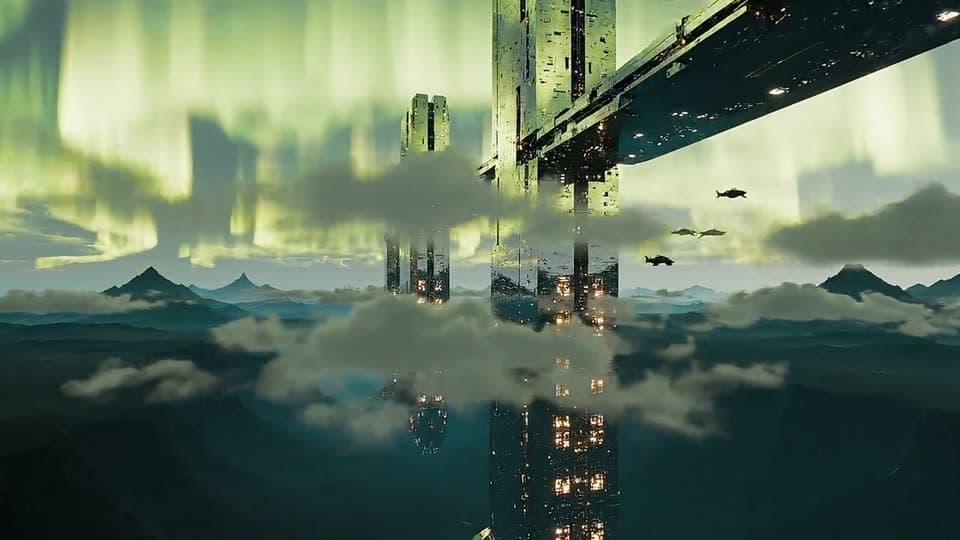
Real results from the app.
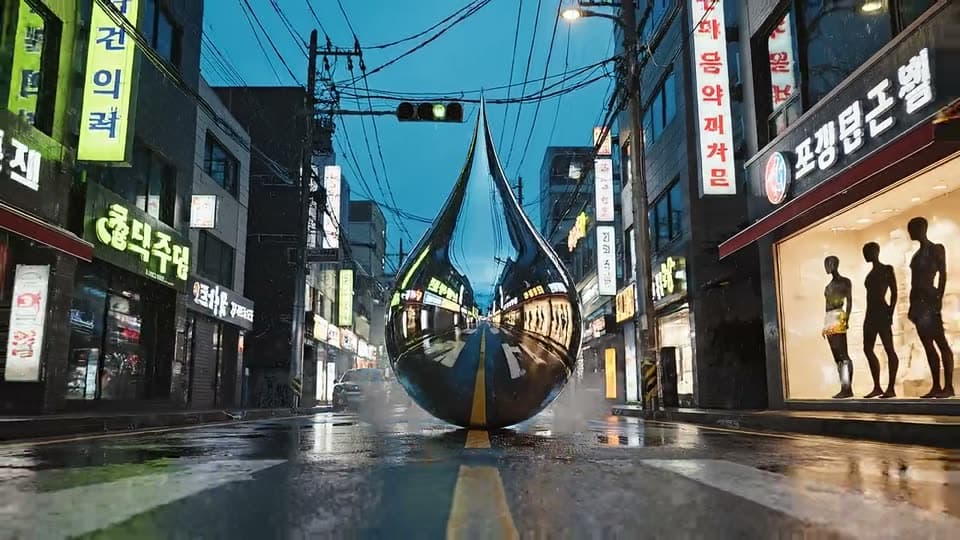
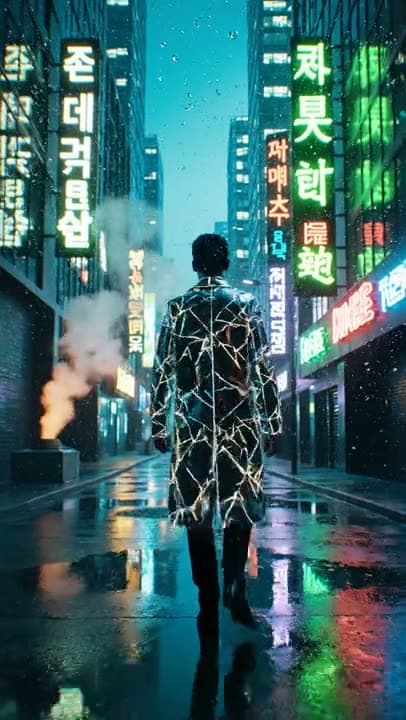
What people are posting in this format right now. Videos by TikTok creators, shown with TikTok's own player; they were not made with UniqAI.
Creators post short AI-made story films with a recurring character, moody grade and film-style framing, released as episodes.
A fully AI-generated short with a retro glamour look, dialogue and a cinematic atmosphere that lands on an unexpected ending.
A handful of generated images are animated with AI video and cut into a movie-style opening sequence.
Mountain travel footage cut with slow reveals, wide establishing shots and paced music so a walk feels like a film.
A quick guide to film burns, flashes, hand-cover wipes and whip moves that make cuts between clips feel cinematic.
Subject, place, camera move, light and colour, in that order. Or upload a still to fix the look first.
Kling 3.0 when the camera move matters most, Veo 3 when the shot needs its own sound.
Change one thing per try, such as the move or the light, and keep the take that reads best.
| Move | Words that work in a prompt | What it does to the shot |
|---|---|---|
| Push in | slow push in toward the subject | Builds tension and pulls attention to one thing |
| Pull back | slow dolly out, revealing the room behind | A reveal or a quiet ending |
| Tracking | tracking shot from behind at hip height | Momentum, a sense of a journey |
| Orbit | slow orbit around the subject, half a turn | A hero moment for a person or a product |
| Crane up | camera rises and tilts up toward the sky | Scale, an opening establishing shot |
| Low angle | low-angle static shot against the sky | Makes the subject feel strong or imposing |
| Handheld | slight handheld drift, documentary feel | Realism and closeness |
One move per clip usually renders cleaner than two moves stacked in the same prompt.
A lone traveler in a long pale coat walks across wind-rippled desert dunes toward a tall red rock formation at golden hour. Low tracking shot from behind at hip height, slow and steady. Warm backlight with a soft lens flare, sand blowing off the ridges, long shadows, shallow depth of field, light film grain, amber and teal grade.
Run on Kling 3.0Night city street just after rain, neon signs reflected in puddles, thin mist in the air. Slow push in at ground level toward a single figure in a long coat standing under a streetlight, seen from behind. Cool blue shadows with magenta and green highlights, horizontal lens flares, gentle drizzle, shallow focus.
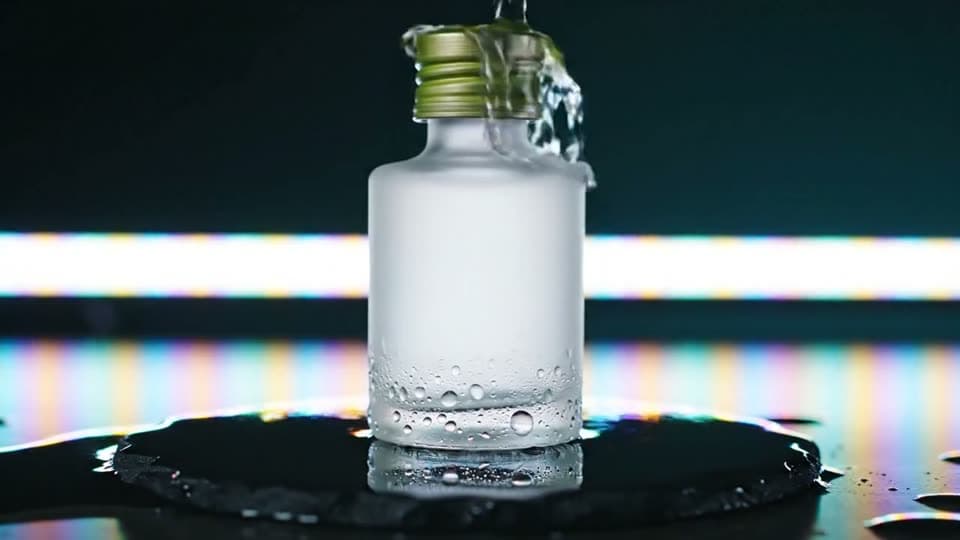
Run on Kling 3.0A frosted glass bottle on a wet black stone surface against a dark studio background. Slow low-angle orbit around the bottle, about half a turn. A thin strip of white light slides across the glass, water droplets catch the highlights, slow motion, crisp detail, deep blacks.
Run on Kling 3.0Aerial shot gliding just above a sea of clouds at dusk, distant mountain peaks breaking through, a green aurora rippling across the sky. The camera rises slowly and tilts up toward the aurora. Cold blue-green palette, soft haze, wide lens, calm and vast.
Run on Kling 3.0Close-up of an adult woman by a rain-streaked window at dusk, looking out, then turning slightly toward the lens. Static camera, tight portrait framing, soft side light from the window, shadows of raindrops moving across her face, muted desaturated grade, fine grain, very shallow depth of field.
Run on Kling 3.0Wide static shot of a small fishing harbour at dawn, fog lying on still water, a wooden boat drifting slowly across the frame. Pale pastel light, muted grade, soft focus in the distance. Sound: gentle water lapping on the hull, faraway gull calls, a slow bell from a buoy.
Run on Veo 3Inside a night train, camera fixed at a window seat looking out as city lights streak past, a reading lamp reflected in the glass. Warm amber interior against a cool blue exterior. Sound: steady rhythm of the rails, a low hum of the carriage, a page turning nearby.
Run on Veo 3| Model | Clip length | Sound | Frame | Cost per clip | Reach for it when |
|---|---|---|---|---|---|
| Kling 3.0 | 5 or 8 s | No | 16:9, 9:16, 1:1 | 80Gemsor120Gems | The shot lives on a precise camera move or physical motion |
| Veo 3 | 6 or 8 s | Yes, made with the clip | 16:9, 9:16 | 1Cinemaor2Cinema | Atmosphere carries the shot: rain, a crowd, an engine |
| Veo 3.1 Fast | 6 or 8 s | Yes | 16:9, 9:16 | 250Gemsor350Gems | You want to draft several looks before a final render |
Costs are shown next to the model before you generate. Video models need a paid plan.
A grade is hard to describe in words and easy to show. Upload a still you like as the first frame, and the model starts from its framing, colours and light. The prompt then only has to cover motion: which way the camera moves, what moves inside the frame, and how fast. Starting several clips from stills with the same grade is the simplest way to keep a short sequence looking like one film. The photo route is covered step by step on image to video.
There is no lens and no sensor here. The model draws every frame from what it learned about how footage looks, so a "dolly" or "85mm" in your prompt is a style cue, not a physical setting. That means no crew, no location and no rig, and a crane shot costs the same as a static one. It also means focus can drift, the same take can't be repeated exactly, and fine details like hands or written signs may shift between frames.
Each clip is one continuous shot of 5 to 8 seconds, so there are no cuts inside it. This is a generator, not an editor: for a sequence, render several shots and join, trim and colour them in any video editor. It won't recreate scenes from an existing film or the likeness of a real actor, and fast action with many people tends to blur or warp more than one subject moving slowly.
Three things do most of the work: a deliberate camera move, controlled light with a clear direction, and a colour grade. Add shallow depth of field and a wide frame like 16:9, and describe one subject doing one thing. A prompt that lists everything happening at once usually looks less like film and more like stock footage.
Name them in plain film terms: low angle, eye level, overhead, then push in, dolly out, tracking, orbit or crane up. Put the camera instruction in its own sentence and keep it to one move. Kling 3.0 tends to follow camera directions closely, so start there when the move is the point of the shot.
Not for video. Kling 3.0 and Veo 3 are premium models and need a paid plan. A 5 second Kling clip costs 80 Gems and a 6 second Veo 3 clip with sound costs 1 Cinema credit. The cost appears before you generate, and credits for a failed generation are returned automatically.
Not inside the generator. You can change the prompt and render a new take, which is often faster than fixing a shot. For cuts, titles, music and final colour, download the clips and put them together in any video editor you already use.
Yes. Both Kling 3.0 and Veo 3 accept a photo as the starting frame. Upload it, then describe only the motion and the camera move, for example a slow push in with hair moving in the wind. Use photos you took or have the rights to, and avoid photos of other people without their consent.

Coming soon to the App Store for iPhone
Chat, photo and video generation with several AI models in one app.