

AI Tattoo Generator: See a Design on Your Own Skin First
Describe the tattoo idea, add a photo of the spot, and the model draws the design onto your skin so you can judge size and placement before you book.
Updated
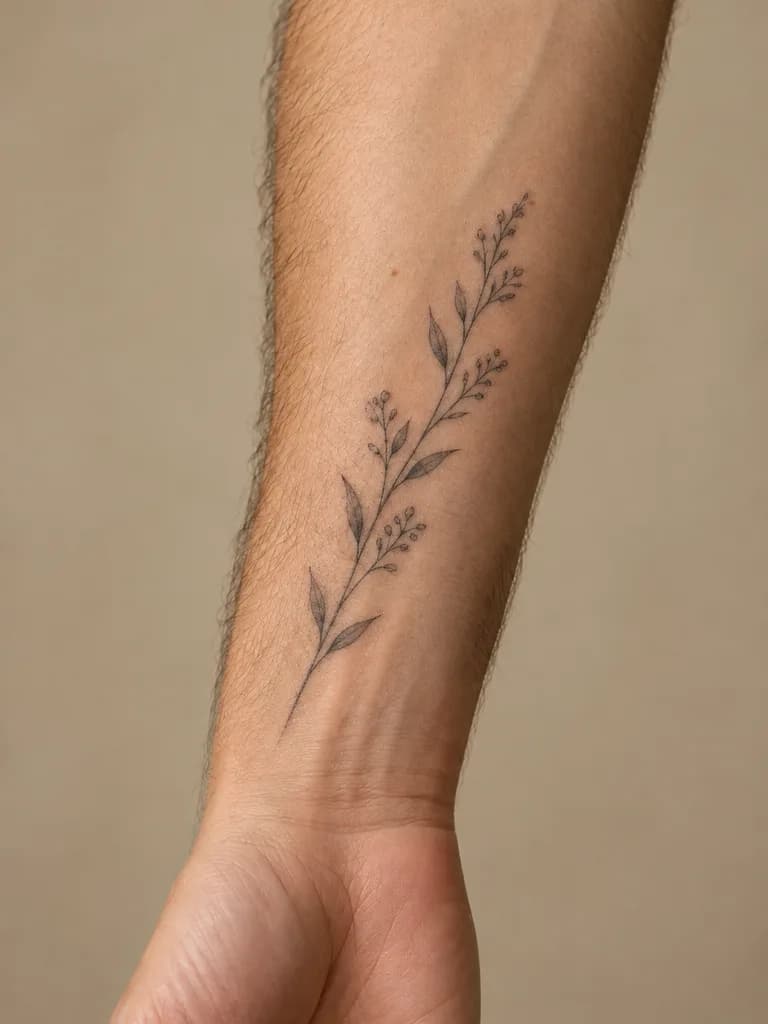
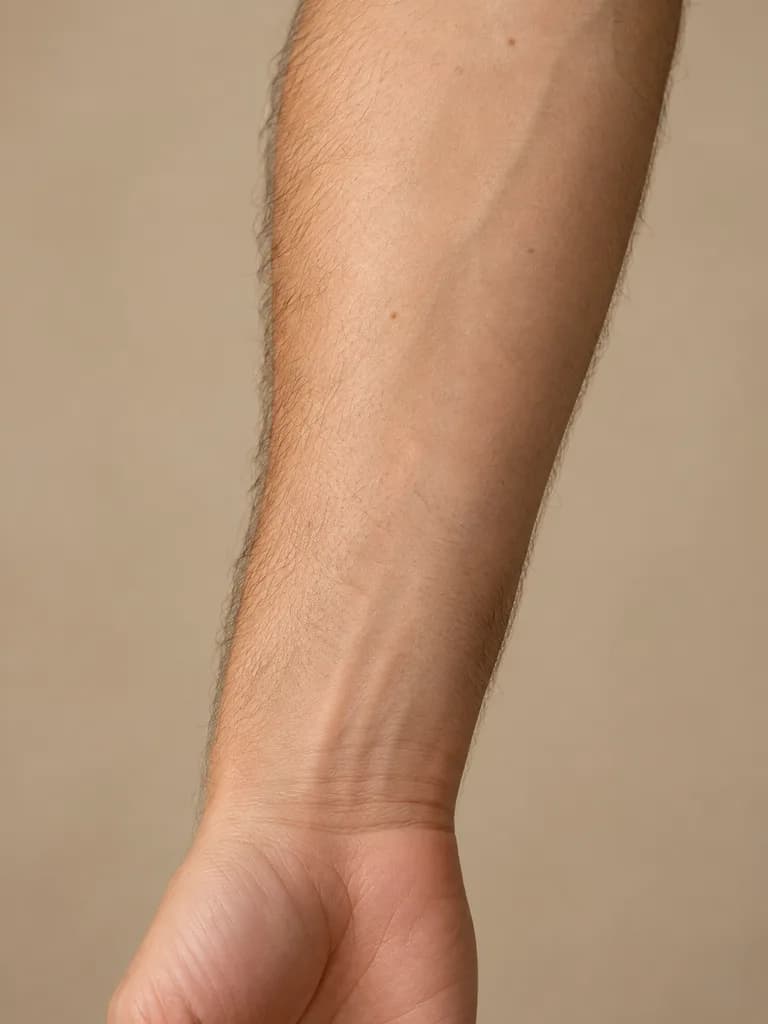 BeforeAfter
Examples
Illustrations of the kind of result this makes. They are not app outputs.
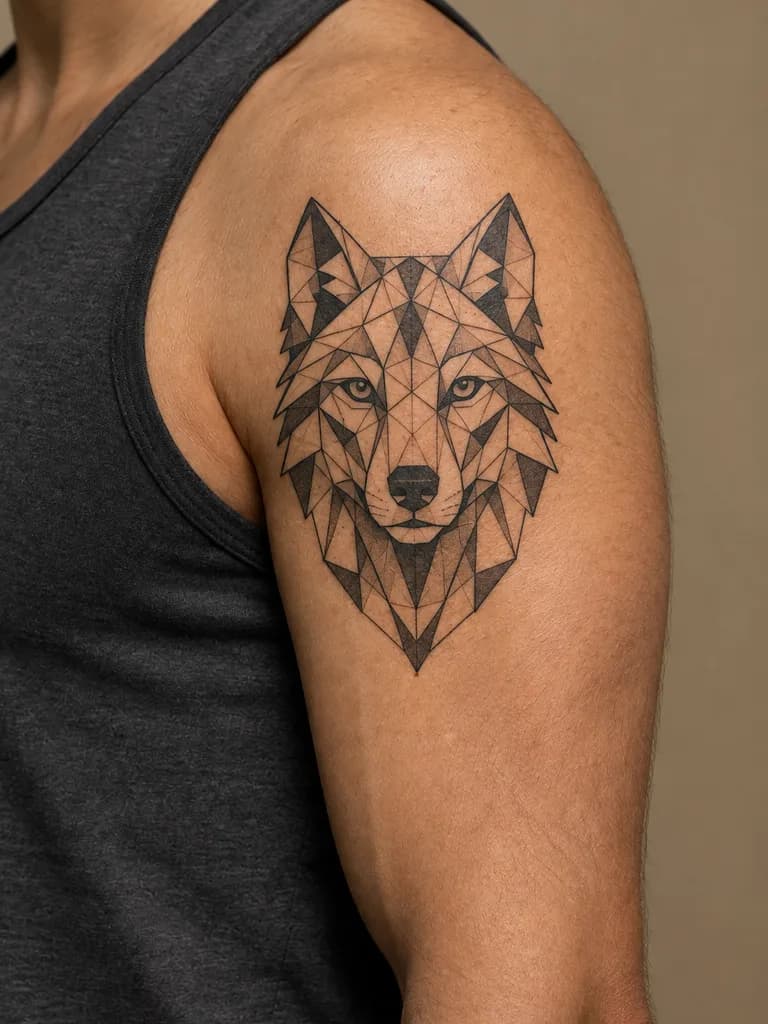
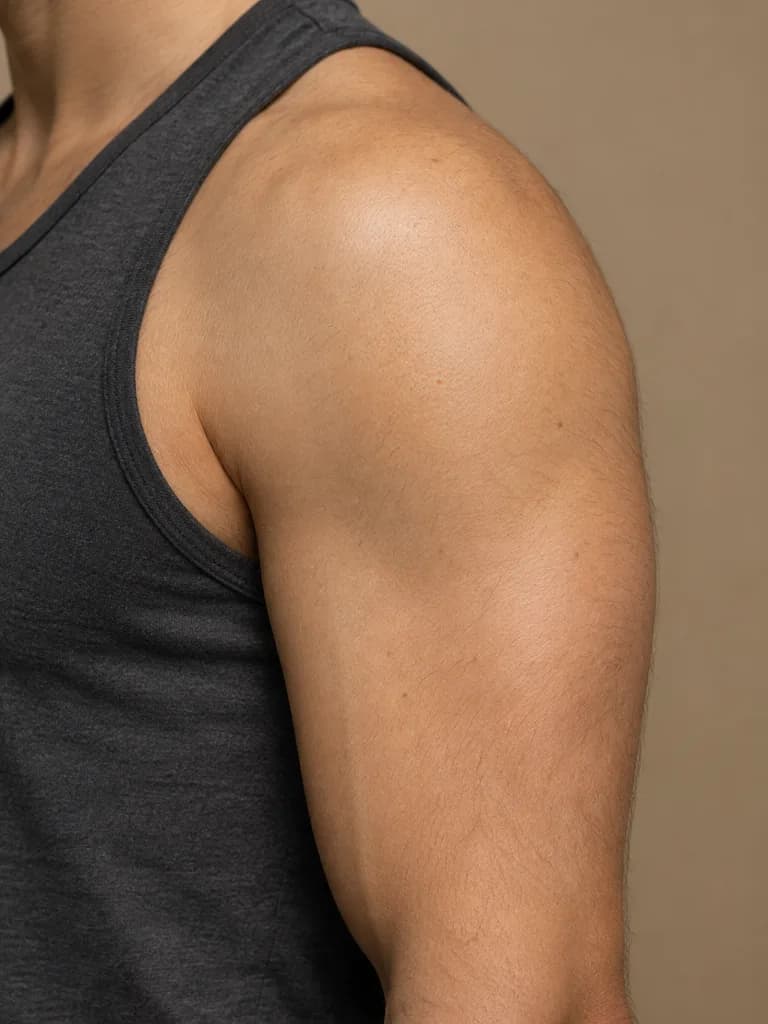 BeforeAfter
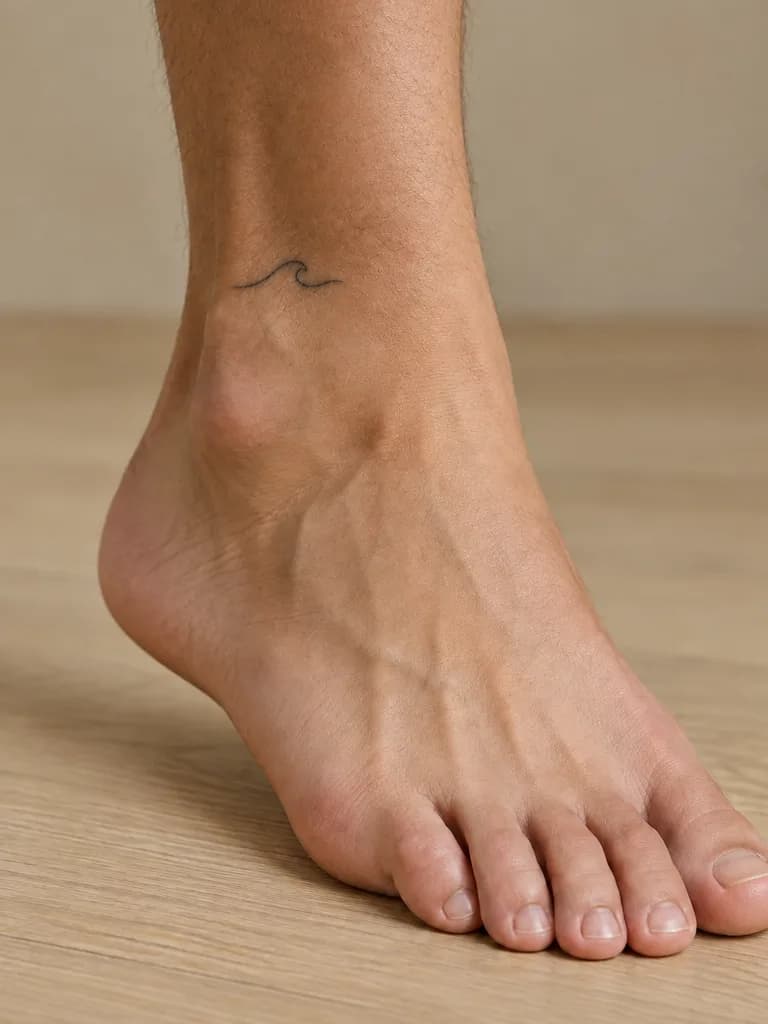
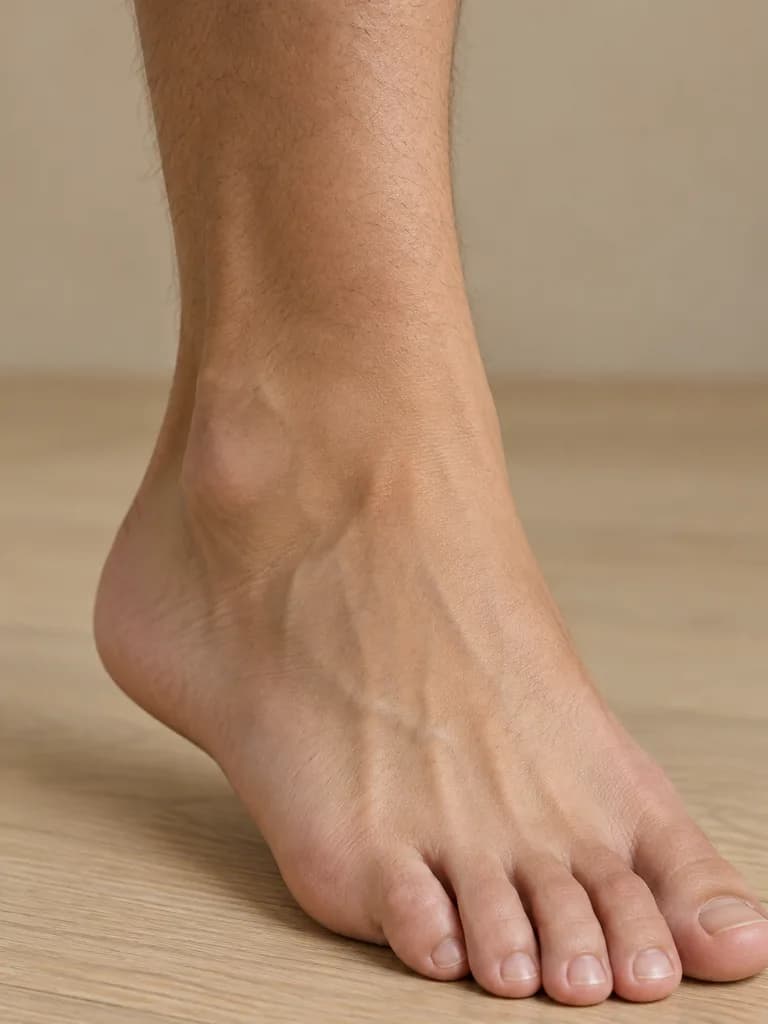 BeforeAfter
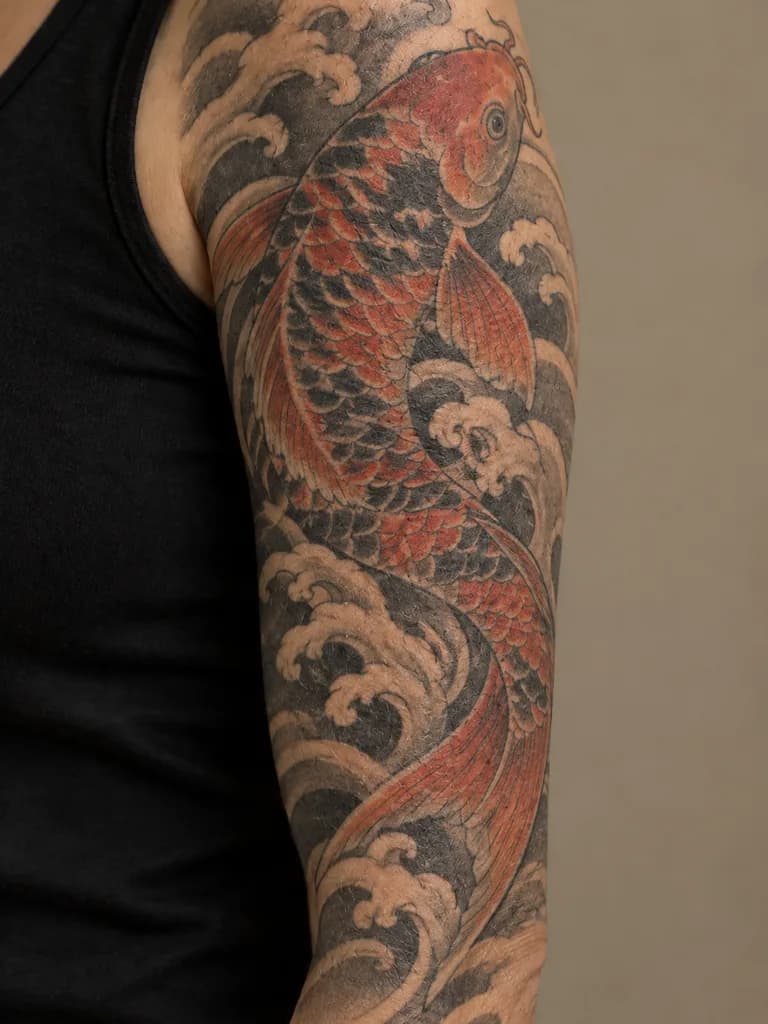
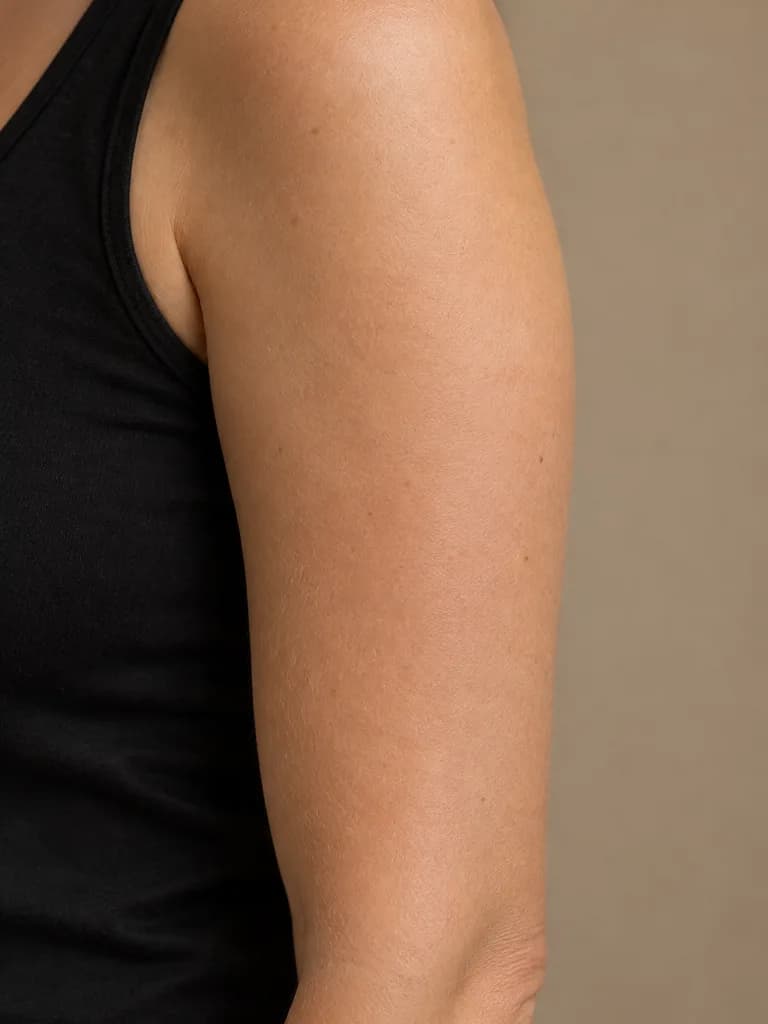 BeforeAfter
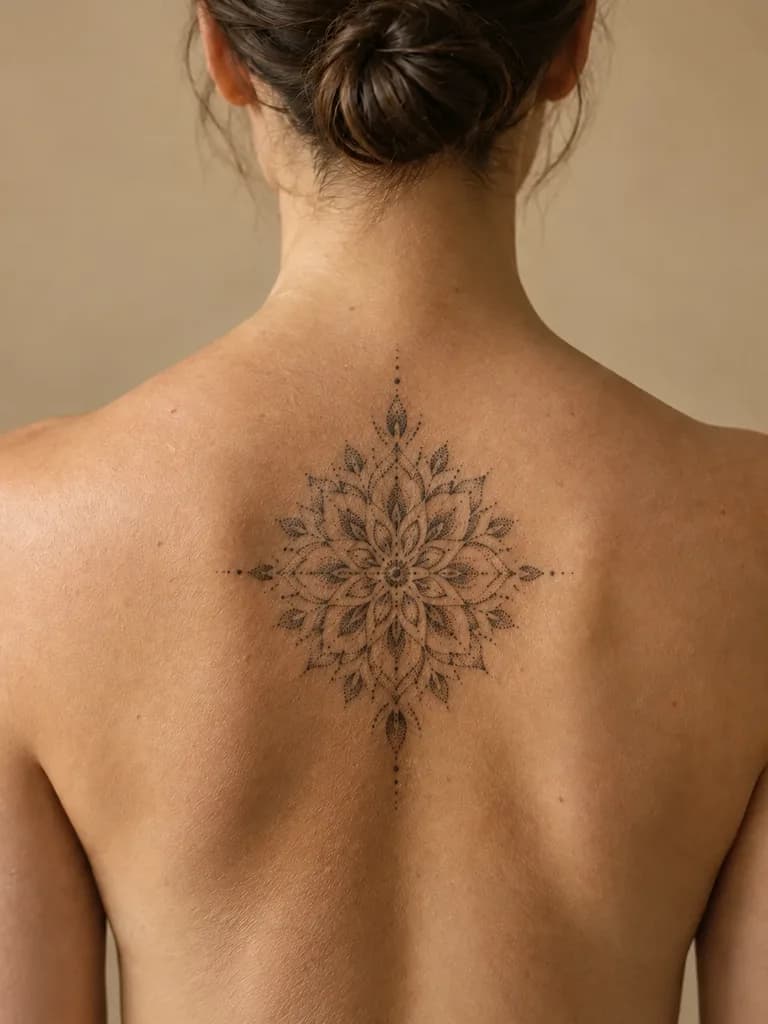
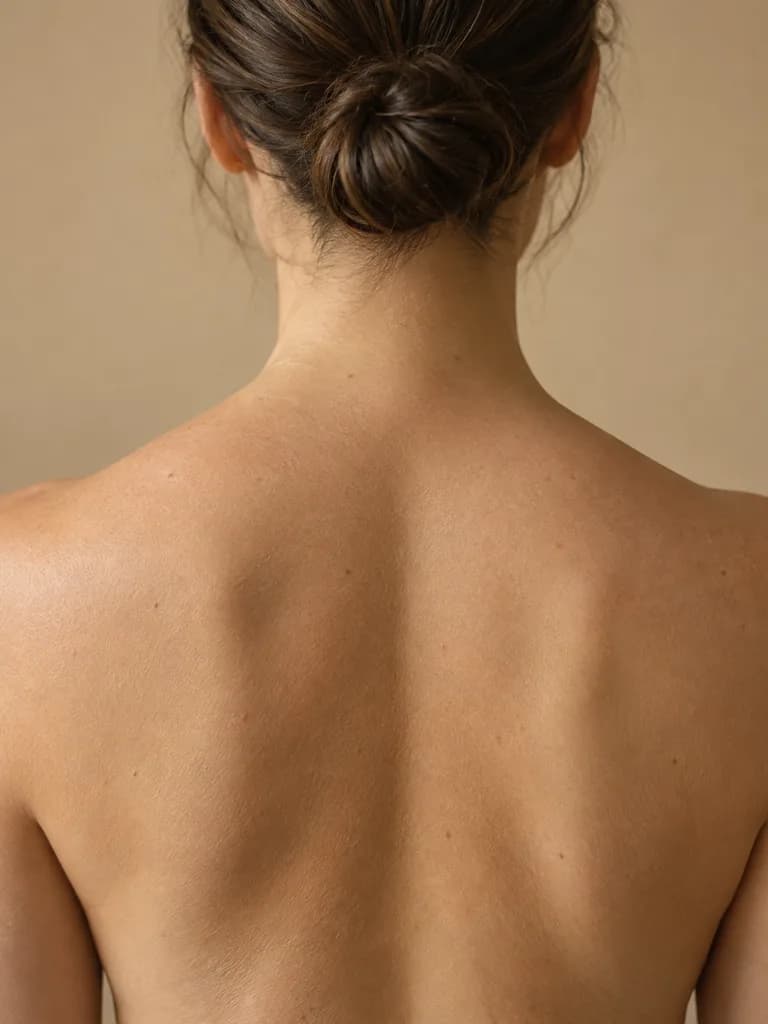 BeforeAfter
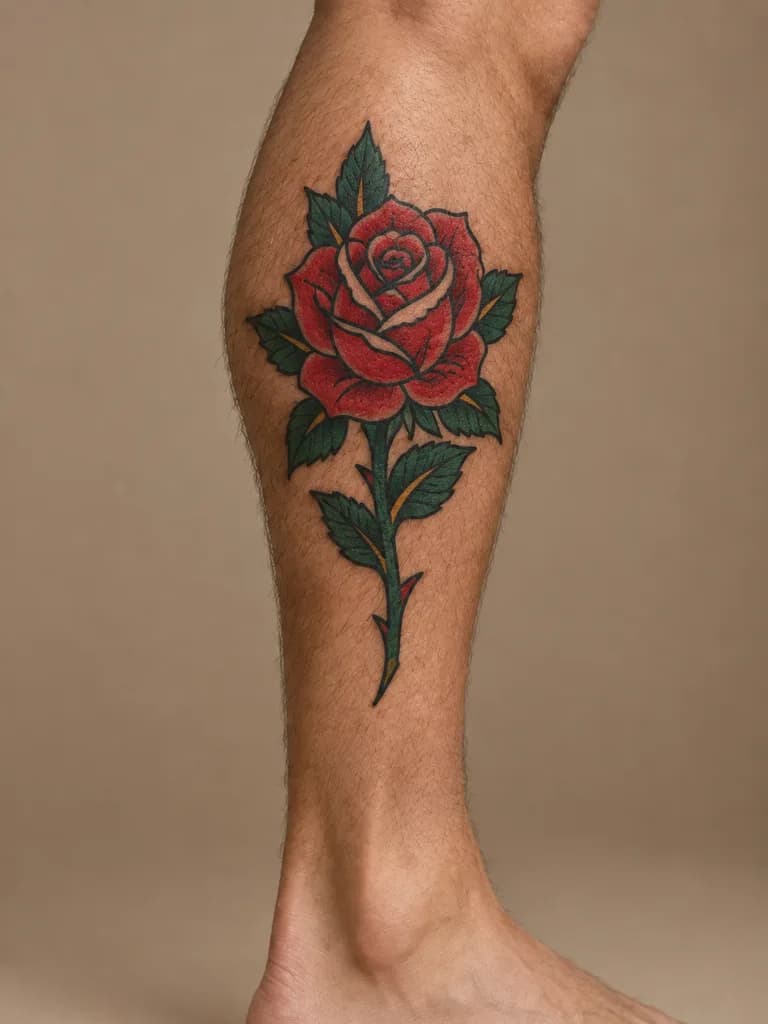
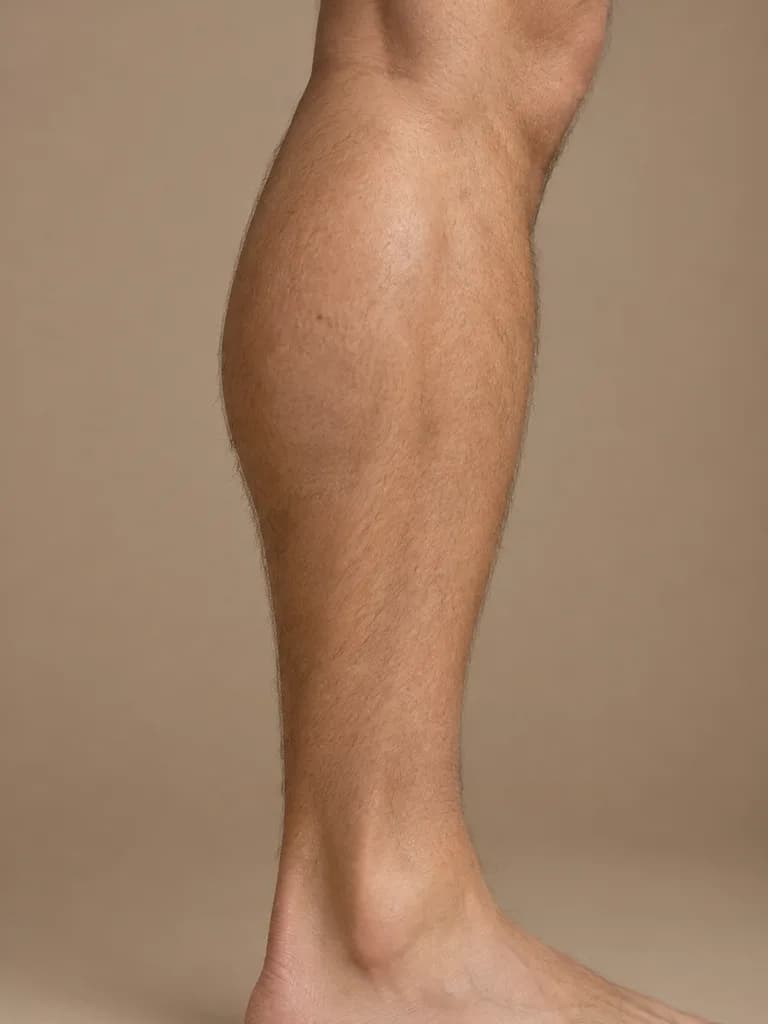 BeforeAfter
How it works
Photograph the spot
Close up, straight on, in even light: the forearm, shoulder, ankle or back you have in mind.
Describe the design
Pick a prompt below or write your own: subject, style, size and direction.
Try a size or a spot
Rerun with "twice as large" or on another photo. Save the ones to show your artist.
Tattoo ideas to try on your skin
BeforeAfterIllustration of this look, made from the prompt with an image model, not from your photo. Your result starts from your own photo.
Add a tattoo to the skin in this photo: a small fine-line botanical sprig in black ink, following the natural curve of the limb, with realistic skin texture showing through the ink. Keep everything else exactly as in the photo.
Apply to my photoBeforeAfterIllustration of this look, made from the prompt with an image model, not from your photo. Your result starts from your own photo.
Add a tattoo to the skin in this photo: a palm-sized geometric wolf head made of clean black lines and triangles, centred on the shoulder, with realistic skin texture showing through the ink. Keep everything else exactly as in the photo.
Apply to my photoBeforeAfterIllustration of this look, made from the prompt with an image model, not from your photo. Your result starts from your own photo.
Add a tattoo to the skin in this photo: a tiny single-line wave in black ink just above the ankle bone, with realistic skin texture showing through the ink. Keep everything else exactly as in the photo.
Apply to my photoBeforeAfterIllustration of this look, made from the prompt with an image model, not from your photo. Your result starts from your own photo.
Add a tattoo to the skin in this photo: a Japanese-style koi fish swimming through stylised waves, in muted red, orange and black, wrapping around the upper arm, with realistic skin texture showing through the ink. Keep everything else exactly as in the photo.
Apply to my photoBeforeAfterIllustration of this look, made from the prompt with an image model, not from your photo. Your result starts from your own photo.
Add a tattoo to the skin in this photo: a symmetrical dotwork mandala in black ink between the shoulder blades, with realistic skin texture showing through the ink. Keep everything else exactly as in the photo.
Apply to my photoBeforeAfterIllustration of this look, made from the prompt with an image model, not from your photo. Your result starts from your own photo.
Add a tattoo to the skin in this photo: an American traditional rose with bold black outlines and solid red and green fill on the calf, with realistic skin texture showing through the ink. Keep everything else exactly as in the photo.
Apply to my photoWhat is the preview good for, and what is it not?
It answers the questions a photo can answer: does this size suit the spot, does the design read from a distance, does black ink or color look better on my skin tone. It does not tell you how fine lines will hold up over the years, how the design flows when the arm moves, or whether a detail is too small to tattoo cleanly. Those are questions for the artist, who will redraw the design for your body anyway.
About the examples
The before-and-after pairs on this page are illustrations made with an image model to show the kinds of placement the tool targets. They are not UniqAI outputs. Examples from real edits in the app will be added.
What it can and cannot do
The model draws the design onto the skin in your photo and aims to leave everything else unchanged, but it is a generative edit, so skin, hands or background detail can shift. Words and names inside a tattoo are not rendered reliably, so preview the picture and leave lettering to the artist. Use your own photos, or photos of adults who agreed to it.
Questions about AI Tattoo Generator
Can I see a tattoo design on my own arm before getting it done?
Yes. Photograph the spot, describe the design or pick one of the prompts above, and the model draws it onto your skin in that photo. Rerun with a different size or a photo of another spot to compare placements.
Can I upload a reference design instead of describing it?
The web app takes one photo per edit, which is the photo of your skin, so describe the design in words: subject, style, size and direction. Naming a style such as fine-line, dotwork or American traditional gets you close to most references.
How much does one tattoo preview cost?
One preview on Nano Banana costs 12 gems, shown next to the model before you generate. If a generation fails, the gems are returned. Trying three placements comes to 36 gems.
Is this a substitute for talking to a tattoo artist?
No. It helps you choose a direction, size and spot. Line weight, how the design flows with the muscle, and how it will age are the artist's call, and they will redraw the design for your body.
Can it preview a name or a quote on my skin?
Not reliably. Image models often misspell or garble lettering, so a text tattoo may come out wrong in the preview even when the placement is right. Preview the size with a placeholder shape and let the artist handle the lettering.

Coming soon to the App Store for iPhone
Chat, photo and video generation with several AI models in one app.