

Cyberpunk photo edit
An ordinary city photo is color graded step by step until it looks like a neon-soaked future street.
Upload one photo and get it back under neon signs, wet streets and chrome details, then turn the still into a short vertical clip.
Updated
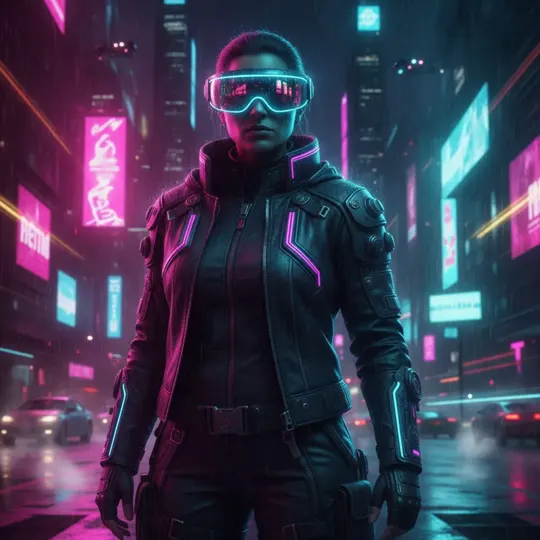 App sample
s come from the UniqAI app. Illustrations show other edits you can ask for.
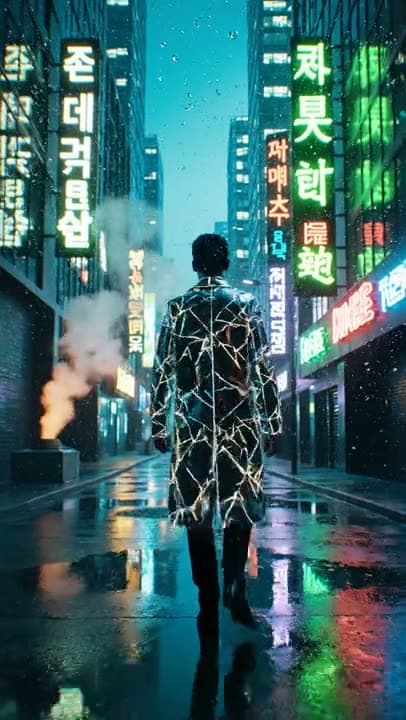
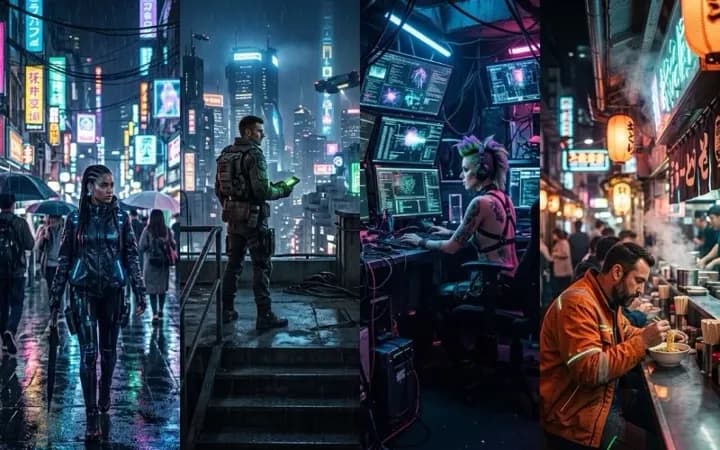 App sample
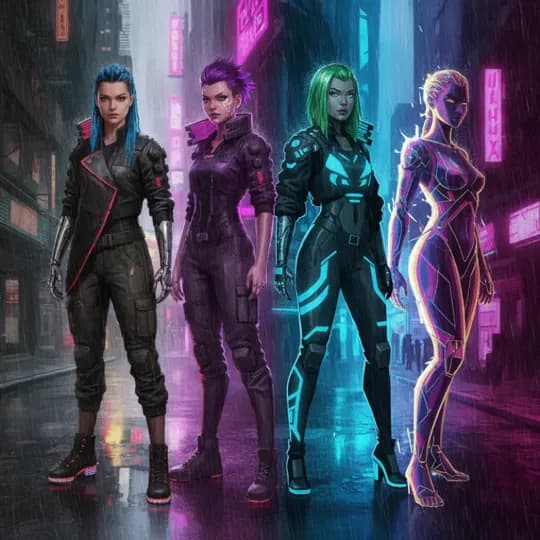 App sample
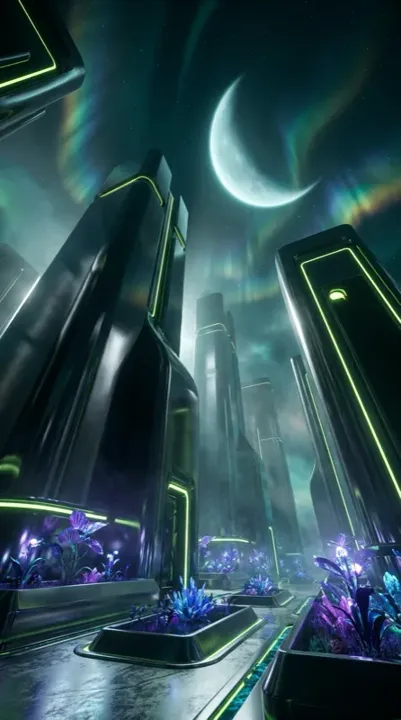 App sample
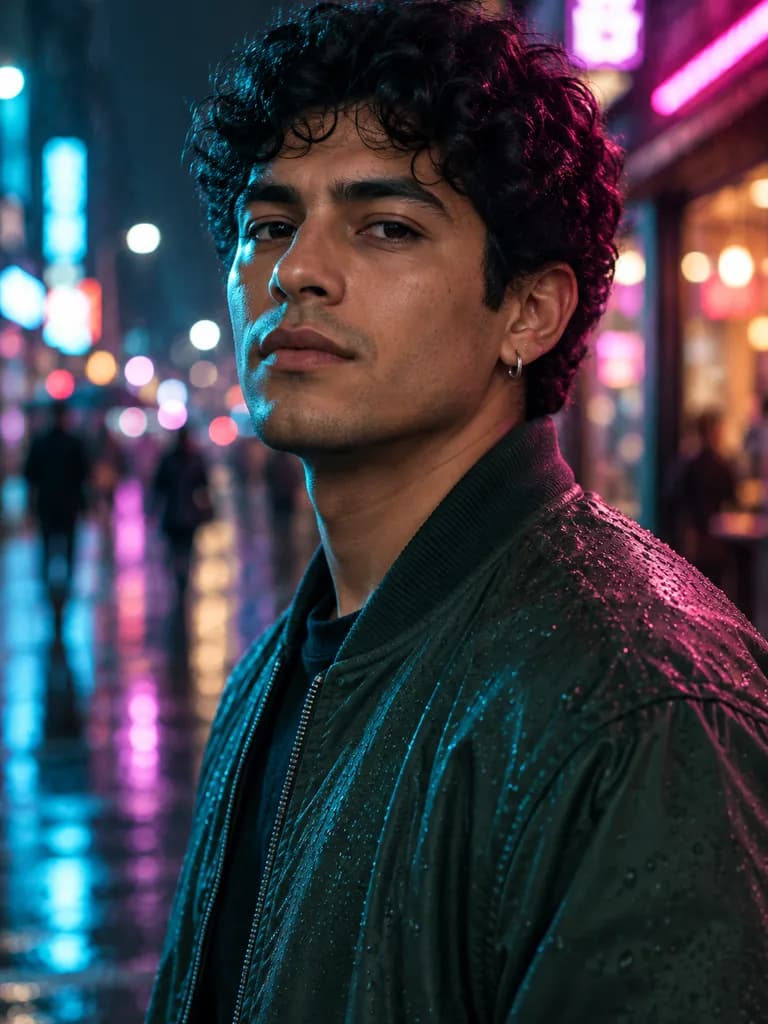 Illustration
What people are posting in this format right now. Videos by TikTok creators, shown with TikTok's own player; they were not made with UniqAI.
An ordinary city photo is color graded step by step until it looks like a neon-soaked future street.
A French creator turns a photo into a cinematic shot of a man in a soaked trench coat walking through a futuristic city at night.
A Spanish-language prompt tutorial for a selfie lit with a purple and pink gradient and a sleek tech look.
A Portuguese walkthrough that moves a regular portrait into a glowing city scene after dark.
A creator shares the prompt they use to restyle a plain photo as a moody neon portrait.
A quick list of short prompt add-ons, including a cyberpunk one, that change the light and atmosphere of an AI image.
A selfie, a pet, a car or the front of a house. One clear subject in good light gives the cleanest neon edges.
Keep the prepared rainy-street prompt or choose one of the looks below, from chrome cyborg details to a glowing car at night.
Happy with the still? Send it to the video prompts and get a short vertical clip with drifting rain and flickering signs.
Put me on a narrow city street at night in heavy rain: stacked pink and cyan signs overhead, steam rising from a grate, reflections in puddles, a cool rim light on one side of the face and warm magenta on the other. Keep my face, hair and expression recognizable as in the photo.
Apply to my photoRestyle me as a near-future character: thin glowing circuit lines along the jaw and neck, one small chrome plate at the temple, a high-collar jacket with light strips, dark city lights blurred behind. Keep my face, hair and expression recognizable as in the photo.
Apply to my photoTurn this selfie into a scene seen through a futuristic visor: faint holographic panels and simple line graphics floating around the head, a teal and violet glow, soft scan lines, a night skyline behind. No readable text. Keep my face, hair and expression recognizable as in the photo.
Apply to my photoPlace this pet on a rooftop in a futuristic city at night: glowing signs below, light rain, a small illuminated collar, cyan light catching the fur and eyes. Keep the animal's breed, markings and pose as in the photo.
Apply to my photoPut this car on an elevated highway in a futuristic city at night: wet asphalt, long light trails, towers covered in glowing signs, pink and blue reflections across the paint. Keep the car's body shape, color and wheels as in the photo.
Apply to my photoRedraw this house as a building in a dense future city at night: neon strips along the roof and windows, cables and small antennas, drizzle and haze, a glowing street in front. Keep the house's shape, windows and doors as in the photo.
Apply to my photoStart from this image. The camera slowly pushes in toward the person, rain falls through the frame, neon signs behind flicker softly and their reflections ripple on the wet ground. The person blinks and turns the head slightly. Calm, steady motion.
Animate my photoStart from this image. The person walks toward the camera along the wet street at a relaxed pace while the camera backs away at the same speed. Signs glow overhead, a little steam drifts across the path, puddles reflect the light.
Animate my photoStart from this image. The subject stays almost still while the city behind comes alive: lights blink in the towers, small vehicles glide past in the distance, drizzle catches the light. Slight handheld sway, cool teal and magenta grade.
Animate my photo| Look | What changes | Best source photo |
|---|---|---|
| Rainy neon street | New night background, wet reflections, two-color rim light | Close-up or half-body selfie |
| Chrome and circuits | Glowing lines and small metal details on face and clothes | Sharp portrait with the face toward the camera |
| Holographic HUD | Floating light graphics and scan lines around the head | Selfie with some space around the head |
| Neon pet | Rooftop city scene, glowing collar, cool light on the fur | Pet photo with the eyes visible |
| Car or house | Night city setting, light trails or neon trim on the outline | Whole car or facade in frame, daylight |
Every look is an editable prompt. Stills use Nano Banana at 1:1; clips use Kling 3.0 and can be vertical 9:16.
Cyberpunk lighting is dark and colorful by design, and strong color is exactly what makes a face drift. A few habits help.
For a pet, a car or a house, the prompt keeps the subject's shape and markings, so a sharp daylight photo matters more than the pose.
The cheapest way to a neon clip is to get the still right first. Run the image looks until one feels right, then send that image to image to video with one of the motion prompts above. The clip starts from your frame, so the colors, outfit and street stay as you approved them, and the prompt only has to describe movement: rain, a slow camera push, signs flickering. A clip is one continuous shot of 5 or 8 seconds.
One neon image is one Nano Banana generation: 12 Gems, square 1:1. A new account starts with 30 Gems, enough for two images. A clip on Kling 3.0 costs 80 Gems for 5 seconds or 120 Gems for 8 seconds. The cost is shown before you generate, and the credits come back automatically if a generation fails.
It applies a general neon, rain and chrome look. It can't copy a specific game, film or comic world, its characters or its logos, and it won't write readable brand names on signs. Strong colored light can shift skin tone and small details like earrings or a car badge, so compare the result with your photo. Use photos of yourself, your own pets and property, or of adults who agreed to it.
Upload one clear photo, keep the prepared rainy neon street prompt or pick another look such as chrome details or a holographic visor, and generate. Nano Banana returns one square image, and you can rerun it with a different look.
Yes. The neon pet, car and house prompts keep the subject's shape and colors and change the setting to a futuristic city at night. Use a photo where the whole subject is in frame, in daylight, with nothing blocking it.
Yes. Make the neon image first, then animate it with one of the motion prompts on Kling 3.0. You get one continuous shot of 5 or 8 seconds, and it can be vertical 9:16 for short-video apps.
An image costs 12 Gems on Nano Banana and a Kling 3.0 clip costs 80 Gems for 5 seconds. A new account starts with 30 Gems. The price is shown before each run, and credits for a failed generation are returned automatically.
No. The prompts describe a general cyberpunk look, such as neon signs, rain, chrome and holograms, not any particular game, film or character. You can still steer it with colors, weather, outfit and setting.

Coming soon to the App Store for iPhone
Chat, photo and video generation with several AI models in one app.